Nano Banana
A Google image model for reference-led edits, product preservation, relighting, outpainting, and text replacement.
Key facts
| Developer | |
|---|---|
| Availability on Banana Pie | Available now |
| Credits from | 20 credits / image |
| Reference images | Up to 8 |
Choose Nano Banana when your workflow starts with existing images and requires coordinated changes across products, people, garments, lighting, layout, or embedded text. It accepts up to 8 references at 20 credits per generation, but has no resolution setting; for 2K or 4K output, look at Nano Banana 2 or Nano Banana Pro.
Strengths
- Multi-reference input
The model accepts up to 8 references, supporting edits that need several visual sources in one workflow.
- Preservation-focused testing
Published scenarios cover product preservation, object binding, identity and garment transfer, and scene changes.
- Scene adaptation
The suite includes coherent scene relighting and cross-ratio outpainting, both relevant to adapting an existing image for a new context.
- Text and layout coverage
Multilingual typography, structured UI graphics, advertising composition, and in-image text replacement are represented in the published tests.
Limitations
- No resolution setting
Nano Banana has no 2K or 4K option in the studio; Nano Banana 2 and Nano Banana Pro go up to 4K.
- Image only
Nano Banana makes still images; pick a video model when you need motion.
Choose Nano Banana when
- You want to revise an existing image using multiple references.
- You need to preserve a product while changing its scene or lighting.
- You are transferring identity or garments between source images.
- You need outpainting, advertising composition, or in-image text replacement.
- You want an image workflow with a listed minimum of 20 credits.
Consider an alternative when
- You need 2K or 4K output; Nano Banana has no resolution setting, while Nano Banana 2 and Nano Banana Pro go up to 4K.
- You need more than 8 reference images in one generation.
- You need video rather than a still image.
Depending on the task, these can be a better fit: Nano Banana 2 · Nano Banana Pro
Real-world results
Same fixed prompts we run on every model - one published result per model, with prompts and settings you can inspect.
Prompt
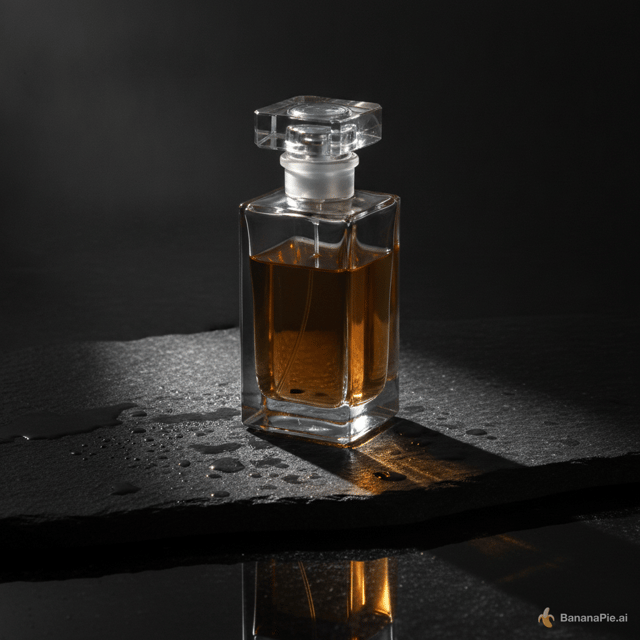
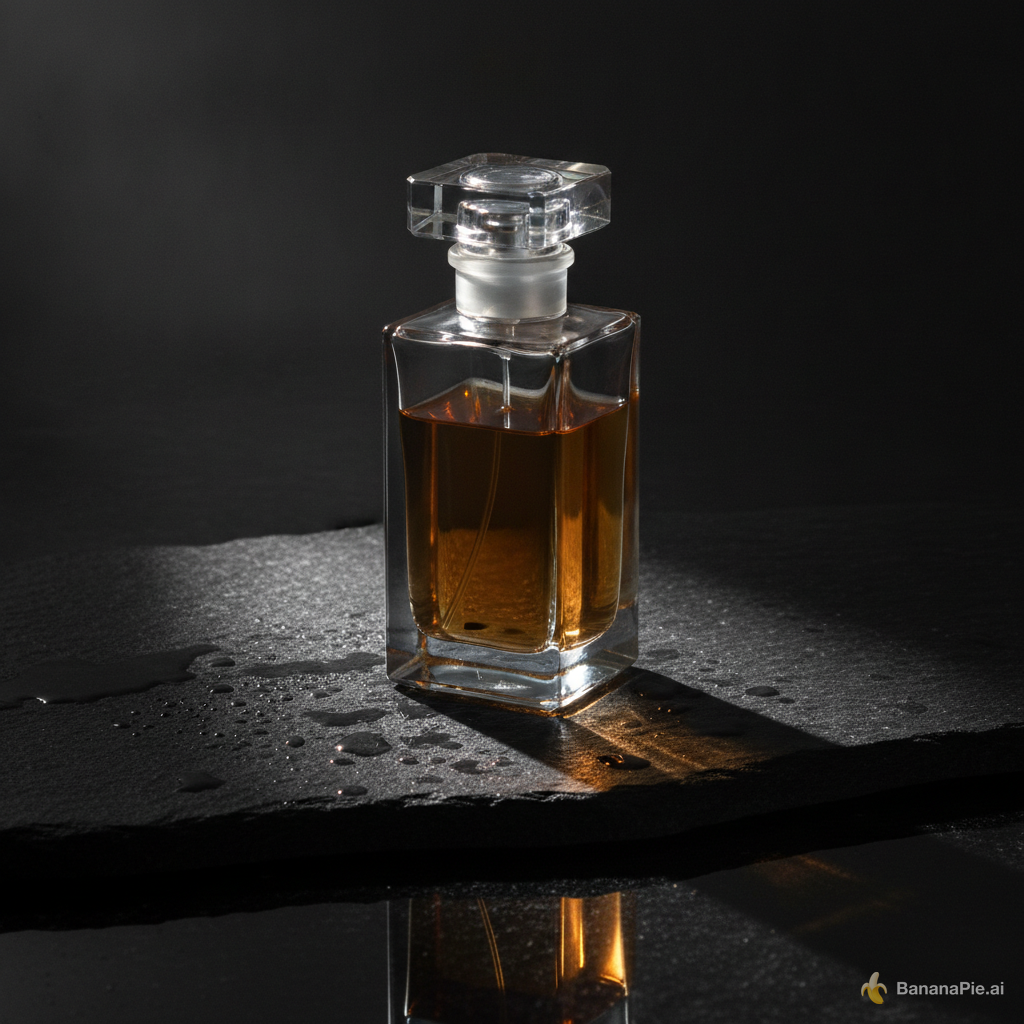
A premium product photograph of exactly one transparent rectangular perfume bottle, half filled with amber liquid, standing upright on wet black stone. Light comes from the upper left, creating coherent refraction, a contact shadow, and one subtle reflection. No text, logo, plants, or extra objects.
Settings
- Aspect Ratio: 1:1
Prompt
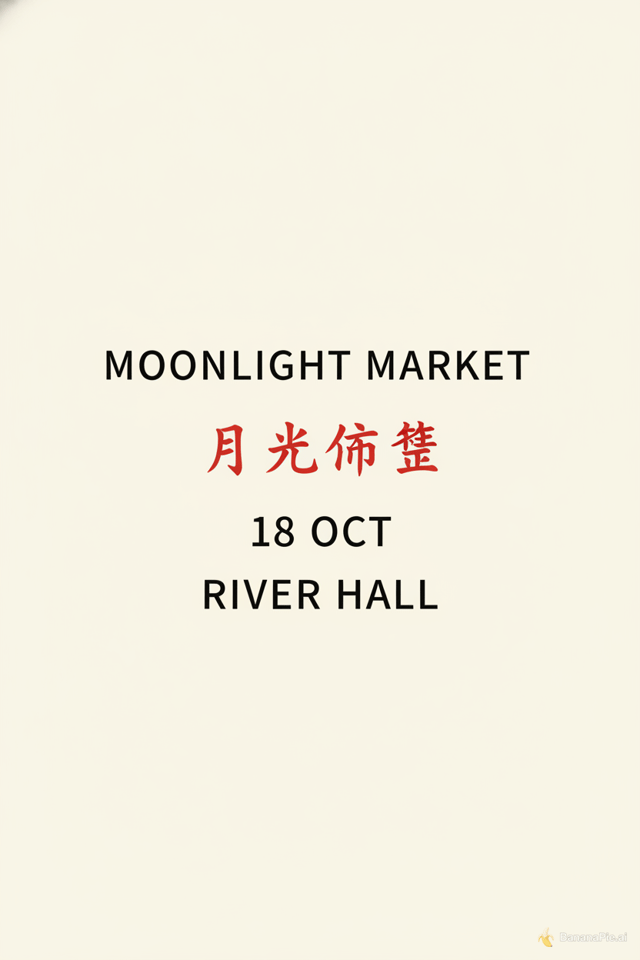
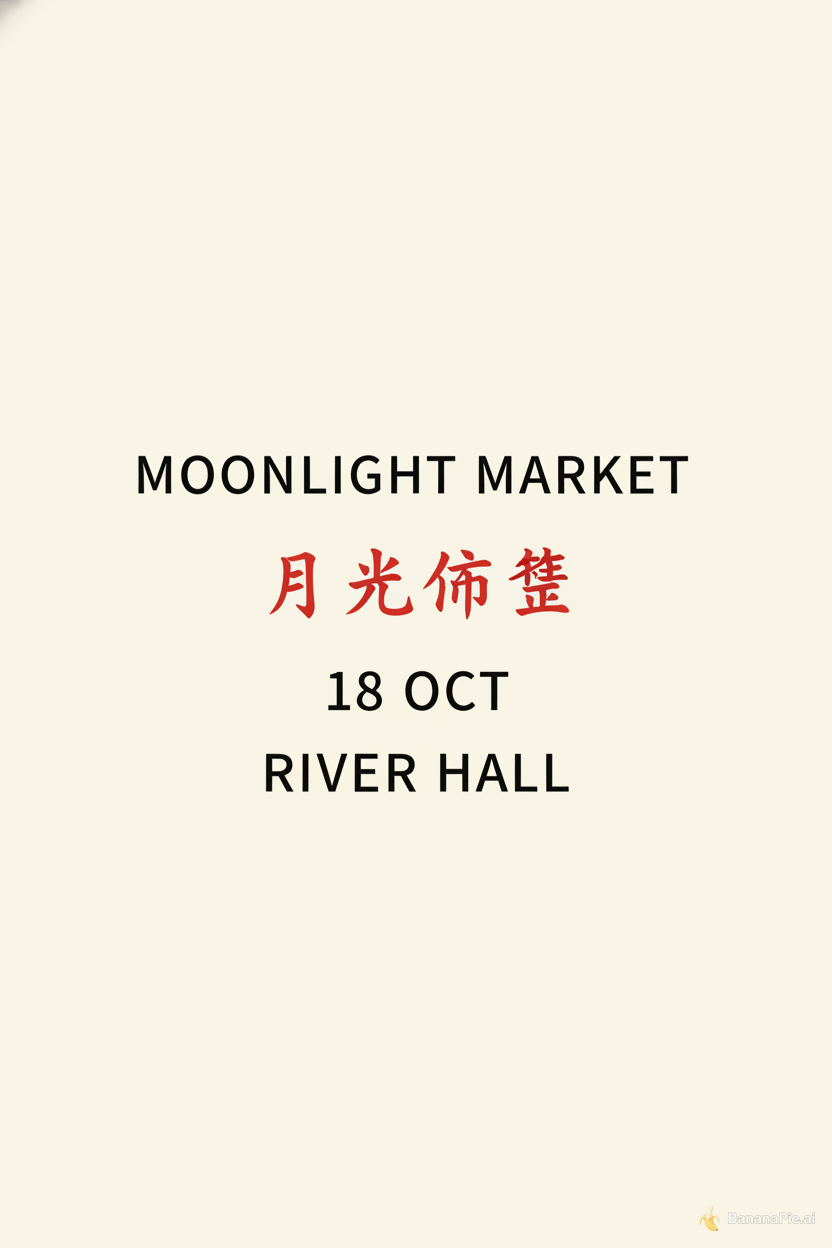
Design a clean cream-colored vertical event poster. Show exactly four centered text lines and no other text: "MOONLIGHT MARKET", "月光市集", "18 OCT", and "RIVER HALL". Render "月光市集" in red and all other lines in black.
Settings
- Aspect Ratio: 2:3
Prompt
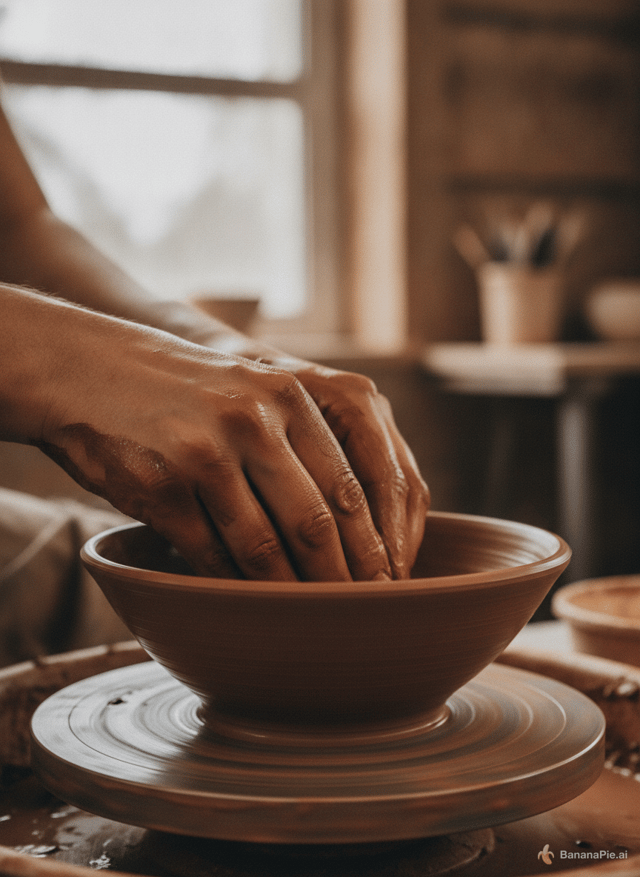
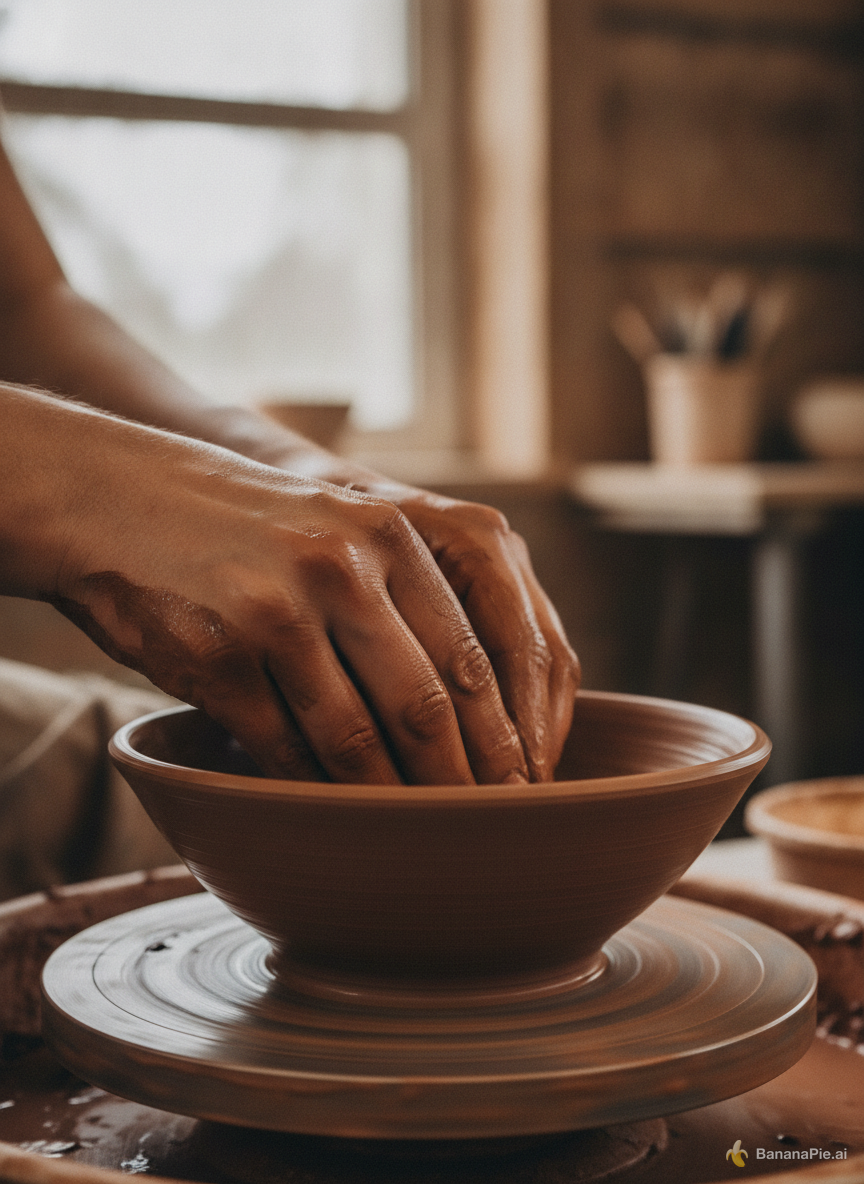
A photorealistic close-up of an adult potter shaping a clay bowl on a spinning wheel. Both hands are fully visible, each with five natural fingers touching the clay. No other people or hands. Soft window light.
Settings
- Aspect Ratio: 3:4
Prompt
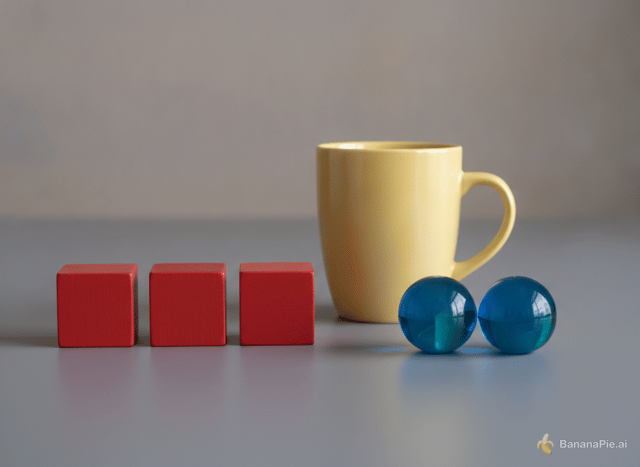
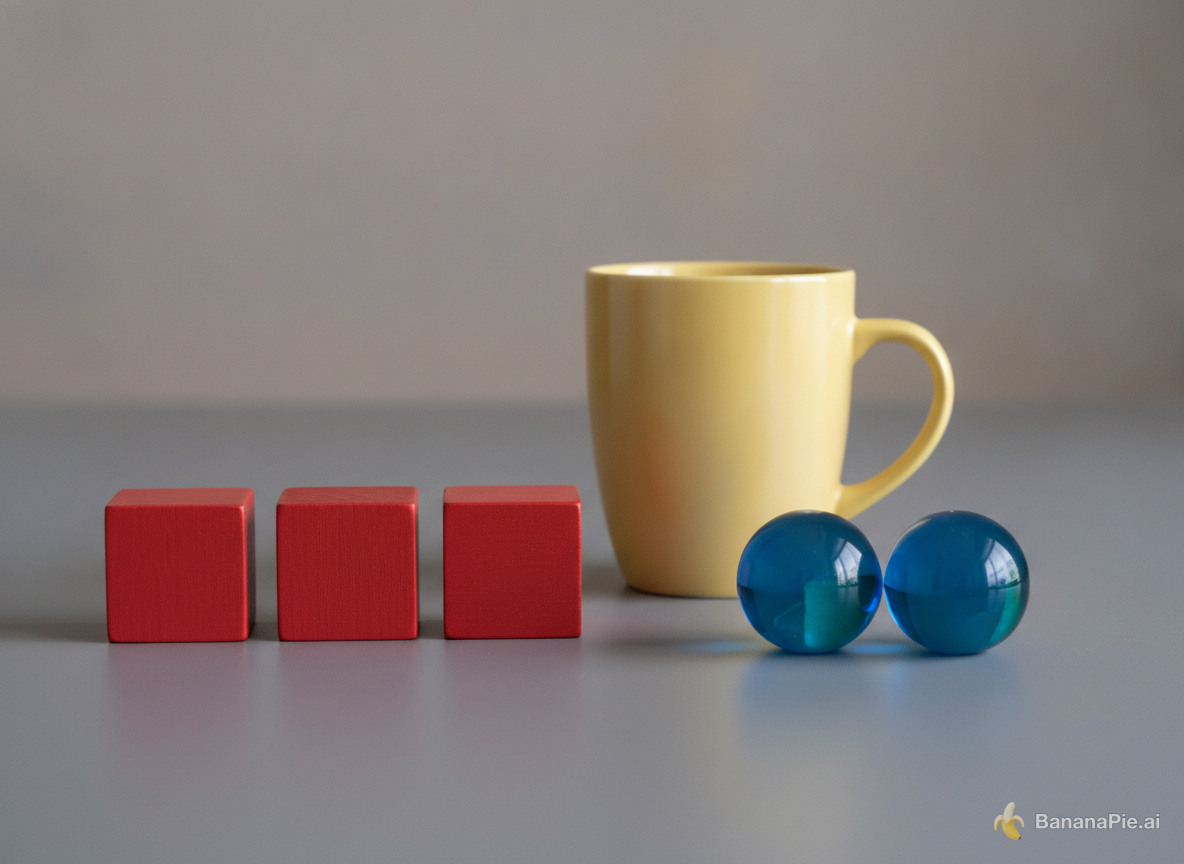
On a matte gray table, exactly three red wooden cubes form a row on the left, exactly two blue glass spheres sit on the right, and one yellow ceramic mug stands centered behind them. The mug handle points right. No other objects or text.
Settings
- Aspect Ratio: 4:3
Prompt
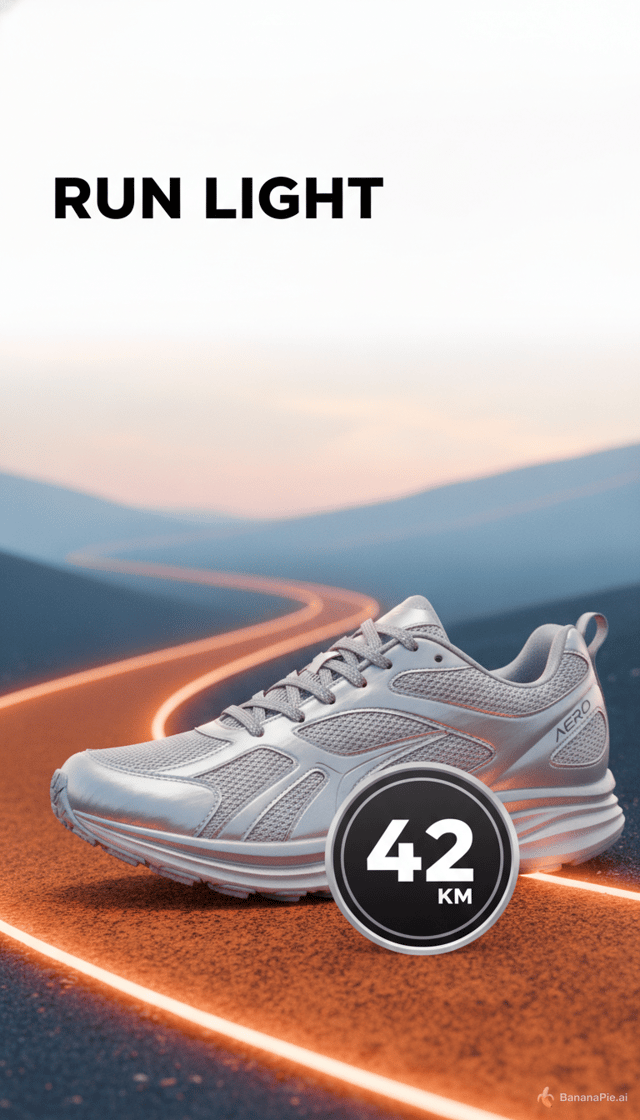
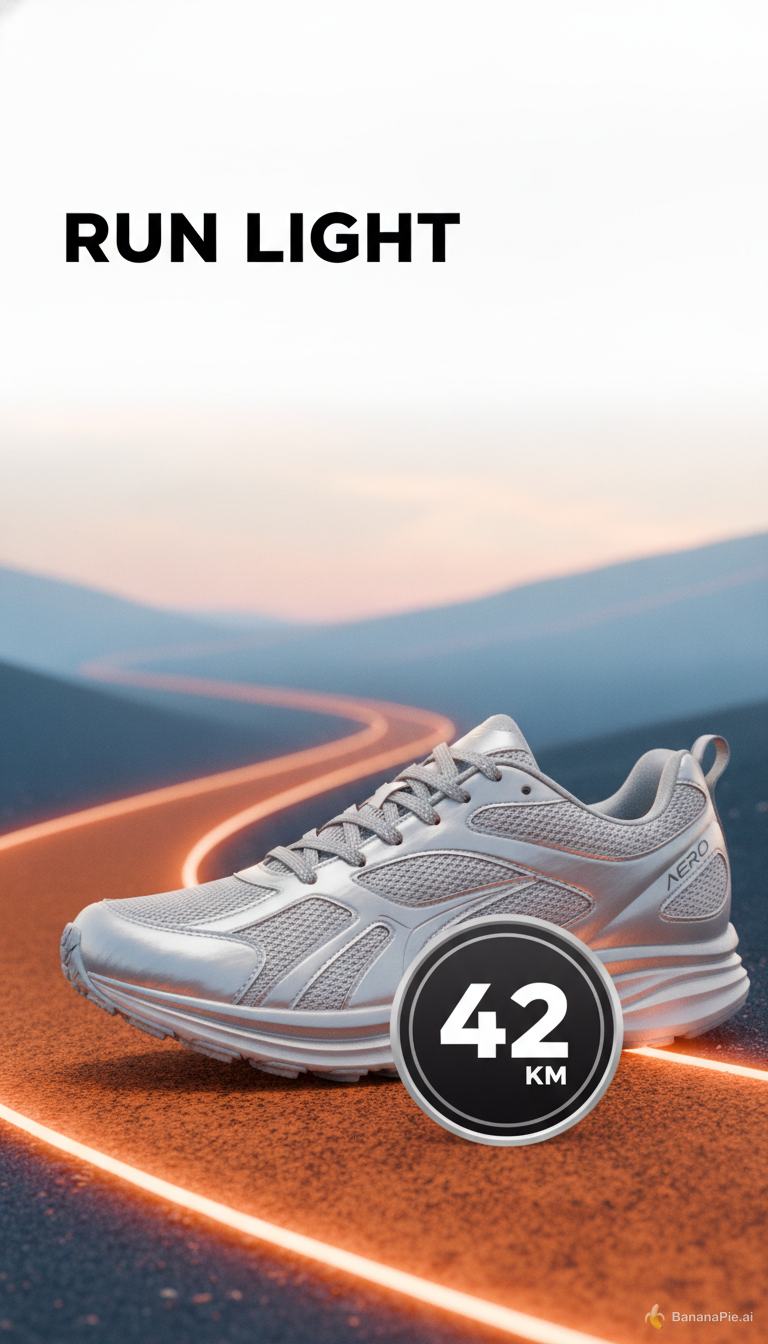
Create a vertical social ad for a fictional running shoe named AERO. Keep the top 15 percent empty. Directly below it, place the headline "RUN LIGHT" in the upper-left. Show exactly one silver shoe in the lower-right, an orange trail curving from the bottom-left, and a round badge reading "42 KM". No other shoes or text.
Settings
- Aspect Ratio: 9:16
Prompt
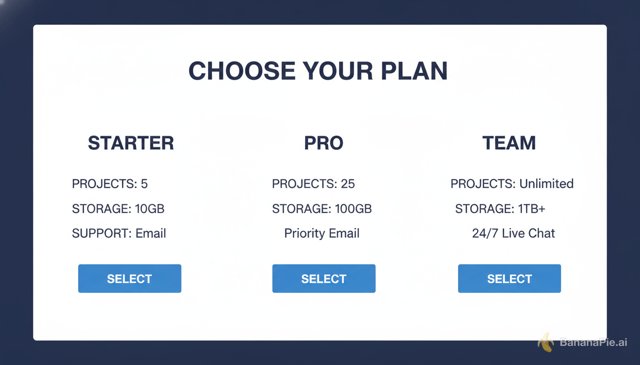
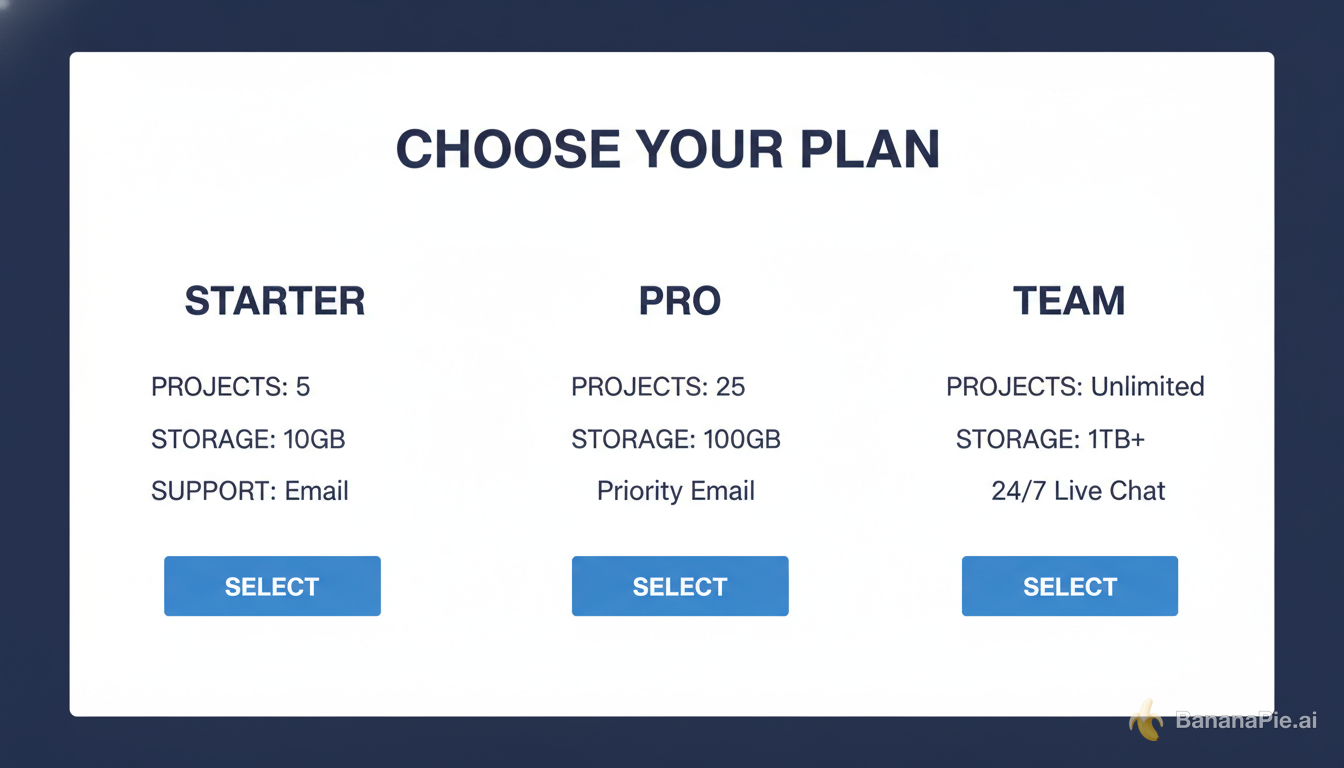
Create a clean horizontal pricing comparison graphic titled "CHOOSE YOUR PLAN". Use exactly three equal columns labeled "STARTER", "PRO", and "TEAM". Under each column, show exactly three aligned rows labeled "PROJECTS", "STORAGE", and "SUPPORT", followed by one blue button labeled "SELECT". White background, dark navy text, no additional columns or text.
Settings
- Aspect Ratio: 16:9
Reference images

Prompt
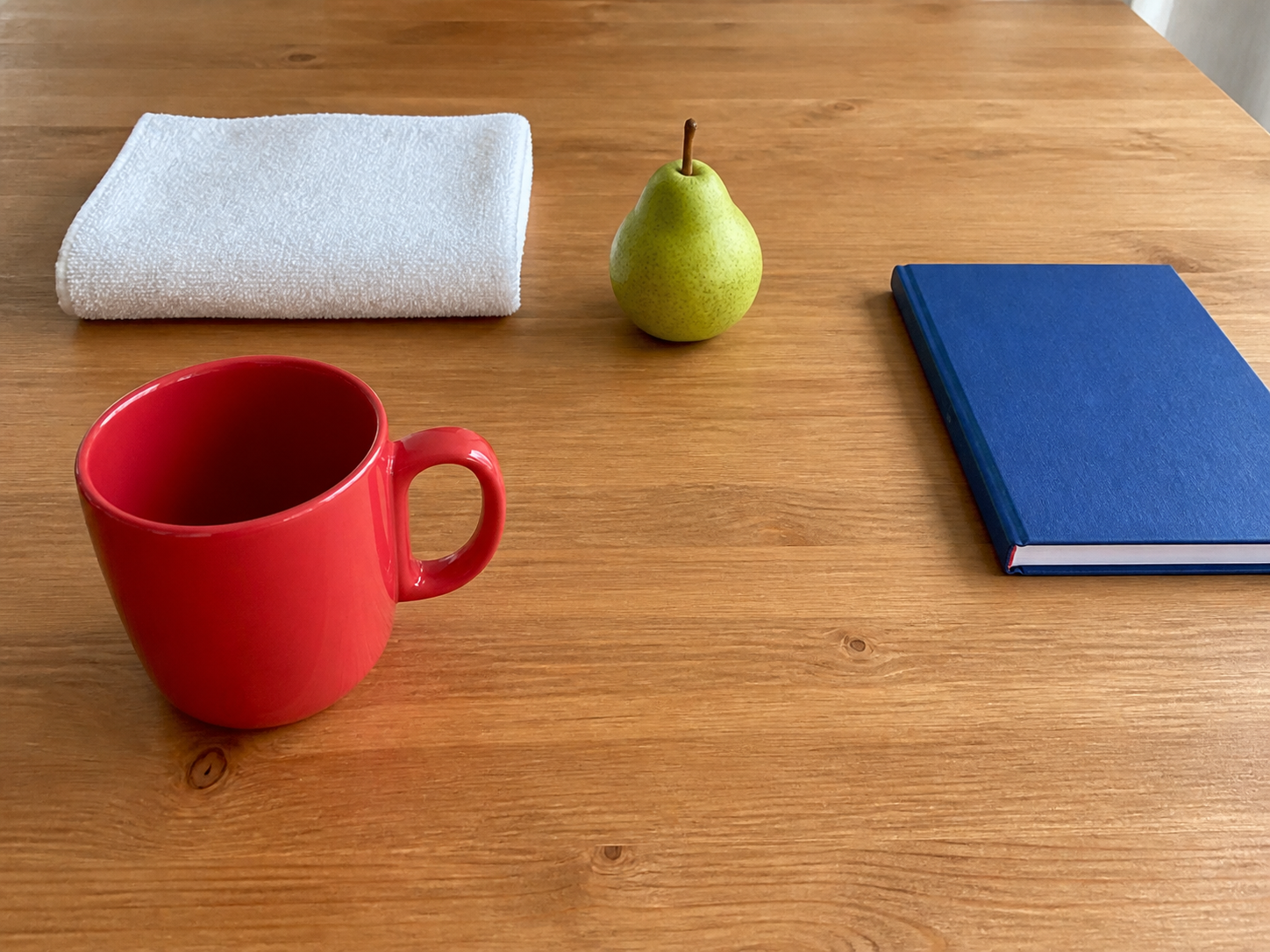
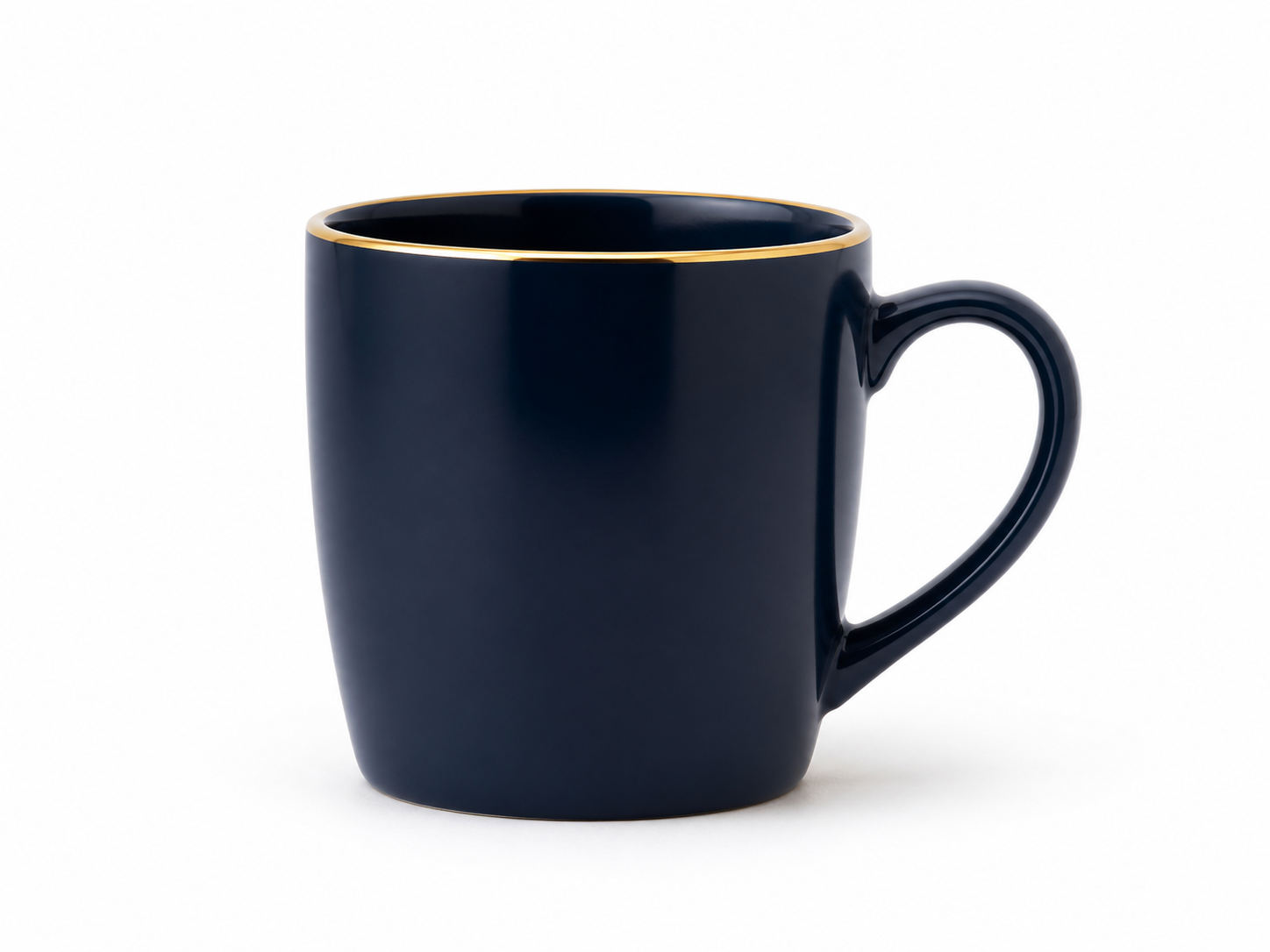
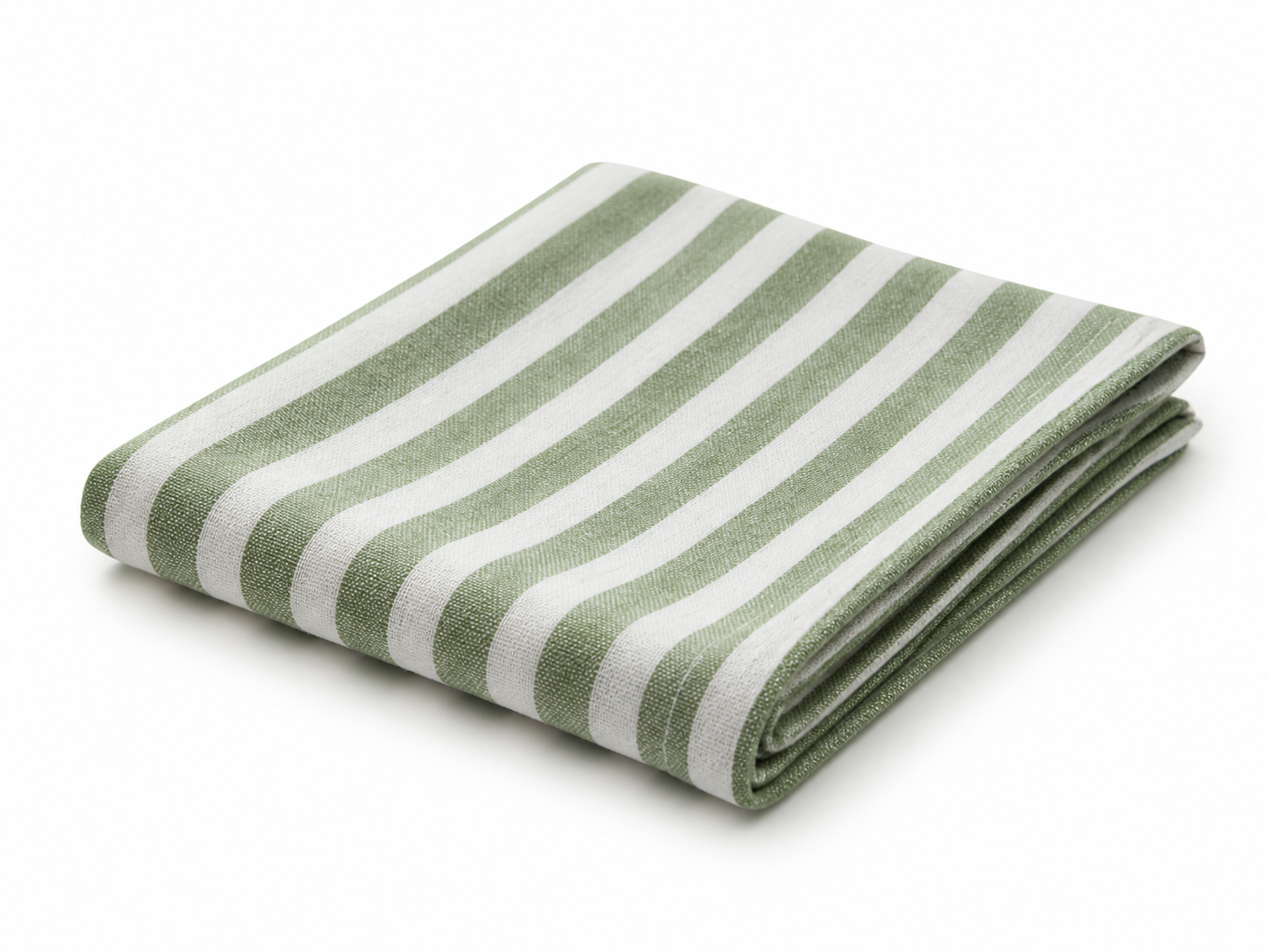
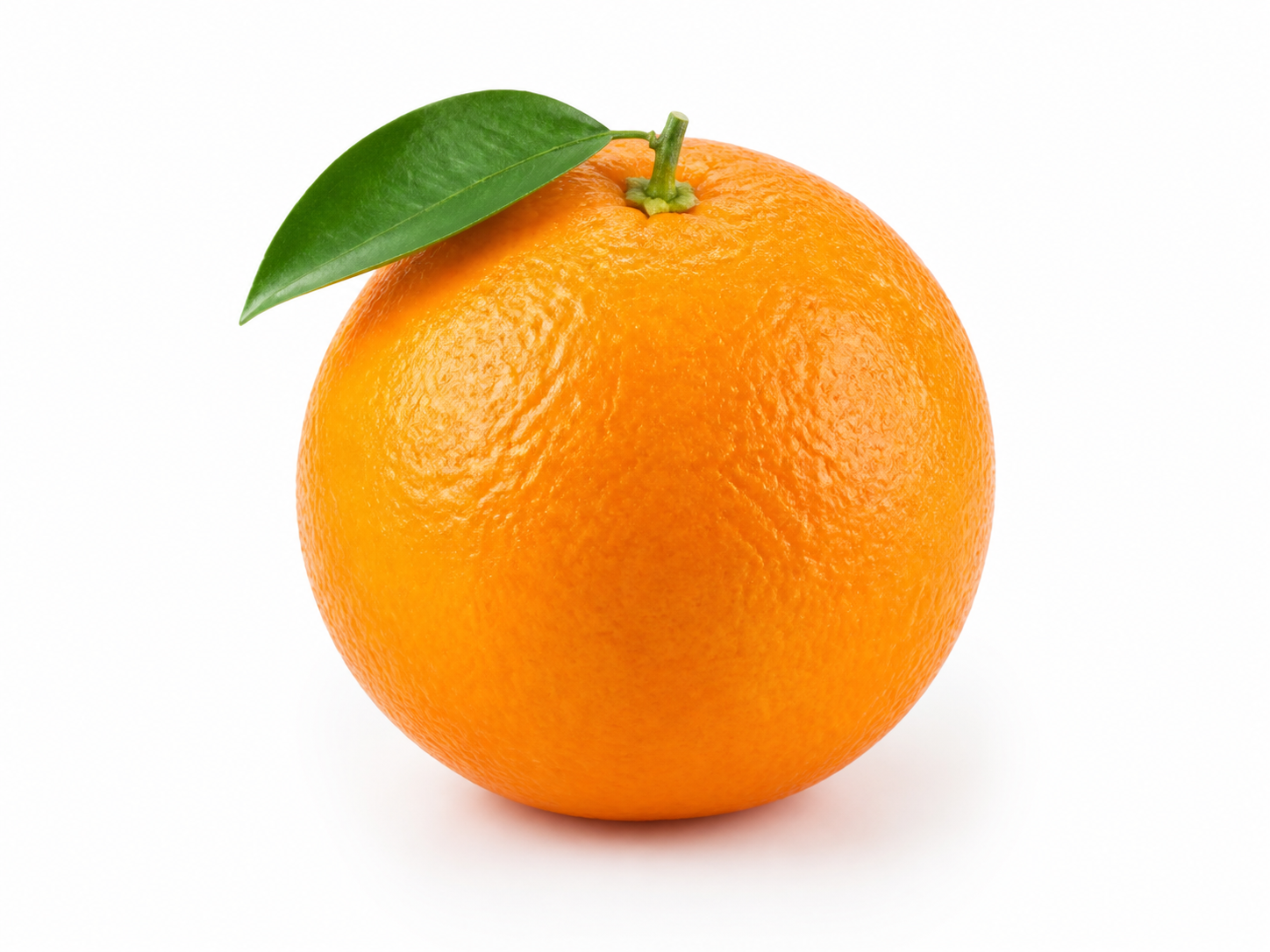
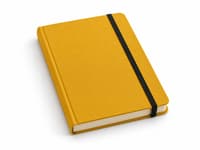
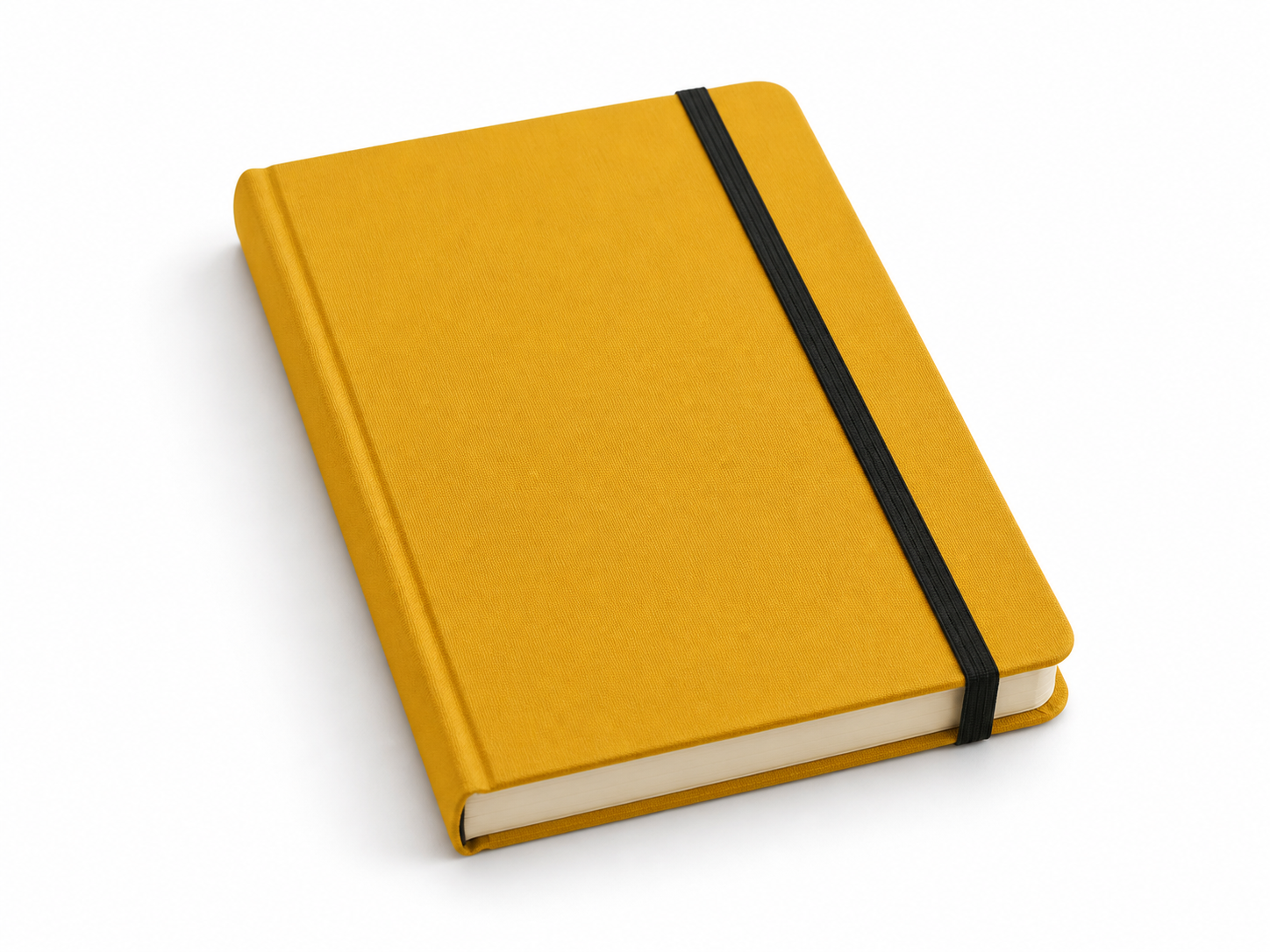
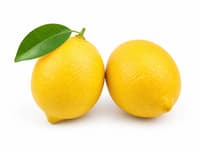
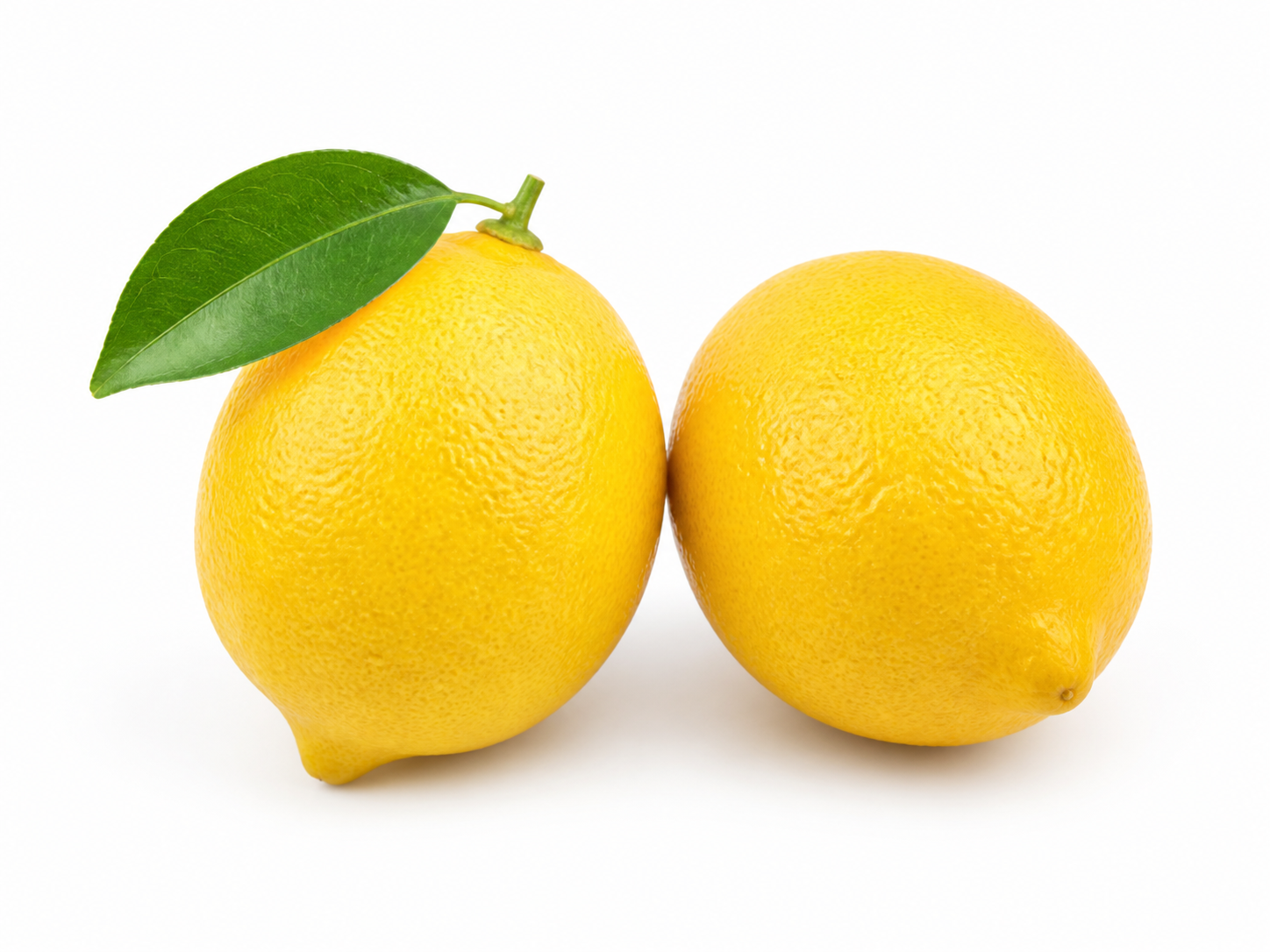
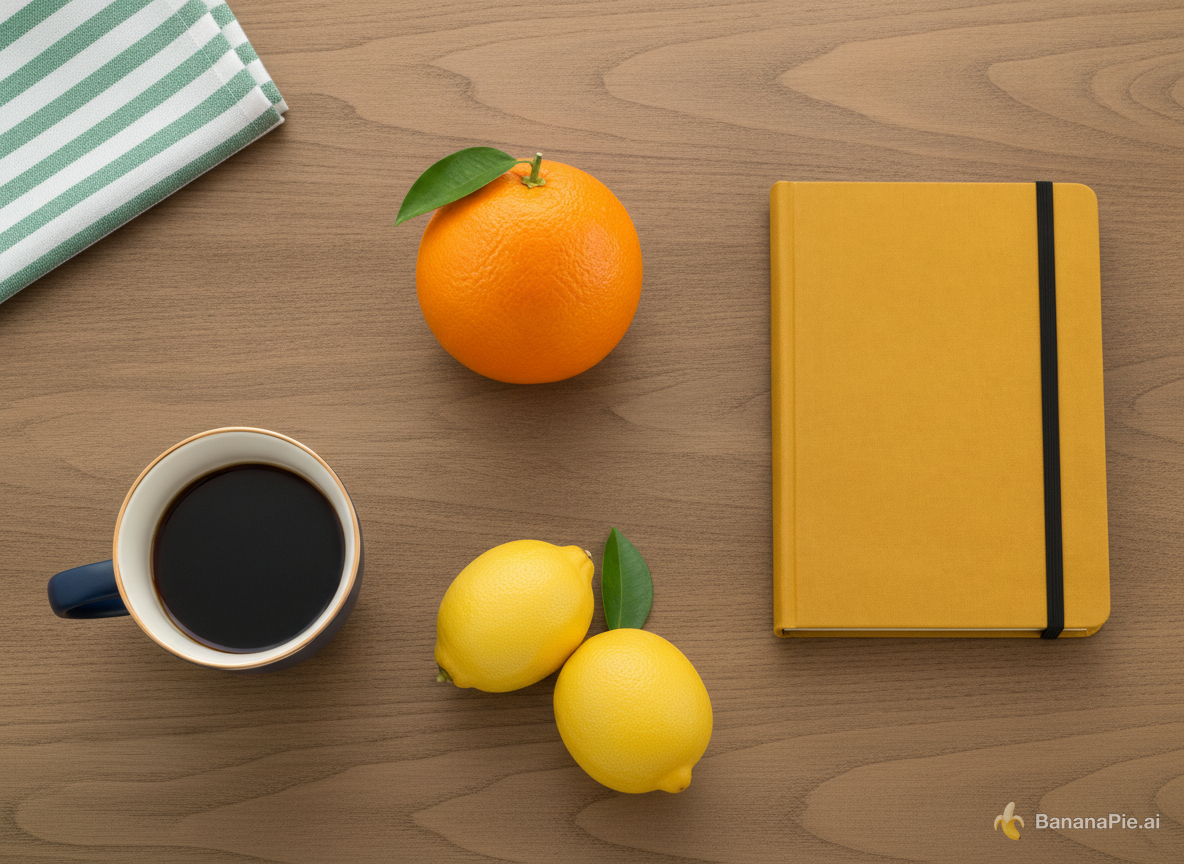
Use Reference 1 as the base tabletop scene. Replace the red mug with the exact dark navy-blue mug from Reference 2 in the same position and orientation. Replace the folded white towel with the exact green-and-white striped napkin from Reference 3 in the same folded area. Replace the green pear with exactly one orange from Reference 4 in the same position. Replace the blue notebook with the exact mustard-yellow hardcover notebook from Reference 5 in the same position. Add exactly the two lemons from Reference 6 to the right of the mug. Preserve the wooden table, camera, framing, wood grain, lighting, shadows, and all other spatial relationships from Reference 1. Do not copy the white product backgrounds from References 2–6, duplicate any asset, or add other objects.
Settings
- Aspect Ratio: 4:3
Reference images
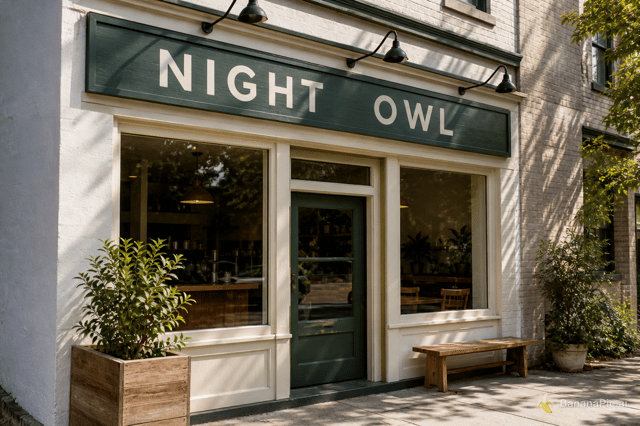
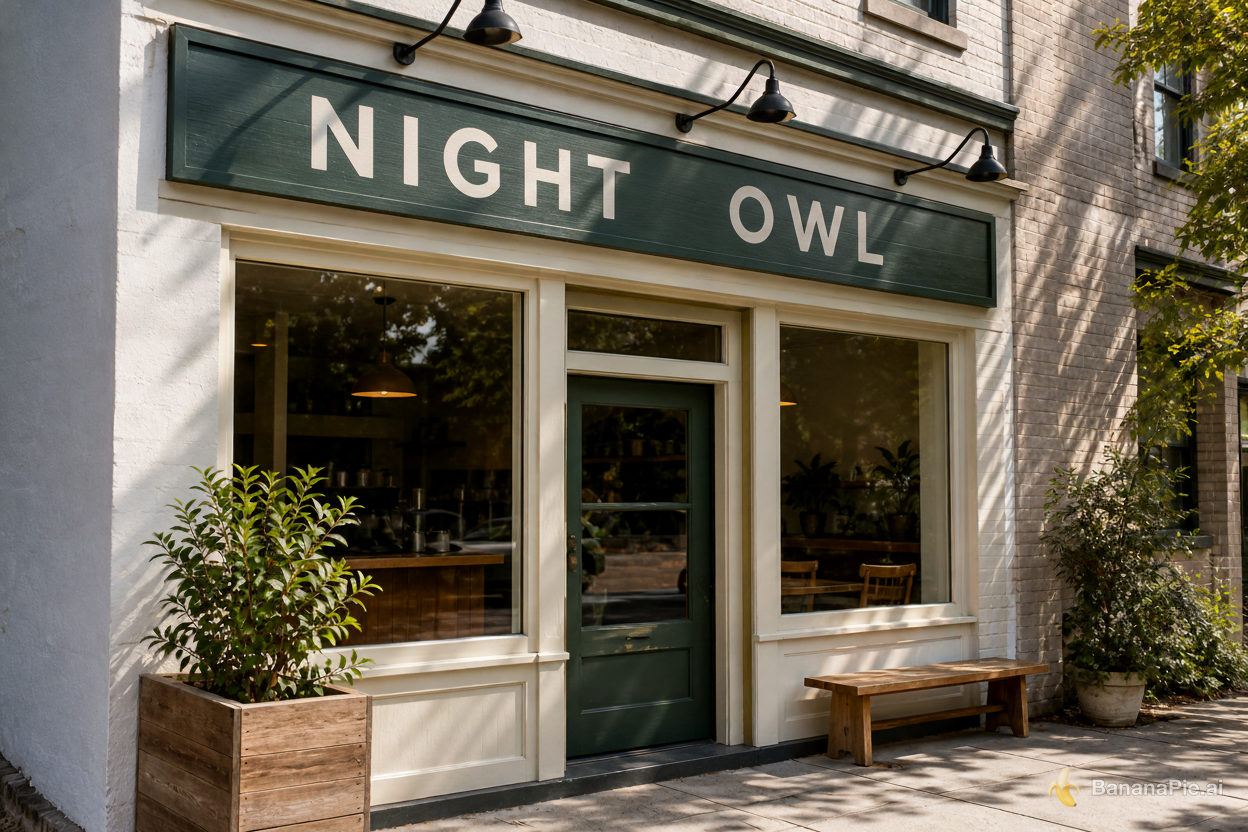
Prompt
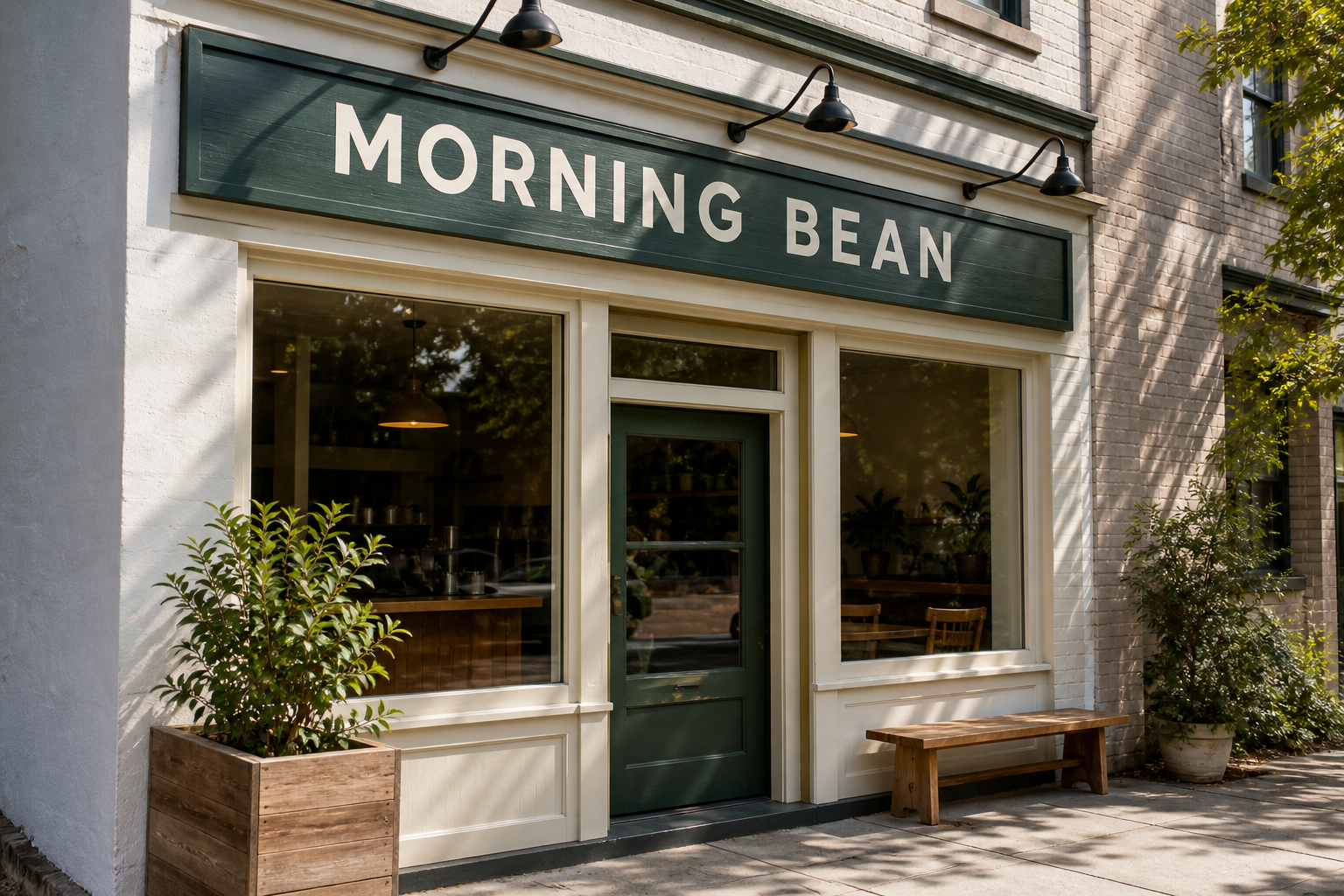
Replace only the sign text with exactly "NIGHT OWL". Preserve the original font style, spacing, perspective, sign material, lighting, and everything else.
Settings
- Aspect Ratio: 3:2
Reference images
Prompt
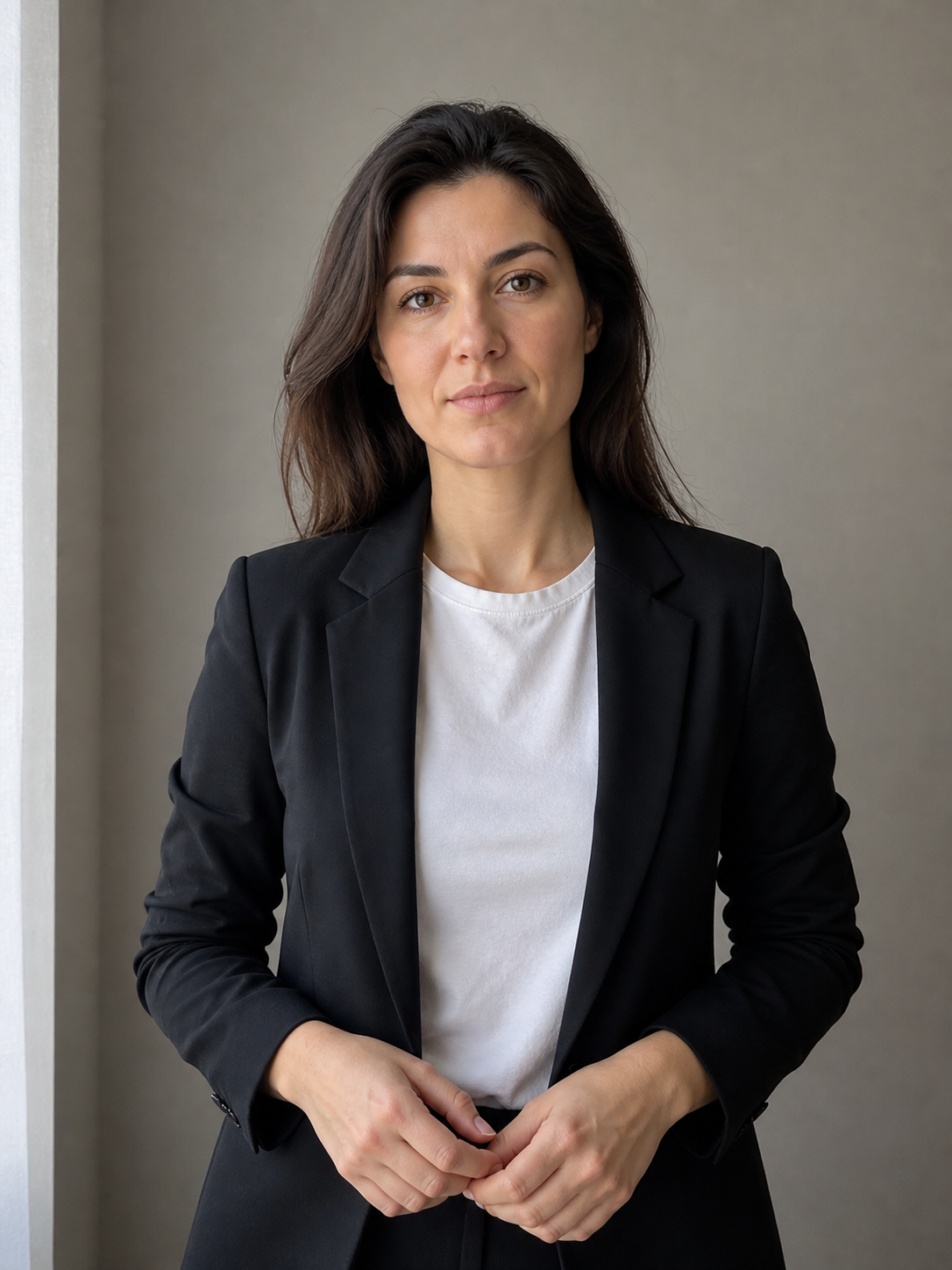
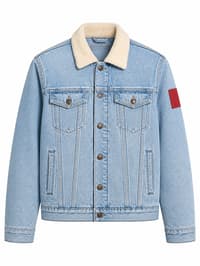
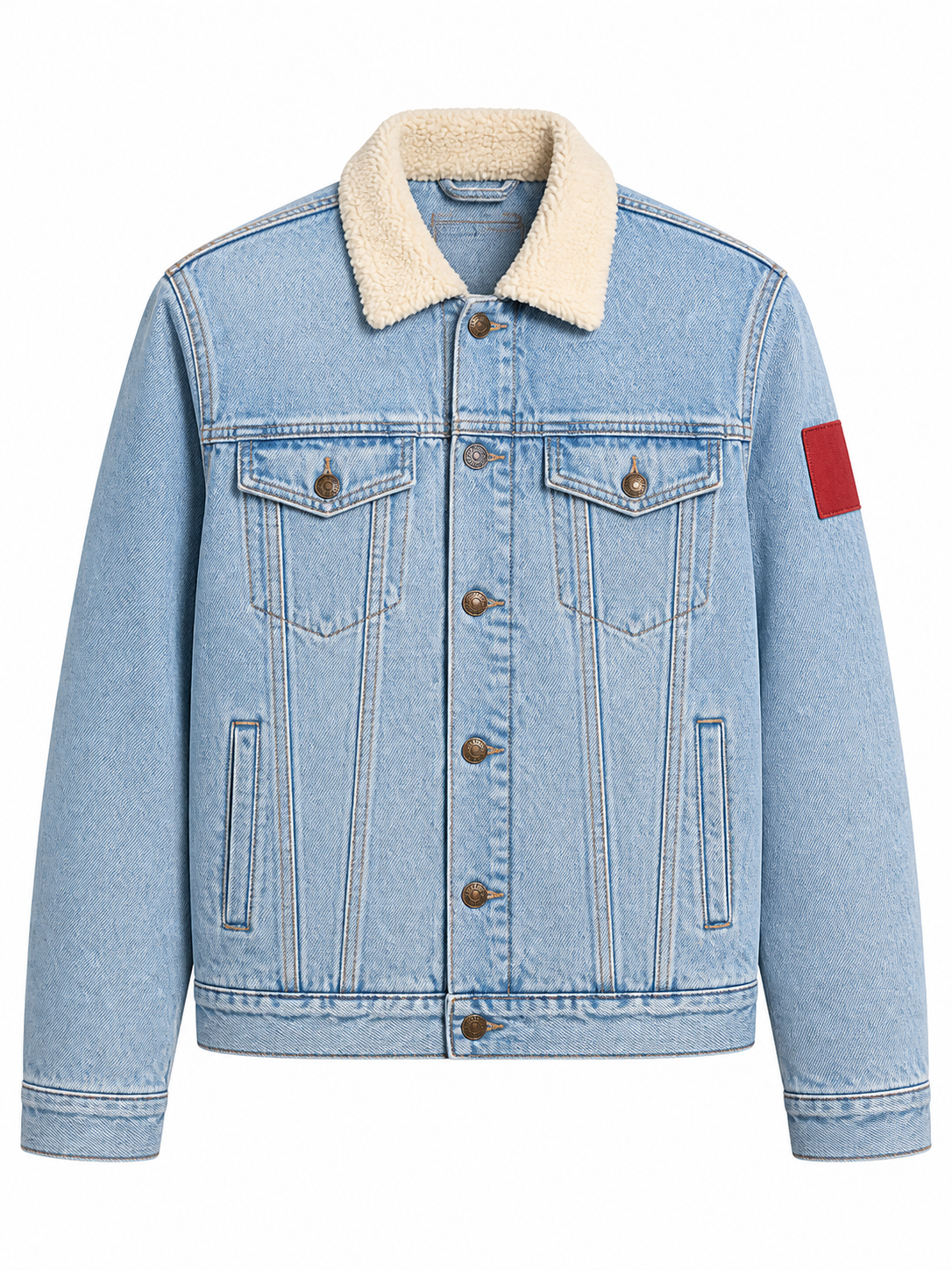
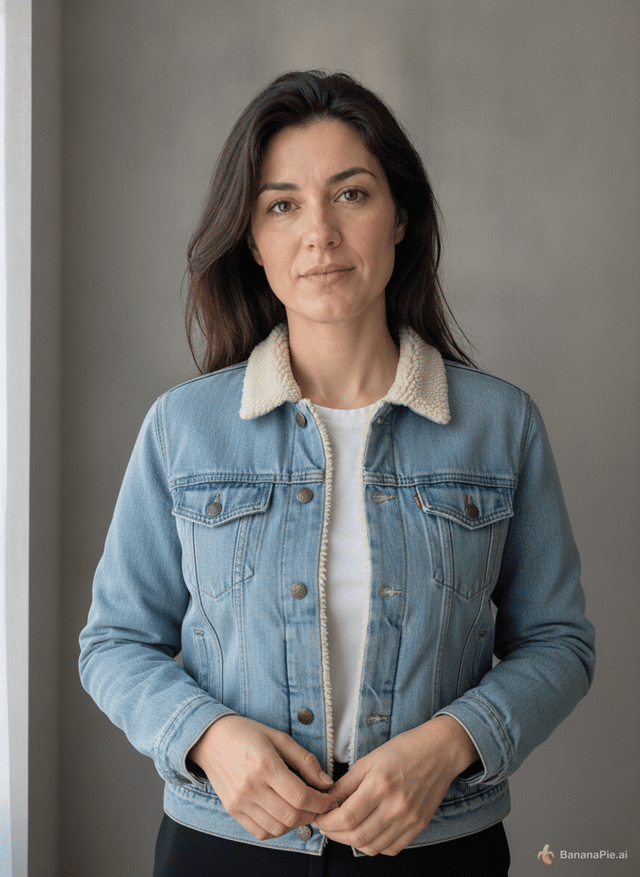
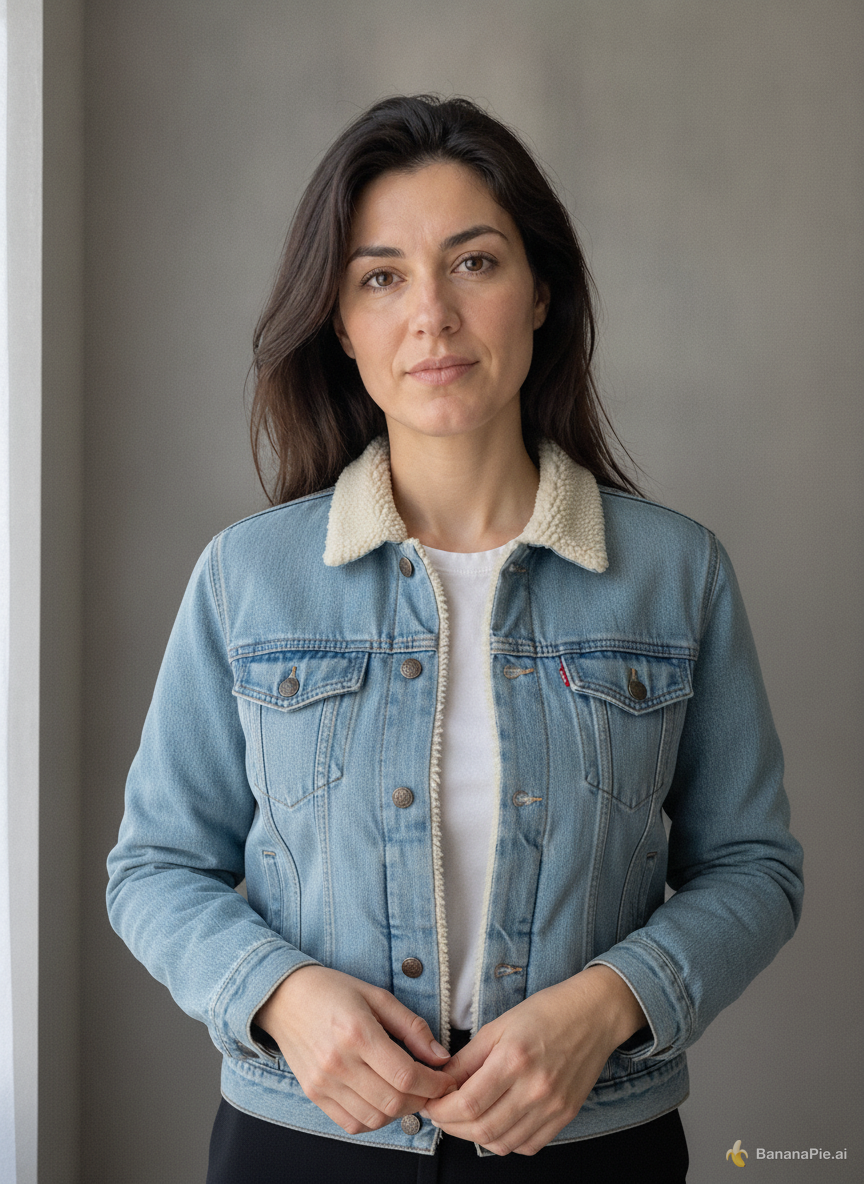
Use the portrait in Reference 1 for the person and the isolated jacket in Reference 2 for the garment. Dress the person from Reference 1 in the exact jacket shown in Reference 2. Preserve the person's identity, face, expression, skin, hair, hands, pose, body proportions, background, framing, and lighting from Reference 1. Preserve the jacket's material, color, collar, buttons, pockets, and sleeve patch from Reference 2. Do not copy the ghost mannequin or white product background.
Settings
- Aspect Ratio: 3:4
Reference images
Prompt
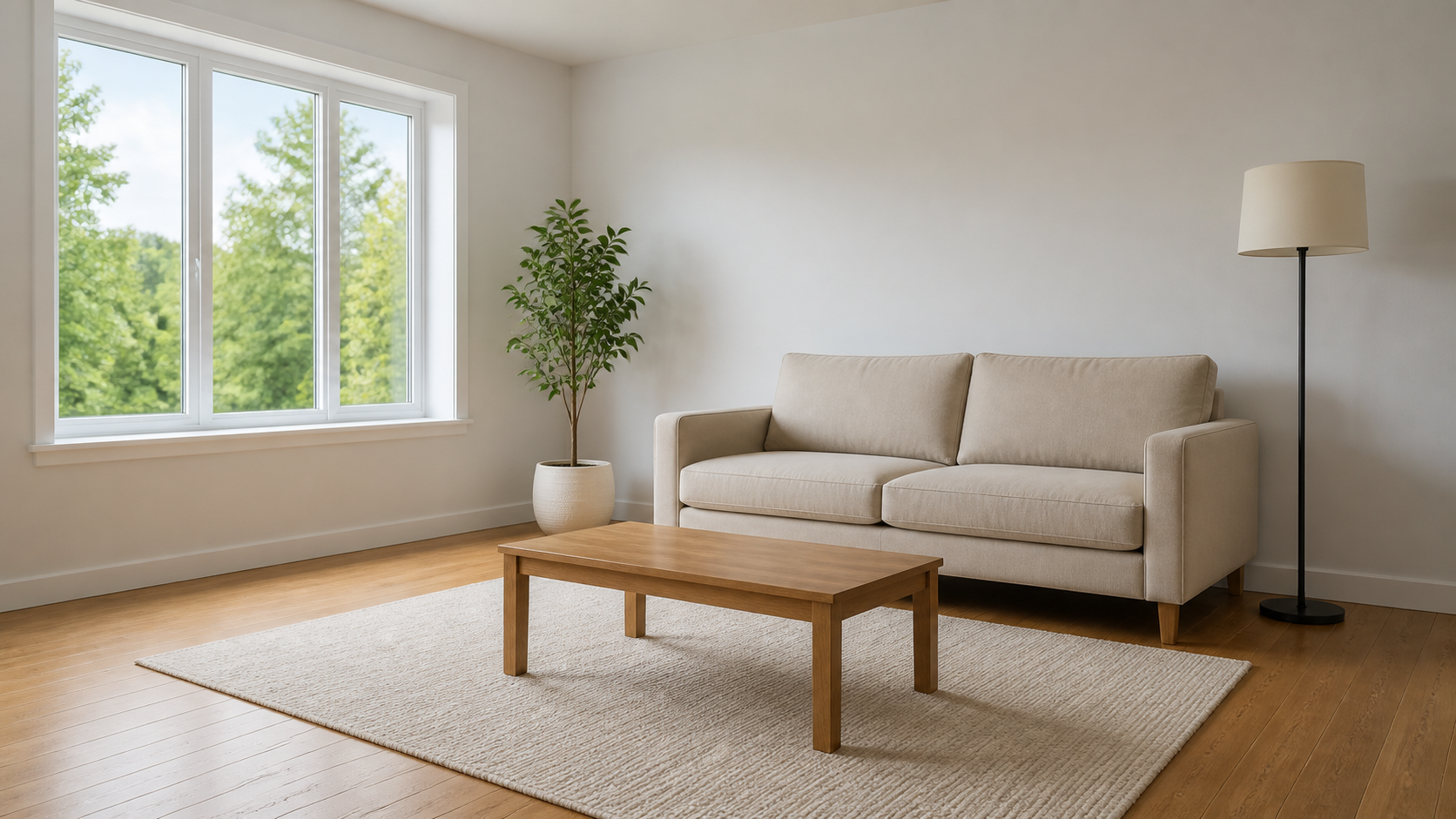
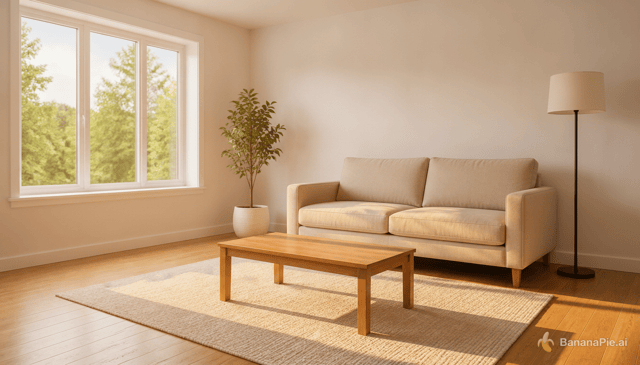
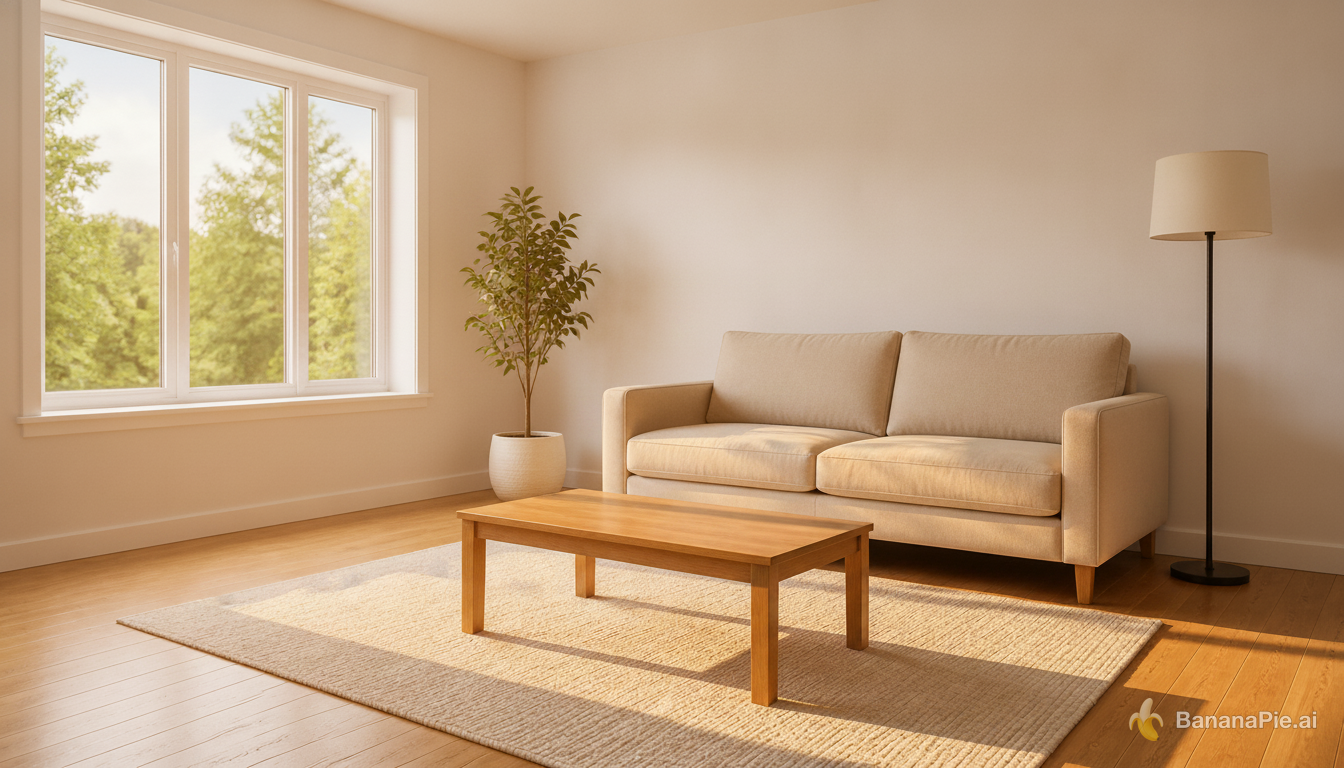
Change the lighting to warm golden-hour sunlight entering from the left window. Do not move, add, remove, or redesign any object. Update highlights and shadows coherently.
Settings
- Aspect Ratio: 16:9
Reference images
Prompt
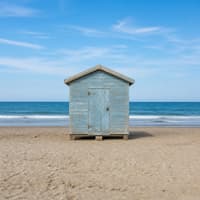
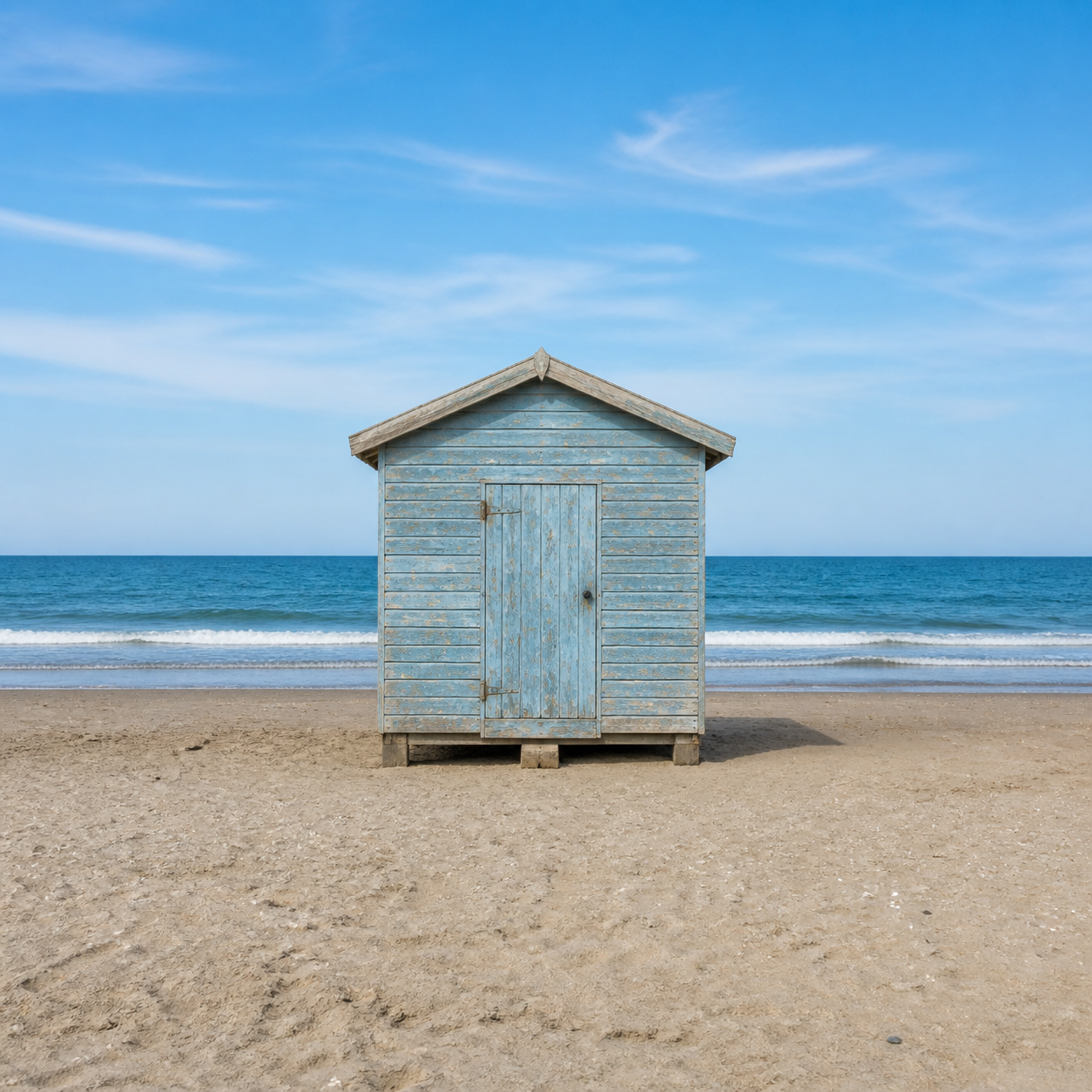
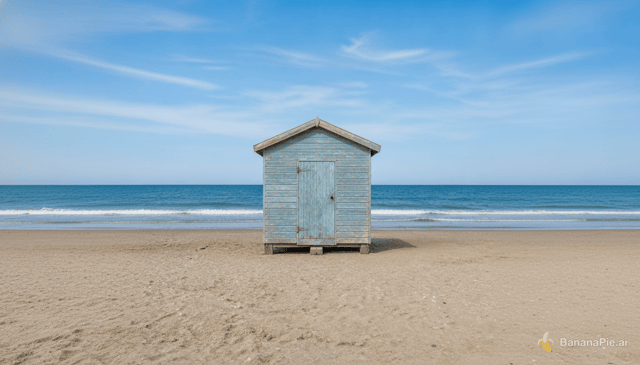
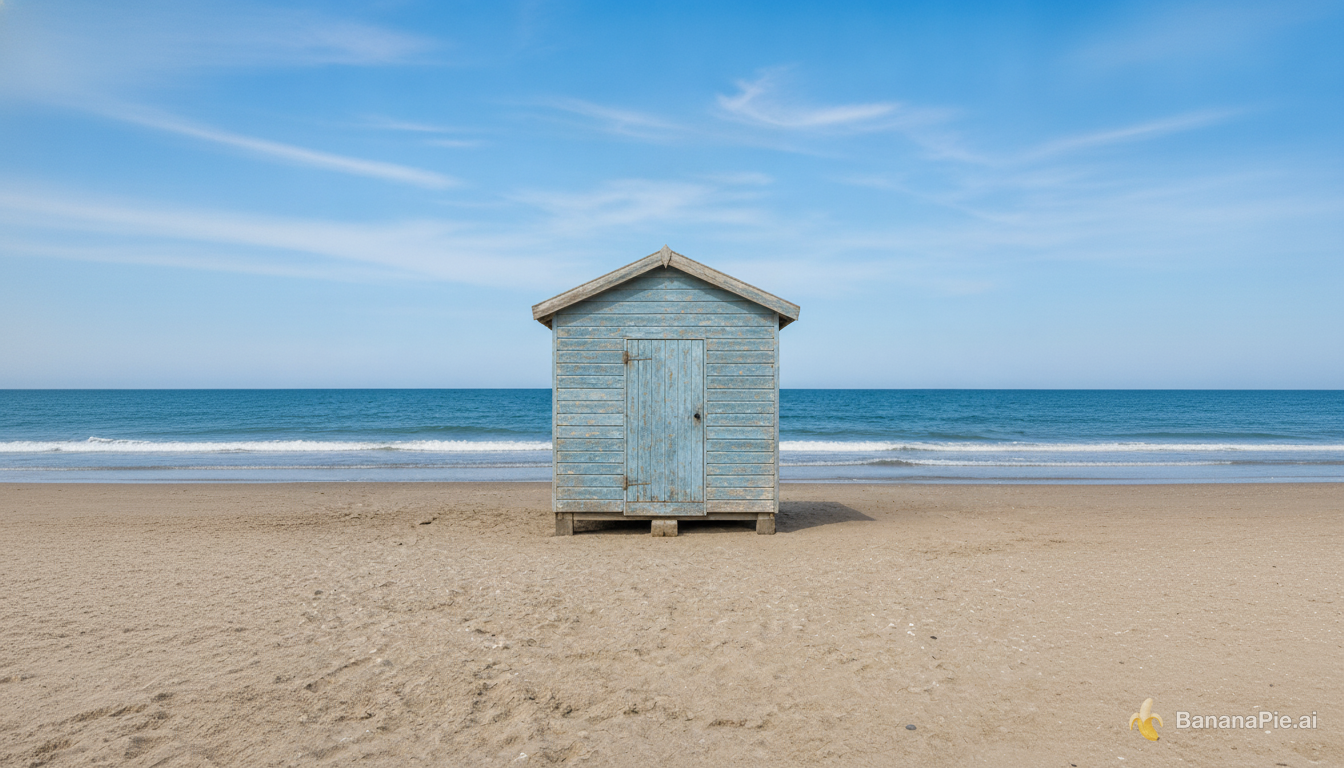
Expand the canvas to a 16:9 landscape by naturally continuing the beach, ocean, and sky on both sides. Keep the complete original image centered without cropping, stretching, letterboxing, or modifying it.
Settings
- Aspect Ratio: 16:9
Reference images
Prompt
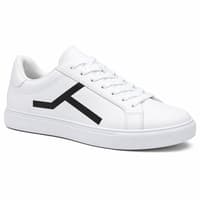
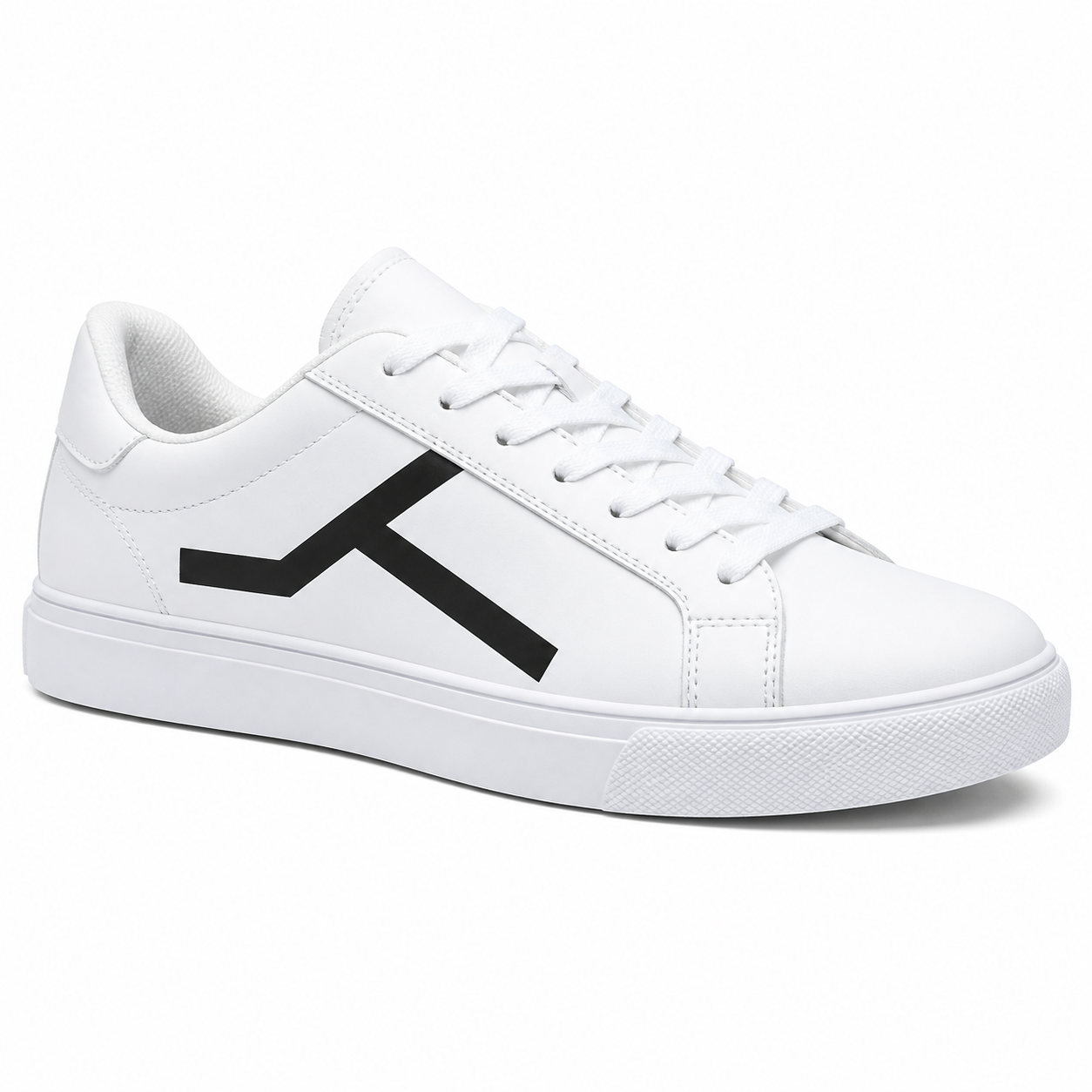
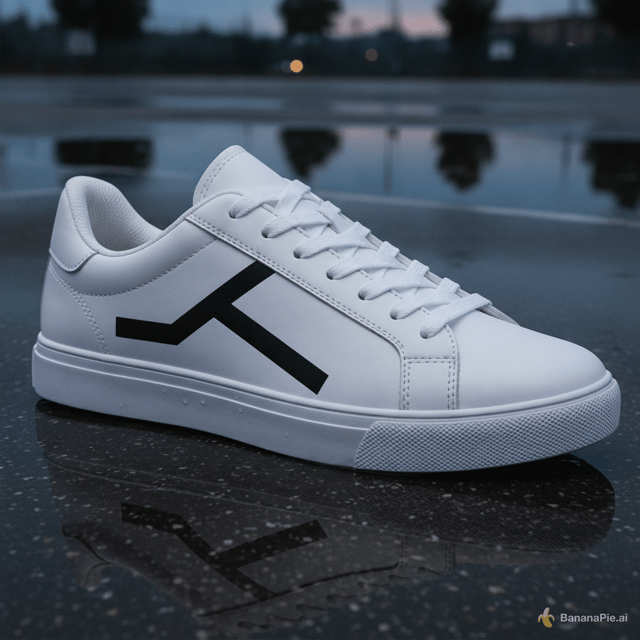
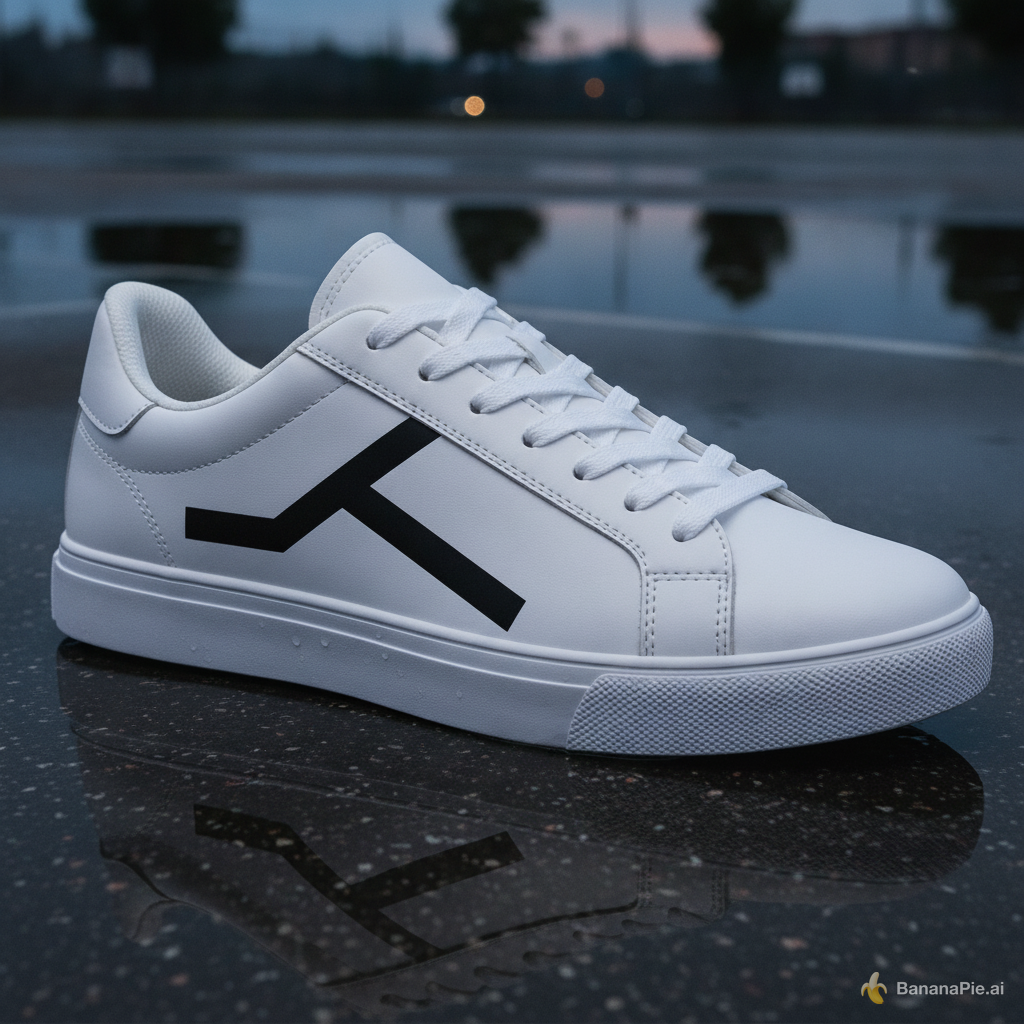
Place the sneaker on a wet outdoor basketball court at dusk. Preserve the exact sneaker shape, black geometric side mark, materials, stitching, sole geometry, and camera angle. Add physically coherent contact, reflections, and dusk lighting.
Settings
- Aspect Ratio: 1:1
Credits & pricing
Nano Banana costs 20 credits per generation, whatever aspect ratio you pick. The Generate button shows the exact cost before you generate.
Frequently asked questions
How many reference images can I use?
Nano Banana supports up to 8 references, making it suitable for workflows that need several source images to guide identity, garments, objects, or scene changes.
Can it generate and replace text inside images?
Our tests include multilingual typography, structured UI graphics, advertising composition, and in-image text replacement, and each result is on this page. Proofread lettering before you publish.
What kinds of edits were tested?
Our fixed test prompts cover six-reference object binding and editing, multi-reference identity and garment transfer, product preservation across scene changes, relighting, and outpainting. Each result is on this page with its prompt and settings.
How long does a generation take?
In our tests, generations took from 16.0s for multilingual typography to 36.1s for six-reference object binding and editing.
Related comparisons
How we test & disclosure
We ran Nano Banana on the same fixed test prompts we use for every model, covering product shots, typography, anatomy, counting, layouts, text replacement, reference-based edits, relighting, and outpainting. Each scenario shows one published result on this page, with its prompt and settings.
Banana Pie sells paid access to this model alongside other models in one studio. Our verdicts come from tests run through the same pipeline our users get.