Always Free · No Signup

Turn a photo into a depth map

Get a map of how near or far everything in a photo is. Switch between grayscale and turbo colour, then export a full-resolution PNG.

Runs entirely in your browser. Your files never leave your device.

How to generate a depth map from a photo

  1. 1

    Upload a photo

    Photos with a clear foreground subject and visible background give the cleanest separation. Nothing leaves your device.

  2. 2

    Pick a visualisation

    Grayscale is what other software expects as a displacement or depth input. Turbo colour is easier to read on screen when you are judging whether the result is any good.

  3. 3

    Download the PNG

    You get a full-resolution PNG matching your photo's aspect ratio, ready to drop into After Effects, Blender, or a ControlNet depth pipeline.

Depth map questions

It is a grayscale image where pixel brightness stands in for distance, and most 3D and compositing tools accept one directly. Common uses are 2.5D parallax animation in After Effects, displacement maps in Blender, depth-of-field and fog passes in compositing, and depth-conditioned image generation with ControlNet.

No, and this matters if you plan to measure anything. What you get is relative: pixels are ranked from nearest to furthest within a single image, and the result is then stretched to fill the full 0–255 range. The same object photographed twice can land on completely different grey values, so depth maps from two photos cannot be compared or stitched together.

Depth here is worked out from a single flat photo, so it fails wherever the visual cues mislead. Thin structures like hair strands, wire fences and chair legs get smoothed into their background; reflective and transparent surfaces such as mirrors, windows and water are read as whatever is visible through or in them, not as the surface itself.

Download grayscale for anything a machine will read — displacement modifiers, ControlNet, parallax plugins — because they interpret brightness as distance and a colour image would break that. Turbo is a viewing aid: the colour ramp makes small depth differences visible to the eye that are nearly invisible in grey.

Yes for ControlNet: export the grayscale version and hand the PNG to a depth ControlNet as-is. For Blender it depends what you are after — the PNG works as a displacement or bump texture, but the values are relative rather than metric, so you will be dialling the displacement strength by eye rather than matching real-world distances. Export grayscale for both; the turbo colouring is for reading the map yourself, not for feeding software.

The first run has to get ready, and that takes a little longer here than on the other tools. After that it is remembered, and each new photo takes a second or two on a capable machine, noticeably longer on an older one.

The depth map matches your photo's aspect ratio and is capped at 1536 pixels on the long edge. Feeding in something larger does not add real detail — it only adds time and memory pressure.

More free tools

Beyond the Depth Pass

Rebuild the Scene, Not Just Its Distances

A depth map tells you where things sit; it does not change them. In the studio you can take the same photo and describe a different scene altogether — another angle, another light, another background — and have it rendered.

  • Describe a new lighting setup for the same subject
  • Generate a full scene from a written description
  • Turn a still into a short moving shot
Explore Studio Features
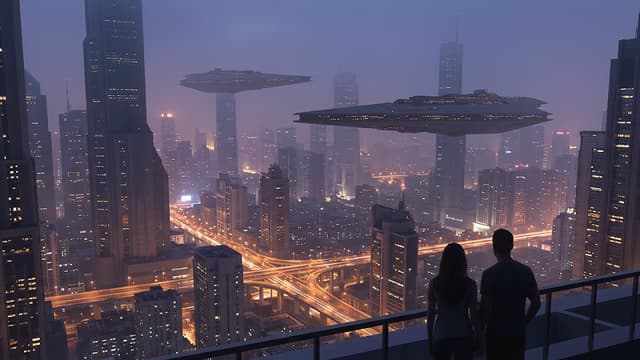
A science fiction city at dusk, with ships and towers receding far into the distance