GPT Image 2
OpenAIs Bildmodell für referenzintensive Bearbeitungen, Produktszenen, Typografie-Tests und hochauflösende Bildarbeit in Banana Pie.
Wichtige Fakten
| Entwickler | OpenAI |
|---|---|
| Offizielle Modell-ID | gpt-image-2 |
| Veröffentlicht | 2026-04-21 |
| Verfügbarkeit auf Banana Pie | Jetzt verfügbar |
| Credits ab | 20 Credits / Bild |
| Referenzbilder | Bis zu 8 |
GPT Image 2 passt gut, wenn ein Bild Referenzen, Materialien, Text oder Layout respektieren muss, statt nur plausibel auszusehen. Es ist nicht der günstigste Einstieg, daher lohnt es sich vor allem, wenn der Prompt genug Vorgaben enthält, um von einem bewussteren Bilddurchlauf zu profitieren.
Stärken
- Bearbeitungen mit vielen Referenzen
Banana Pie unterstützt bis zu 8 Referenzbilder für GPT Image 2. Unsere Tests umfassen die Zuordnung von Objekten anhand von sechs Referenzen, die Übertragung von Identität und Kleidung sowie den Erhalt des Produkts bei einem Szenenwechsel.
- Produkt- und Lichtkontrolle
Die Testsuite umfasst Produktmaterial und Beleuchtung, stimmiges Relighting von Szenen und Produkterhaltung. Das sind praktische Prüfungen für Commerce- und Kampagnenbilder.
- Szenarien mit Text und Layout
Unsere Tests umfassen mehrsprachige Typografie, strukturierte UI-Grafiken und das Ersetzen von Text im Bild. Damit ist das Modell eine sinnvolle Wahl, wenn Text und Layout zum Bildbriefing gehören.
- Hochauflösende Ausgabe
Da 4K als maximale Auflösung angegeben ist, kann GPT Image 2 für hochauflösende Bildausgaben genutzt werden, wenn die Komposition eine Verfeinerung wert ist.
Einschränkungen
- Höhere Einstiegskosten
Mit mindestens 20 Credits eignet sich GPT Image 2 besser für ernsthafte Entwürfe und finale Bilder als für schnelle, wegwerfbare Prompt-Experimente.
- Lange Generierungszeiten
In unseren Tests dauerte die Generierung 81,4 bis 189,5 Sekunden pro Bild. Für schnelle, iterative Anpassungen ist das Modell daher wenig geeignet.
- Nur Bilder
GPT Image 2 erstellt Standbilder. Wähle ein Videomodell, wenn du Bewegung brauchst.
- Begrenzte Referenzanzahl
Die Referenzkapazität reicht bis 8. Projekte, die breitere Batch-Identität oder Katalog-Konditionierung benötigen, brauchen daher möglicherweise einen anderen Workflow.
Wann du GPT Image 2 wählen solltest
- Du brauchst ein Bildmodell, das mit mehreren Referenzen arbeiten kann.
- Du erstellst Produkt-, Kampagnen- oder Katalogvisuals, bei denen Material, Licht und Erhaltung wichtig sind.
- Dein Prompt enthält Typografie, UI-ähnliche Strukturen oder Textänderungen im Bild.
- Du möchtest eine Ausgabe bis zu 4K für ein Standbild.
Wann eine Alternative besser passt
- Du probierst nur grobe Konzepte aus und möchtest viele Prompts mit möglichst geringem Credit-Verbrauch testen.
- Du brauchst Videogenerierung statt eines Standbilds.
- Dein Bild erfordert mehr als 8 Referenzbilder.
Je nach Aufgabe können diese Modelle besser passen: Nano Banana 2 · Seedream 5 Pro
Praxisergebnisse
Dieselben festen Prompts, die wir für jedes Modell verwenden – mit je einem veröffentlichten Ergebnis sowie einsehbaren Prompts und Einstellungen.
Prompt
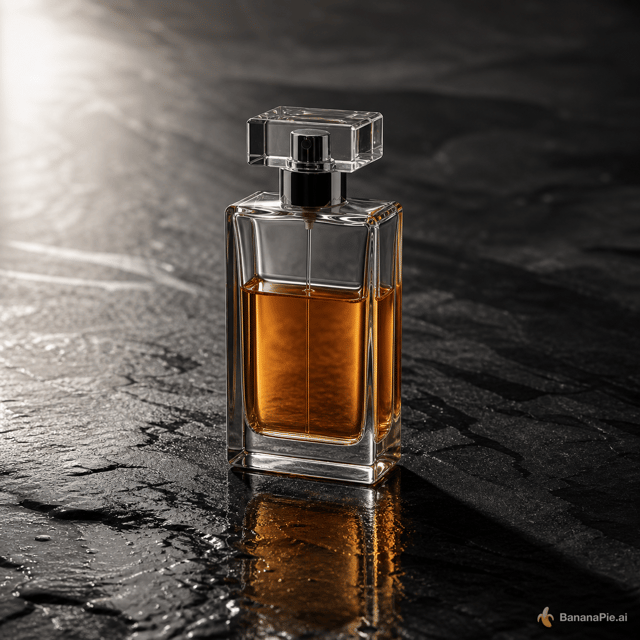
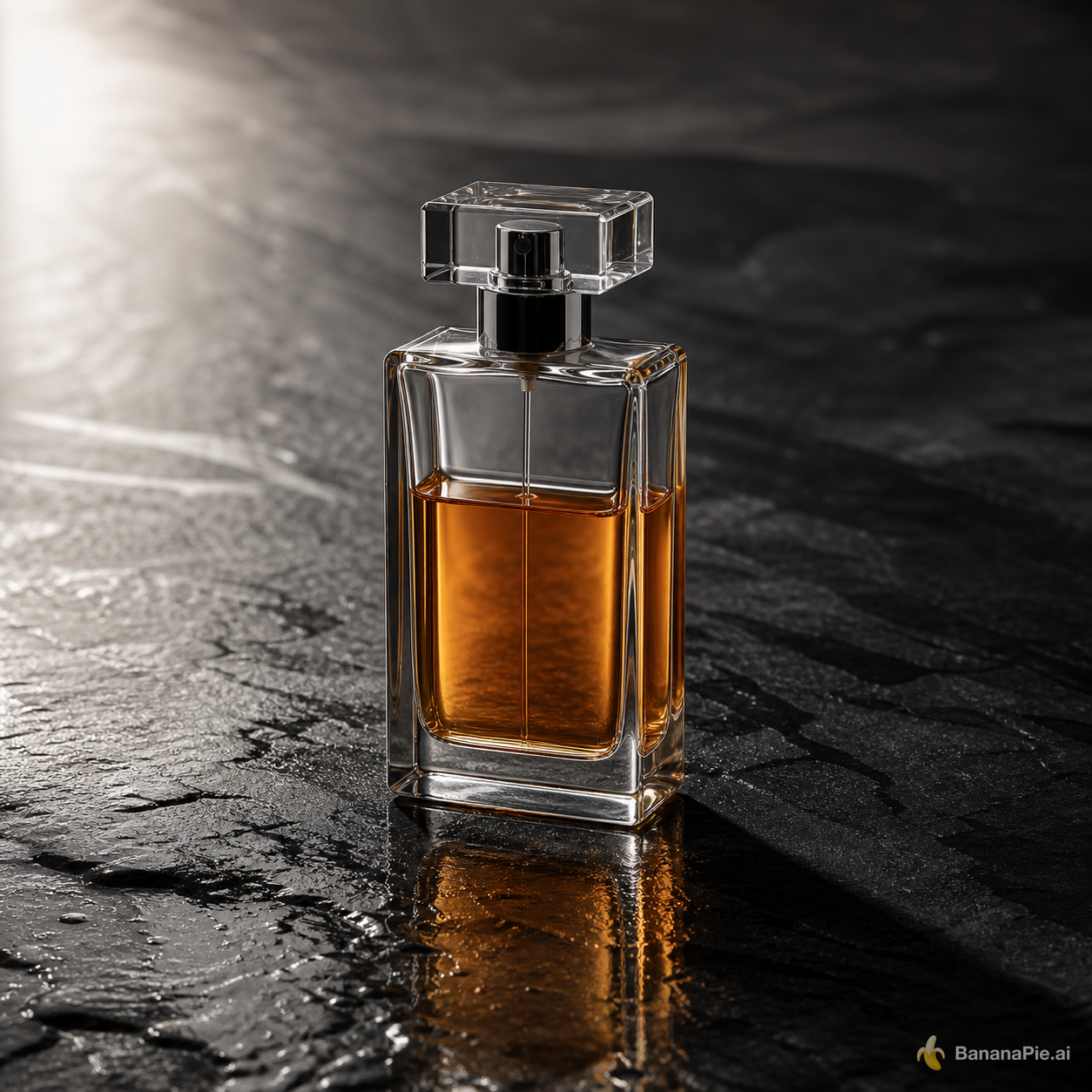
A premium product photograph of exactly one transparent rectangular perfume bottle, half filled with amber liquid, standing upright on wet black stone. Light comes from the upper left, creating coherent refraction, a contact shadow, and one subtle reflection. No text, logo, plants, or extra objects.
Einstellungen
- Resolution: 1K
- Aspect Ratio: 1:1
Prompt
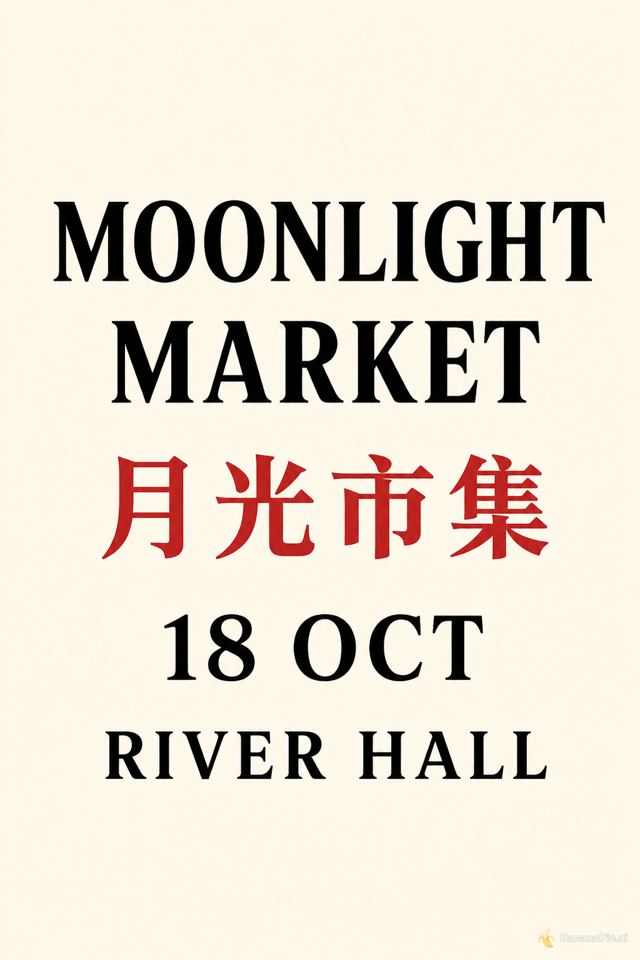
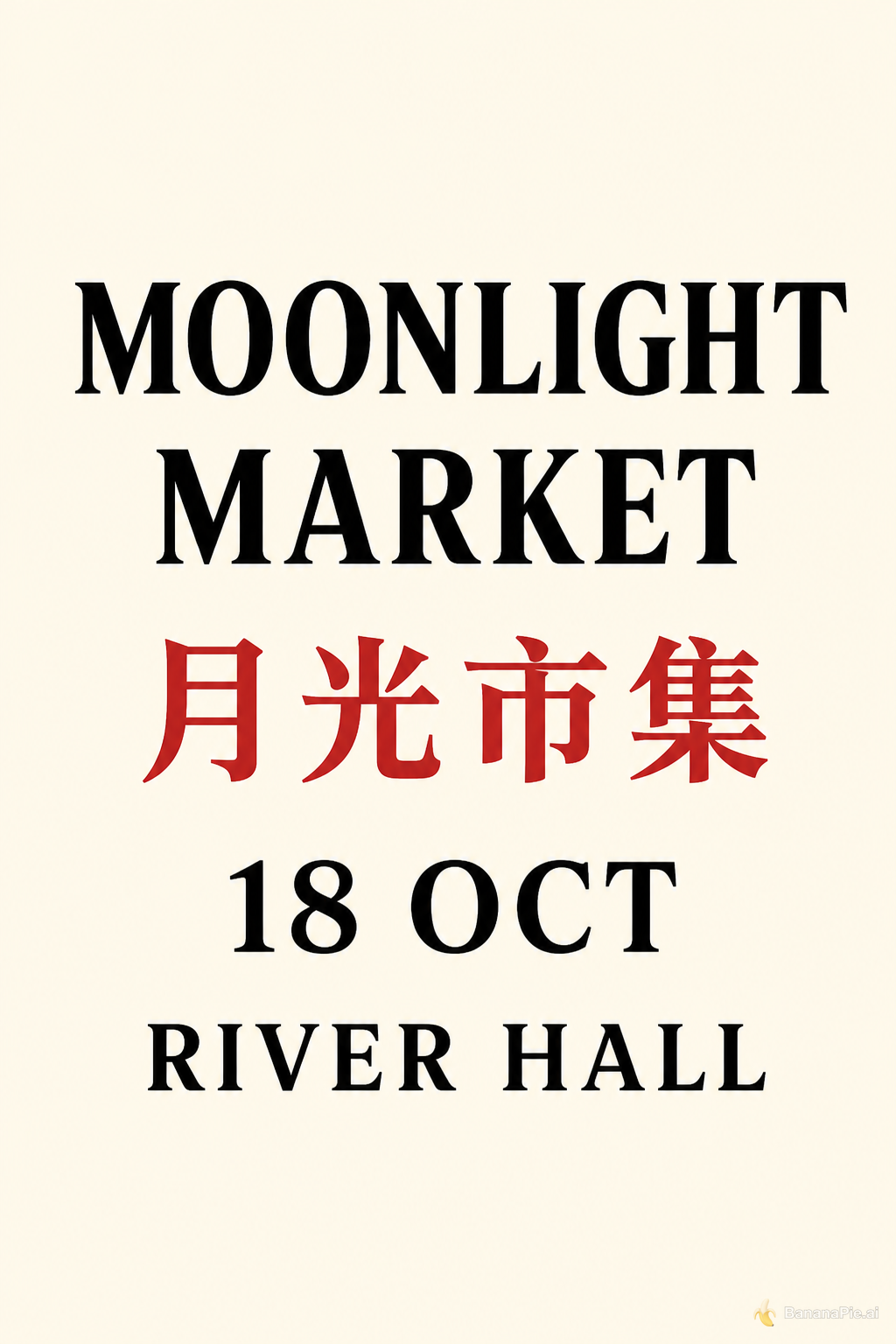
Design a clean cream-colored vertical event poster. Show exactly four centered text lines and no other text: "MOONLIGHT MARKET", "月光市集", "18 OCT", and "RIVER HALL". Render "月光市集" in red and all other lines in black.
Einstellungen
- Resolution: 1K
- Aspect Ratio: 2:3
Prompt
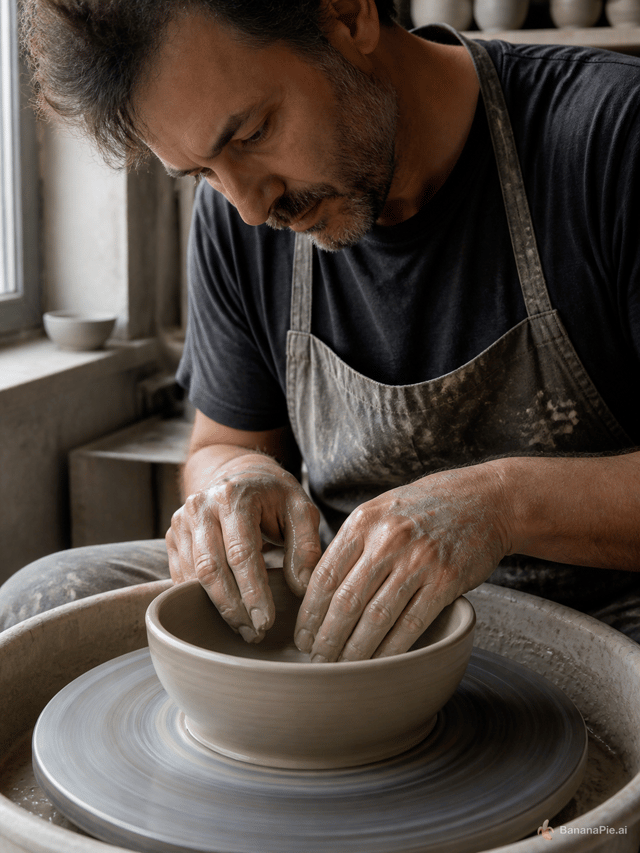
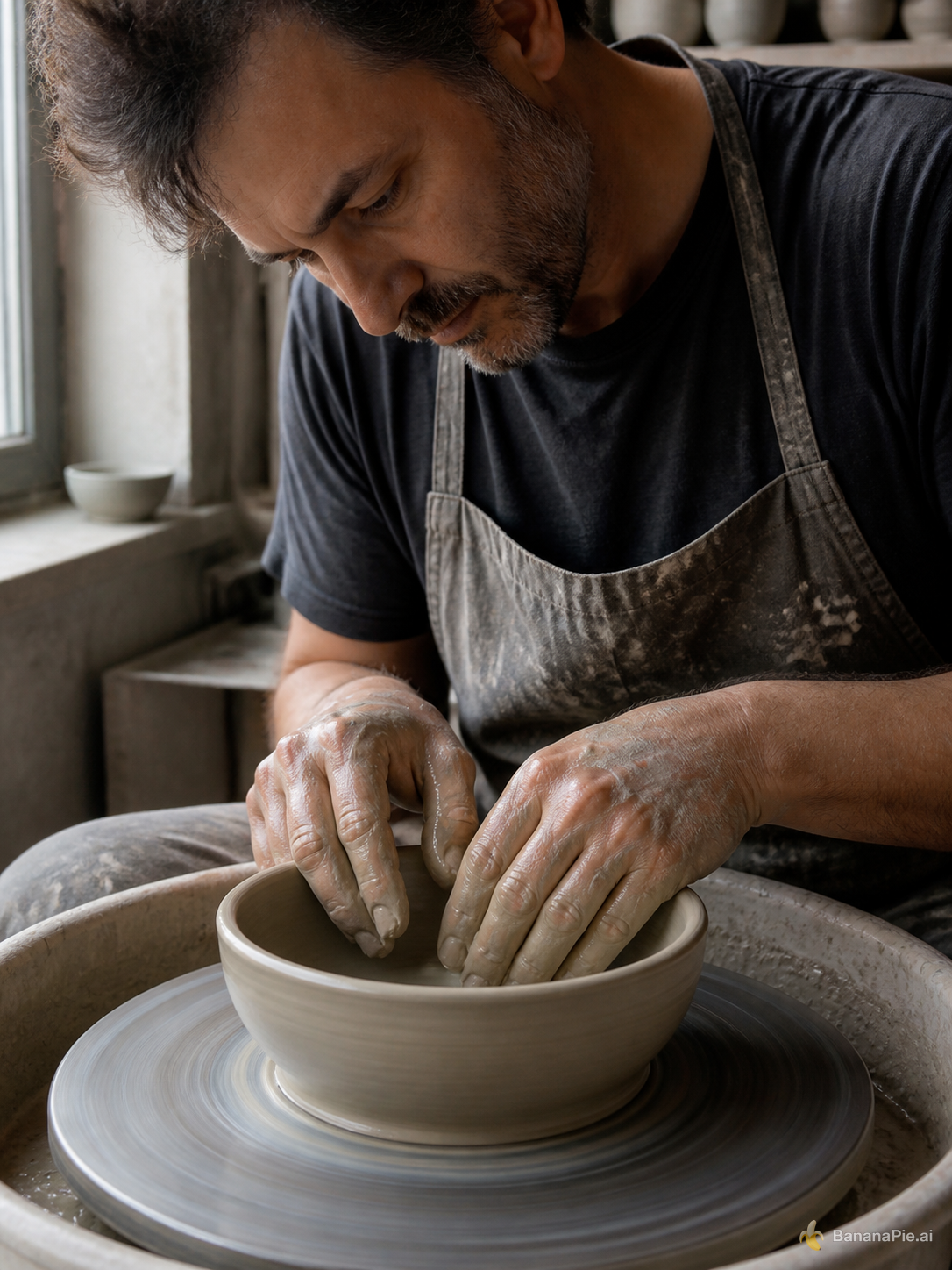
A photorealistic close-up of an adult potter shaping a clay bowl on a spinning wheel. Both hands are fully visible, each with five natural fingers touching the clay. No other people or hands. Soft window light.
Einstellungen
- Resolution: 1K
- Aspect Ratio: 3:4
Prompt
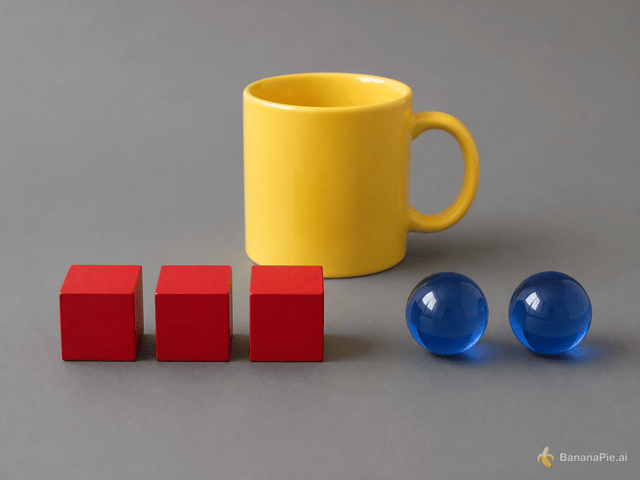
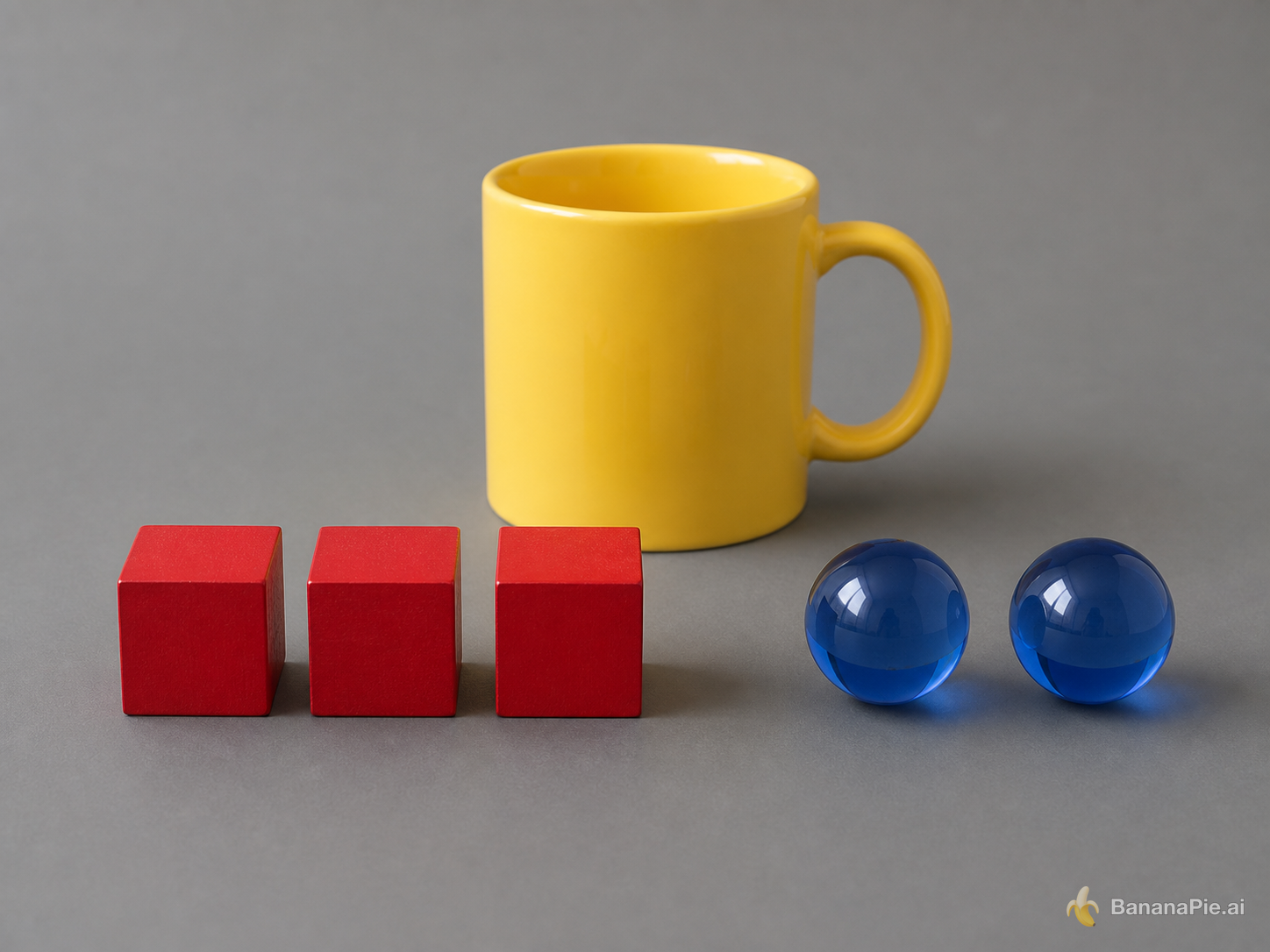
On a matte gray table, exactly three red wooden cubes form a row on the left, exactly two blue glass spheres sit on the right, and one yellow ceramic mug stands centered behind them. The mug handle points right. No other objects or text.
Einstellungen
- Resolution: 1K
- Aspect Ratio: 4:3
Prompt
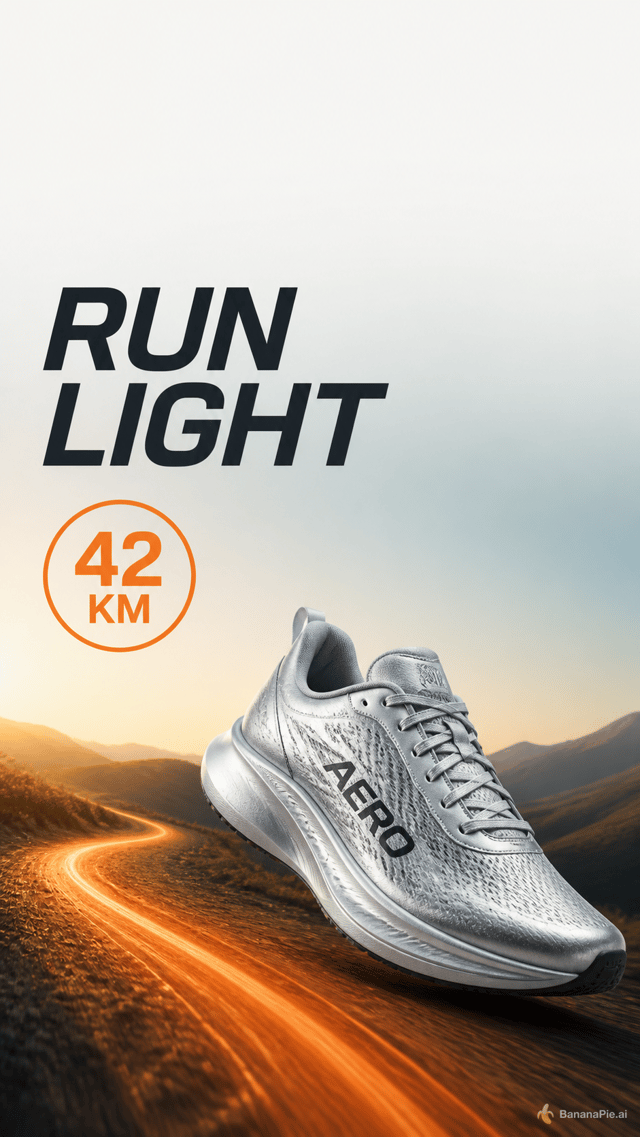
Create a vertical social ad for a fictional running shoe named AERO. Keep the top 15 percent empty. Directly below it, place the headline "RUN LIGHT" in the upper-left. Show exactly one silver shoe in the lower-right, an orange trail curving from the bottom-left, and a round badge reading "42 KM". No other shoes or text.
Einstellungen
- Resolution: 1K
- Aspect Ratio: 9:16
Prompt
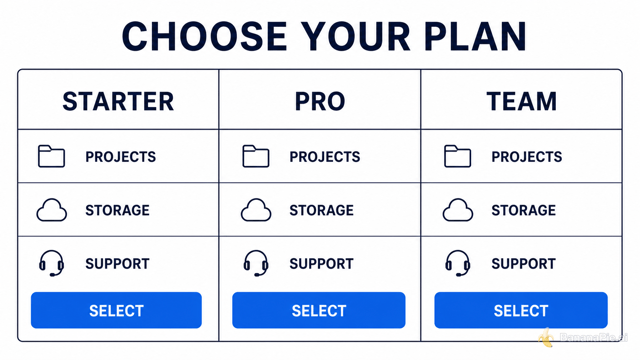
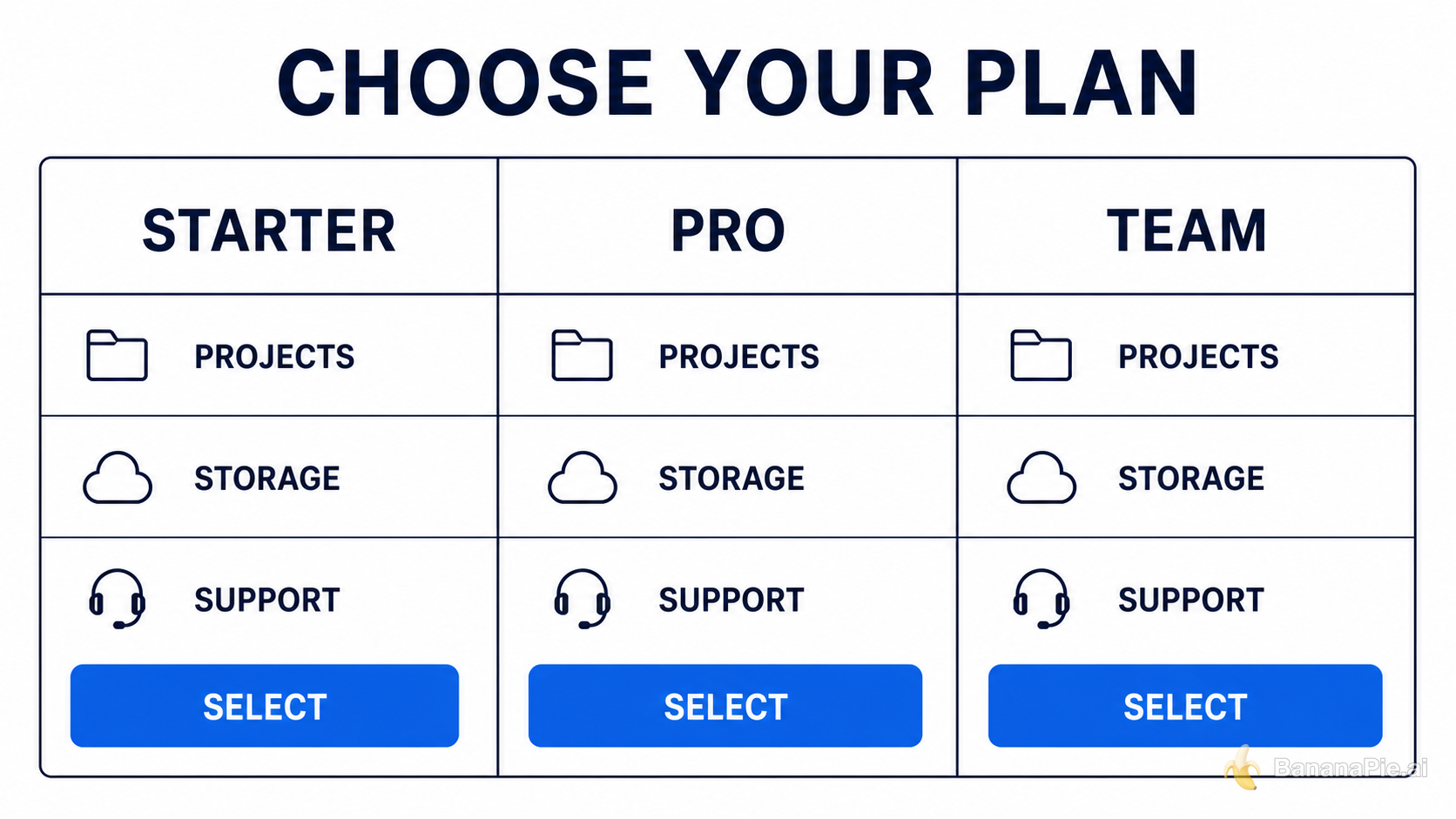
Create a clean horizontal pricing comparison graphic titled "CHOOSE YOUR PLAN". Use exactly three equal columns labeled "STARTER", "PRO", and "TEAM". Under each column, show exactly three aligned rows labeled "PROJECTS", "STORAGE", and "SUPPORT", followed by one blue button labeled "SELECT". White background, dark navy text, no additional columns or text.
Einstellungen
- Resolution: 1K
- Aspect Ratio: 16:9
Referenzbilder

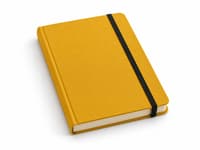
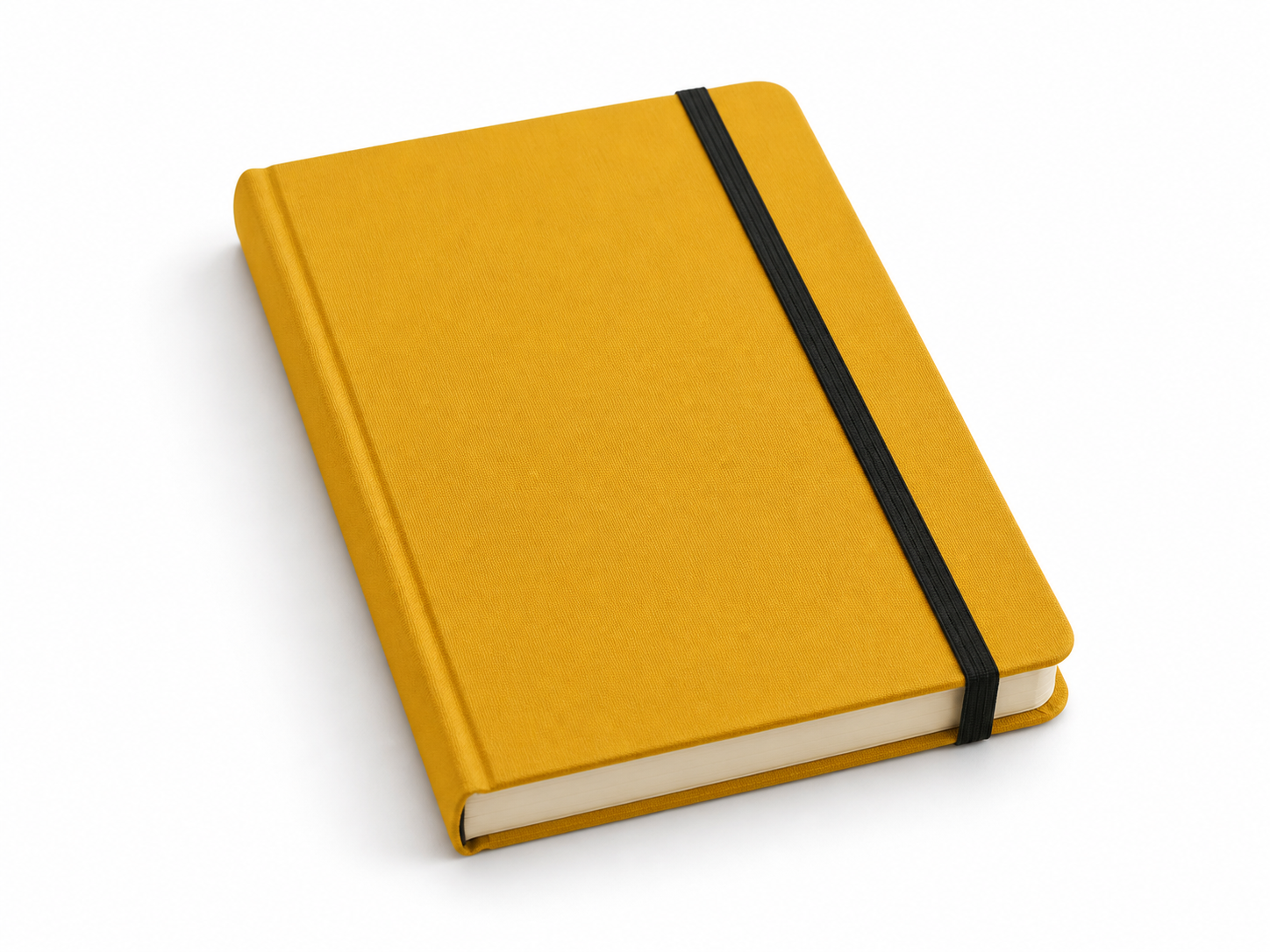
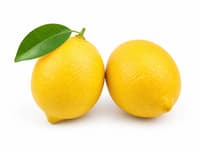
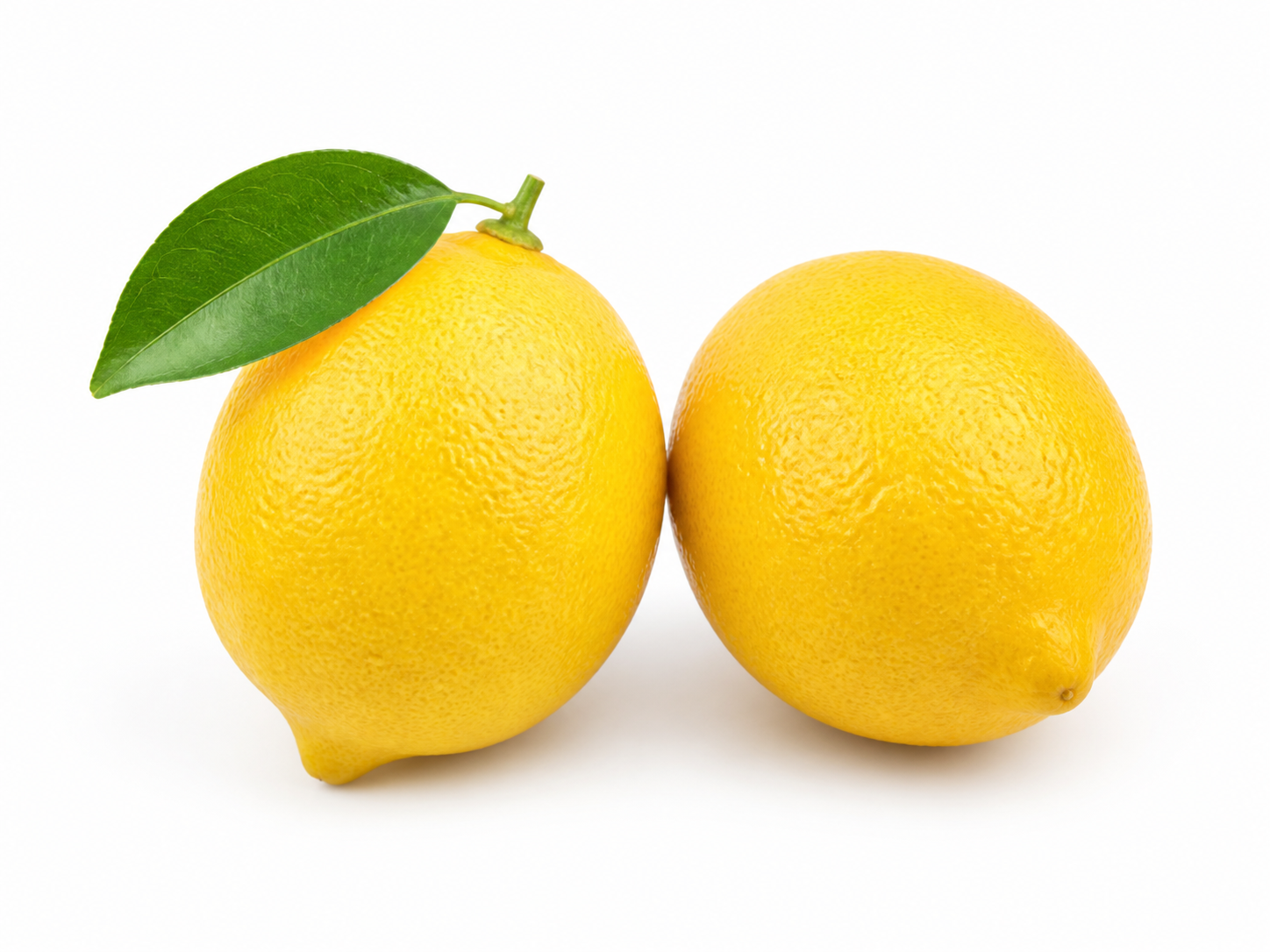
Prompt
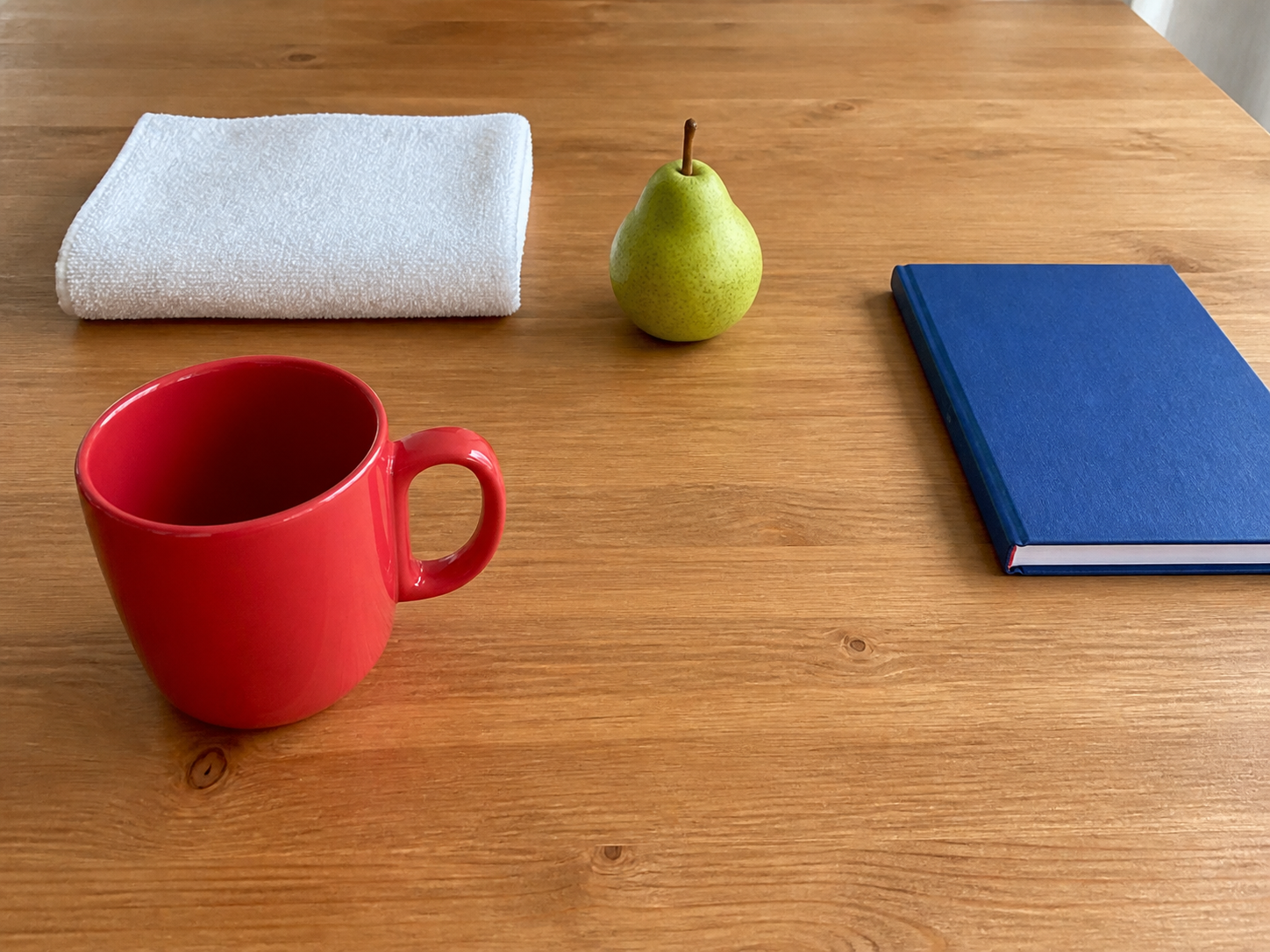
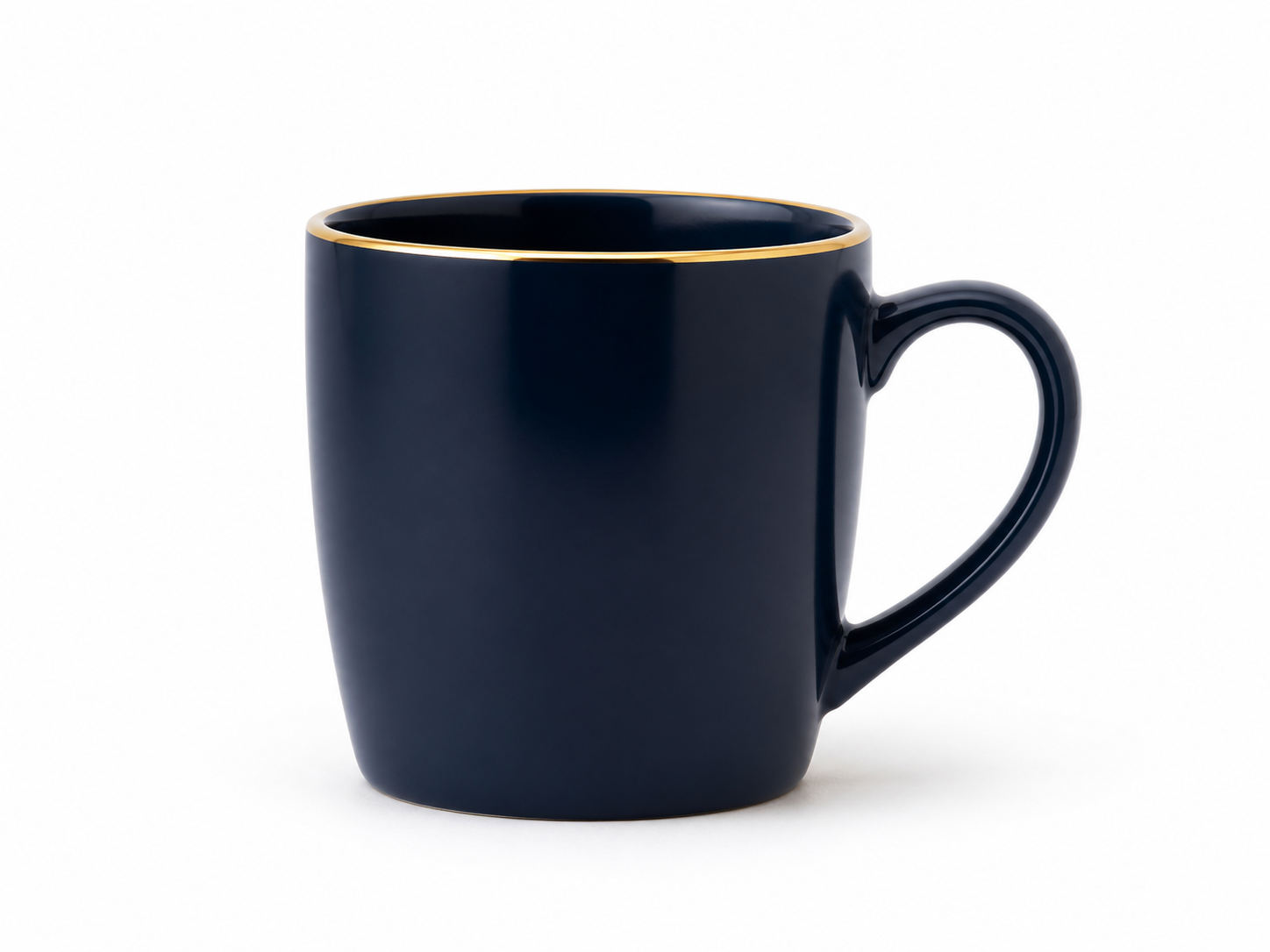
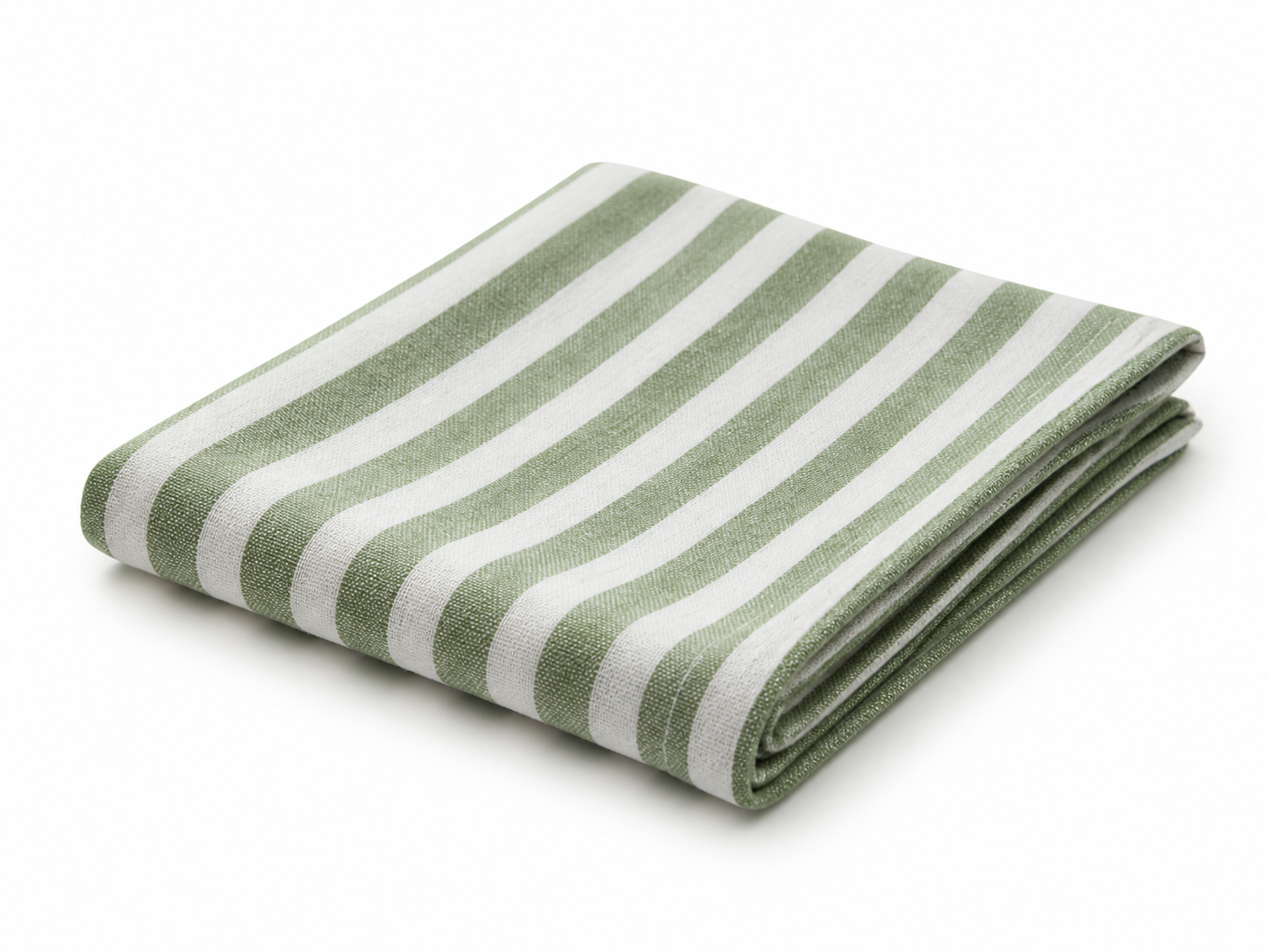
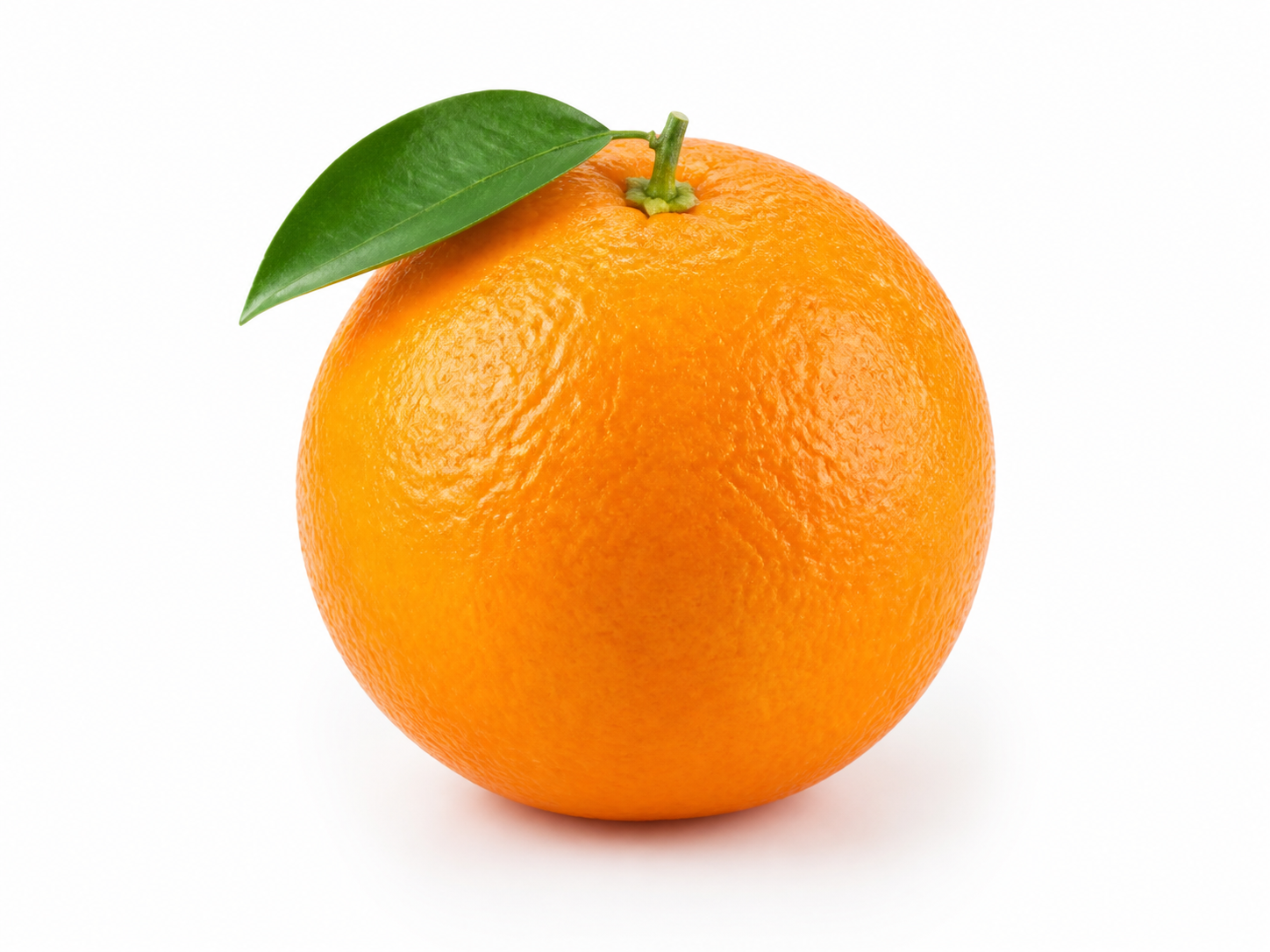
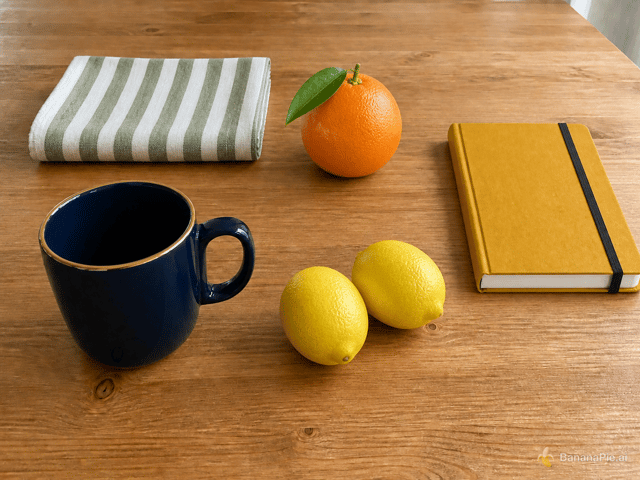
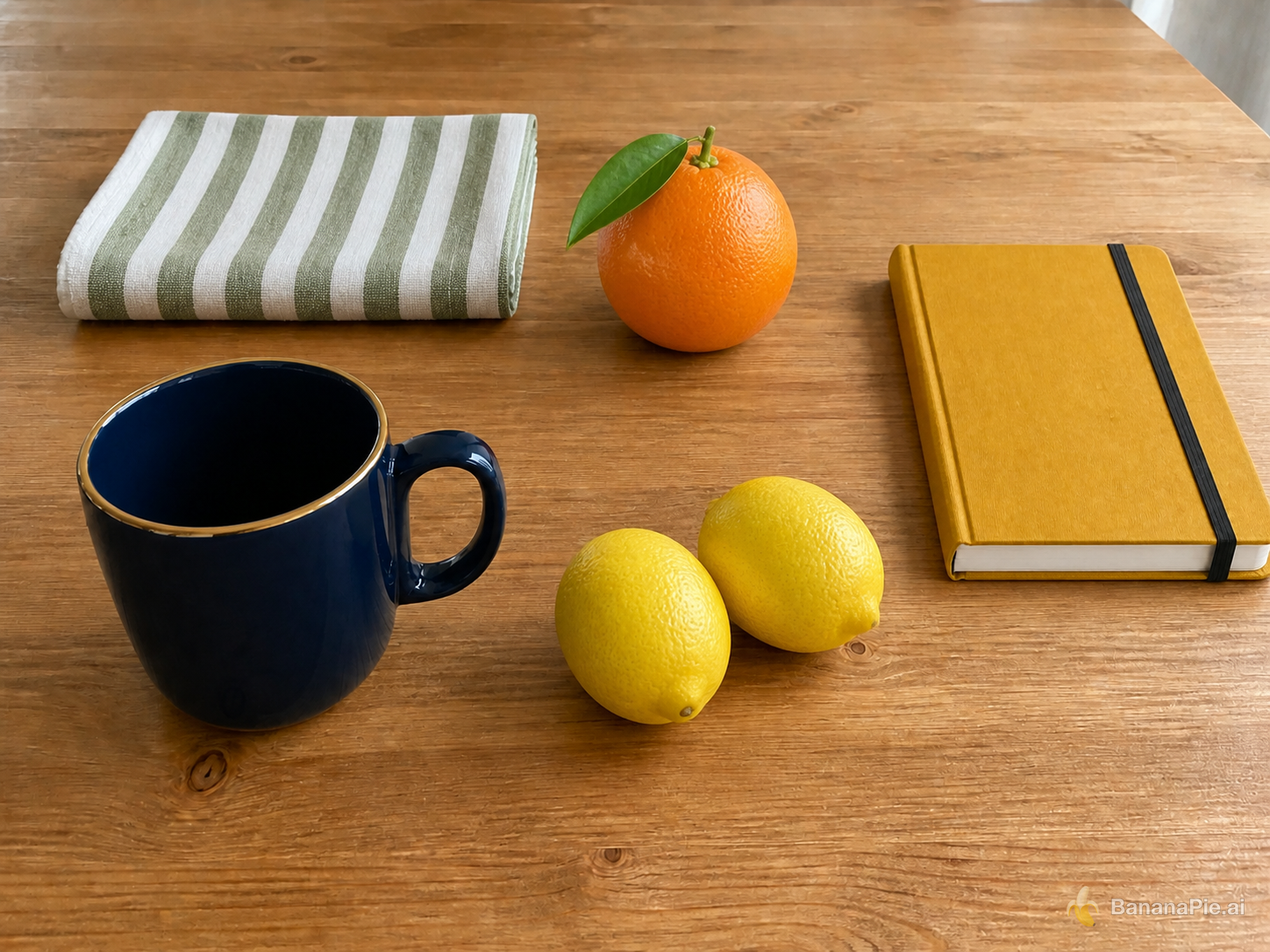
Use Reference 1 as the base tabletop scene. Replace the red mug with the exact dark navy-blue mug from Reference 2 in the same position and orientation. Replace the folded white towel with the exact green-and-white striped napkin from Reference 3 in the same folded area. Replace the green pear with exactly one orange from Reference 4 in the same position. Replace the blue notebook with the exact mustard-yellow hardcover notebook from Reference 5 in the same position. Add exactly the two lemons from Reference 6 to the right of the mug. Preserve the wooden table, camera, framing, wood grain, lighting, shadows, and all other spatial relationships from Reference 1. Do not copy the white product backgrounds from References 2–6, duplicate any asset, or add other objects.
Einstellungen
- Resolution: 1K
- Aspect Ratio: 4:3
Referenzbilder
Prompt
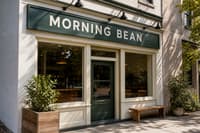
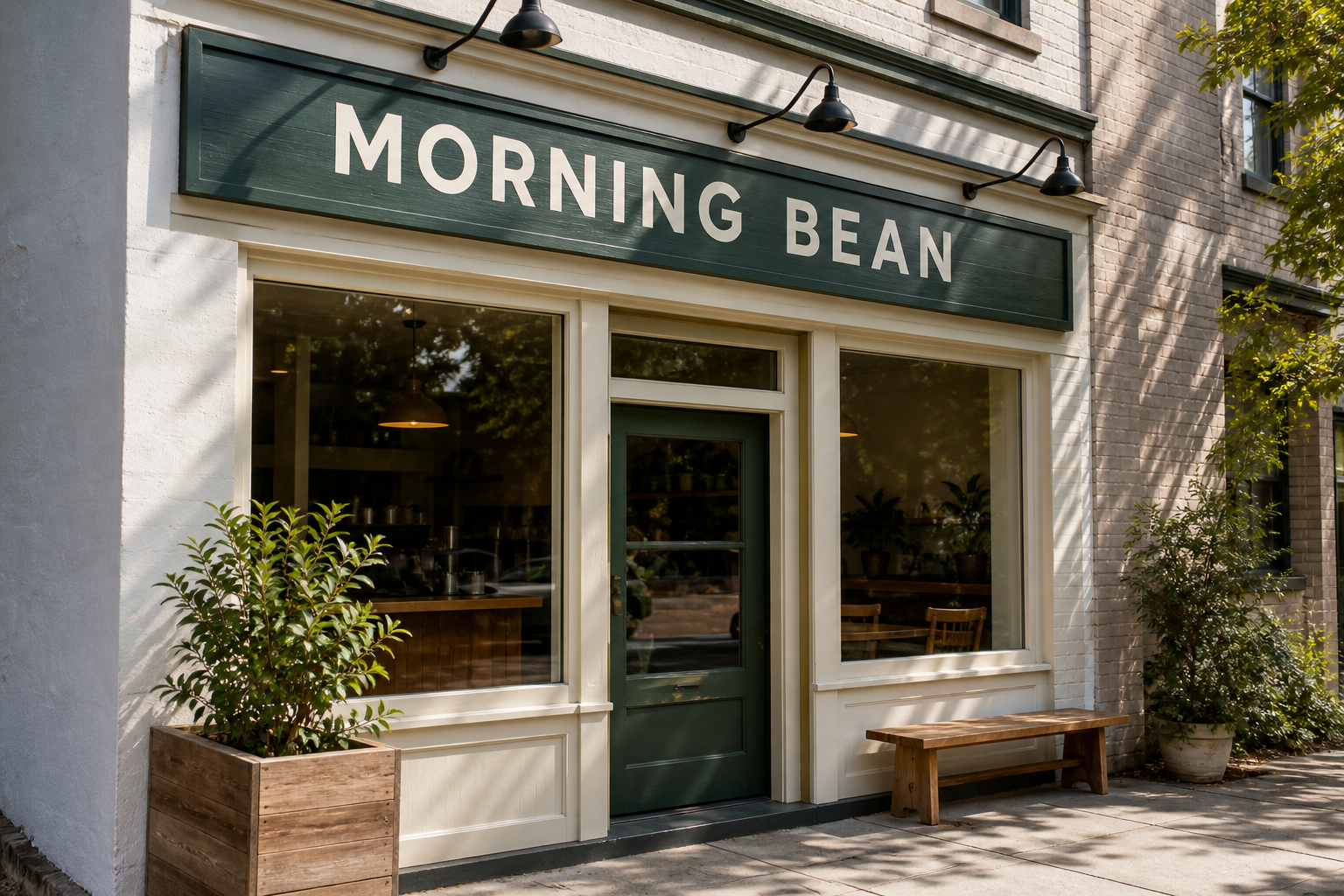
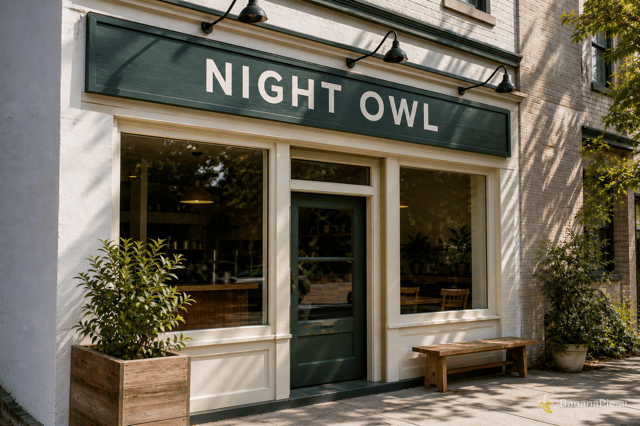
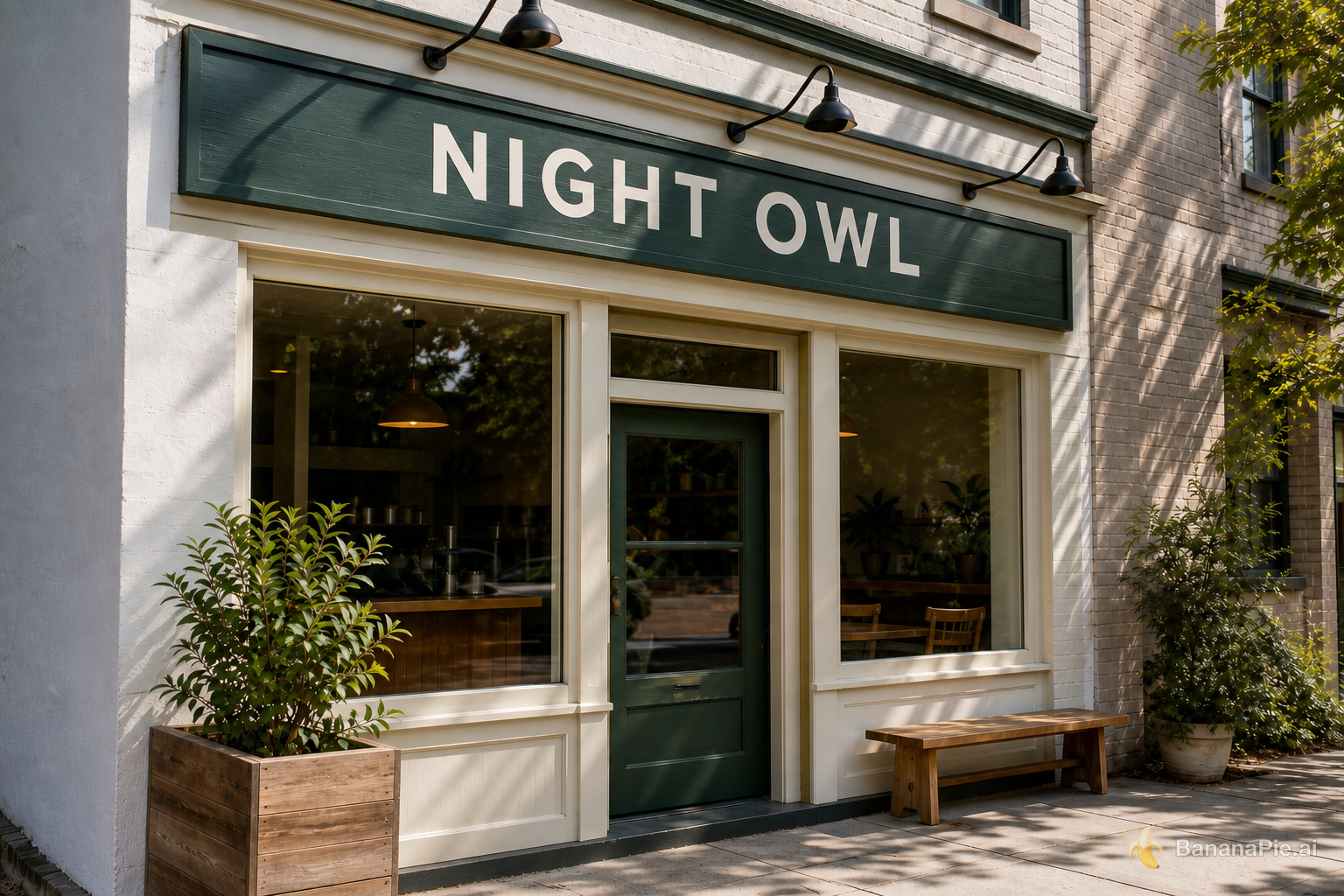
Replace only the sign text with exactly "NIGHT OWL". Preserve the original font style, spacing, perspective, sign material, lighting, and everything else.
Einstellungen
- Resolution: 1K
- Aspect Ratio: 3:2
Prompt
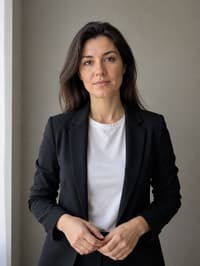
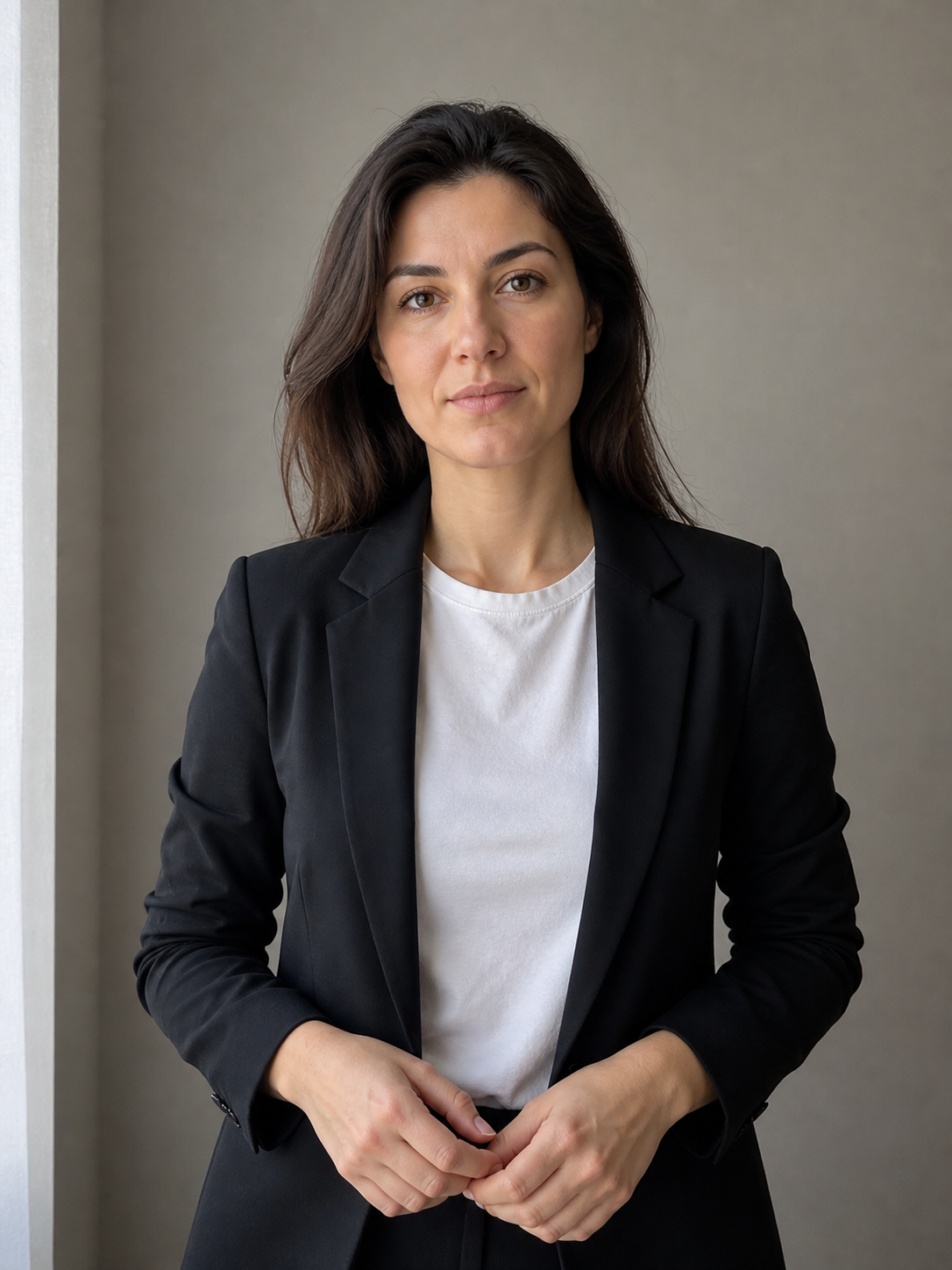
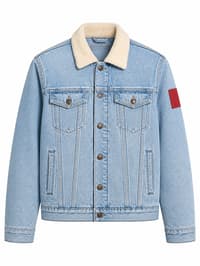
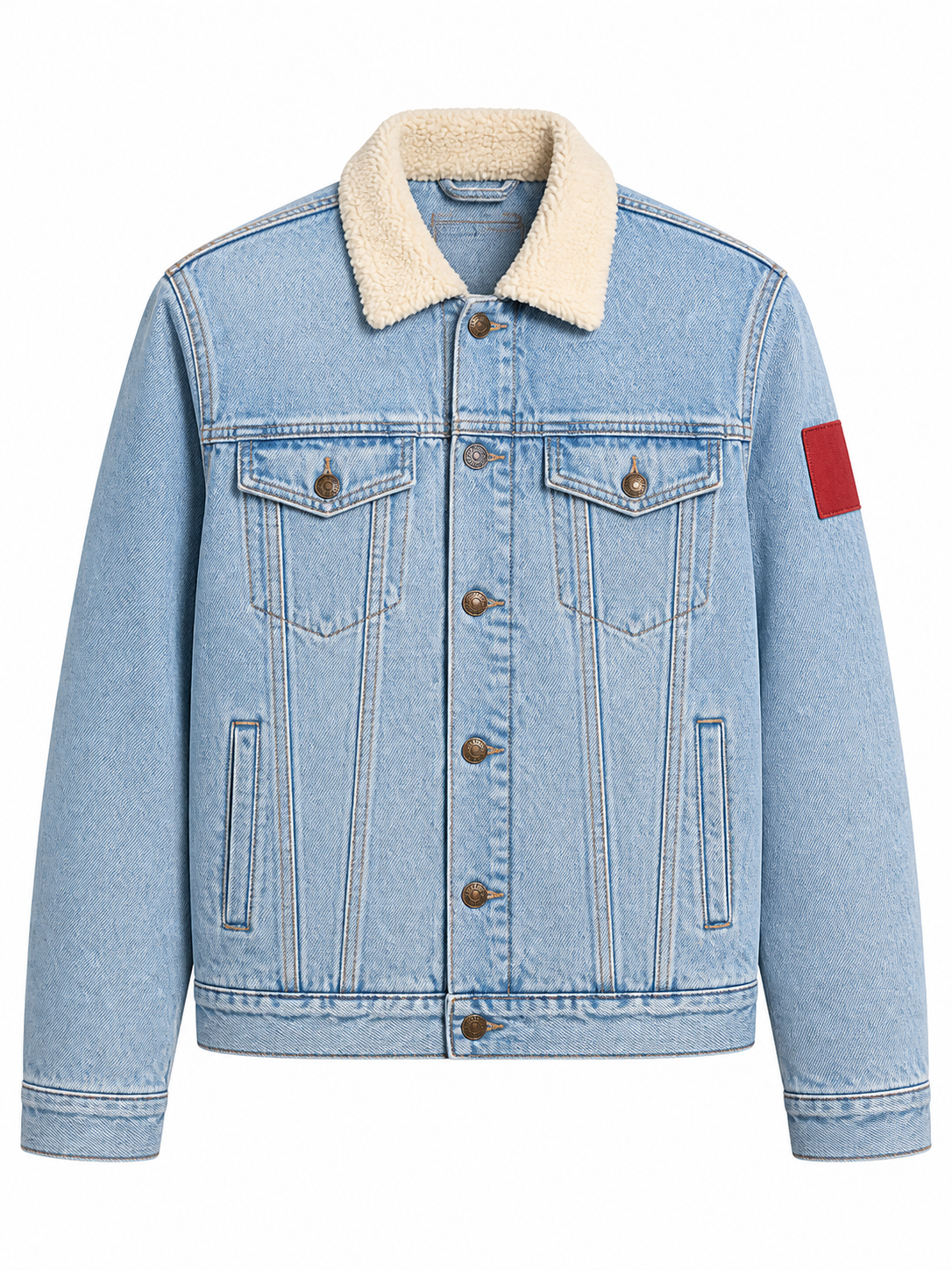
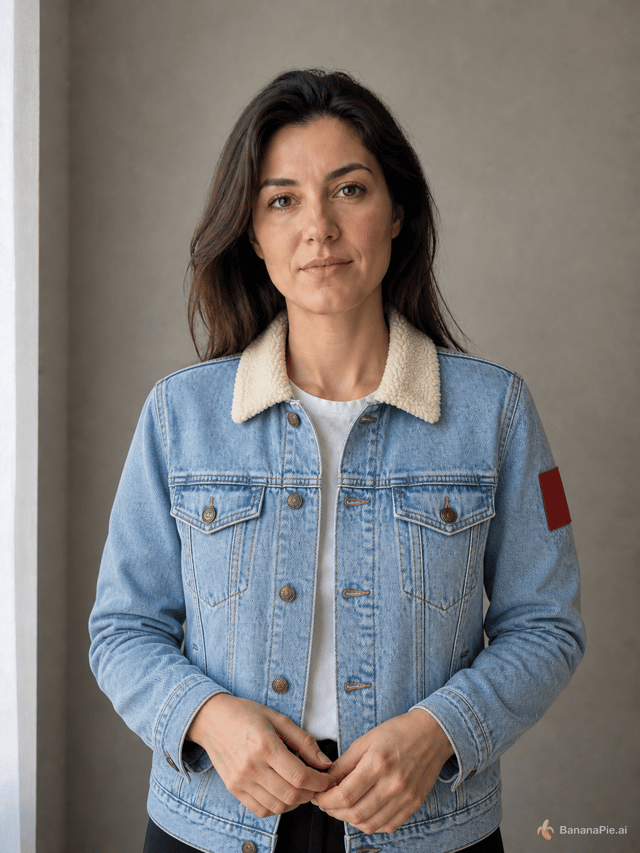
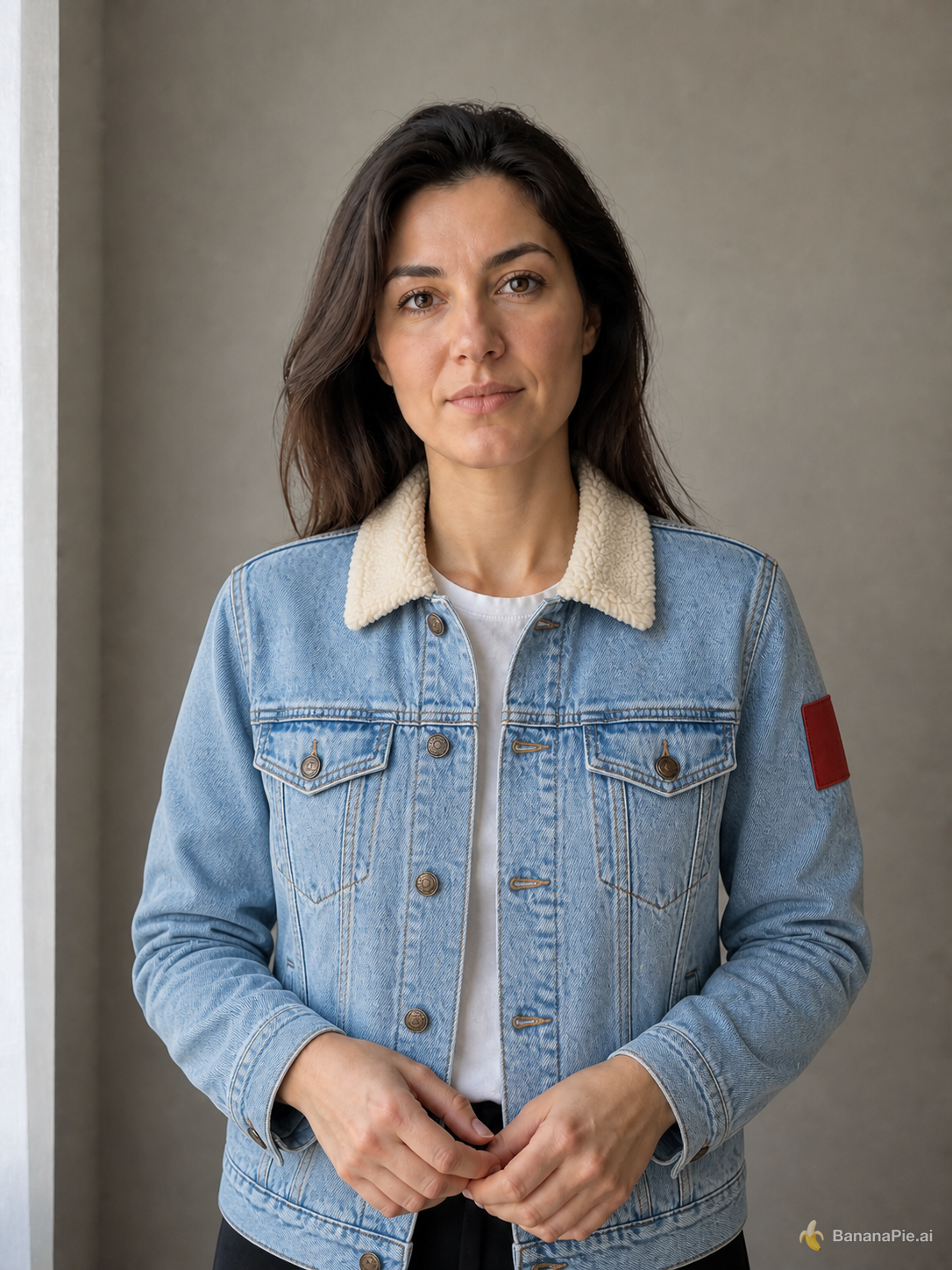
Use the portrait in Reference 1 for the person and the isolated jacket in Reference 2 for the garment. Dress the person from Reference 1 in the exact jacket shown in Reference 2. Preserve the person's identity, face, expression, skin, hair, hands, pose, body proportions, background, framing, and lighting from Reference 1. Preserve the jacket's material, color, collar, buttons, pockets, and sleeve patch from Reference 2. Do not copy the ghost mannequin or white product background.
Einstellungen
- Resolution: 1K
- Aspect Ratio: 3:4
Referenzbilder

Prompt
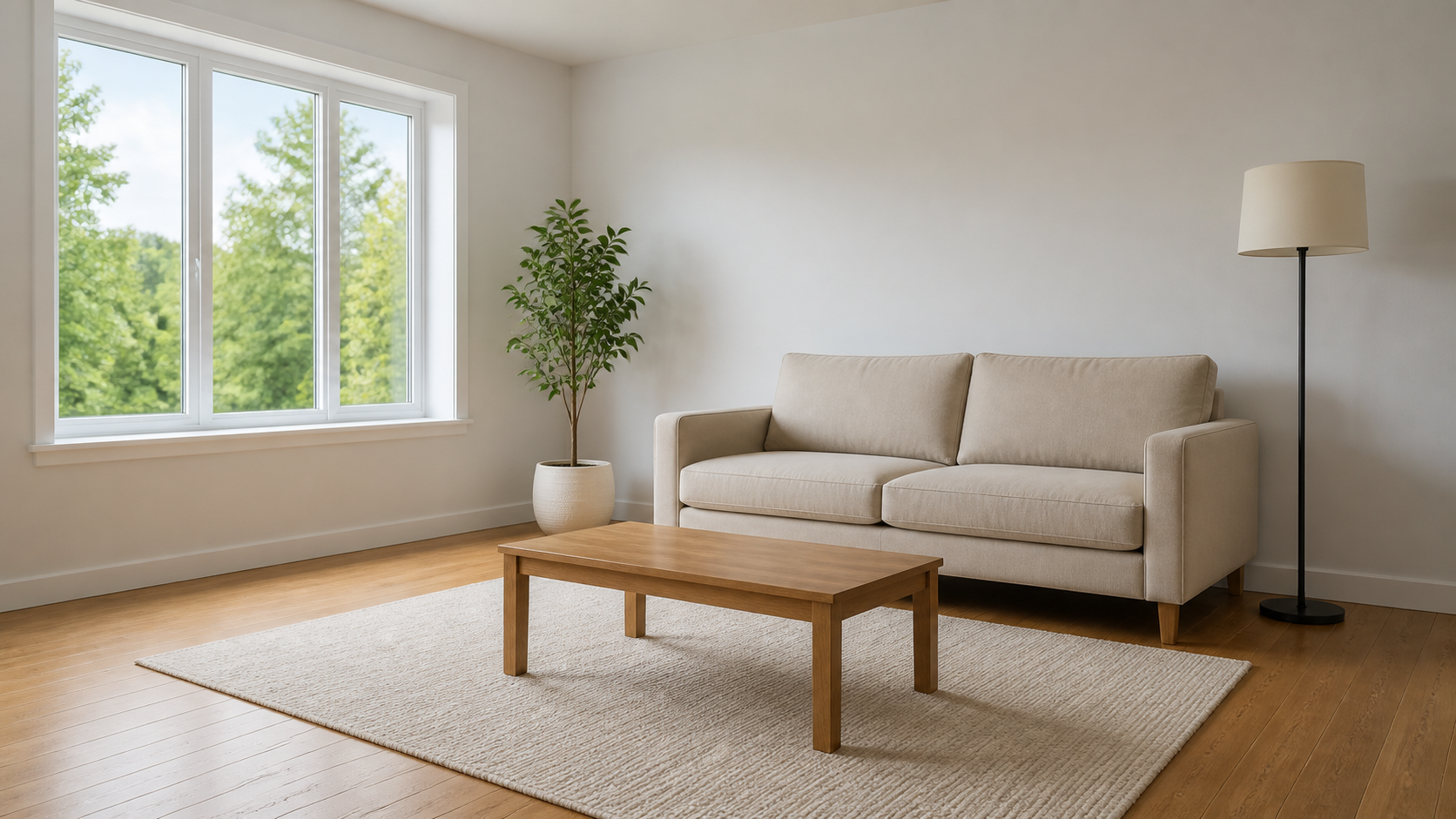
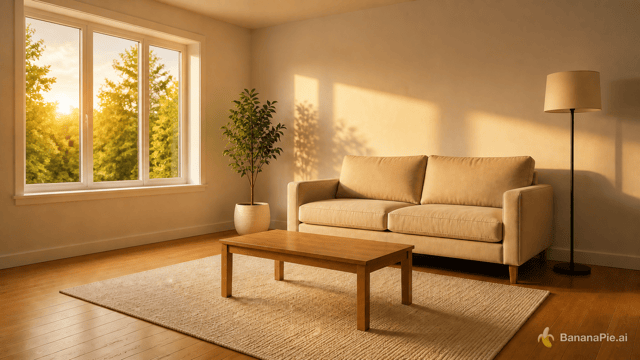
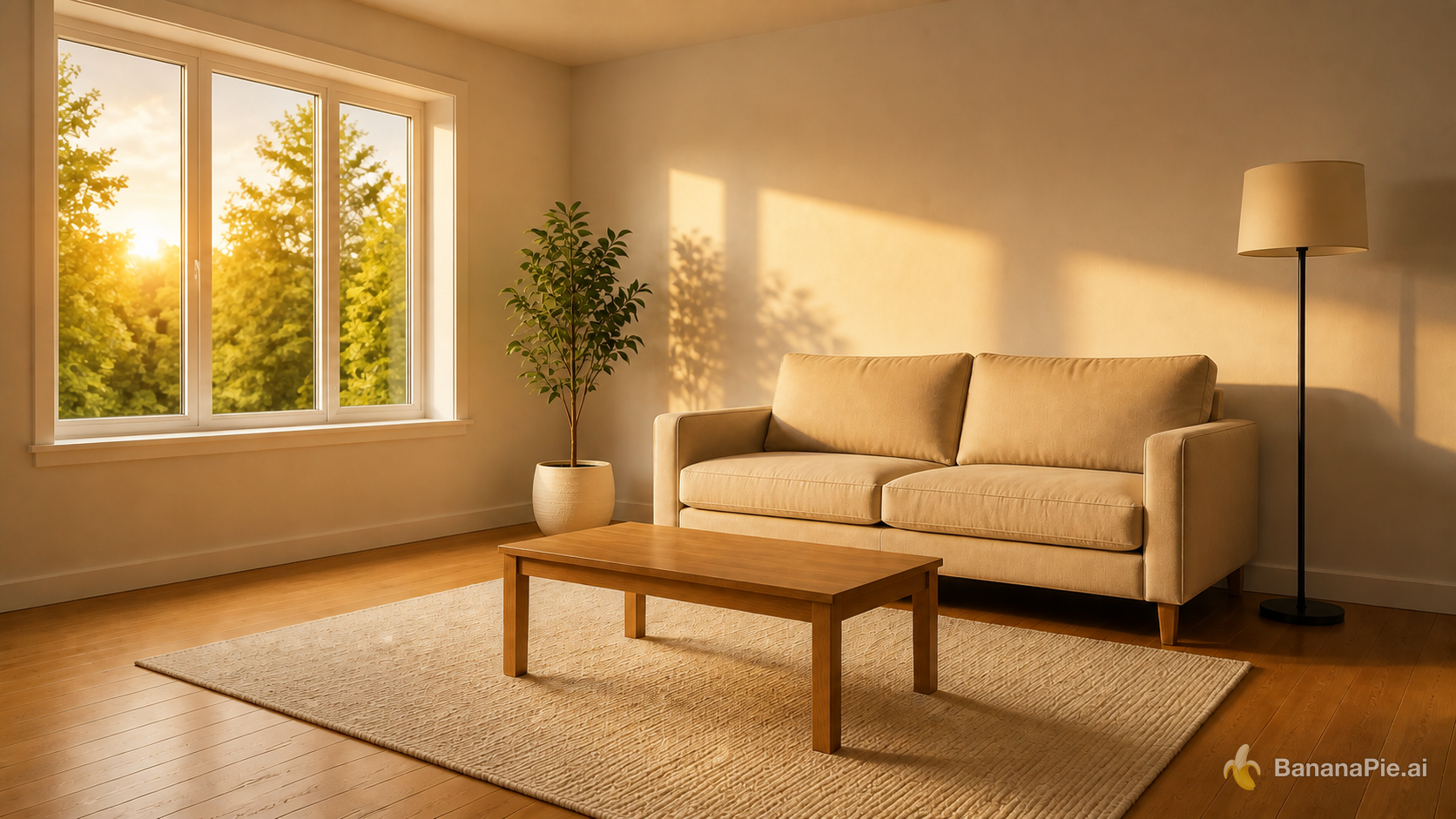
Change the lighting to warm golden-hour sunlight entering from the left window. Do not move, add, remove, or redesign any object. Update highlights and shadows coherently.
Einstellungen
- Resolution: 1K
- Aspect Ratio: 16:9
Referenzbilder
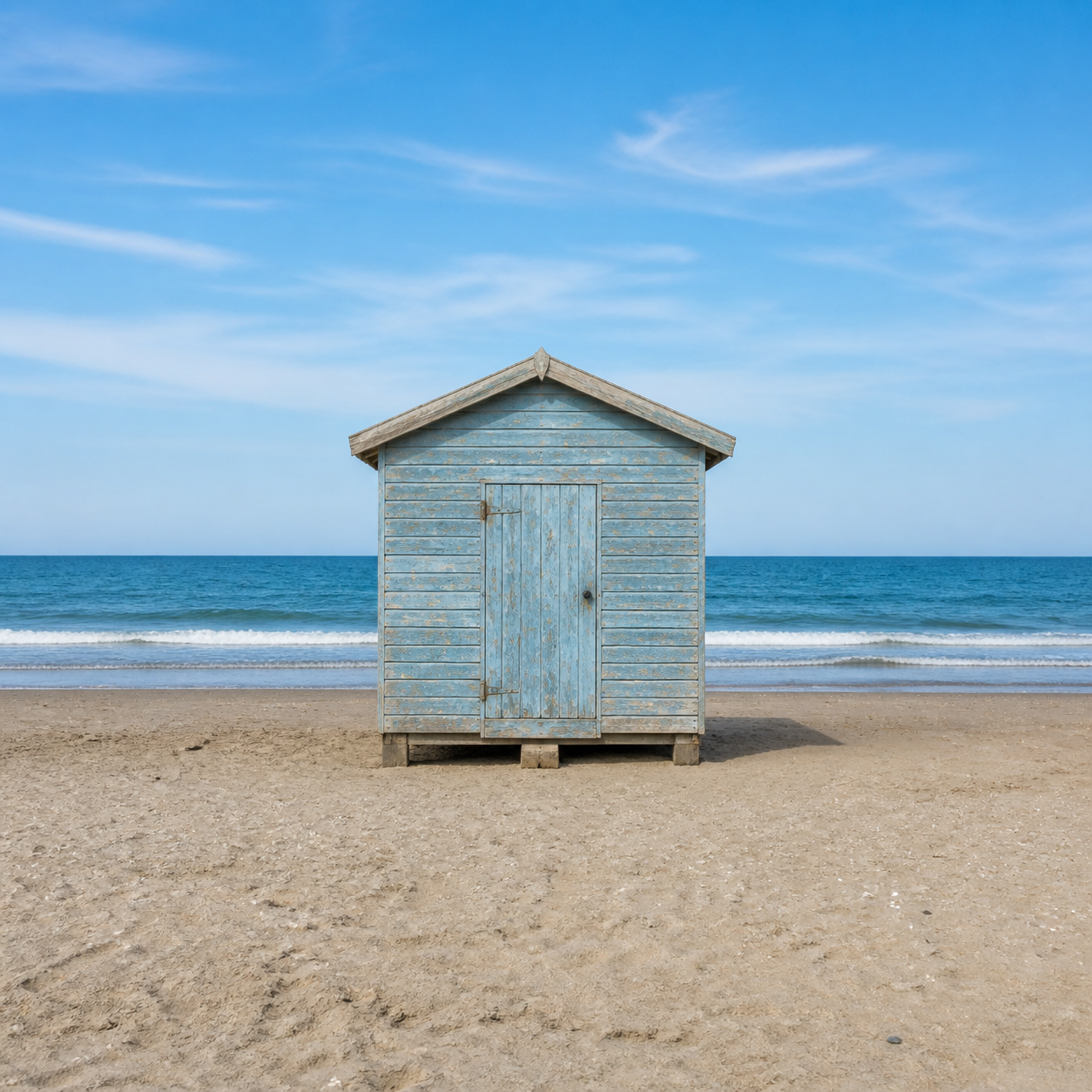
Prompt
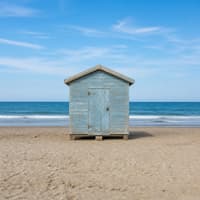
Expand the canvas to a 16:9 landscape by naturally continuing the beach, ocean, and sky on both sides. Keep the complete original image centered without cropping, stretching, letterboxing, or modifying it.
Einstellungen
- Resolution: 1K
- Aspect Ratio: 16:9
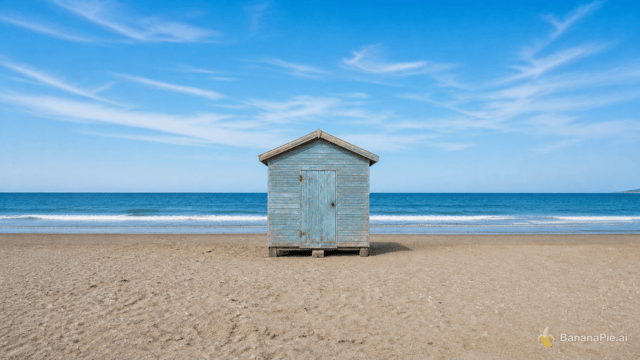
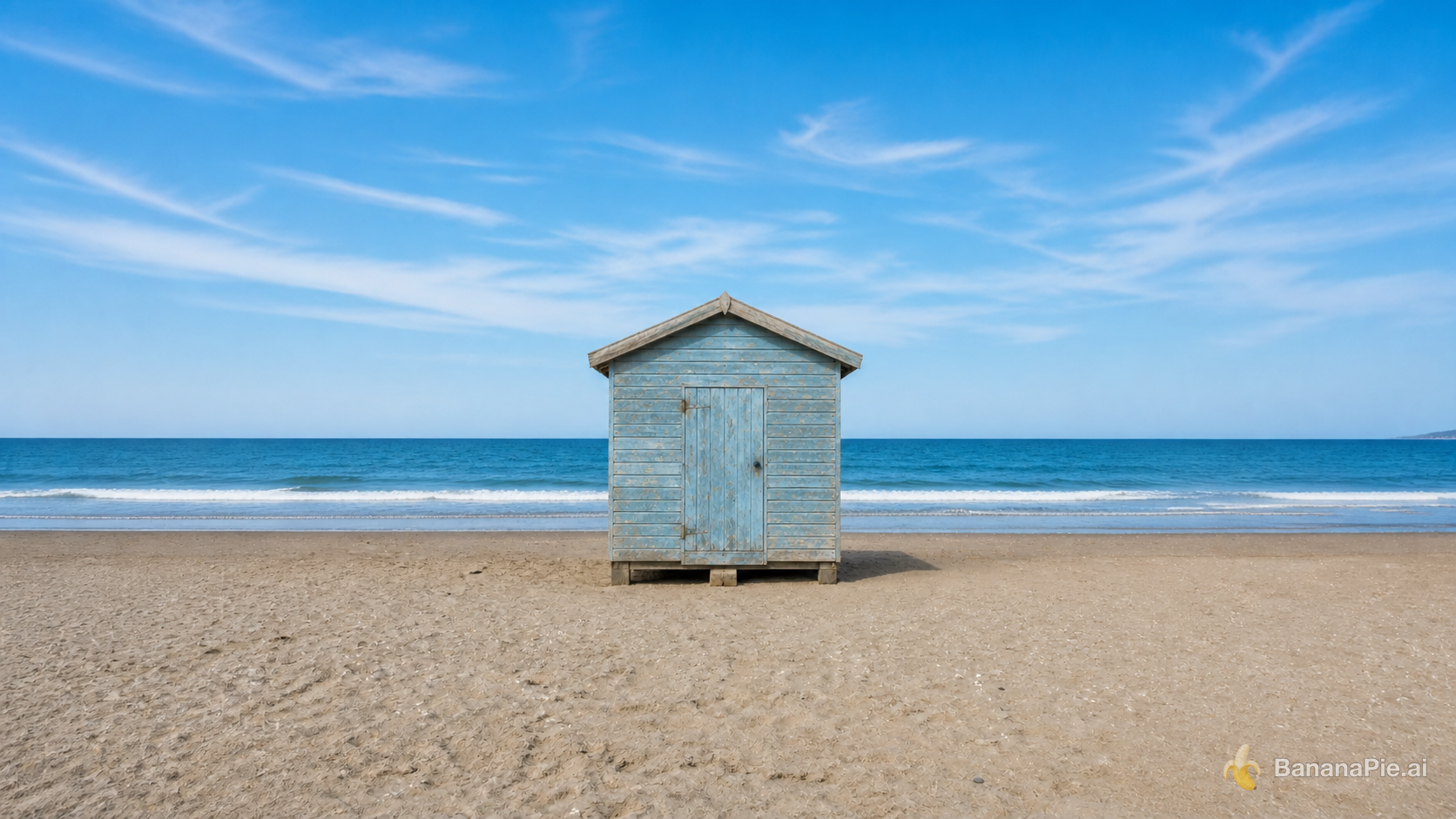
Referenzbilder
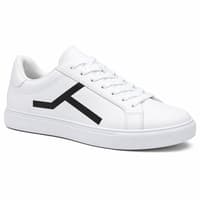
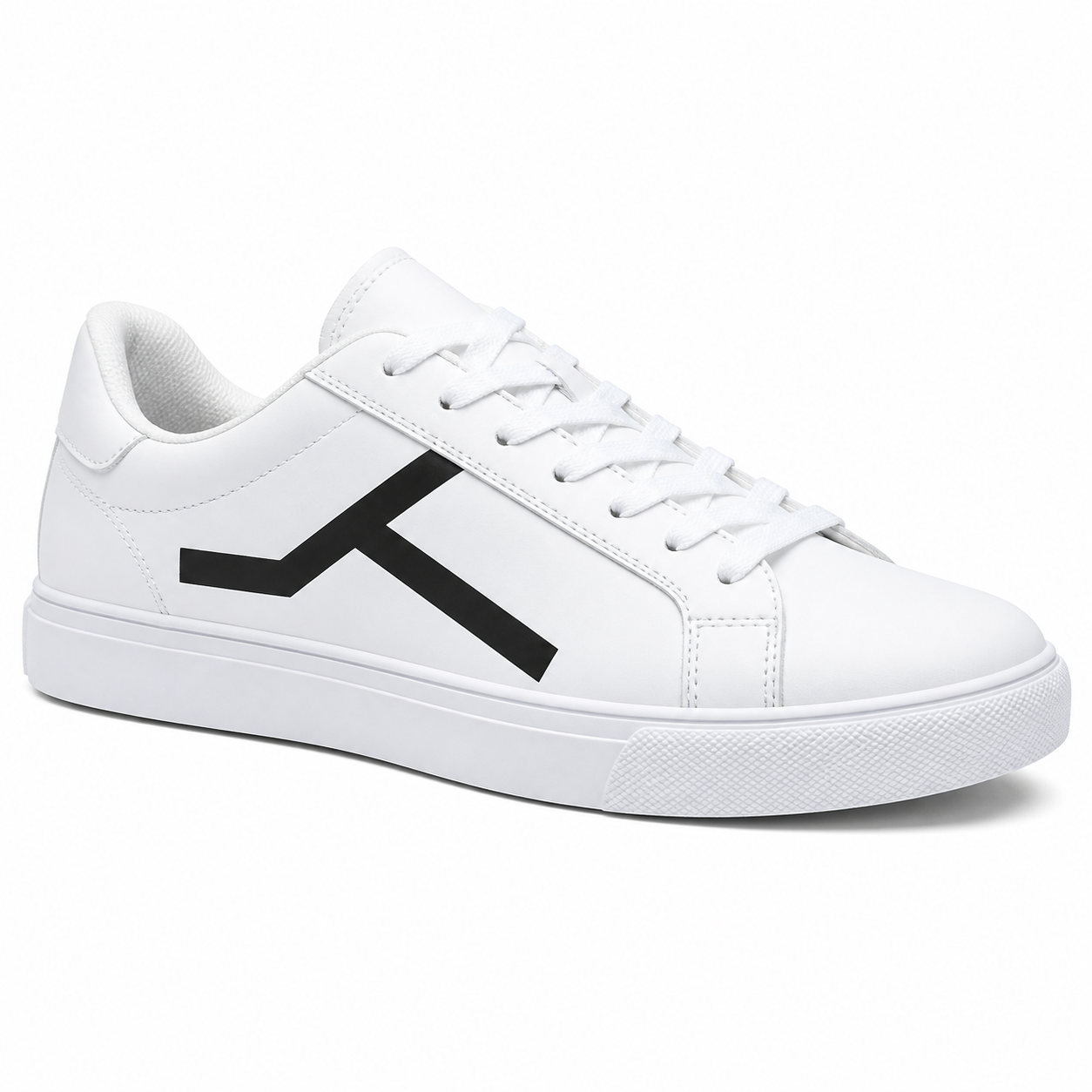
Prompt
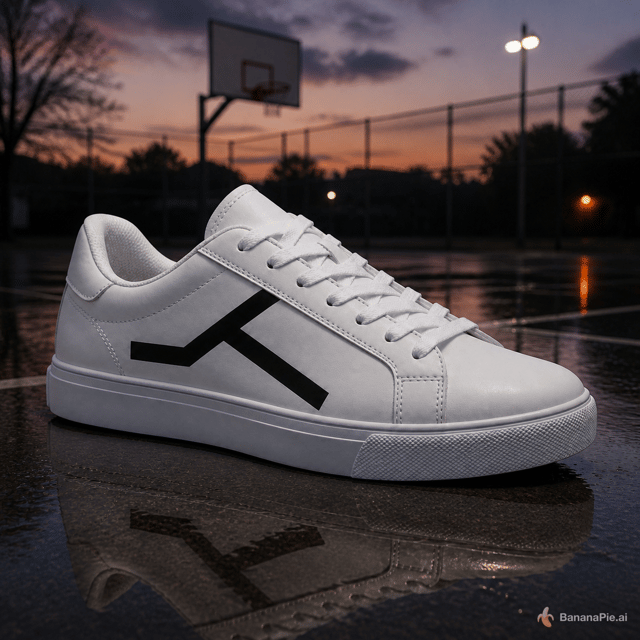
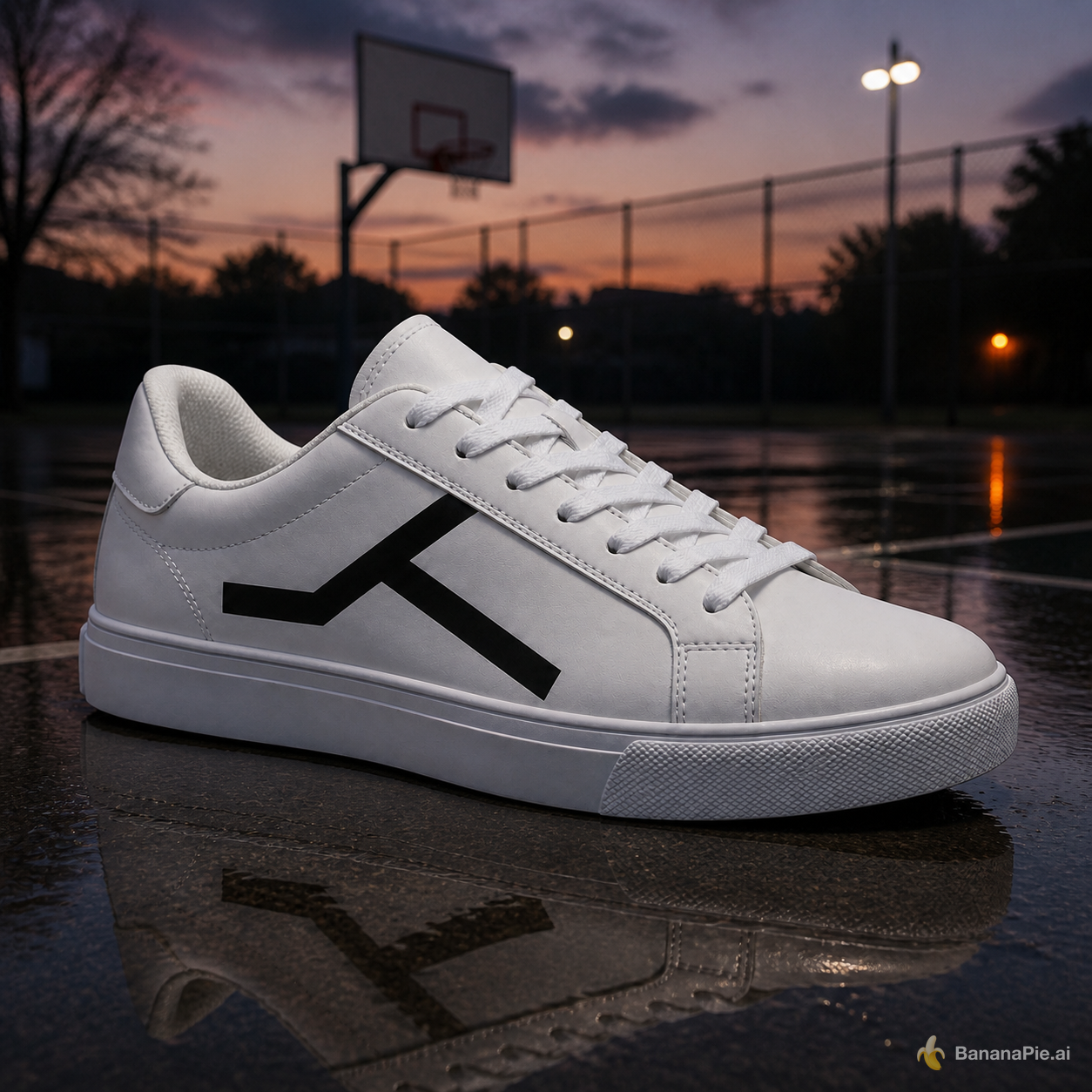
Place the sneaker on a wet outdoor basketball court at dusk. Preserve the exact sneaker shape, black geometric side mark, materials, stitching, sole geometry, and camera angle. Add physically coherent contact, reflections, and dusk lighting.
Einstellungen
- Resolution: 1K
- Aspect Ratio: 1:1
Credits & Preise
GPT Image 2 startet in Banana Pie bei 20 Credits. In der Praxis solltest du es als Modell für gezielte Bildversuche einsetzen, bei denen Referenzen, Text, Layout oder Erhaltung wichtig genug sind, um den Aufwand zu rechtfertigen.
Häufig gestellte Fragen
Ist GPT Image 2 in Banana Pie verfügbar?
Ja. GPT Image 2 ist in Banana Pie für die Bildgenerierung als verfügbar gelistet.
Kann ich Referenzbilder mit GPT Image 2 verwenden?
Nutze es, wenn du mehrere Referenzen in einem Bild kombinieren oder bearbeiten musst. Banana Pie nennt Unterstützung für bis zu 8 Referenzbilder, und das Testset umfasste Objektbindung mit sechs Referenzen, Identitäts- und Kleidungsübertragung sowie Produkterhaltung über Szenenwechsel hinweg.
Welche Auflösung kann GPT Image 2 generieren?
Banana Pie gibt für GPT Image 2 eine maximale Auflösung von 4K an.
Für welche Arten von Bildaufgaben wurde es getestet?
Die veröffentlichten Testauswahlen decken Produktbeleuchtung, mehrsprachige Typografie, strukturierte UI-Grafiken, Textersetzung, Relighting, Outpainting und referenzbasierte Bearbeitungen ab. Sie zeigen, welche Arten von Prompts zur Bewertung des Modells verwendet wurden, nicht eine Garantie für jedes Bild.
Wann sollte ich keine Credits dafür ausgeben?
Wähle ein anderes Modell, wenn du sehr günstige Entwürfe, vor allem schnelle Iteration oder Videogenerierung brauchst. GPT Image 2 wird hier als sorgfältiges Bildmodell für referenzintensive und detailkritische Arbeit positioniert.
Ähnliche Vergleiche
- gpt image 2 vs gpt image 25 flare
- gpt image 2 vs nano banana pro
- gpt image 2 vs nano banana 2
- gpt image 2 vs seedream 5 pro
Praxisartikel
Testverfahren & Offenlegung
Wir haben GPT Image 2 mit denselben festgelegten Test-Prompts getestet, die wir für jedes Modell verwenden. Sie decken Produktaufnahmen, Typografie, Anatomie, das Zählen von Objekten, Layouts, Textersetzung, referenzbasierte Bearbeitungen, Änderungen der Beleuchtung und Outpainting ab. Für jedes Szenario zeigen wir auf dieser Seite ein veröffentlichtes Ergebnis samt Prompt und Einstellungen.
Banana Pie bietet kostenpflichtigen Zugriff auf dieses und weitere Modelle in einem Studio. Unsere Bewertungen basieren auf Tests mit derselben Pipeline, die auch unsere Nutzer verwenden.