Nano Banana 2.1、Googleが提供するNano Banana 2の後継モデル
Googleの最新Flashクラス画像モデル。最大8枚の参照画像を使った生成・編集に対応し、アスペクト比は1:8から8:1まで、最大4Kで出力できます。
基本情報
| 開発元 | |
|---|---|
| 公式モデルID | gemini-nano-banana-2.1 |
| リリース日 | 2026-10-06 |
| Banana Pieでの提供状況 | 利用可能 |
| 必要クレジット | 画像1枚あたり25クレジット |
| 参照画像 | 最大8枚 |
Nano Banana 2.1は、GoogleがNano Banana 2(gemini-3.1-flash-image)の後継として位置づけるモデルで、2026年10月6日にリリースされました。Banana Pieでは、すべての解像度でNano Banana 2より少ないクレジットで利用でき、最大8枚の参照画像に対応。1:8や8:1といった極端に縦長・横長のフォーマットも追加されています。今回のテストでは、送信から結果が得られるまで18.3〜126.4秒かかったため、短時間で何度も試す用途より、じっくり取り組む制作に向いています。
強み
- 複数の参照画像に対応
最大8枚の参照画像に対応しているため、1回の生成や編集に複数の画像を取り込めます。
- 出力解像度を選択可能
最大4Kに対応した解像度設定で、用途に合った出力サイズを選べます。
- 極端に横長・縦長のフォーマット
アスペクト比は4:1や1:4を含む1:8〜8:1に対応。バナーやスクロール画像、パノラマを、標準的な画角から切り抜くのではなく、仕上がりに必要な形で生成できます。
制限事項
- 参照画像を多く使う作業には時間の余裕を
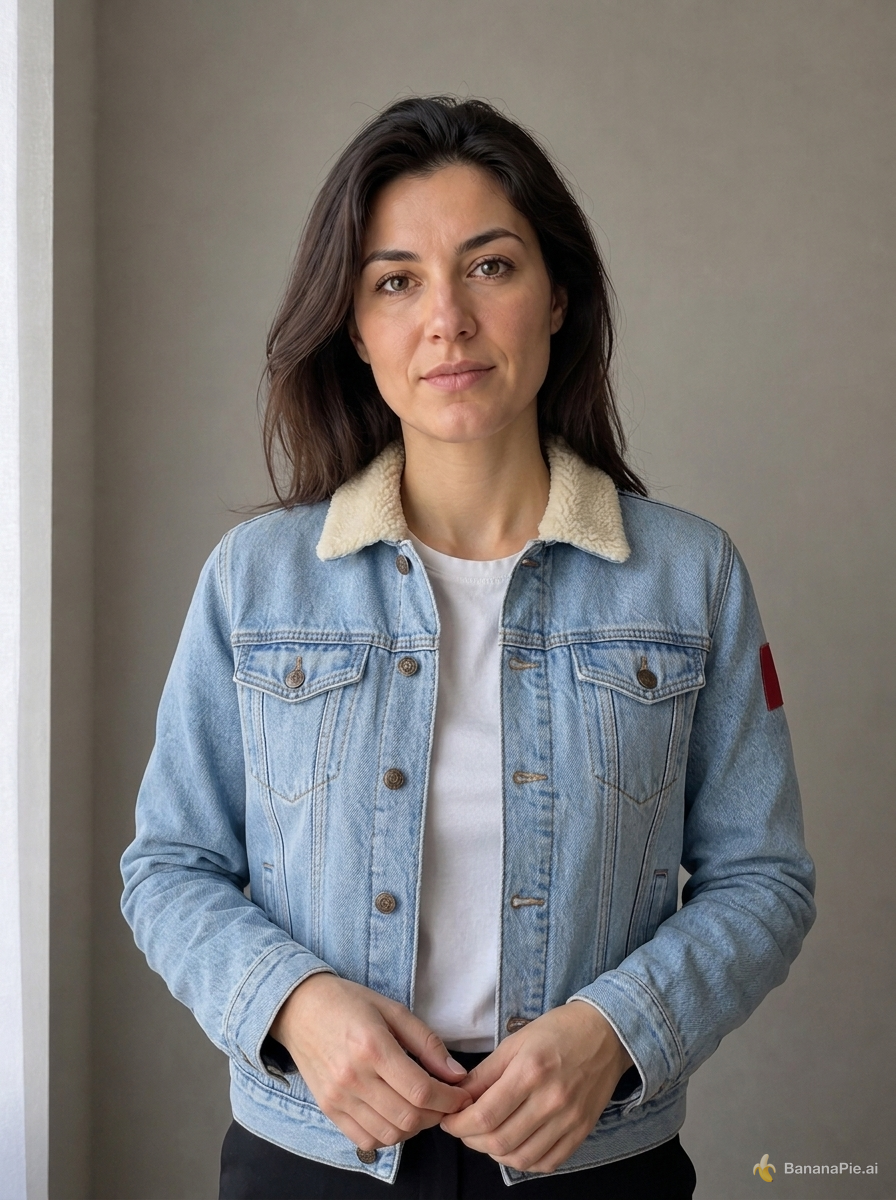
複数の参照画像から人物の特徴と衣服を反映するテストでは、送信から結果が得られるまで126.4秒かかりました。短時間で修正を繰り返したい場合には、無視できない待ち時間です。
- 静止画のみ対応
Nano Banana 2.1が生成するのは画像です。制作物に動きが必要な場合は、動画モデルを選んでください。
Nano Banana 2.1が適しているケース
- 現在Nano Banana 2を使っていて、Googleの新しい後継モデルをより少ないクレジットで利用したい。
- バナーやスクロール画像、パノラマ向けに、4:1、8:1、1:4、1:8などの極端に横長・縦長のフォーマットが必要。
- 複数の参照画像を使って生成・編集したい。
- 既存の画像で、文字の変更、ライティングの調整、画角の拡張を試したい。
- 最大4Kでの出力が必要。
他のモデルが適しているケース
- 動画やアニメーションの出力が必要。
- 予算上、1回の生成にかかる最低コストが25クレジット未満である必要がある。
- ほぼ即時の修正が欠かせず、人物の特徴と衣服を反映するテストでかかった126.4秒のような待ち時間を確保できない。
用途によっては、次のモデルが適している場合があります: Nano Banana 2 · Nano Banana Pro
実環境での結果
すべてのモデルを同じ固定プロンプトで実行しています。モデルごとに公開された結果を1件ずつ掲載し、プロンプトと設定も確認できます。
プロンプト
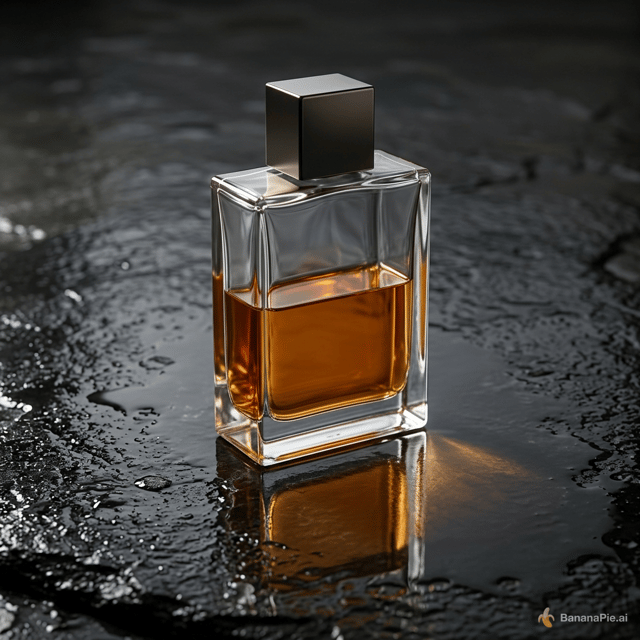
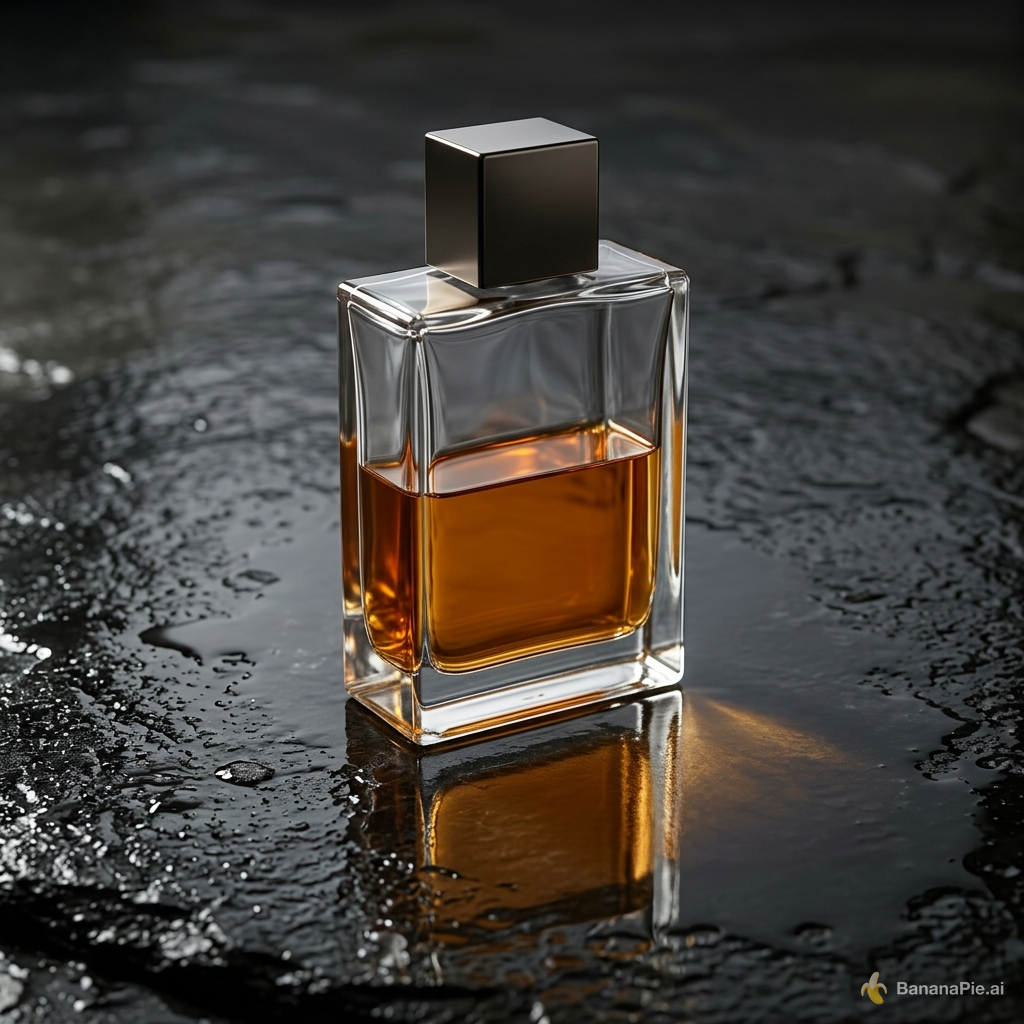
A premium product photograph of exactly one transparent rectangular perfume bottle, half filled with amber liquid, standing upright on wet black stone. Light comes from the upper left, creating coherent refraction, a contact shadow, and one subtle reflection. No text, logo, plants, or extra objects.
設定
- Resolution: 1K
- Aspect Ratio: 1:1
プロンプト
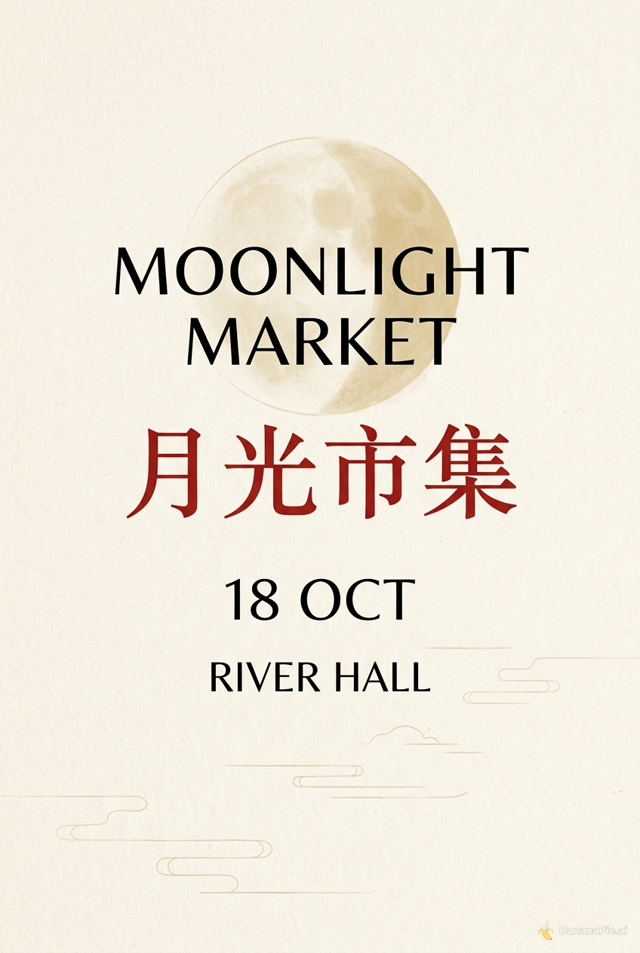
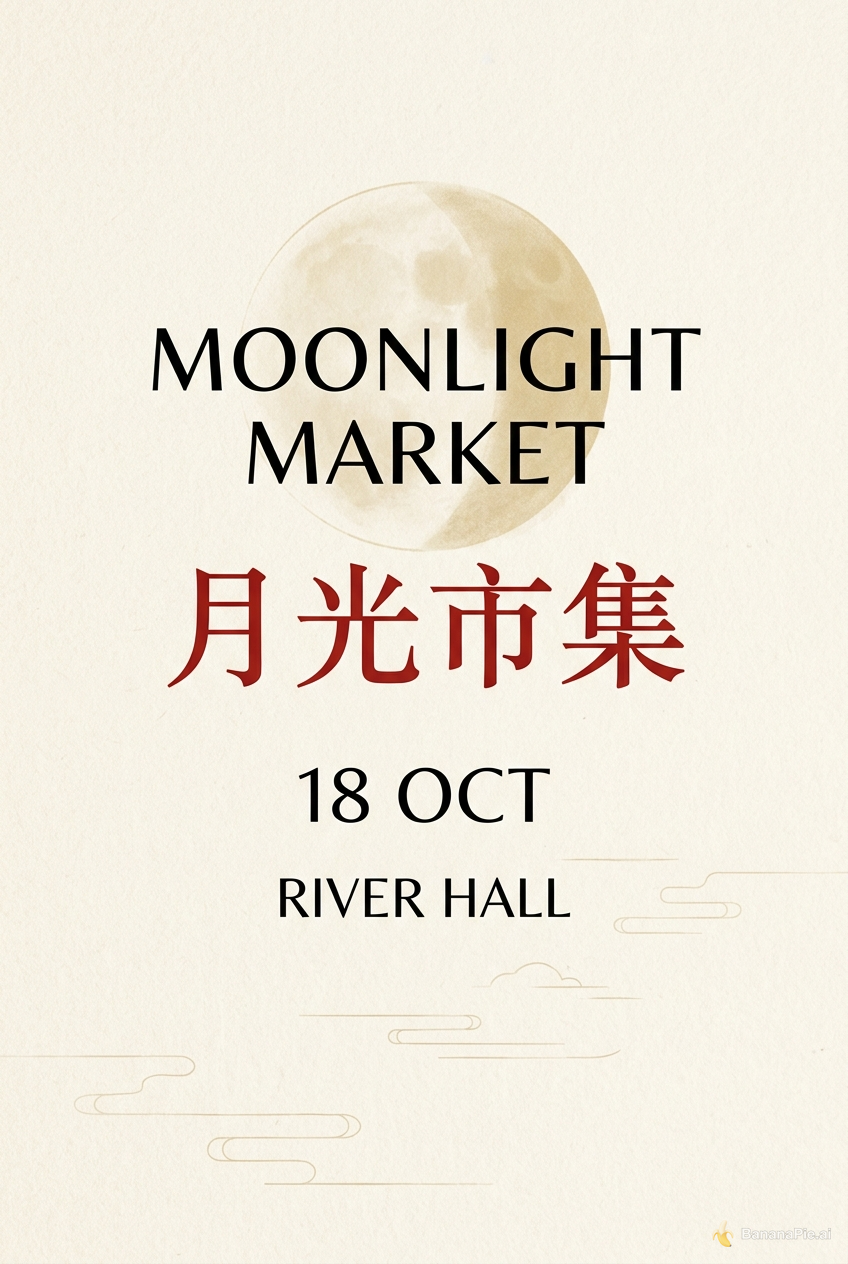
Design a clean cream-colored vertical event poster. Show exactly four centered text lines and no other text: "MOONLIGHT MARKET", "月光市集", "18 OCT", and "RIVER HALL". Render "月光市集" in red and all other lines in black.
設定
- Resolution: 1K
- Aspect Ratio: 2:3
プロンプト
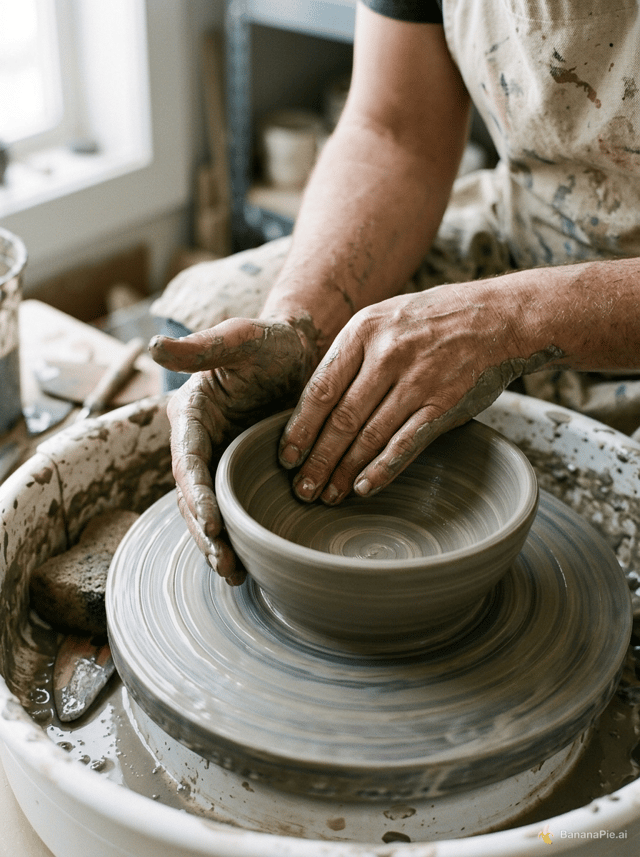
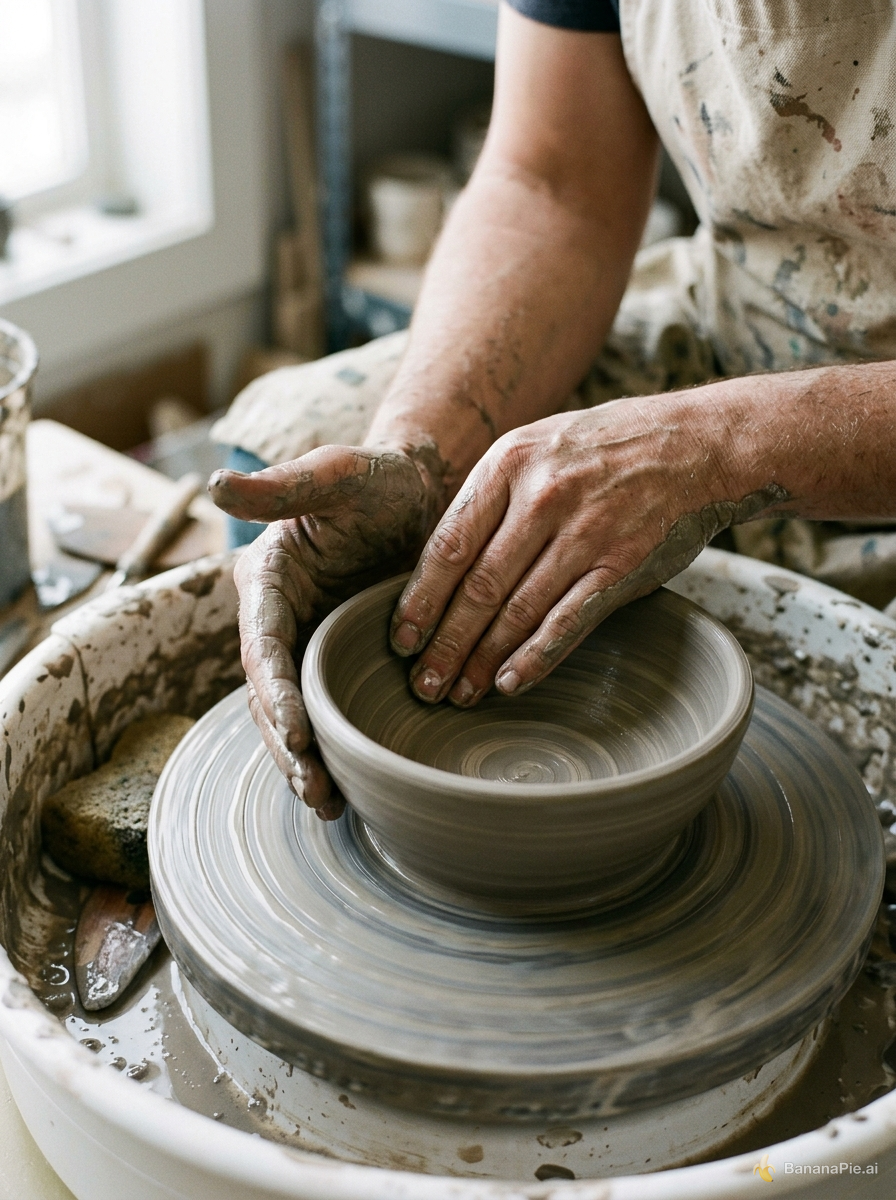
A photorealistic close-up of an adult potter shaping a clay bowl on a spinning wheel. Both hands are fully visible, each with five natural fingers touching the clay. No other people or hands. Soft window light.
設定
- Resolution: 1K
- Aspect Ratio: 3:4
プロンプト
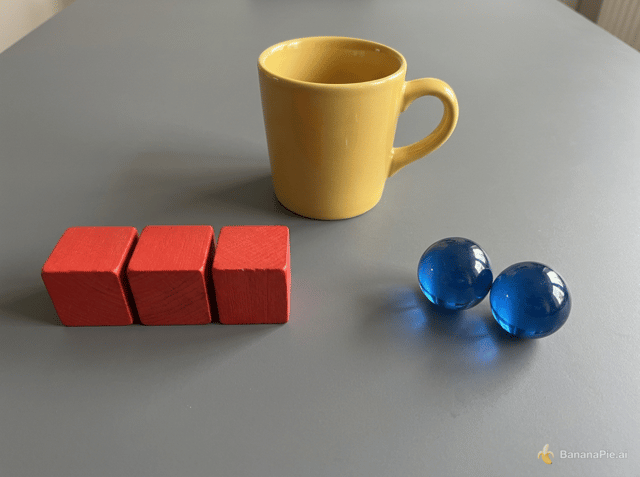
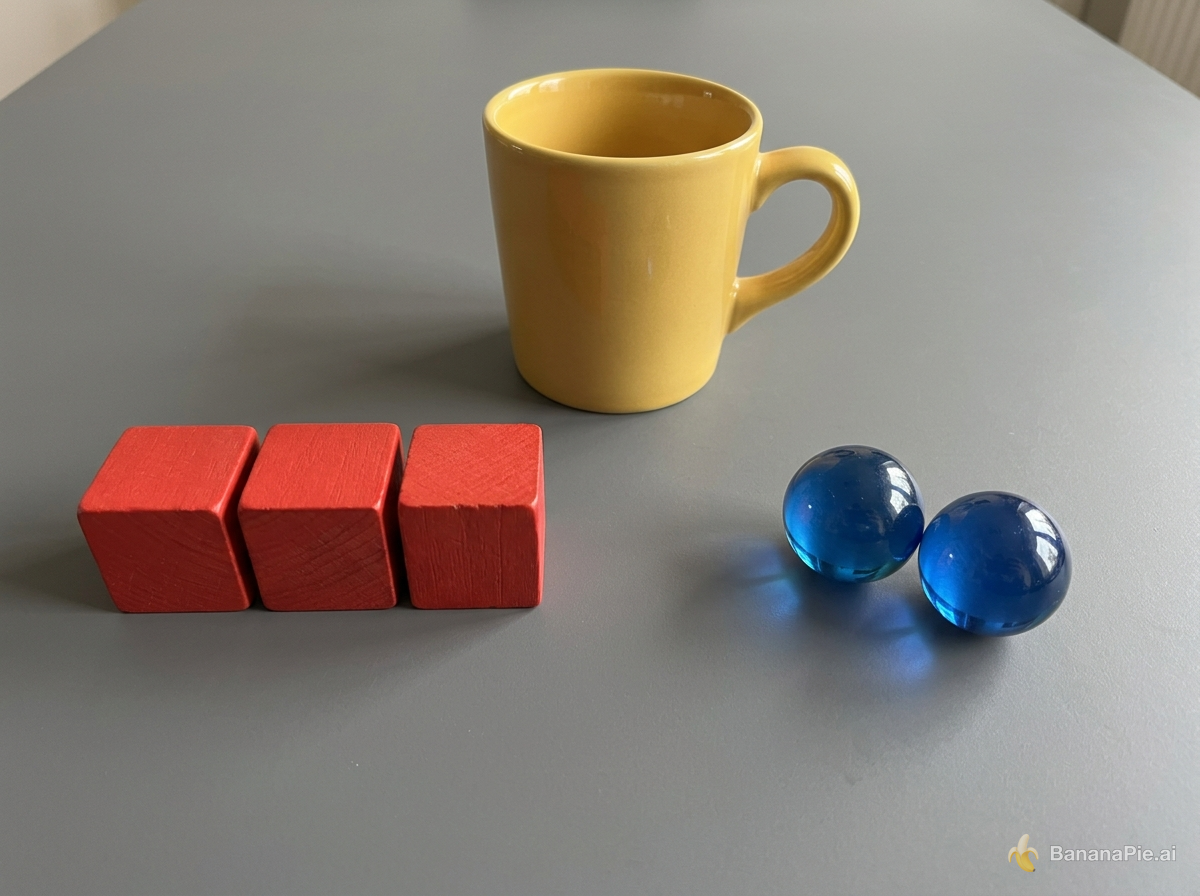
On a matte gray table, exactly three red wooden cubes form a row on the left, exactly two blue glass spheres sit on the right, and one yellow ceramic mug stands centered behind them. The mug handle points right. No other objects or text.
設定
- Resolution: 1K
- Aspect Ratio: 4:3
プロンプト
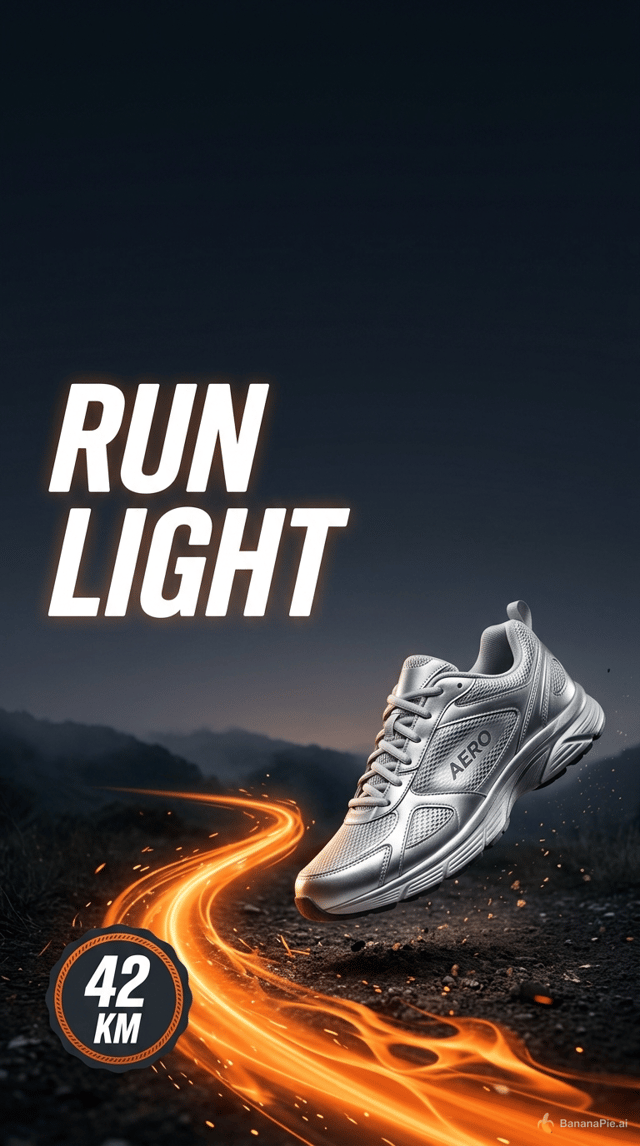
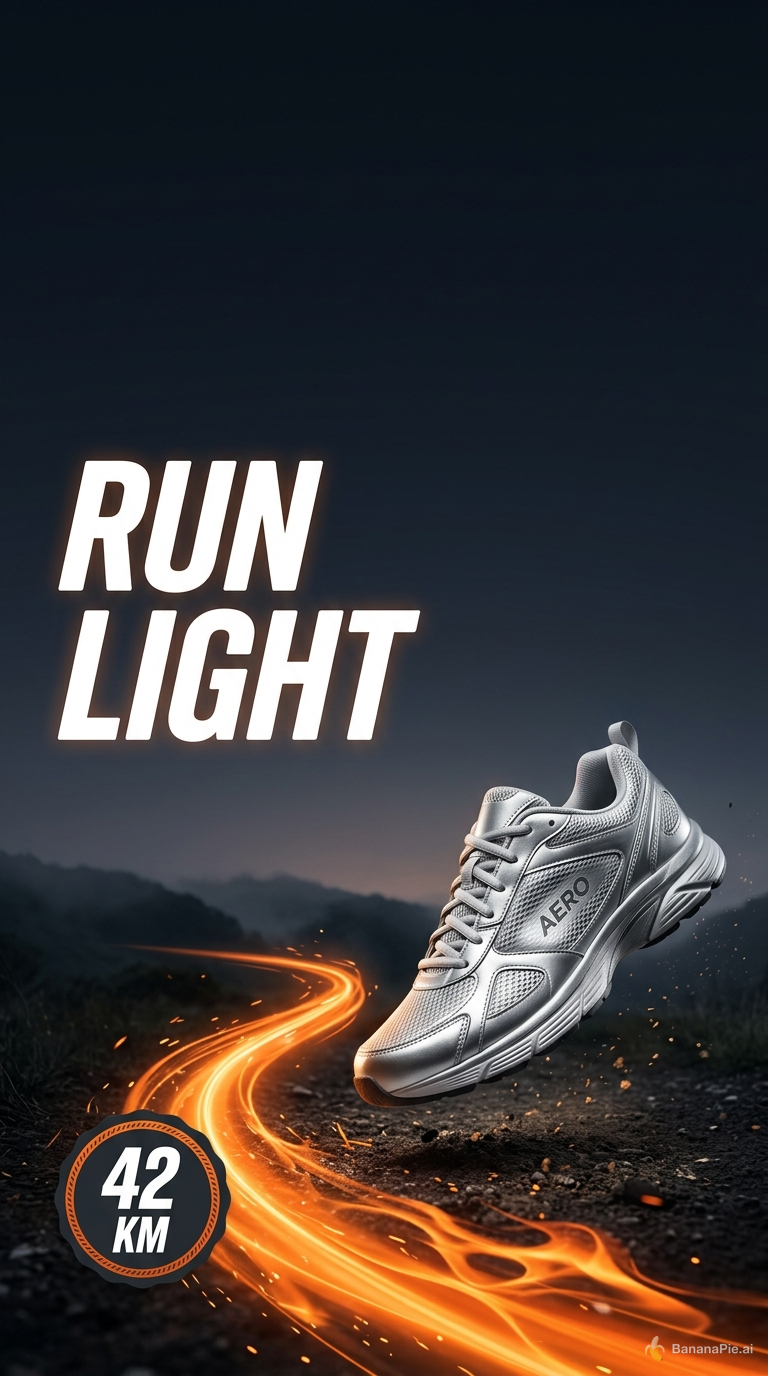
Create a vertical social ad for a fictional running shoe named AERO. Keep the top 15 percent empty. Directly below it, place the headline "RUN LIGHT" in the upper-left. Show exactly one silver shoe in the lower-right, an orange trail curving from the bottom-left, and a round badge reading "42 KM". No other shoes or text.
設定
- Resolution: 1K
- Aspect Ratio: 9:16
プロンプト
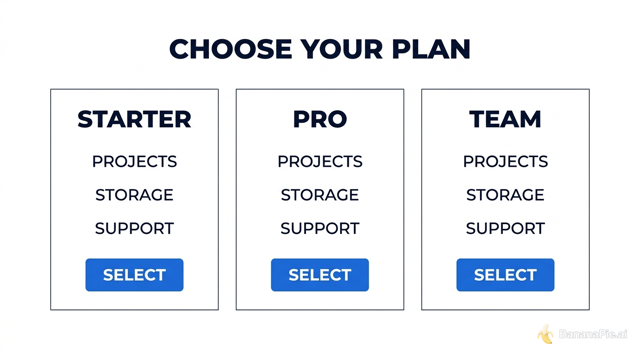
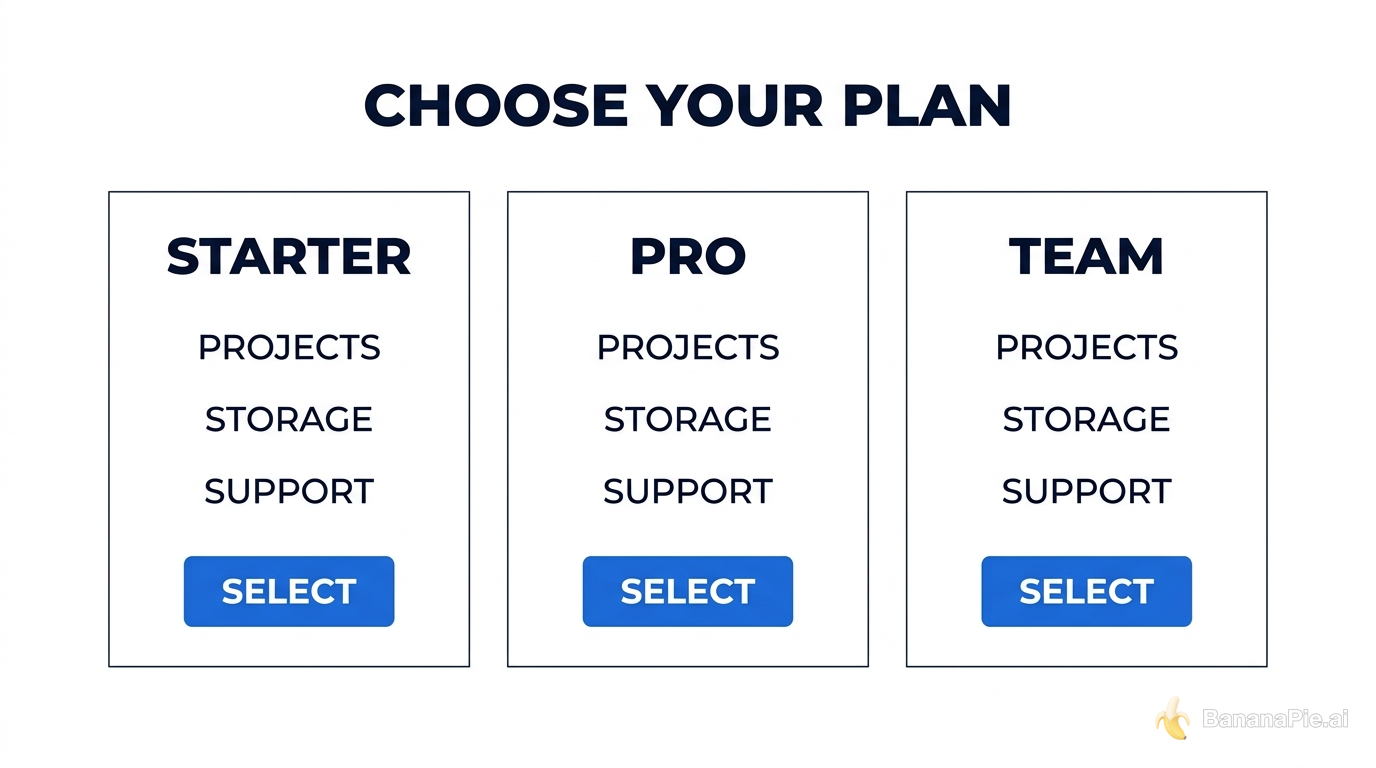
Create a clean horizontal pricing comparison graphic titled "CHOOSE YOUR PLAN". Use exactly three equal columns labeled "STARTER", "PRO", and "TEAM". Under each column, show exactly three aligned rows labeled "PROJECTS", "STORAGE", and "SUPPORT", followed by one blue button labeled "SELECT". White background, dark navy text, no additional columns or text.
設定
- Resolution: 1K
- Aspect Ratio: 16:9

プロンプト
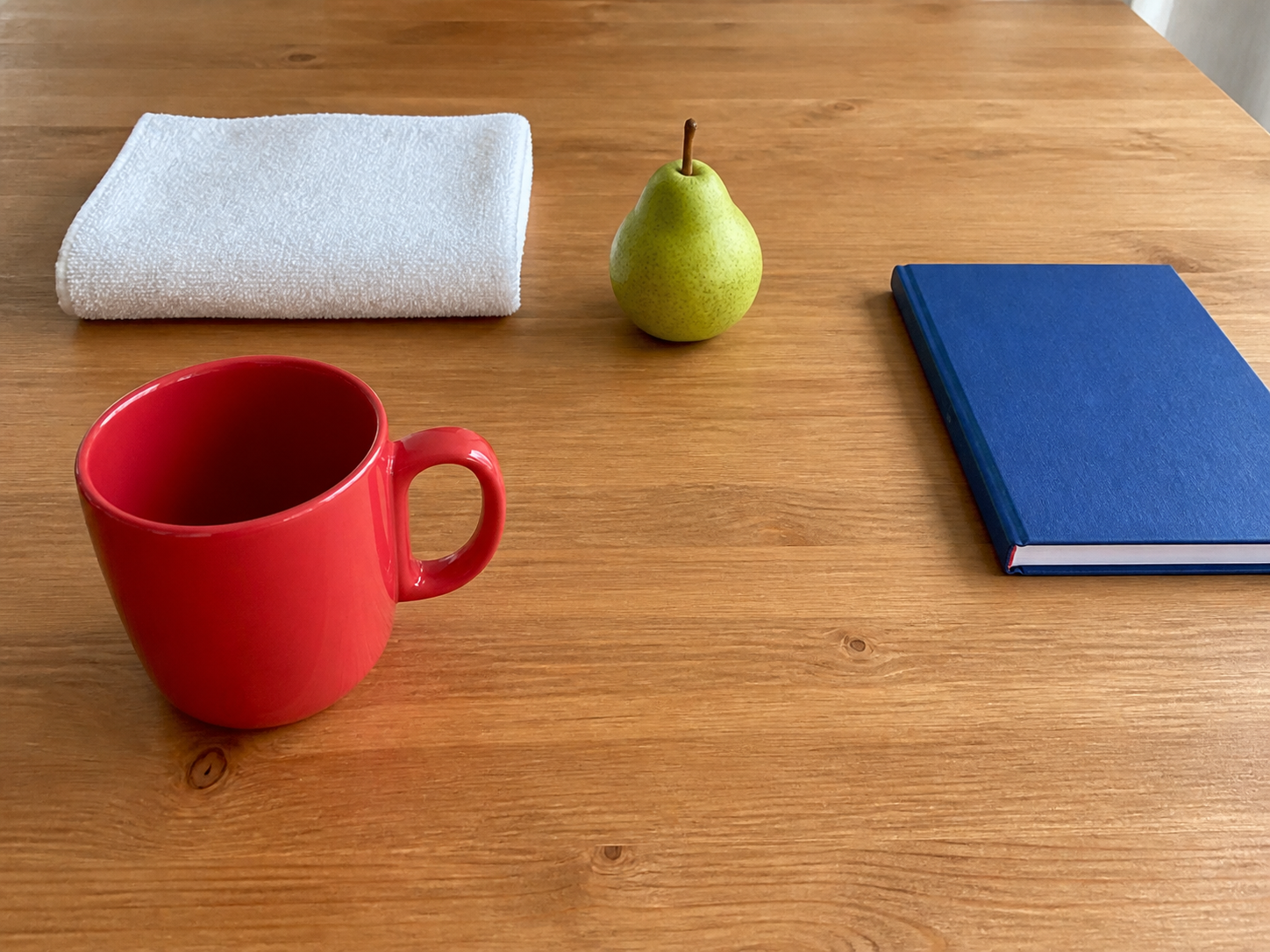
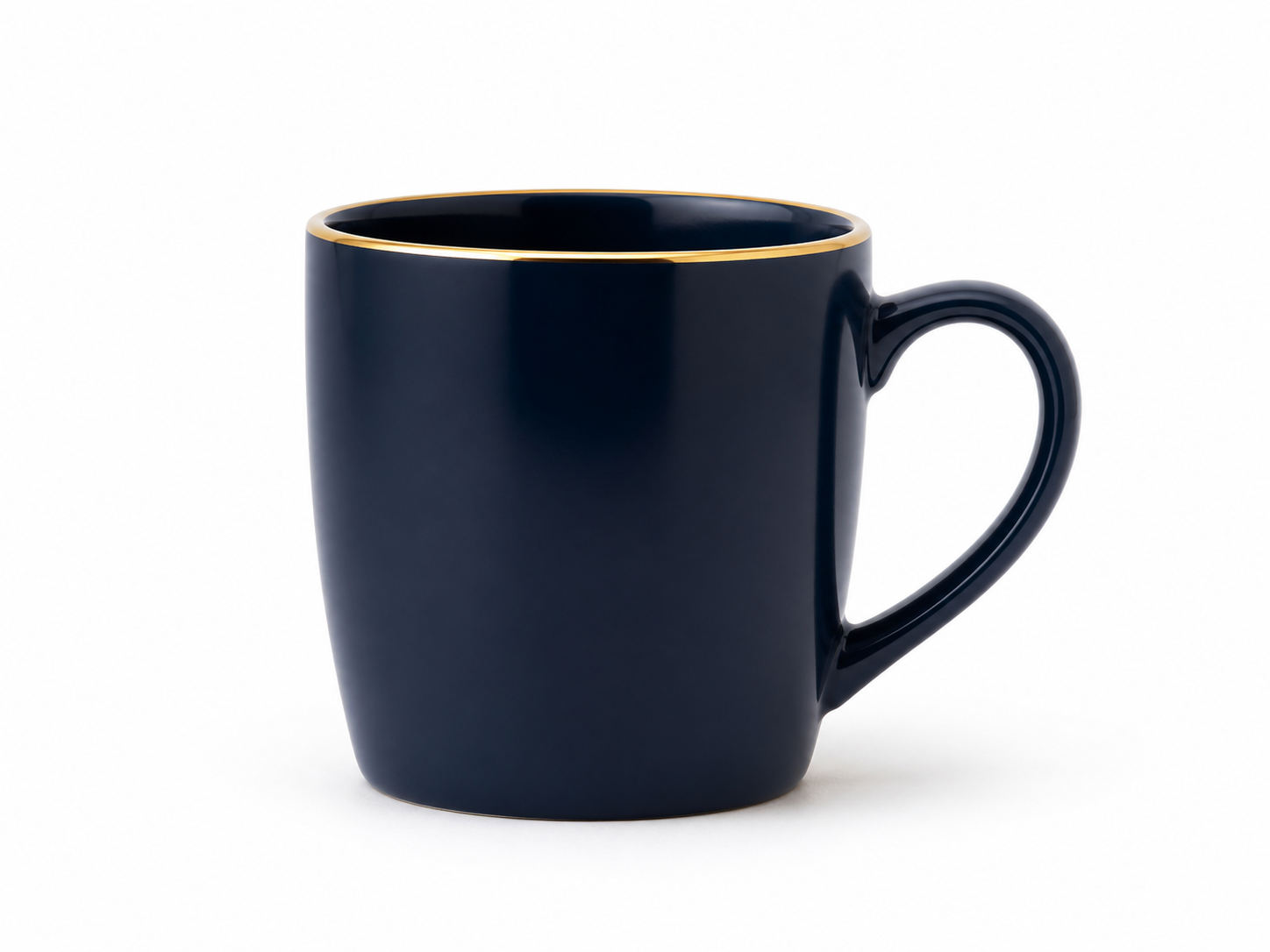
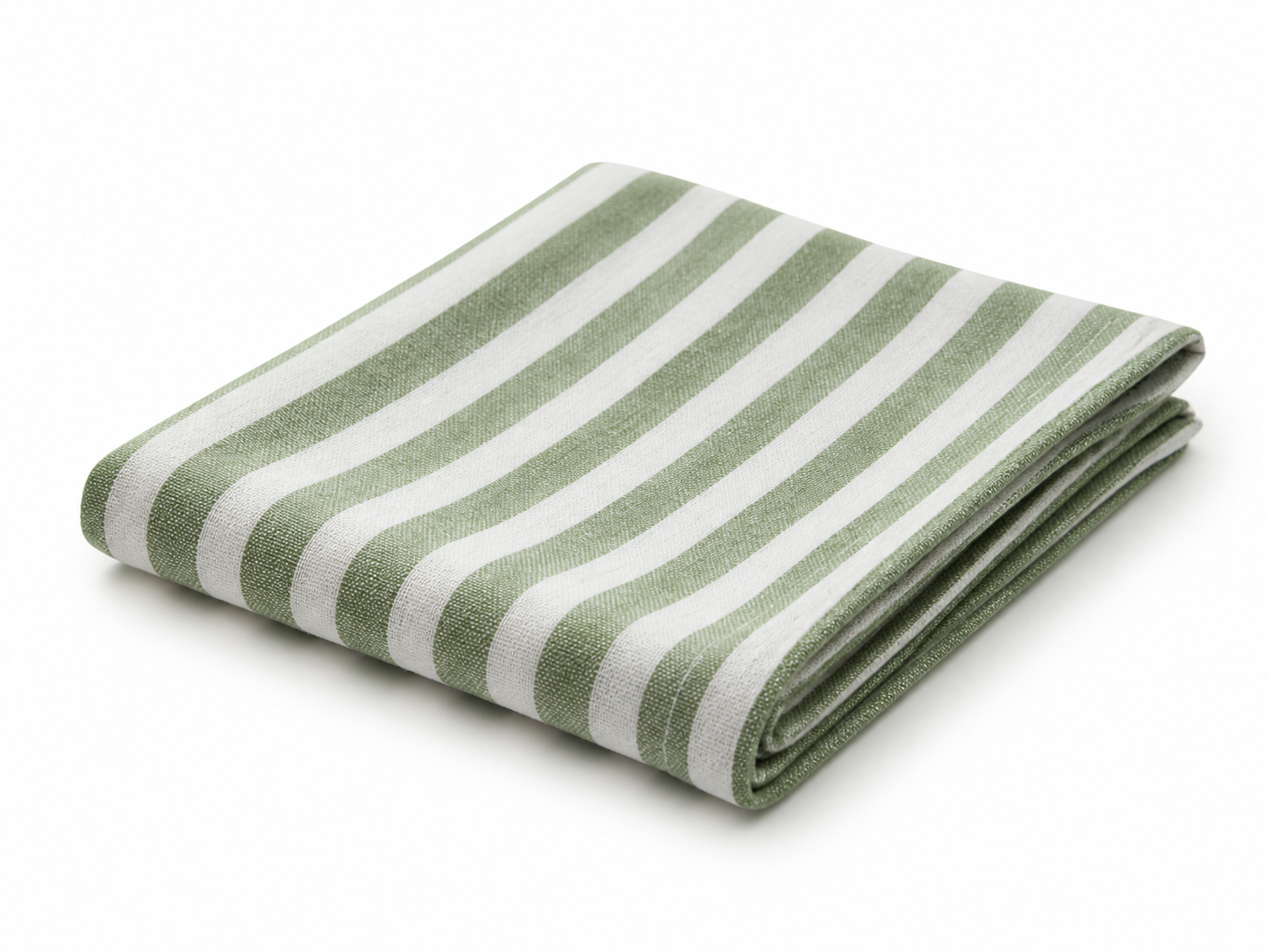
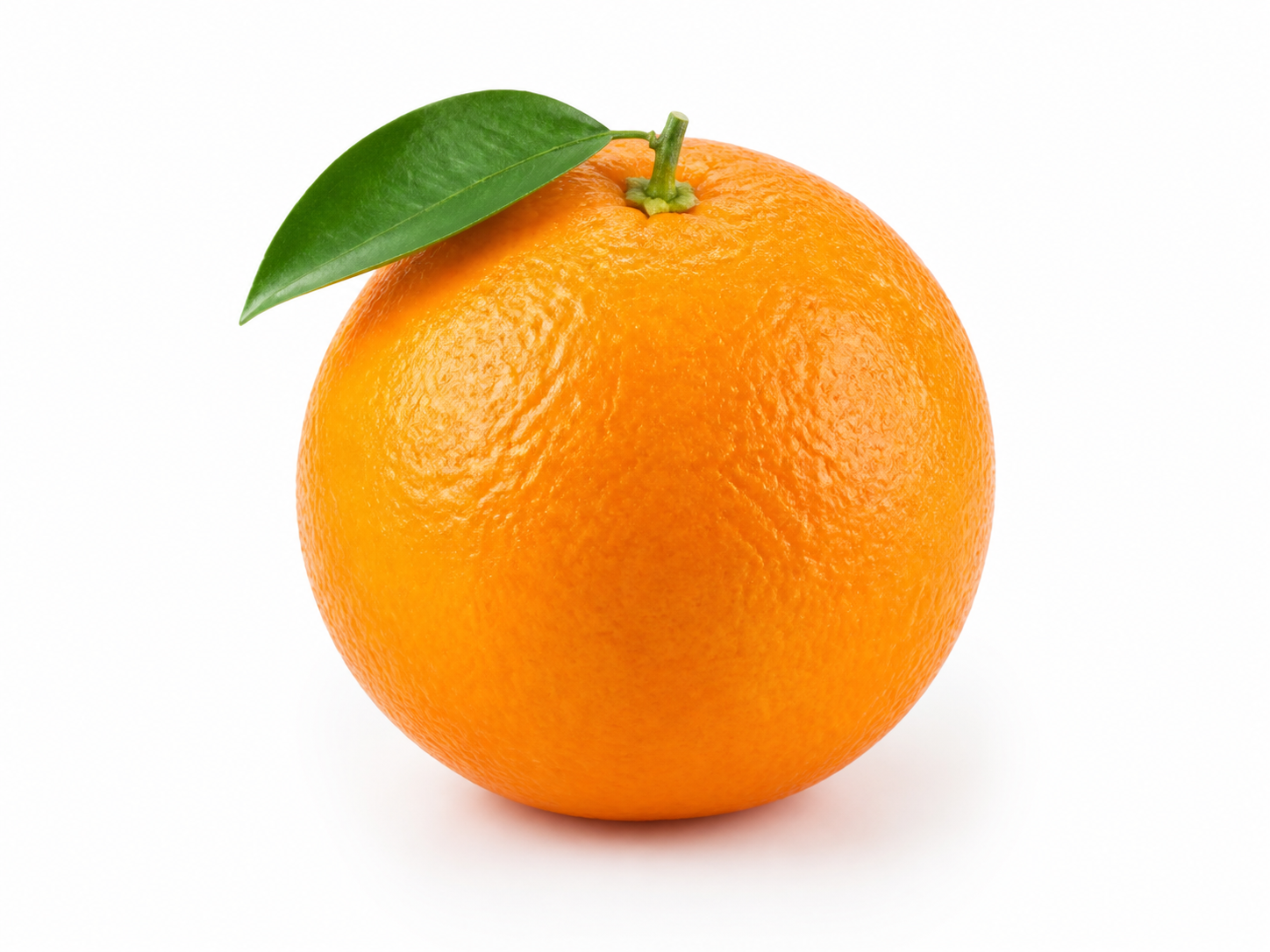
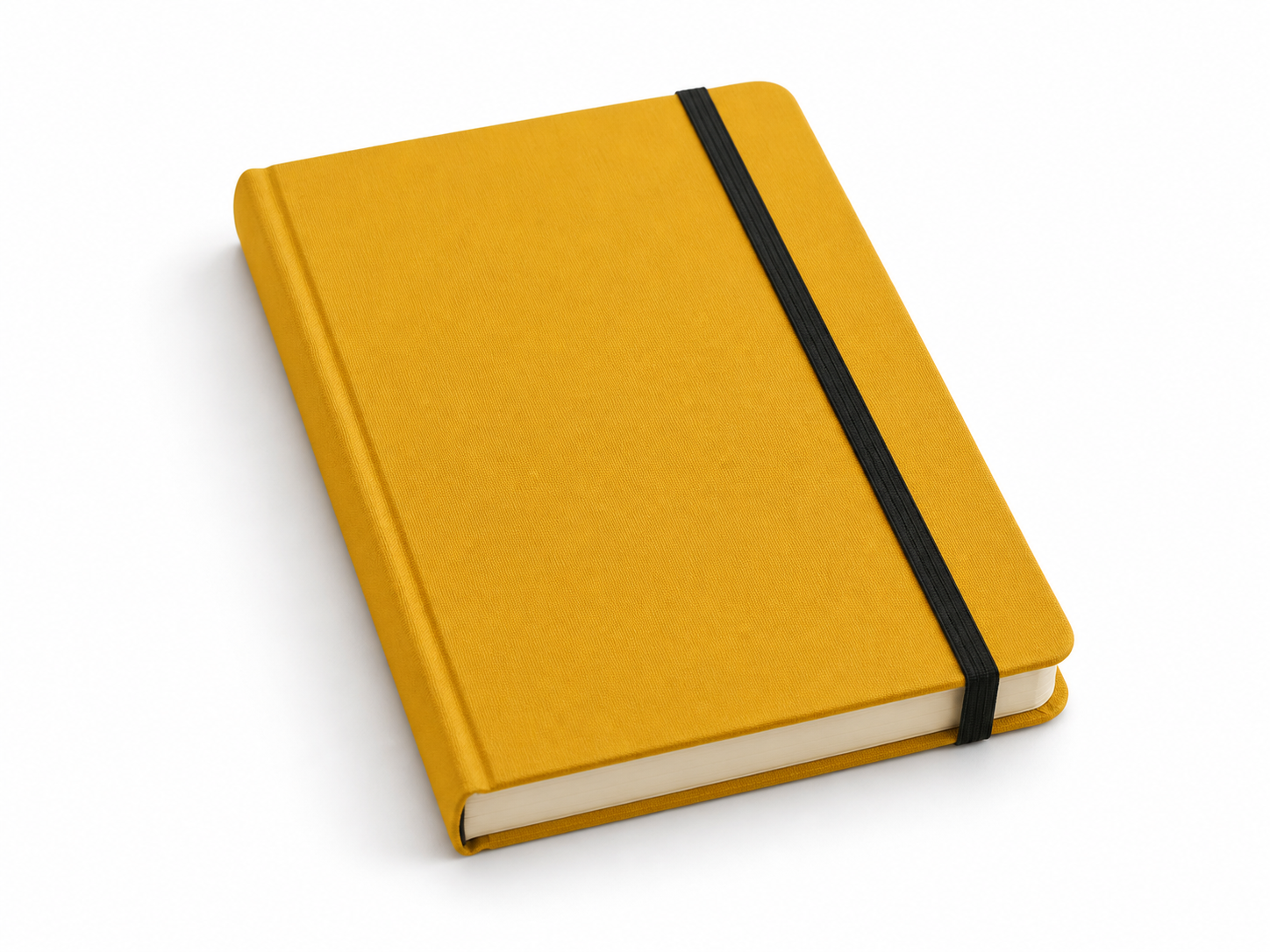
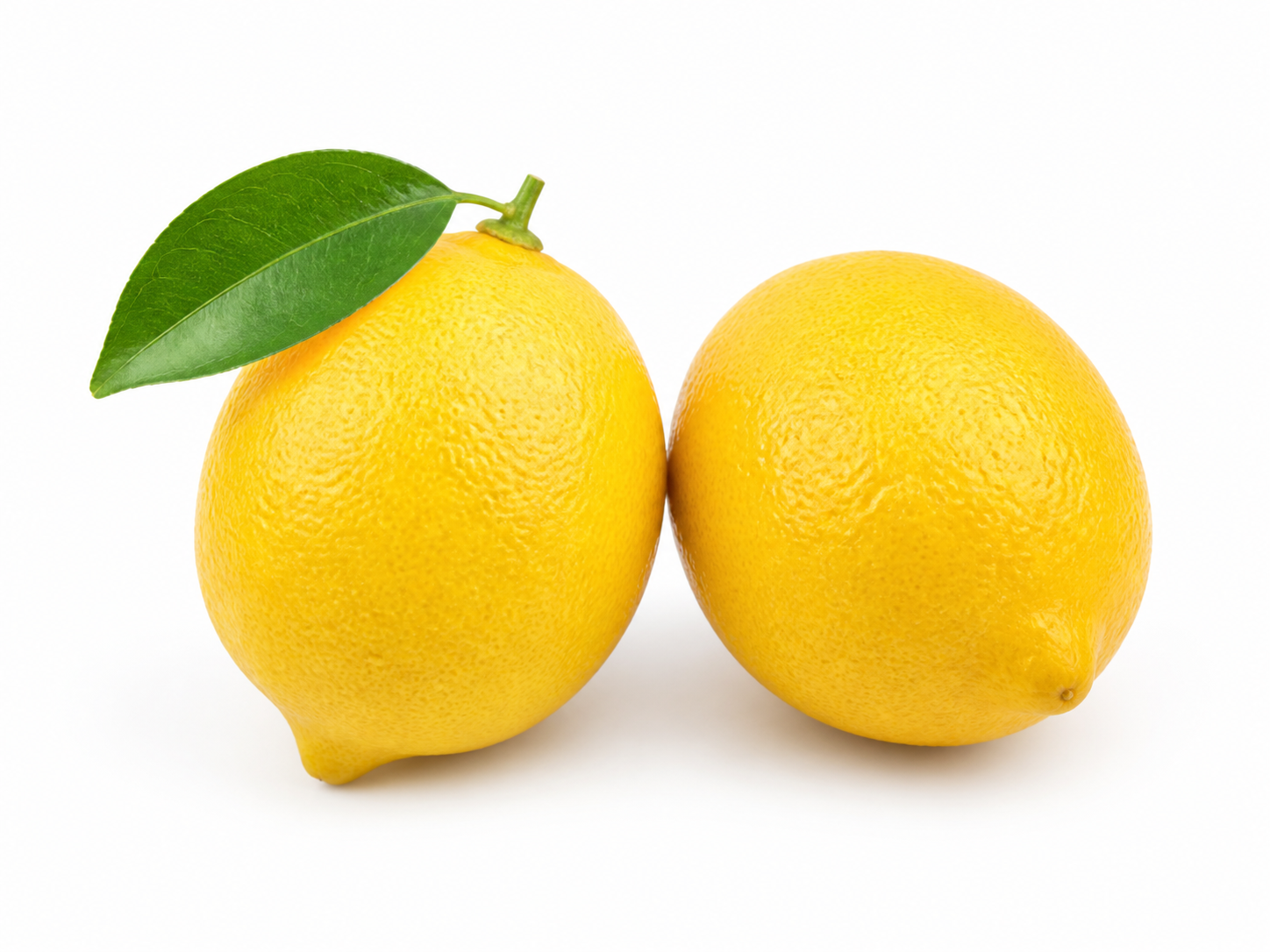
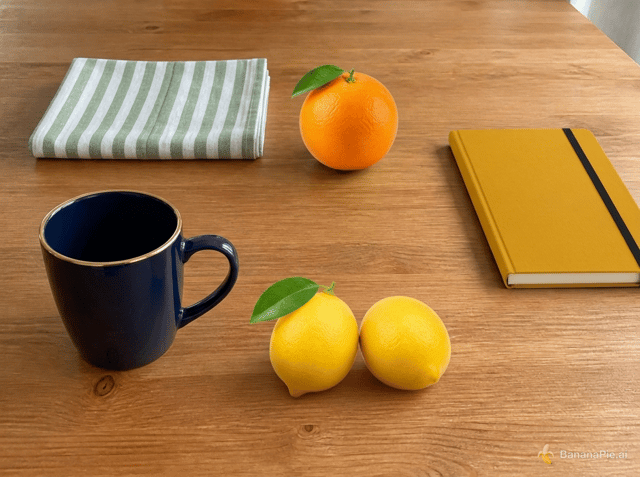
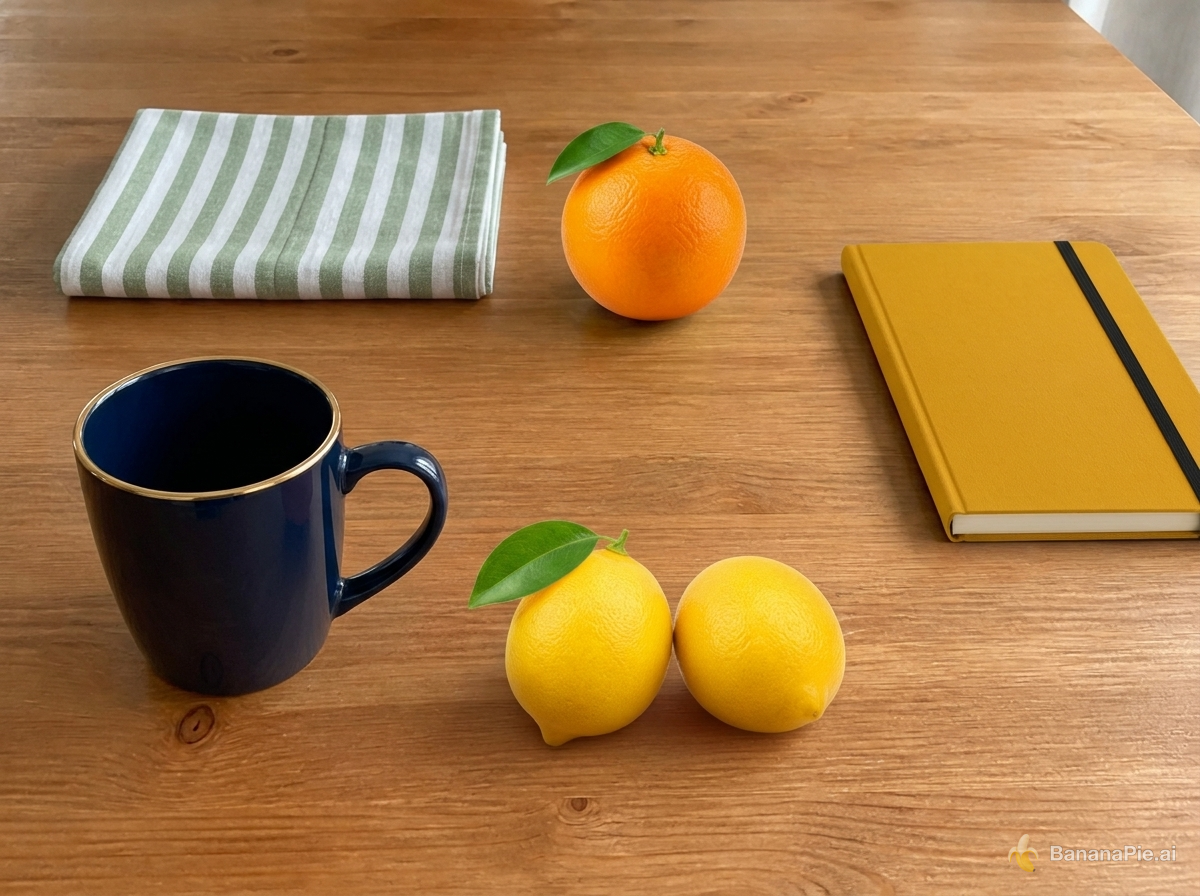
Use Reference 1 as the base tabletop scene. Replace the red mug with the exact dark navy-blue mug from Reference 2 in the same position and orientation. Replace the folded white towel with the exact green-and-white striped napkin from Reference 3 in the same folded area. Replace the green pear with exactly one orange from Reference 4 in the same position. Replace the blue notebook with the exact mustard-yellow hardcover notebook from Reference 5 in the same position. Add exactly the two lemons from Reference 6 to the right of the mug. Preserve the wooden table, camera, framing, wood grain, lighting, shadows, and all other spatial relationships from Reference 1. Do not copy the white product backgrounds from References 2–6, duplicate any asset, or add other objects.
設定
- Resolution: 1K
- Aspect Ratio: 4:3
参照画像
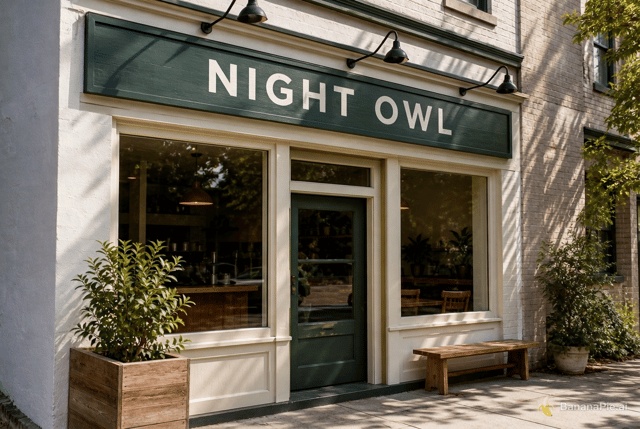
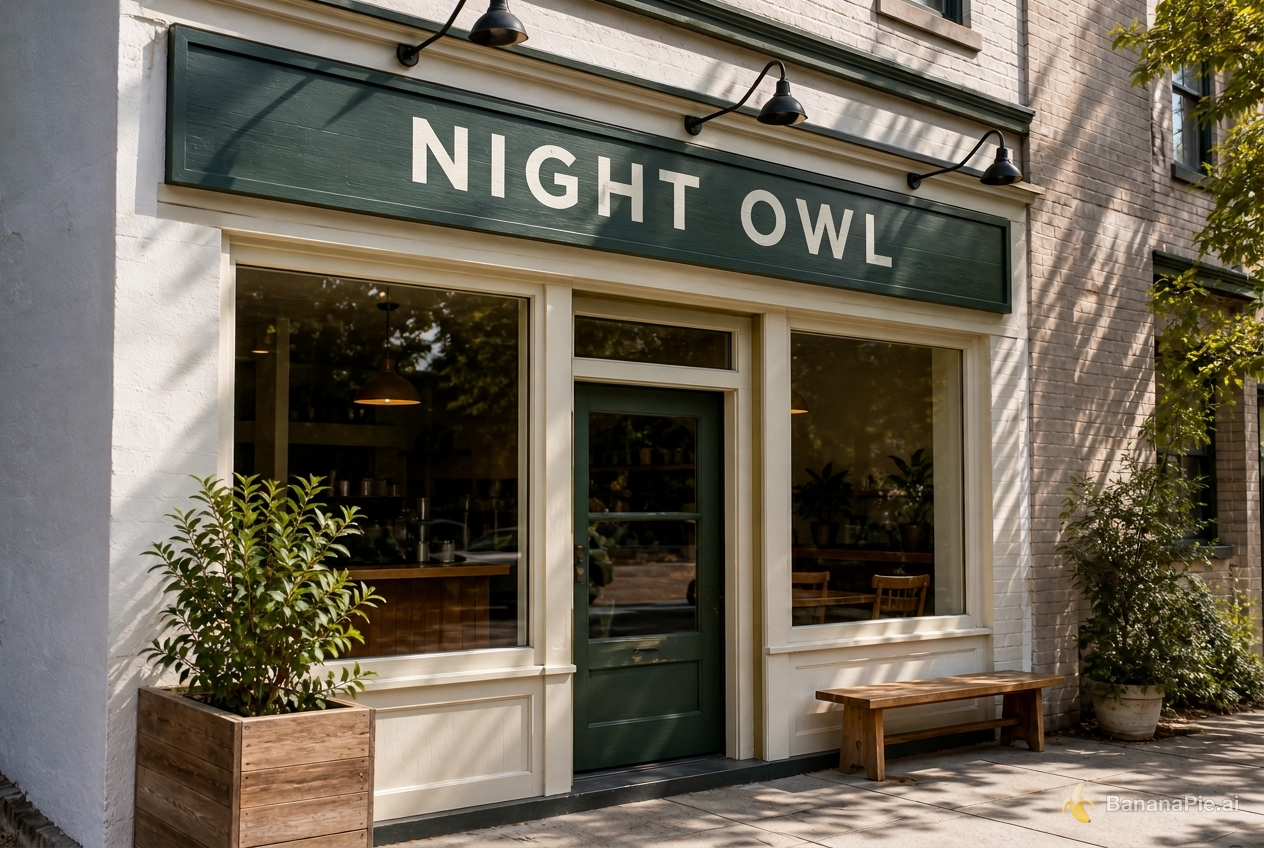
プロンプト
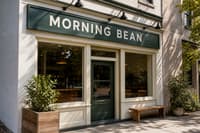
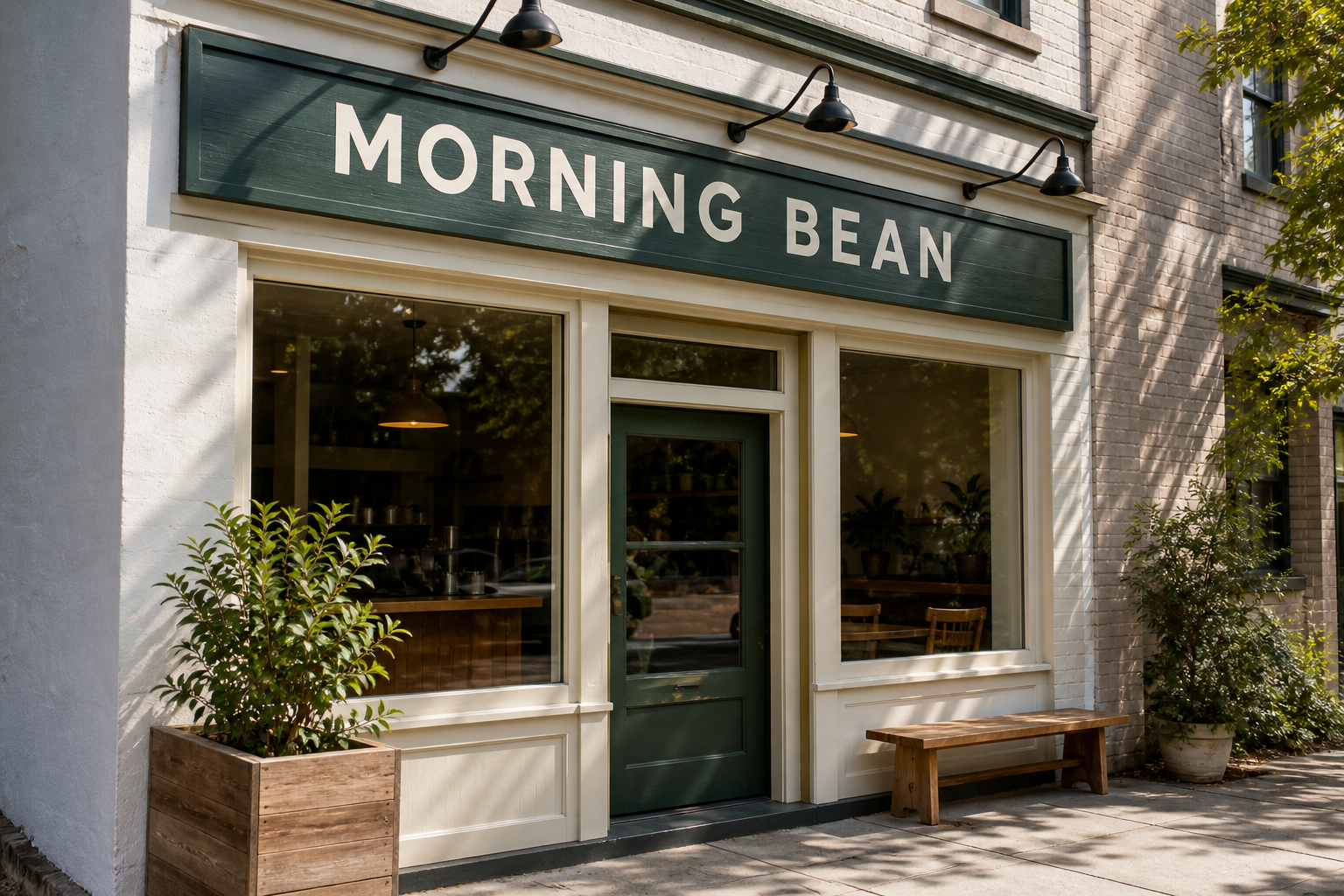
Replace only the sign text with exactly "NIGHT OWL". Preserve the original font style, spacing, perspective, sign material, lighting, and everything else.
設定
- Resolution: 1K
- Aspect Ratio: 3:2

プロンプト
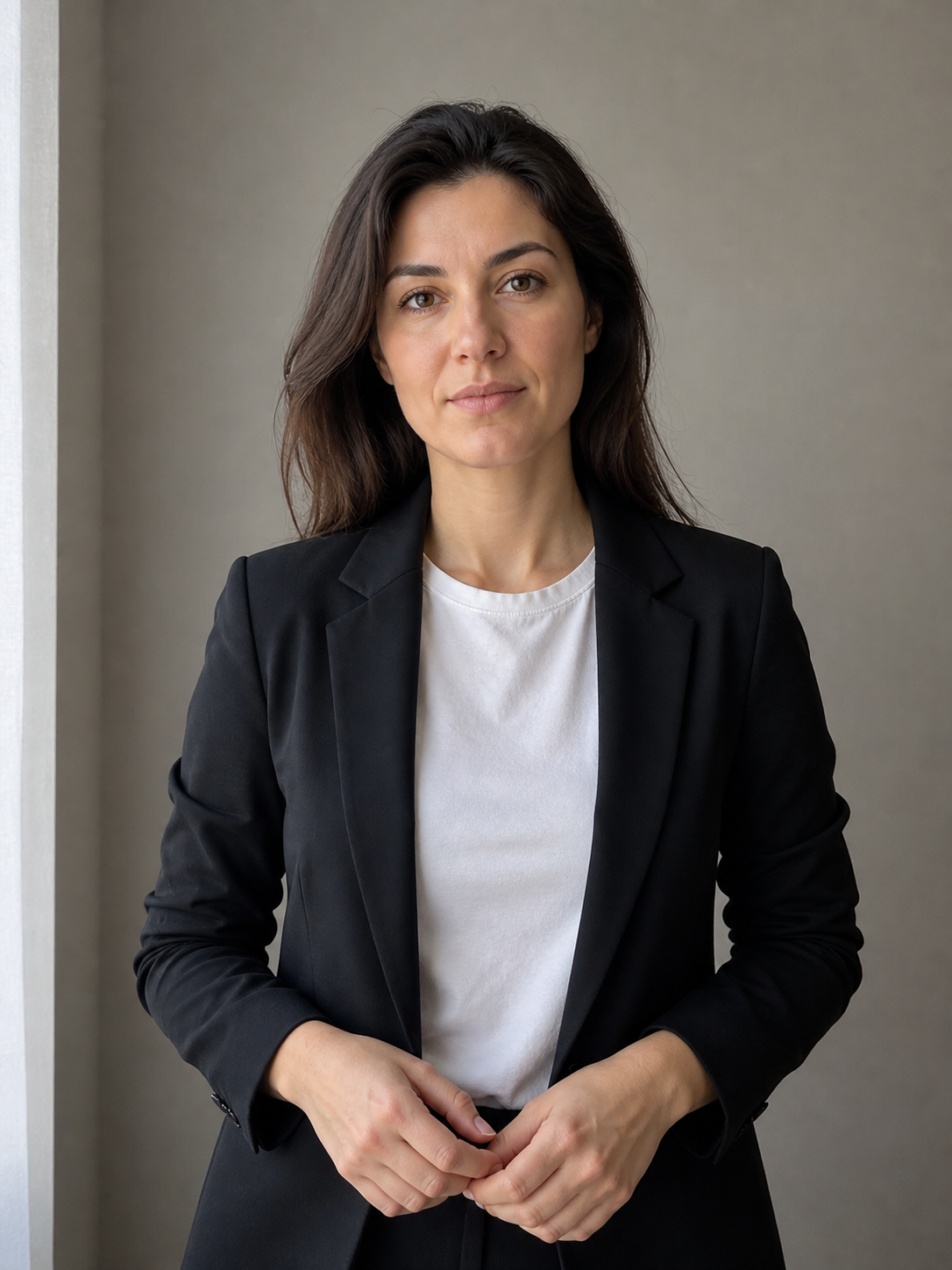
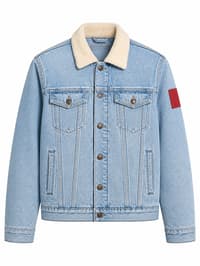
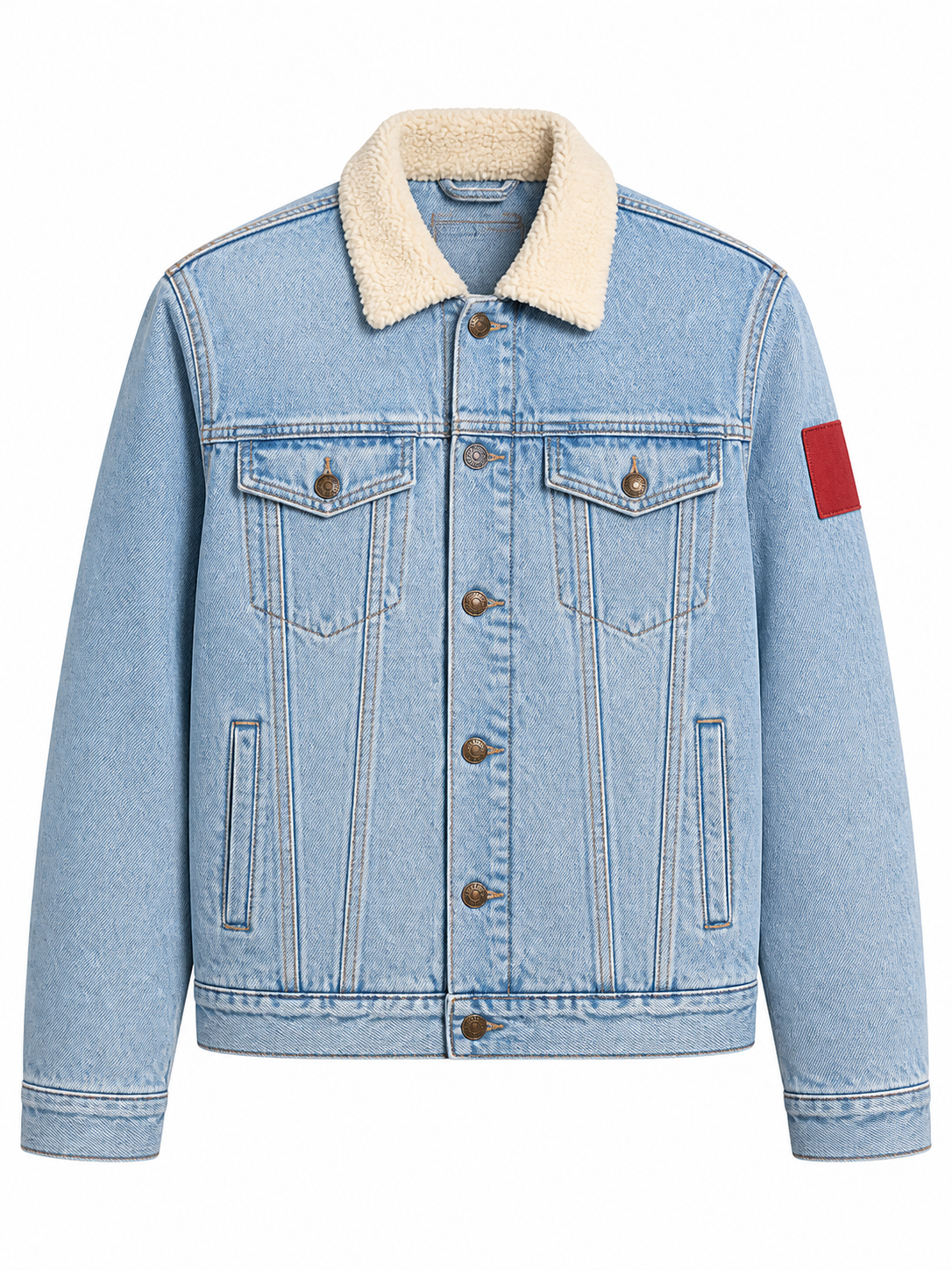
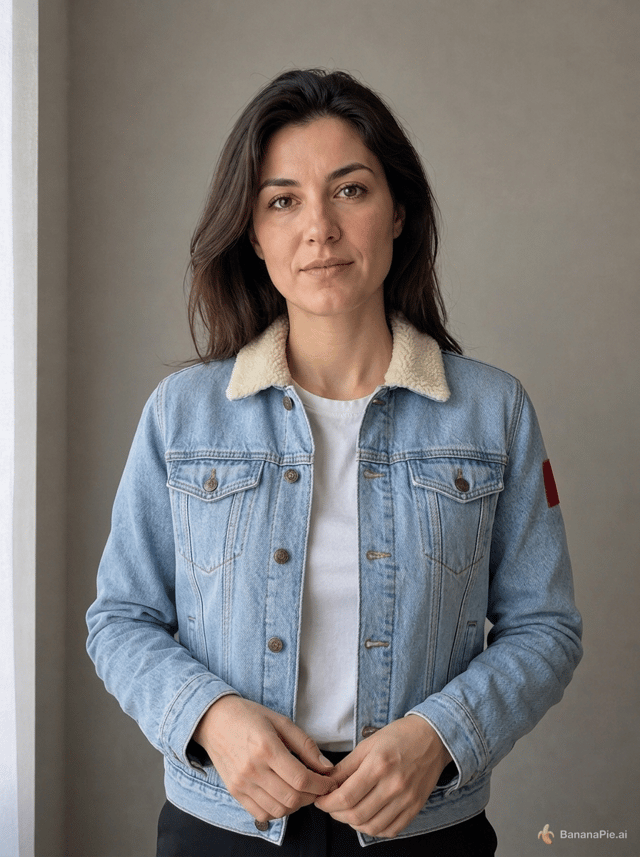
Use the portrait in Reference 1 for the person and the isolated jacket in Reference 2 for the garment. Dress the person from Reference 1 in the exact jacket shown in Reference 2. Preserve the person's identity, face, expression, skin, hair, hands, pose, body proportions, background, framing, and lighting from Reference 1. Preserve the jacket's material, color, collar, buttons, pockets, and sleeve patch from Reference 2. Do not copy the ghost mannequin or white product background.
設定
- Resolution: 1K
- Aspect Ratio: 3:4
参照画像

プロンプト
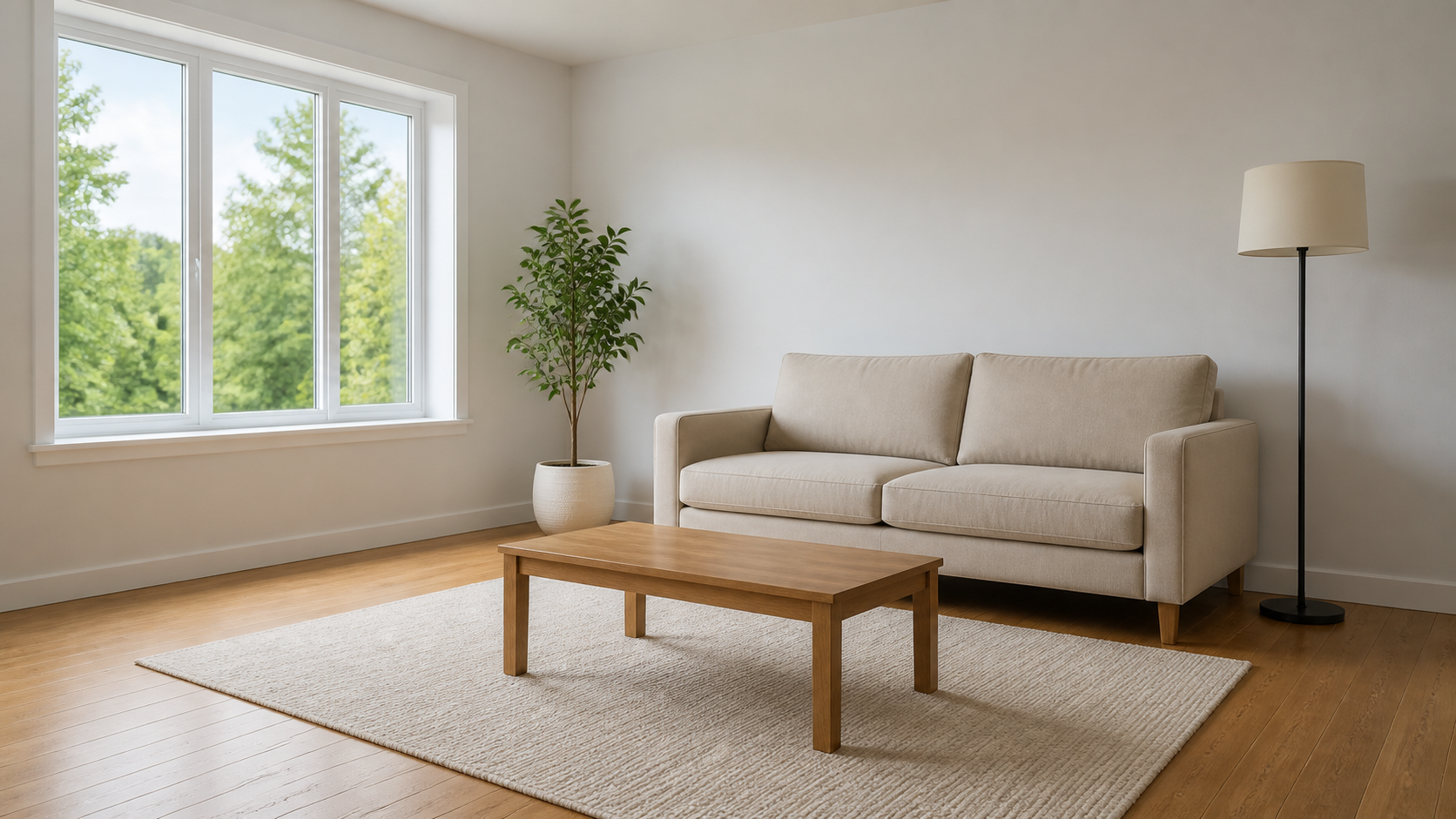
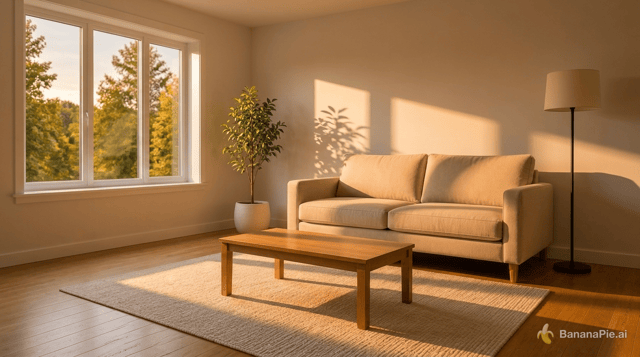
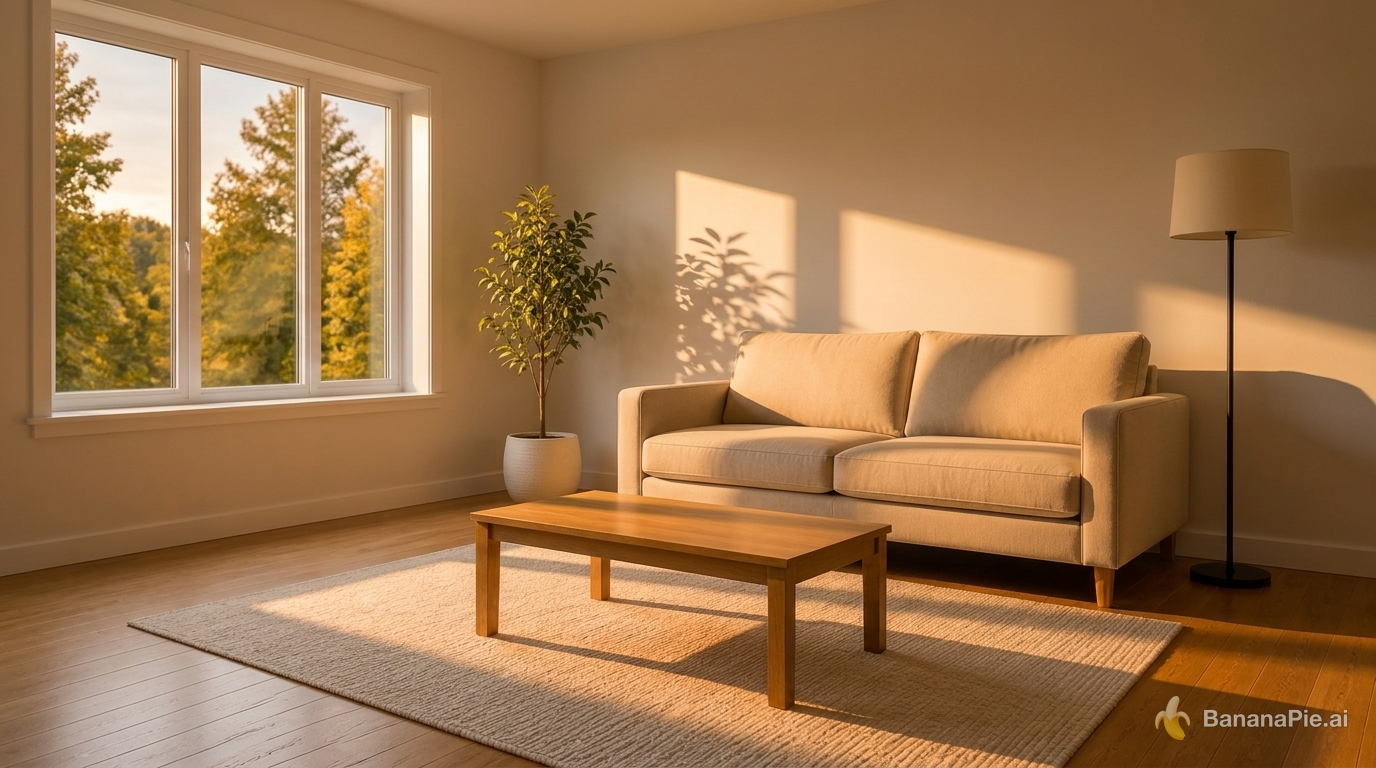
Change the lighting to warm golden-hour sunlight entering from the left window. Do not move, add, remove, or redesign any object. Update highlights and shadows coherently.
設定
- Resolution: 1K
- Aspect Ratio: 16:9
参照画像
プロンプト
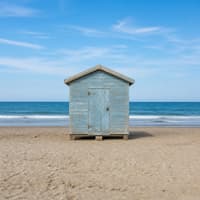
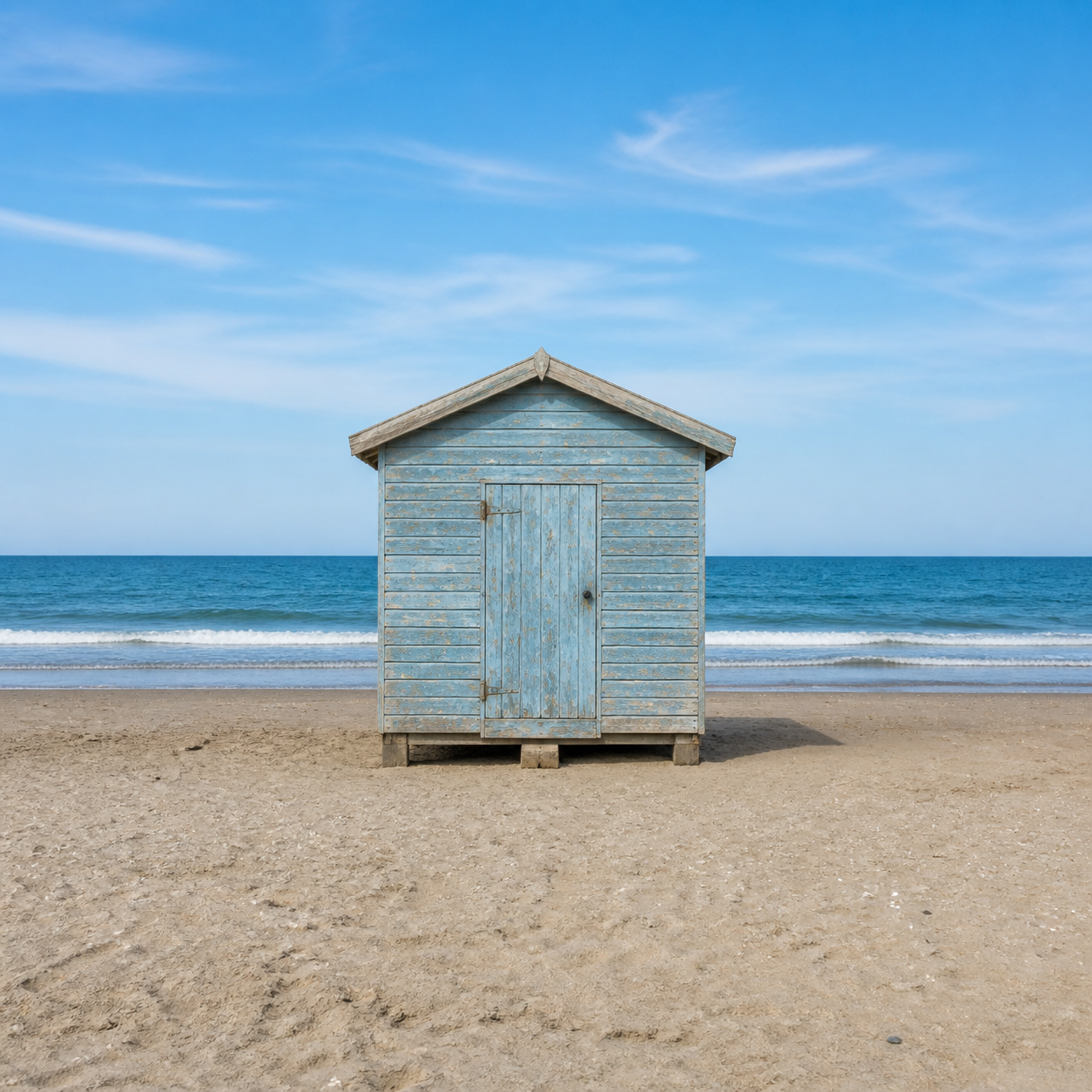
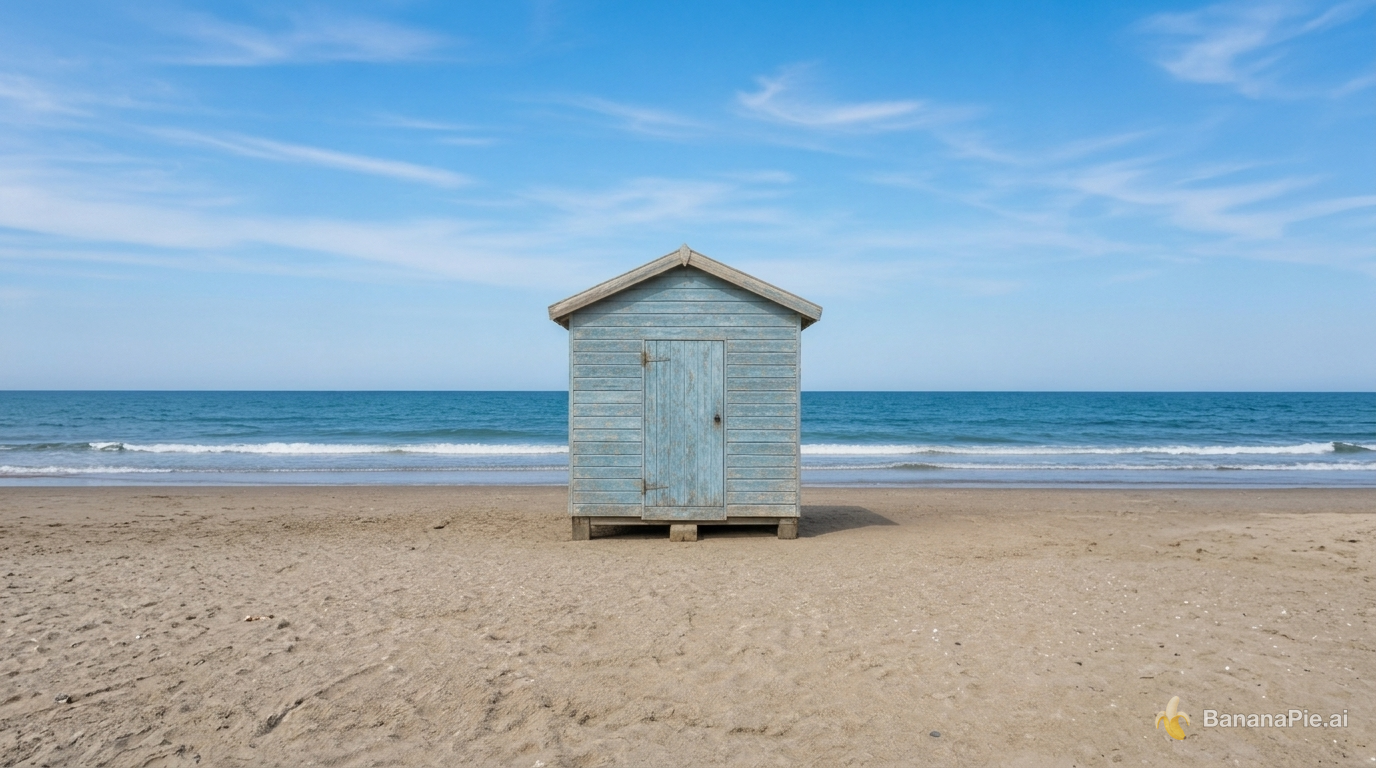
Expand the canvas to a 16:9 landscape by naturally continuing the beach, ocean, and sky on both sides. Keep the complete original image centered without cropping, stretching, letterboxing, or modifying it.
設定
- Resolution: 1K
- Aspect Ratio: 16:9

参照画像
プロンプト
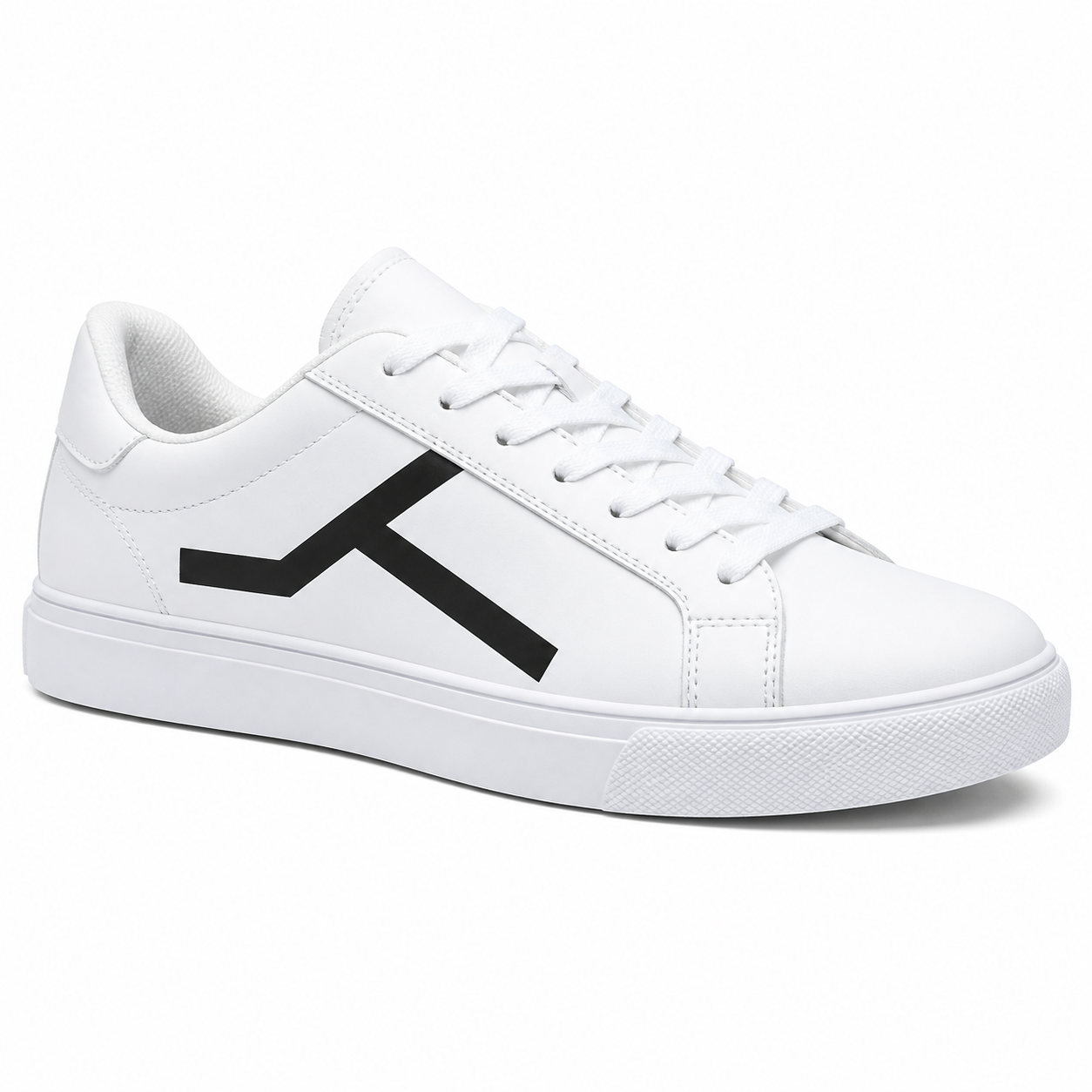
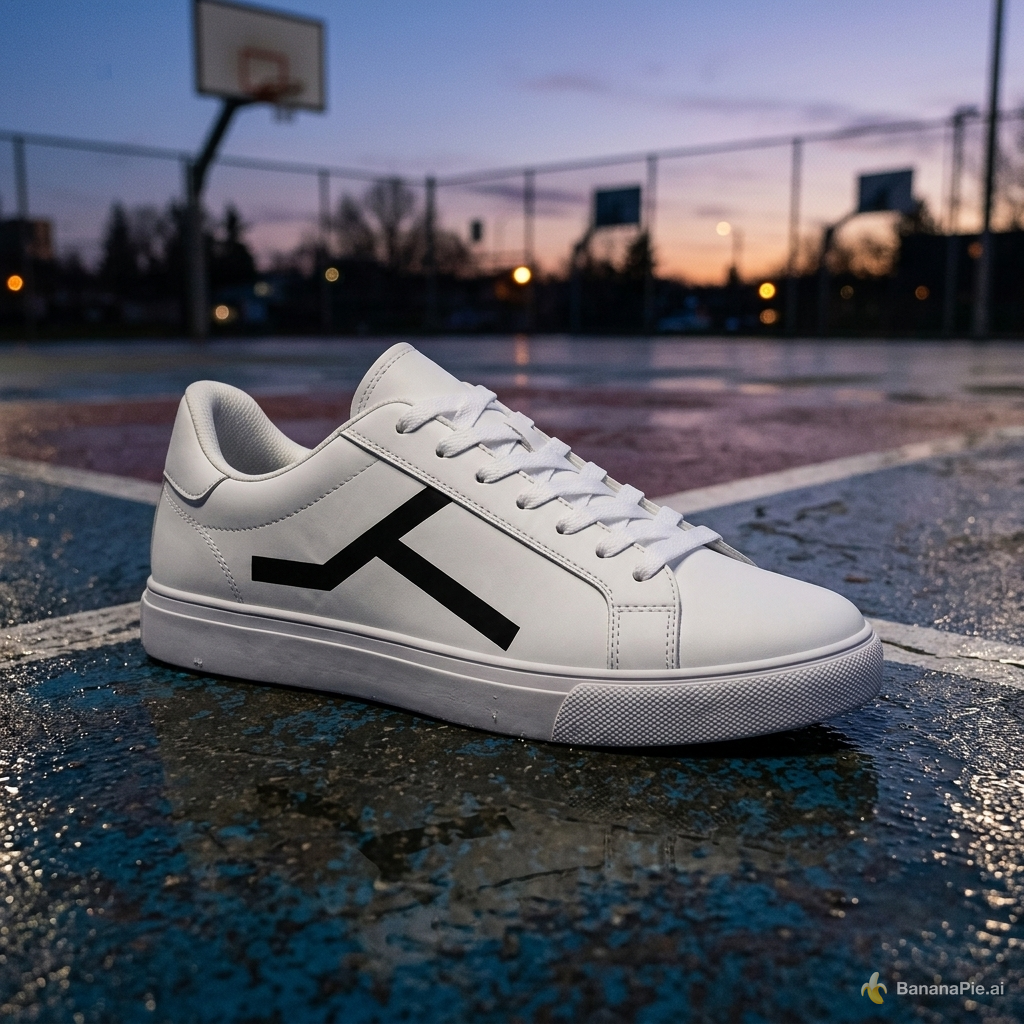
Place the sneaker on a wet outdoor basketball court at dusk. Preserve the exact sneaker shape, black geometric side mark, materials, stitching, sole geometry, and camera angle. Add physically coherent contact, reflections, and dusk lighting.
設定
- Resolution: 1K
- Aspect Ratio: 1:1

クレジットと料金
Nano Banana 2.1は、すべての解像度でNano Banana 2より少ないクレジットで利用でき、解像度を上げるごとに必要なクレジットが増えます。Banana Pieの「生成」ボタンには、選択した設定で必要なクレジット数が生成前に表示されます。
よくある質問
Nano Banana 2.1の利用にはいくらかかりますか?
Banana Pieでは、Nano Banana 2.1を1回の生成あたり25クレジットから利用できます。「生成」ボタンには、選択した設定で必要なクレジット数が生成前に表示されます。
参照画像は何枚まで使えますか?
最大8枚の参照画像を入力できます。商品、人物、衣服、シーンなどの参照画像を組み合わせる作業に活用できます。
出力解像度は選べますか?
はい。Banana PieではNano Banana 2.1の解像度を設定でき、最大4Kでの出力に対応しています。
生成にはどのくらい時間がかかりますか?
今回のテストでは、送信から結果が得られるまで18.3〜126.4秒かかりました。画像内の文字の置き換えは24.3秒、複数の参照画像から人物の特徴と衣服を反映する処理は126.4秒でした。
どのような画像編集を試せますか?
今回のテストでは、文字の置き換え、シーンのライティング変更、アウトペインティング、商品の見た目を維持したシーン変更を試しています。このページのテスト結果をプロンプトや設定とあわせてご覧いただき、それぞれの作業をモデルがどのように処理したかをご確認ください。
Nano Banana 2.1はNano Banana 2とどう違いますか?
GoogleはNano Banana 2.1をNano Banana 2(gemini-3.1-flash-image)の後継モデルとして案内しています。Banana Pieでは、すべての解像度で必要なクレジットが少なくなり、1:4、4:1、1:8、8:1のアスペクト比が追加されています。GoogleがNano Banana 2の提供終了日を発表していないため、当面はNano Banana 2も引き続き利用できます。
関連する比較
- nano banana 2 1 vs seedream 5 pro
- gpt image 25 flare vs nano banana 2 1
- nano banana 2 1 vs nano banana pro
- nano banana 2 vs nano banana 2 1
実践レビュー
テスト方法と開示事項
Nano Banana 2.1を、商品素材とライティング、多言語の文字表現、身体構造と接触、数と属性、広告レイアウト、UIグラフィック、参照画像に基づく編集、文字の置き換え、人物の特徴と衣服の反映、ライティングの変更、アウトペインティング、商品を配置するシーンの変更を含む、固定のテスト用プロンプト群で検証しました。このページでは、各シナリオの結果を1点ずつ、プロンプト、設定、送信から結果が得られるまでの時間とともに紹介しています。
Banana Pieでは、このモデルを他のモデルとともに1つのスタジオで有料提供しています。評価は、ユーザーと同じ生成環境で実施したテストに基づいています。