Nano Banana 2.1,Google 推出的 Nano Banana 2 後繼模型
Google 最新的 Flash 級影像模型。最多可使用 8 張參考圖片進行生成或編輯,支援 1:8 至 8:1 的長寬比,輸出解析度最高可達 4K。
重點資訊
| 開發商 | |
|---|---|
| 官方模型 ID | gemini-nano-banana-2.1 |
| 發布日期 | 2026-10-06 |
| Banana Pie 上的供應狀態 | 現已推出 |
| 所需點數 | 每張圖像 25 點數 |
| 參考圖像 | 最多 8 張 |
Nano Banana 2.1 於 2026 年 10 月 6 日推出,是 Google 指定用來取代 Nano Banana 2(gemini-3.1-flash-image)的模型。在 Banana Pie 中,各種解析度所需的點數都比 Nano Banana 2 少,最多可使用 8 張參考圖片,並新增最寬達 8:1、最長達 1:8 的超寬與超長格式。我們的測試從送出到取得結果耗時 18.3 至 126.4 秒,因此更適合細心打磨作品,而非快速反覆修改。
優勢
- 一次使用多張視覺參考圖片
最多支援 8 張參考圖片,讓你在同一次生成或編輯任務中整合多個視覺素材。
- 可選擇輸出解析度
解析度設定最高支援 4K 輸出,讓你依照用途選擇輸出尺寸。
- 超寬與超長格式
長寬比涵蓋 1:8 至 8:1,包含 4:1 與 1:4,讓橫幅、長卷與全景圖直接以最終需要的比例生成,不必再從標準畫幅裁切。
限制
- 為大量使用參考圖片的任務預留時間
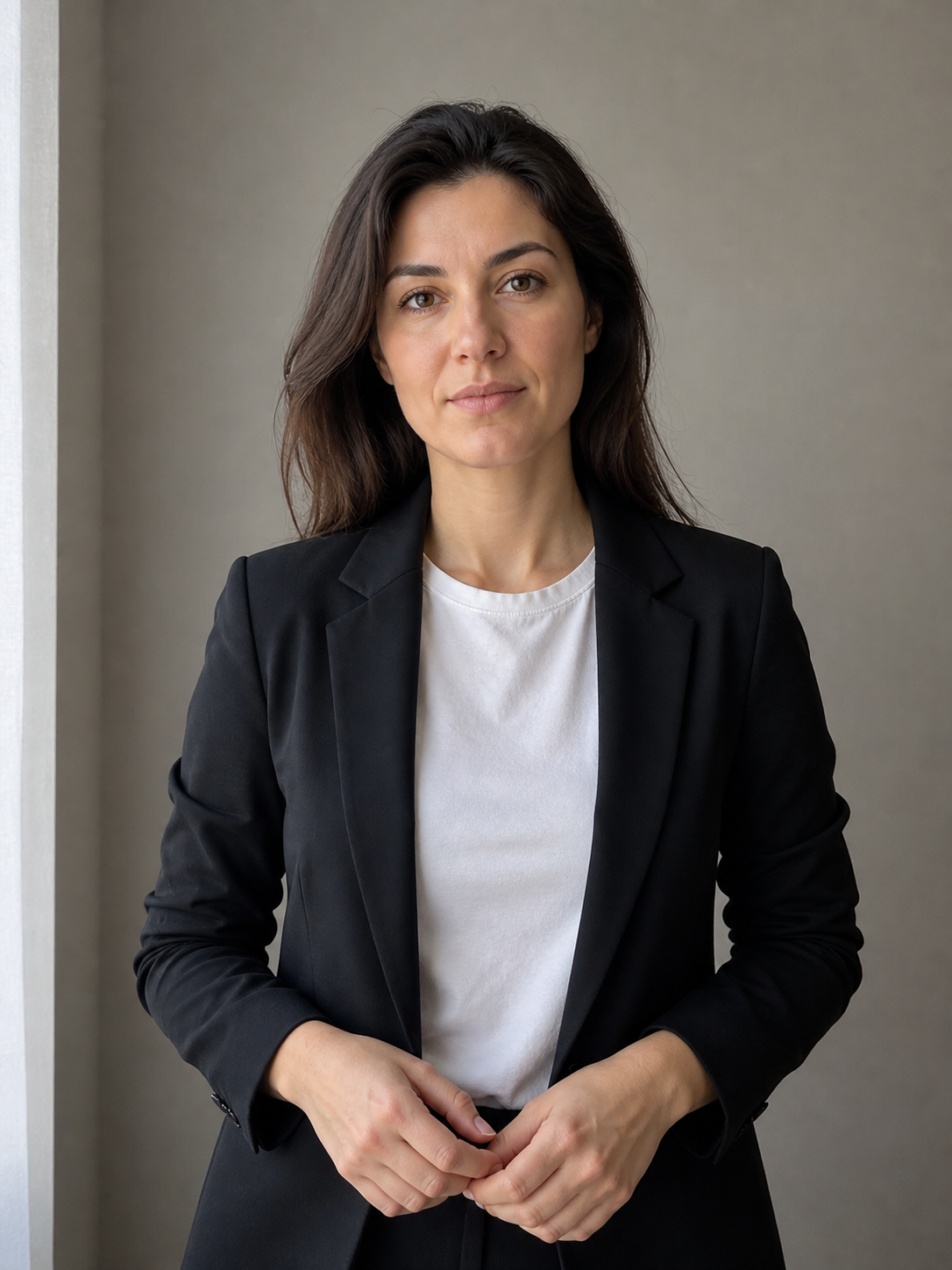
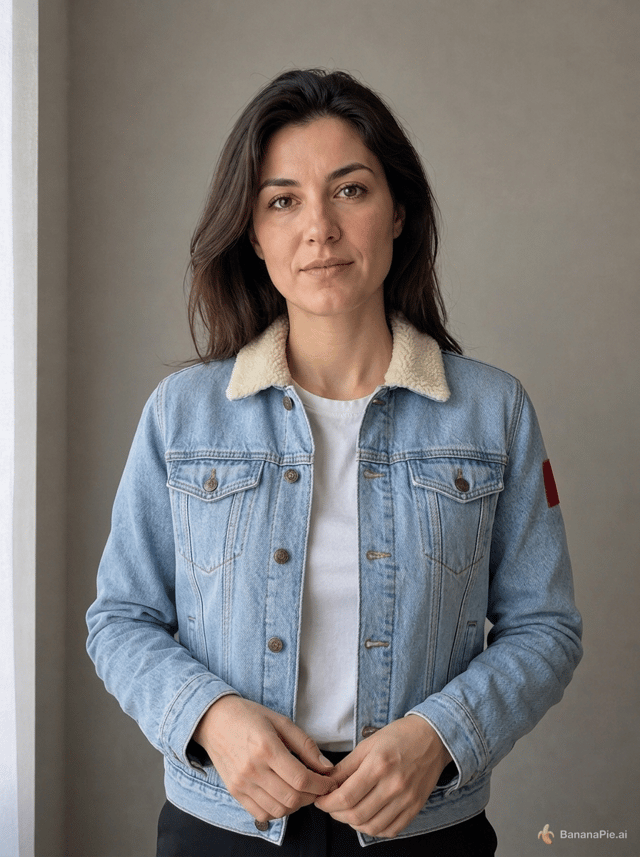
我們使用多張參考圖片進行人物身分與服裝轉移測試,從送出到取得結果耗時 126.4 秒;若需要快速來回修改,這段等待時間不容忽視。
- 僅支援靜態圖片
Nano Banana 2.1 產生的是圖片;如果交付成果需要動態畫面,請選擇影片模型。
適合選擇 Nano Banana 2.1 的情況
- 你目前使用 Nano Banana 2,希望以更少點數使用 Google 推出的新一代替代模型。
- 你需要 4:1、8:1、1:4 或 1:8 等超寬或超長格式,用於橫幅、長卷或全景圖。
- 你想在生成或編輯時使用多張參考圖片。
- 你想嘗試修改現有圖片中的文字、重新打光或擴展構圖。
- 你需要最高 4K 的輸出解析度。
適合考慮其他模型的情況
- 你需要影片或動畫輸出。
- 你的預算要求每次生成的起價低於 25 點數。
- 你的工作流程需要幾乎即時的修改結果,無法接受像我們人物身分與服裝轉移測試中長達 126.4 秒的等待時間。
依不同任務,以下模型可能更適合: Nano Banana 2 · Nano Banana Pro
實測結果
所有模型都使用相同的固定提示詞,每個模型各發布一項結果,並提供提示詞與設定供你查看。
提示詞
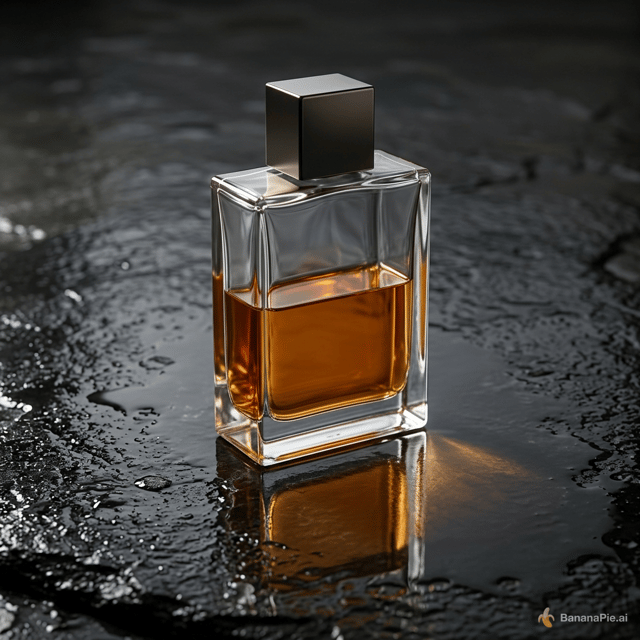
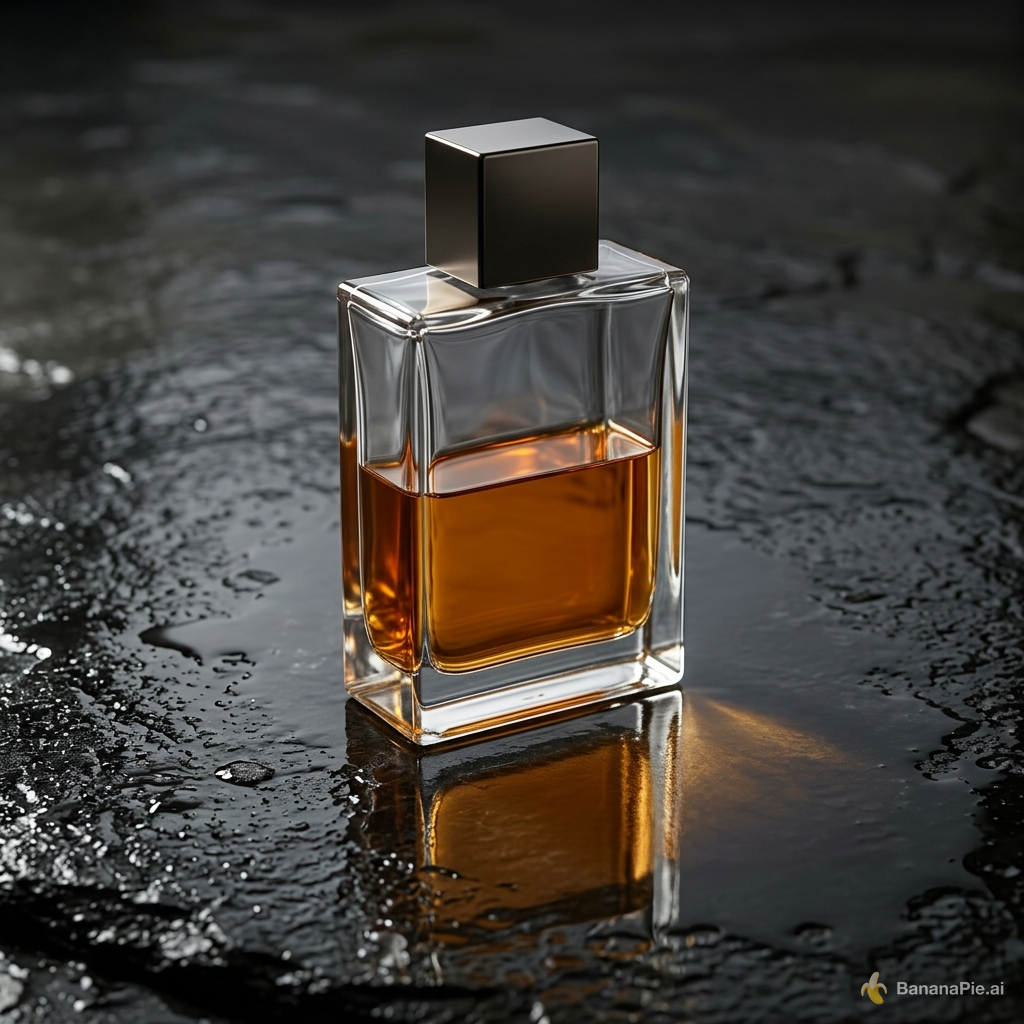
A premium product photograph of exactly one transparent rectangular perfume bottle, half filled with amber liquid, standing upright on wet black stone. Light comes from the upper left, creating coherent refraction, a contact shadow, and one subtle reflection. No text, logo, plants, or extra objects.
設定
- Resolution: 1K
- Aspect Ratio: 1:1
提示詞
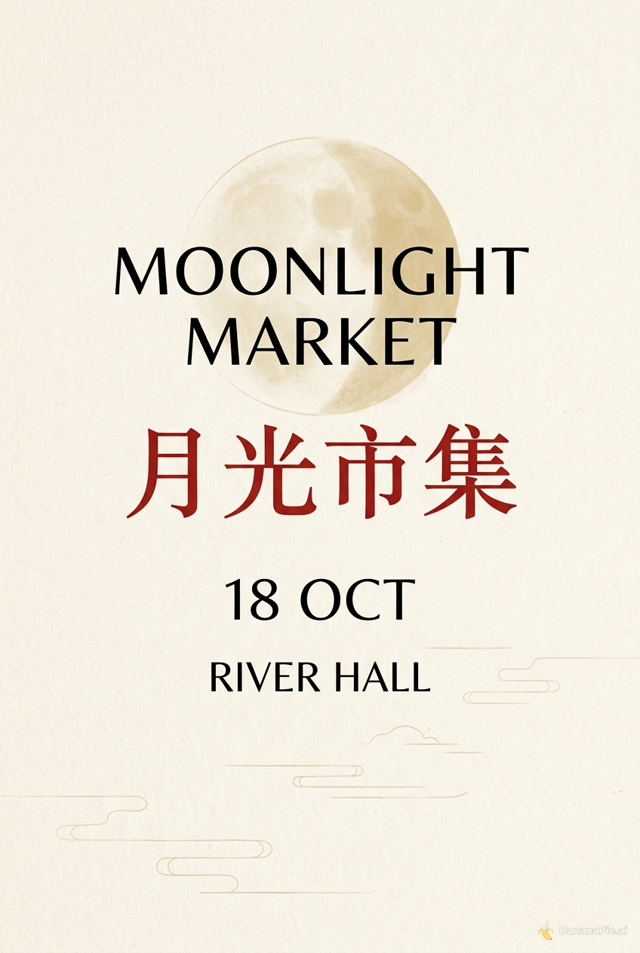
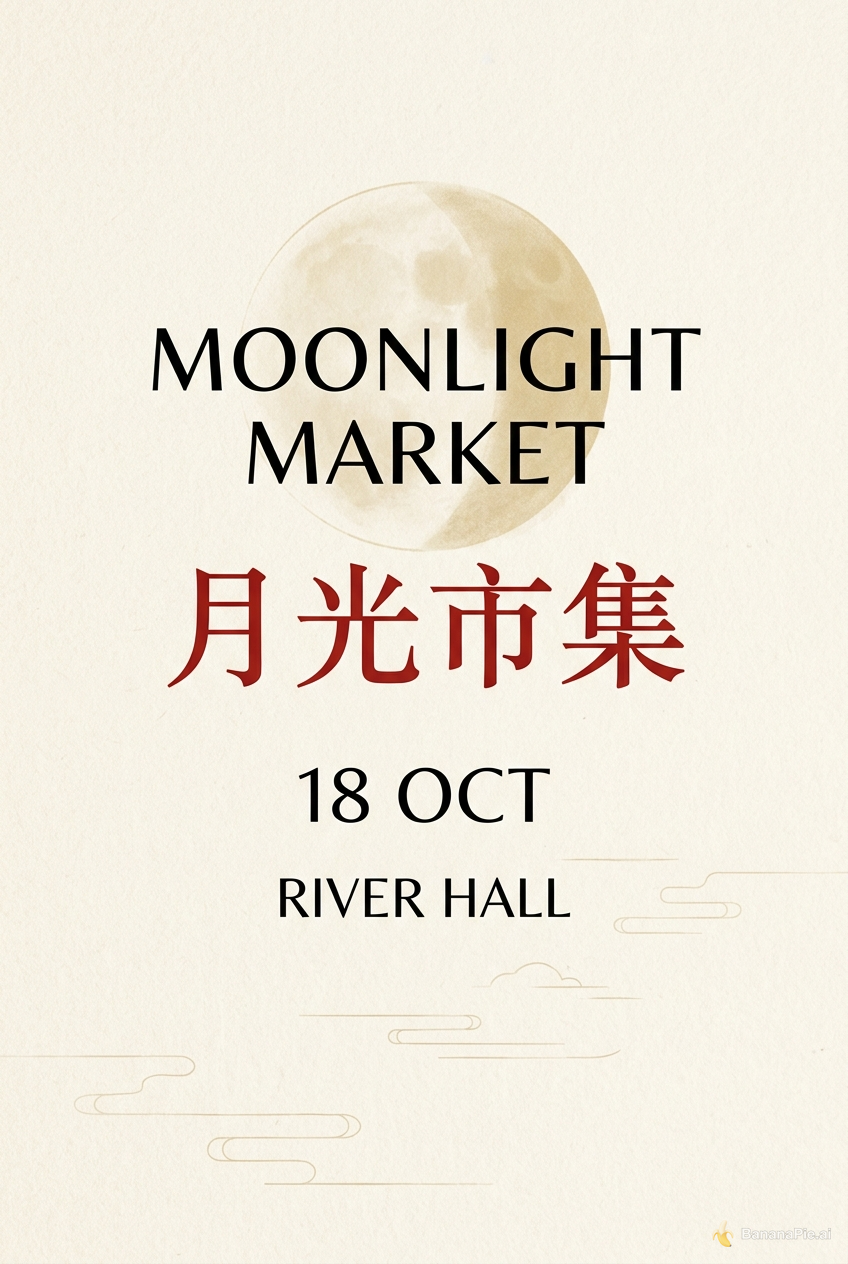
Design a clean cream-colored vertical event poster. Show exactly four centered text lines and no other text: "MOONLIGHT MARKET", "月光市集", "18 OCT", and "RIVER HALL". Render "月光市集" in red and all other lines in black.
設定
- Resolution: 1K
- Aspect Ratio: 2:3
提示詞
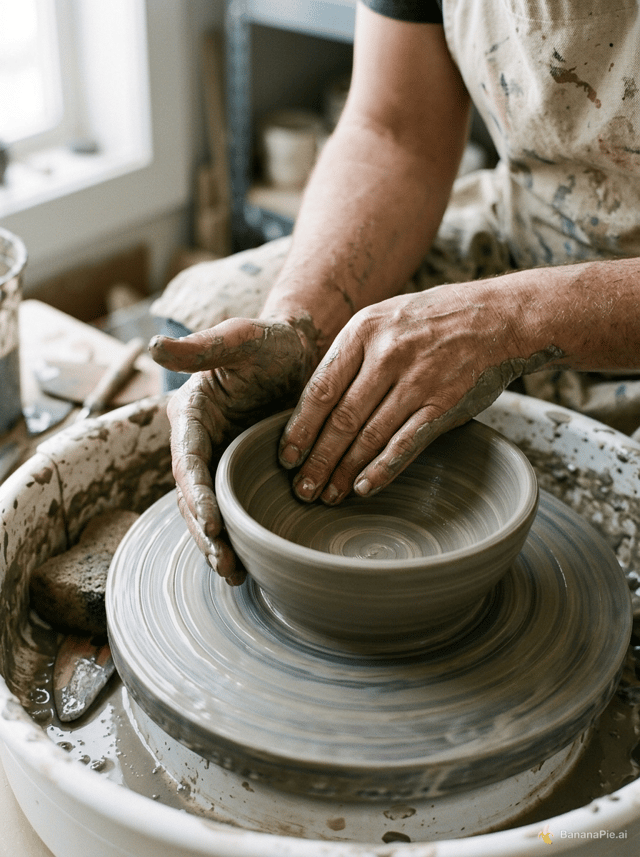
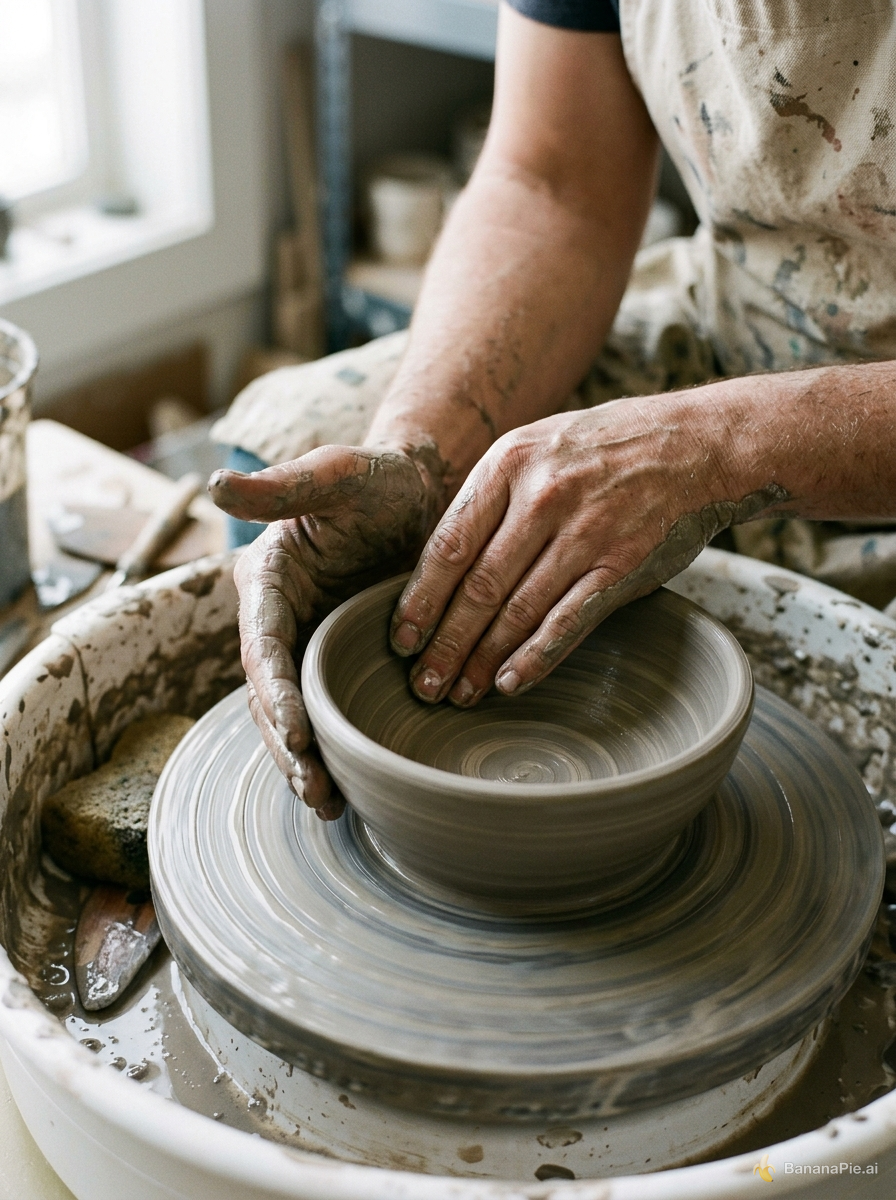
A photorealistic close-up of an adult potter shaping a clay bowl on a spinning wheel. Both hands are fully visible, each with five natural fingers touching the clay. No other people or hands. Soft window light.
設定
- Resolution: 1K
- Aspect Ratio: 3:4
提示詞
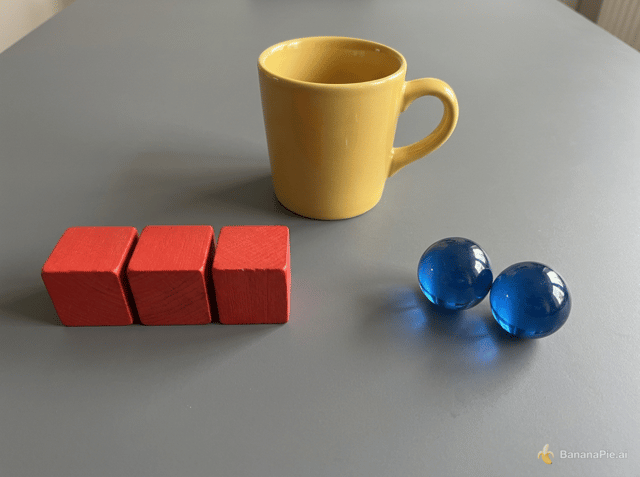
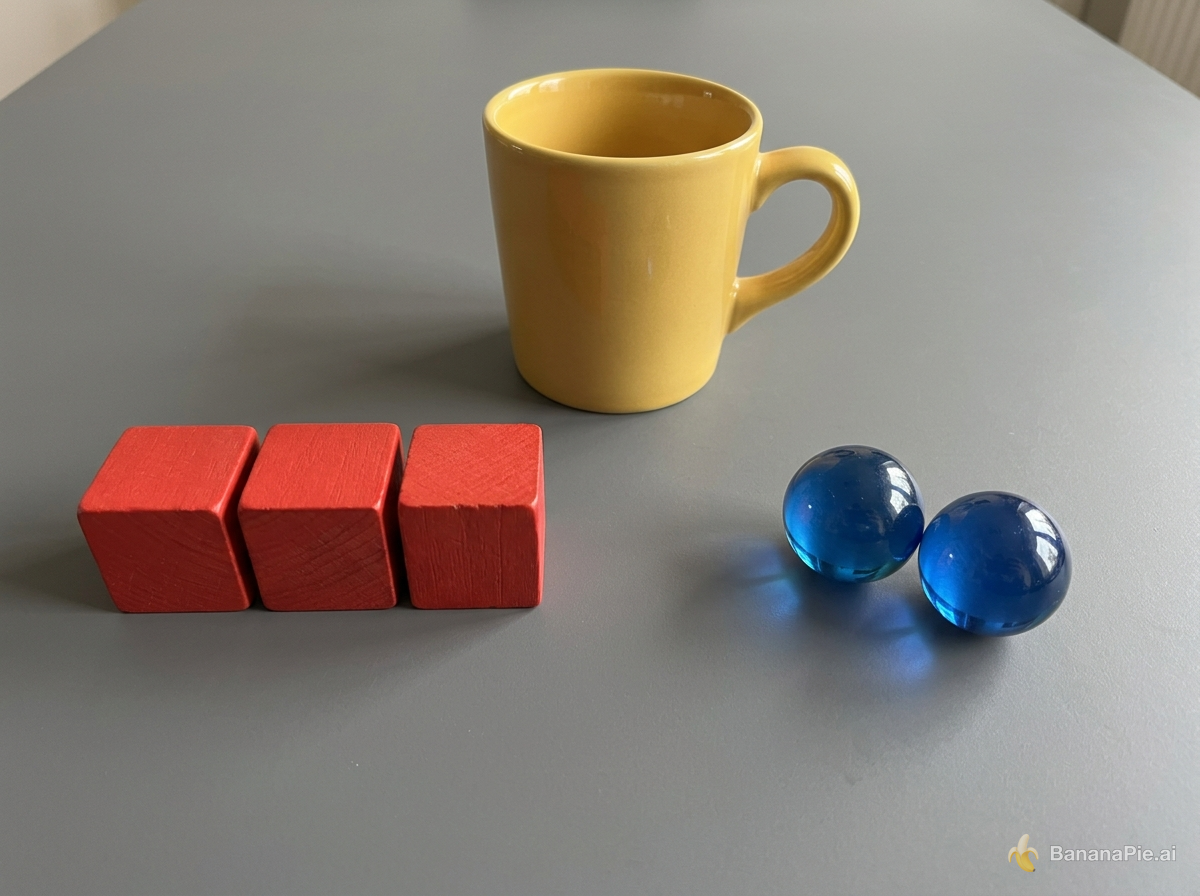
On a matte gray table, exactly three red wooden cubes form a row on the left, exactly two blue glass spheres sit on the right, and one yellow ceramic mug stands centered behind them. The mug handle points right. No other objects or text.
設定
- Resolution: 1K
- Aspect Ratio: 4:3
提示詞
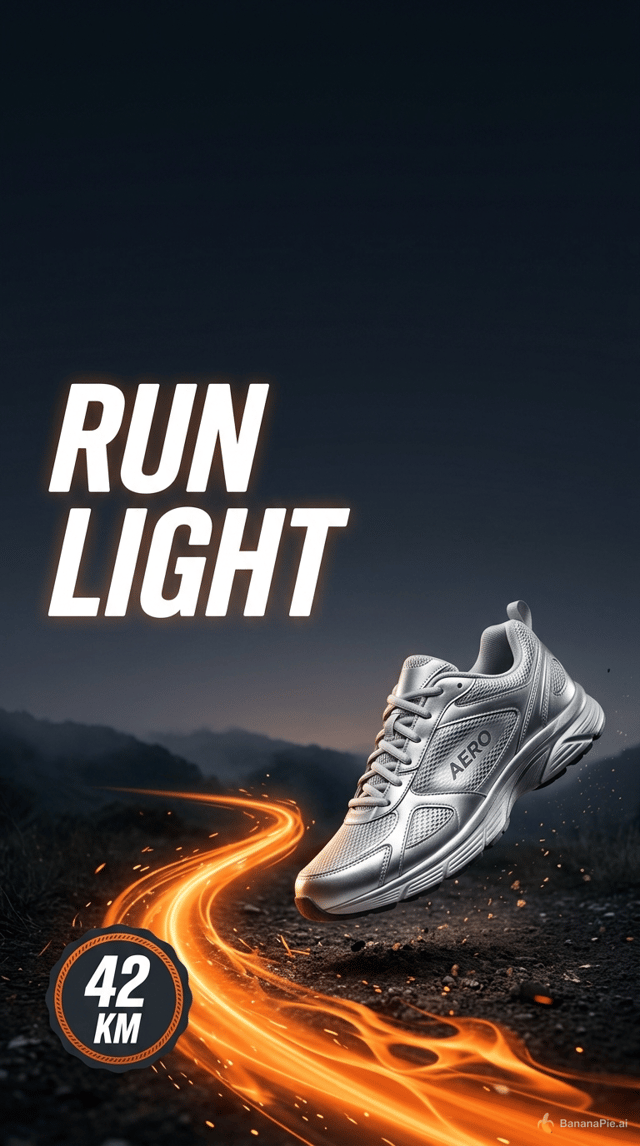
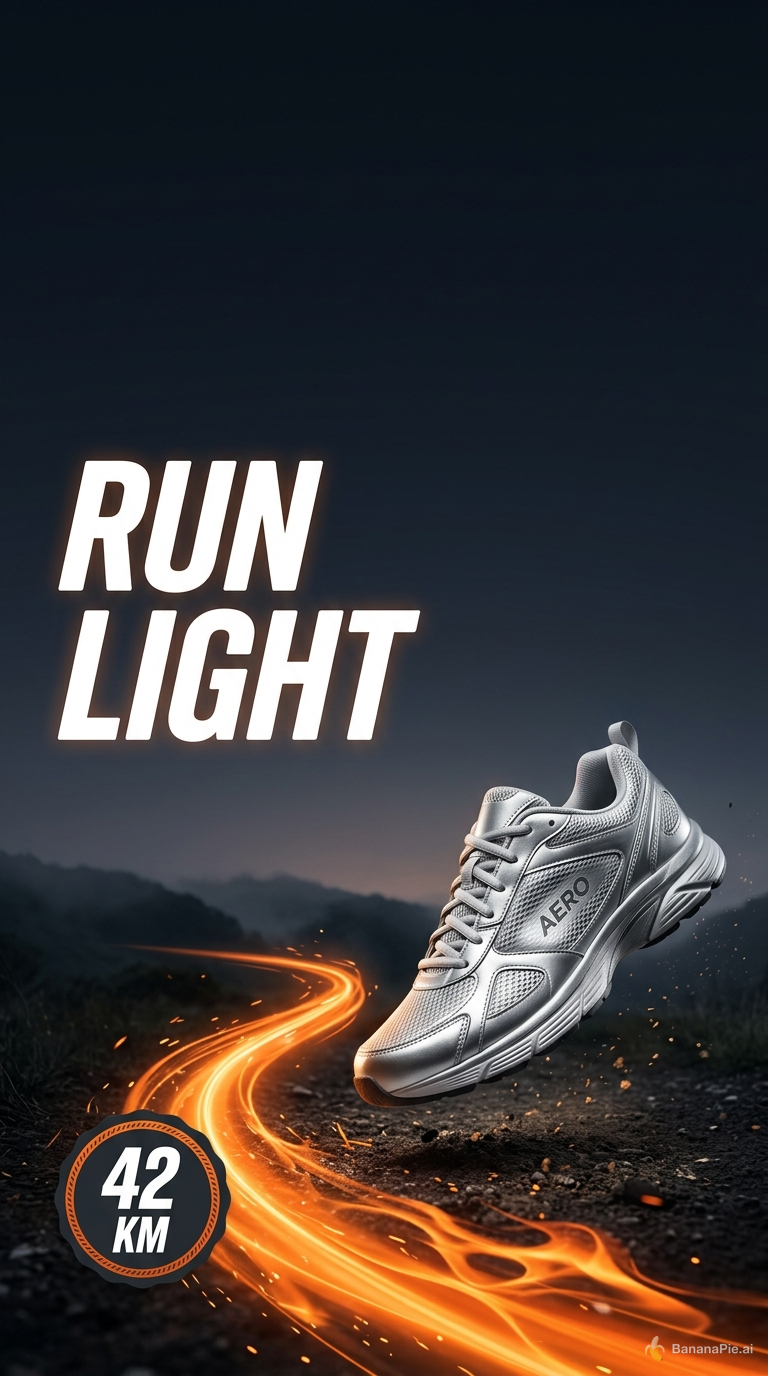
Create a vertical social ad for a fictional running shoe named AERO. Keep the top 15 percent empty. Directly below it, place the headline "RUN LIGHT" in the upper-left. Show exactly one silver shoe in the lower-right, an orange trail curving from the bottom-left, and a round badge reading "42 KM". No other shoes or text.
設定
- Resolution: 1K
- Aspect Ratio: 9:16
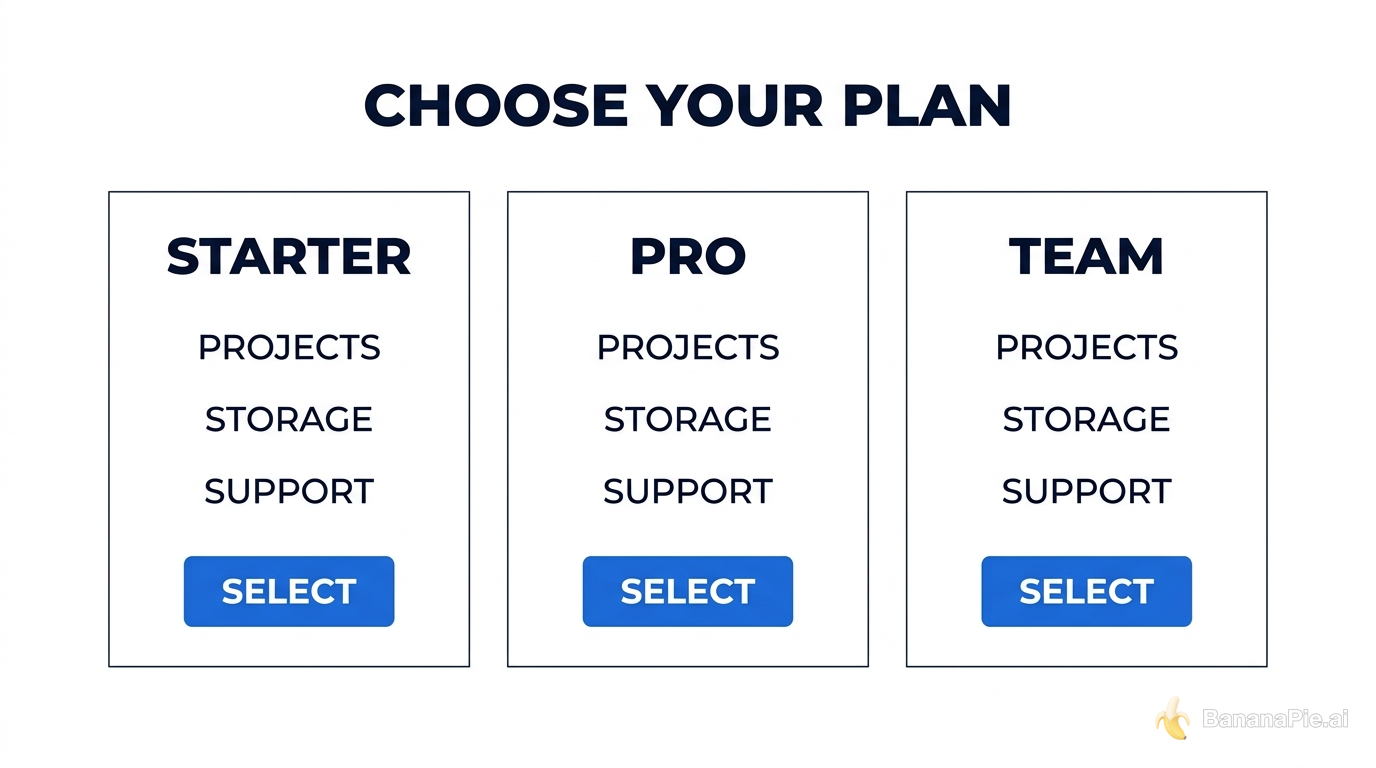
提示詞
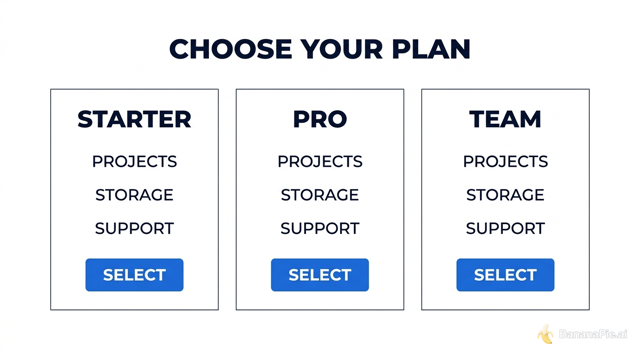
Create a clean horizontal pricing comparison graphic titled "CHOOSE YOUR PLAN". Use exactly three equal columns labeled "STARTER", "PRO", and "TEAM". Under each column, show exactly three aligned rows labeled "PROJECTS", "STORAGE", and "SUPPORT", followed by one blue button labeled "SELECT". White background, dark navy text, no additional columns or text.
設定
- Resolution: 1K
- Aspect Ratio: 16:9

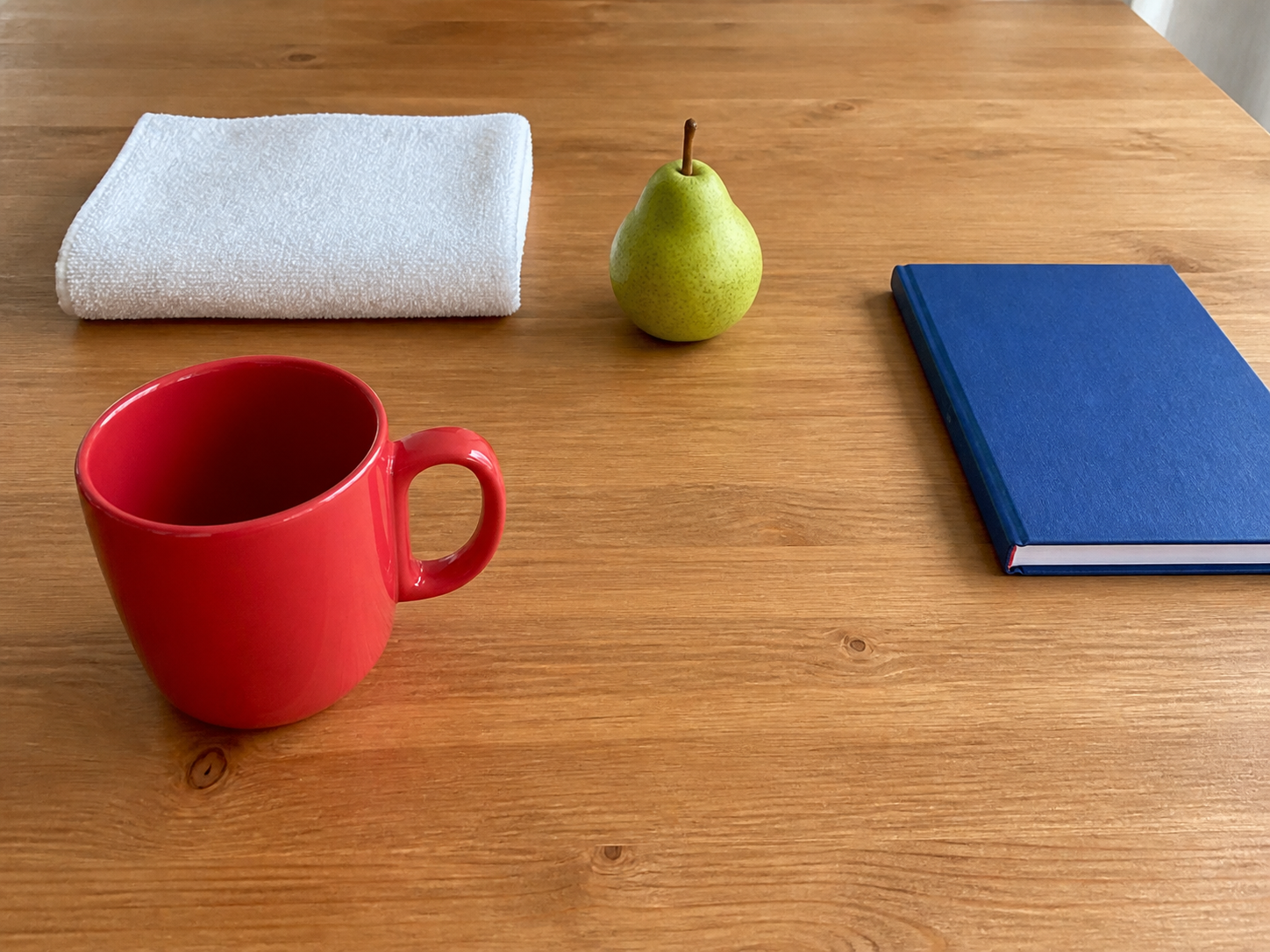

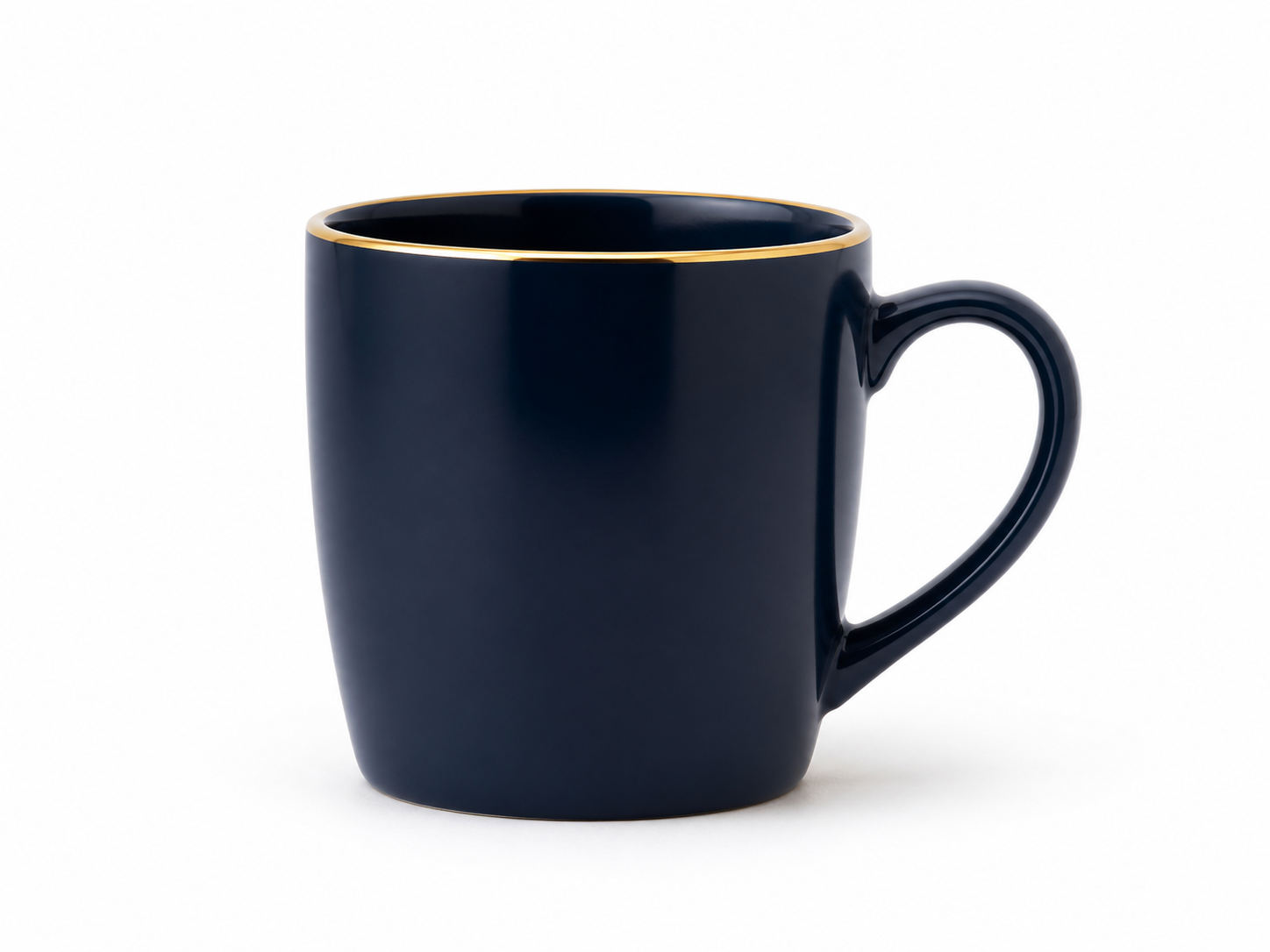
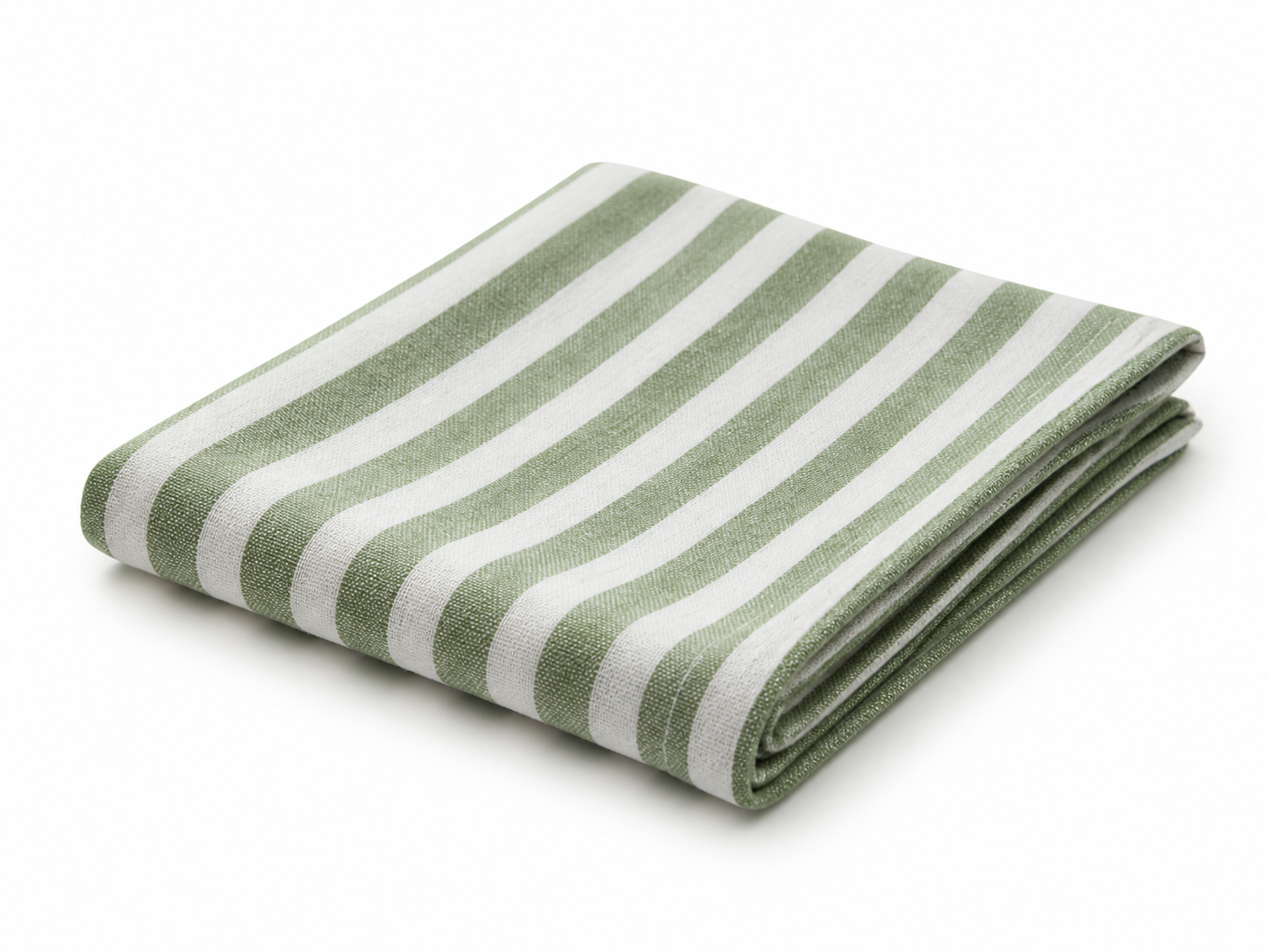
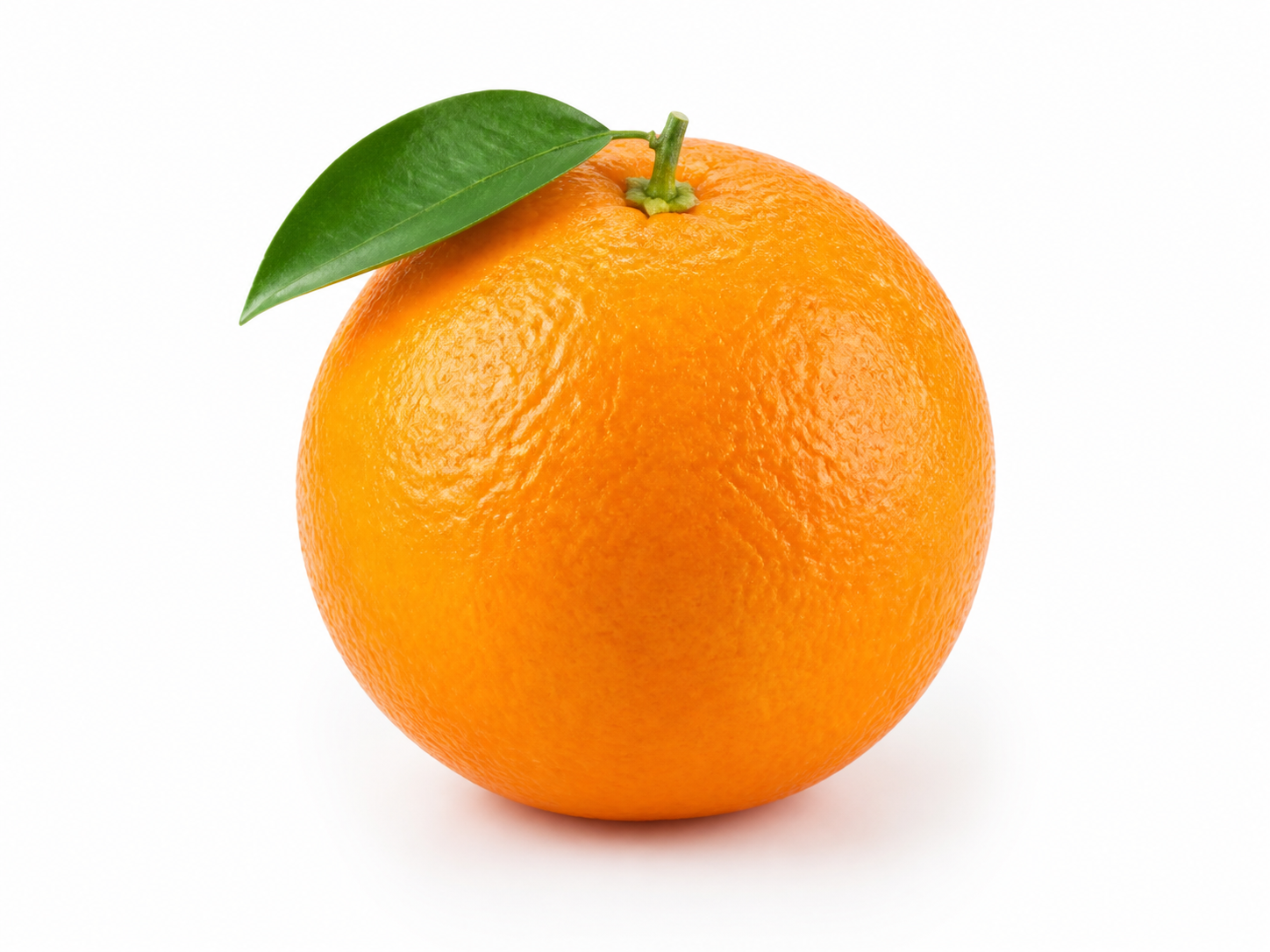

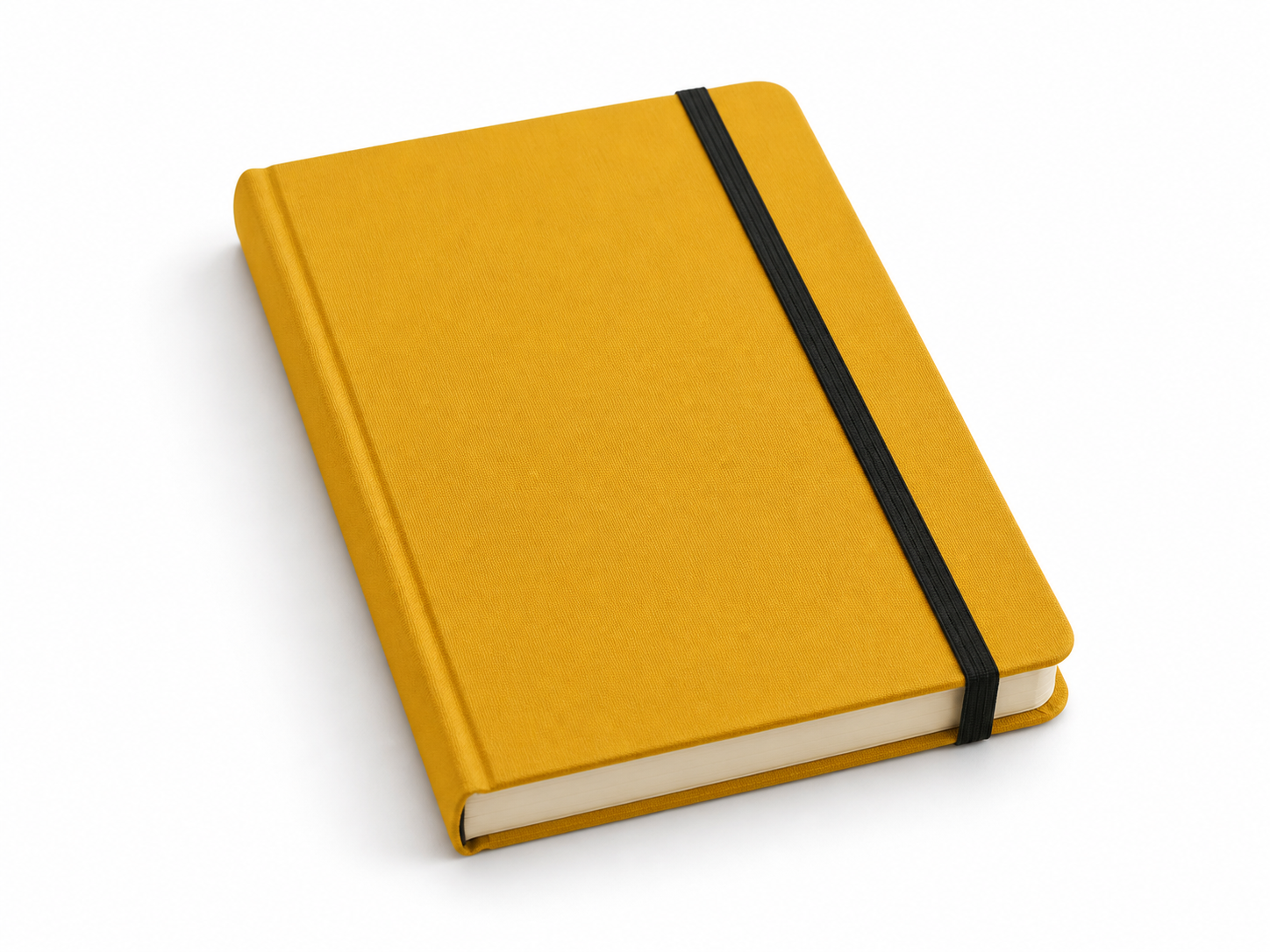
提示詞
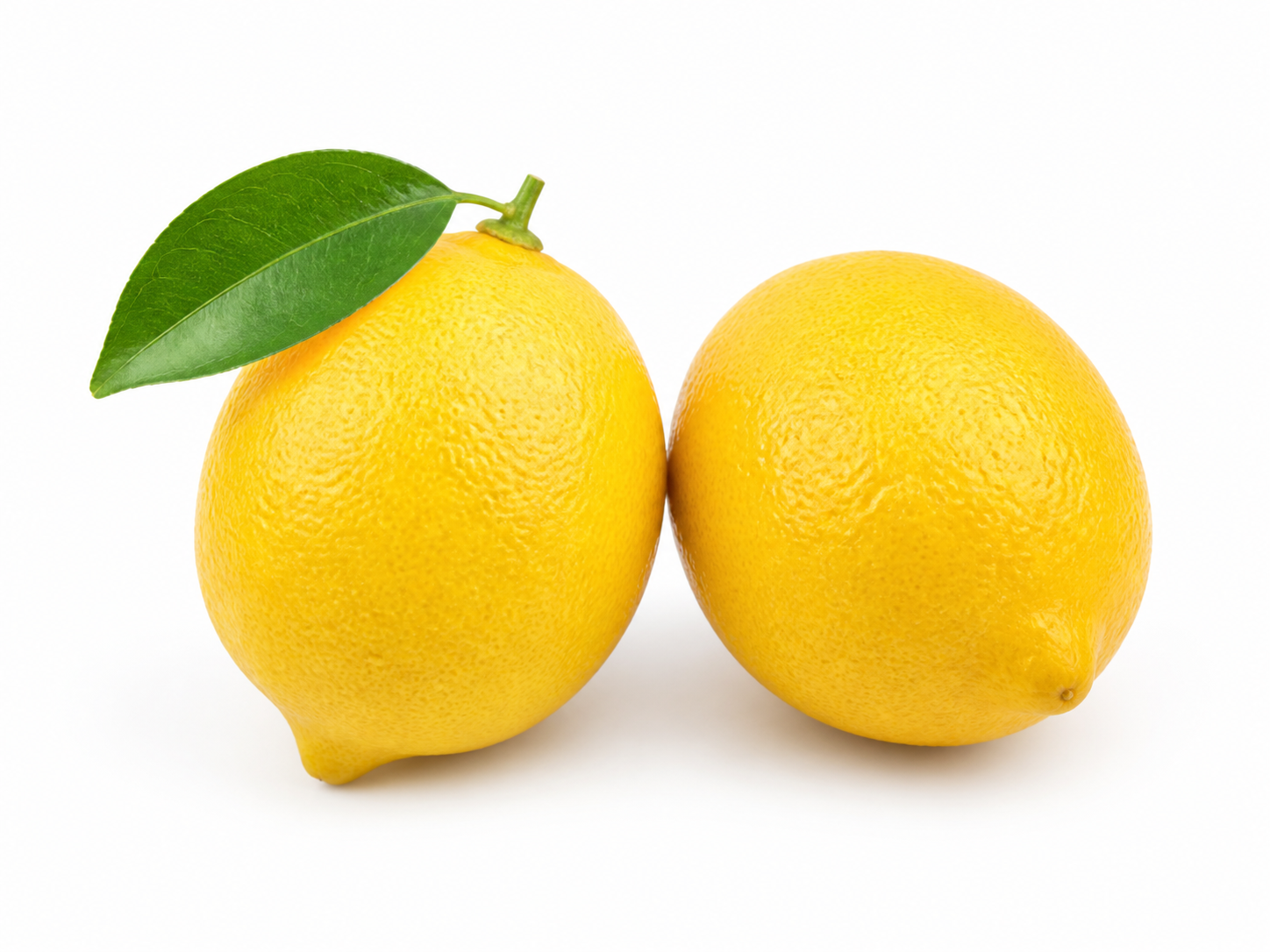
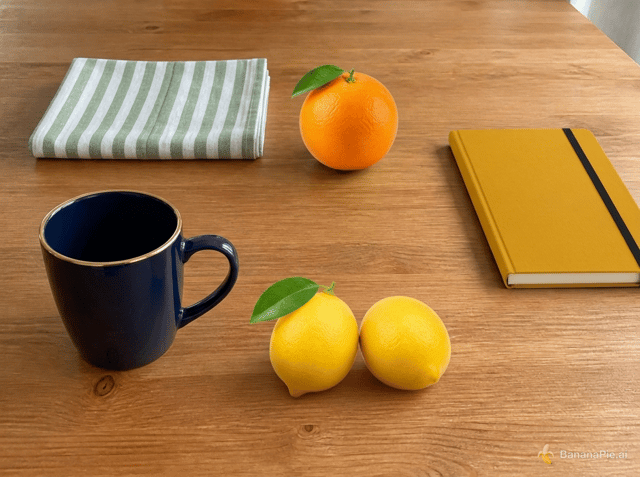
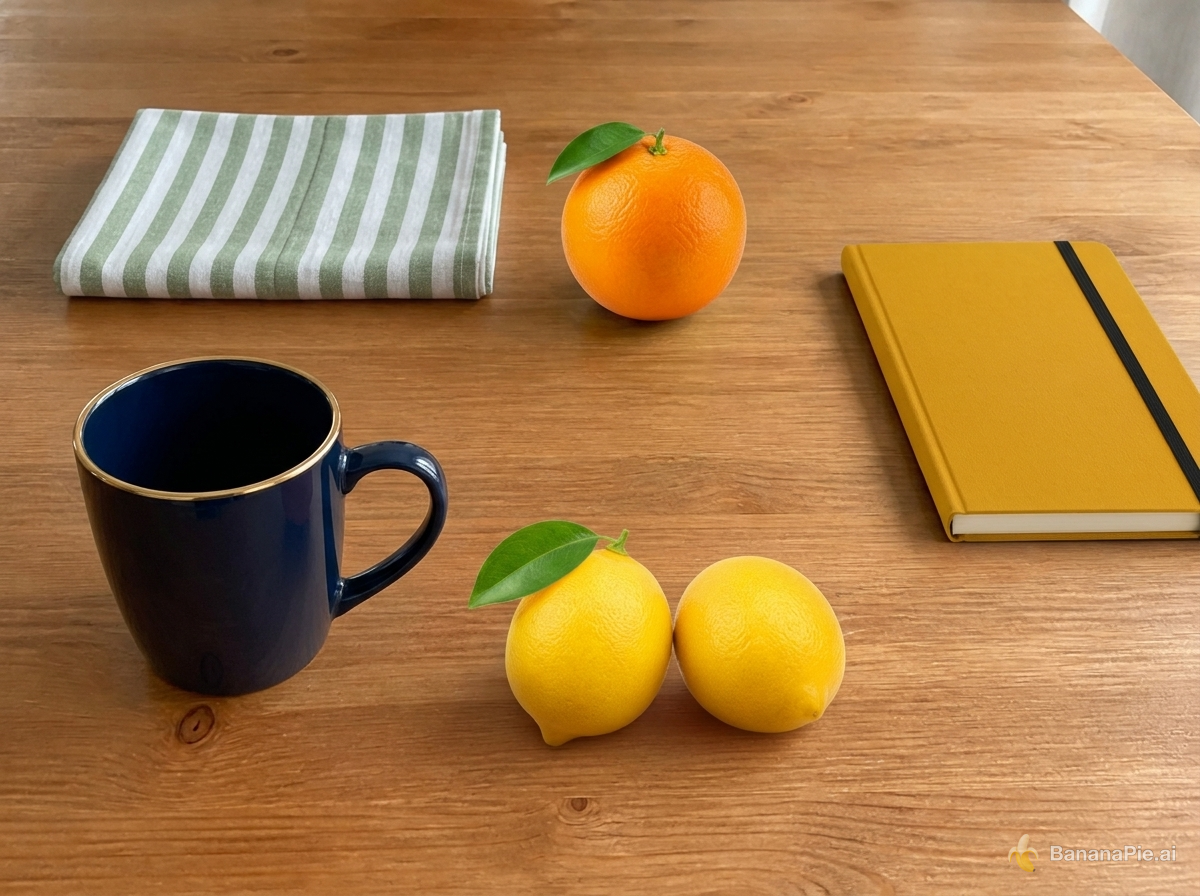
Use Reference 1 as the base tabletop scene. Replace the red mug with the exact dark navy-blue mug from Reference 2 in the same position and orientation. Replace the folded white towel with the exact green-and-white striped napkin from Reference 3 in the same folded area. Replace the green pear with exactly one orange from Reference 4 in the same position. Replace the blue notebook with the exact mustard-yellow hardcover notebook from Reference 5 in the same position. Add exactly the two lemons from Reference 6 to the right of the mug. Preserve the wooden table, camera, framing, wood grain, lighting, shadows, and all other spatial relationships from Reference 1. Do not copy the white product backgrounds from References 2–6, duplicate any asset, or add other objects.
設定
- Resolution: 1K
- Aspect Ratio: 4:3
參考圖像
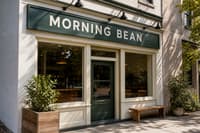
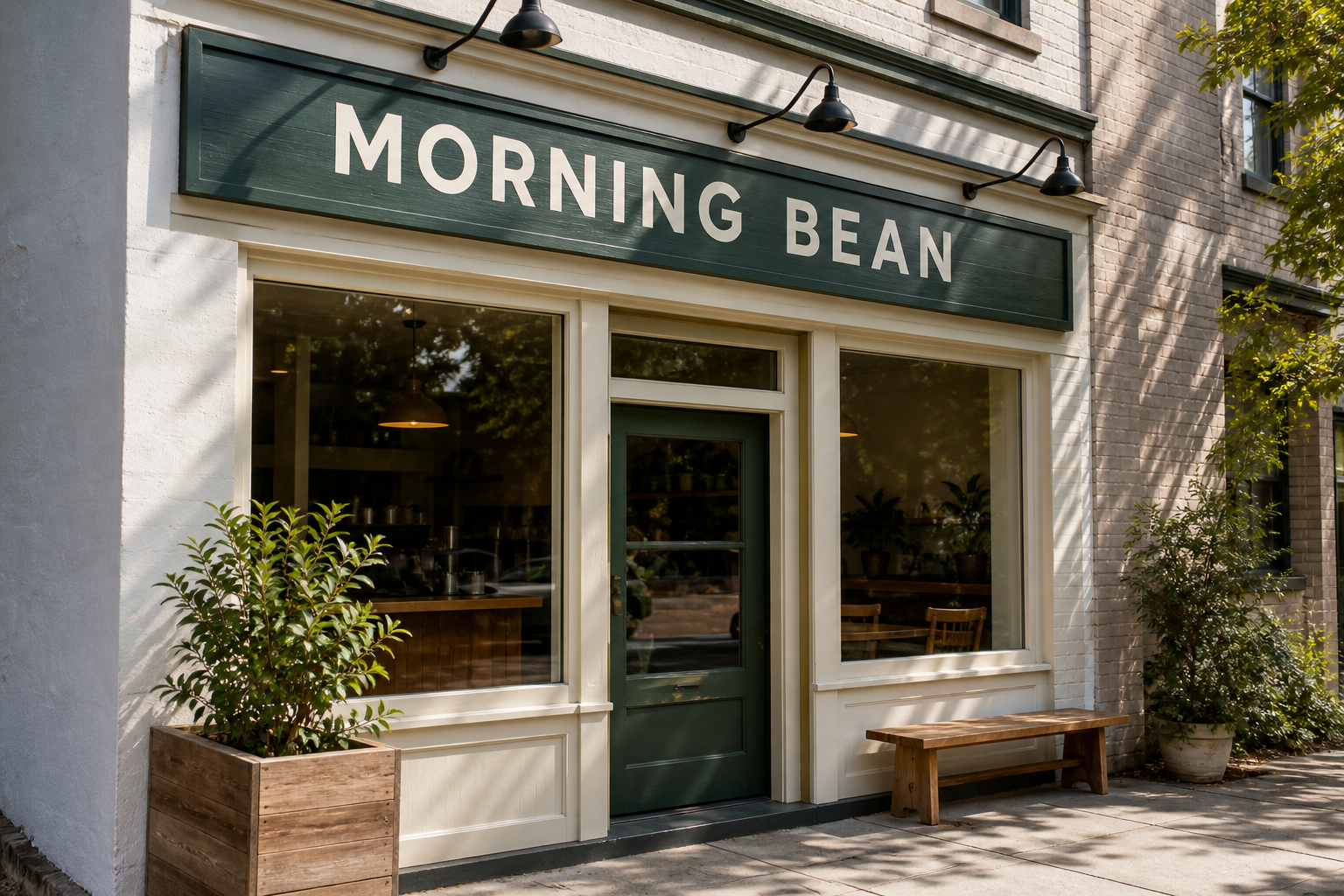
提示詞
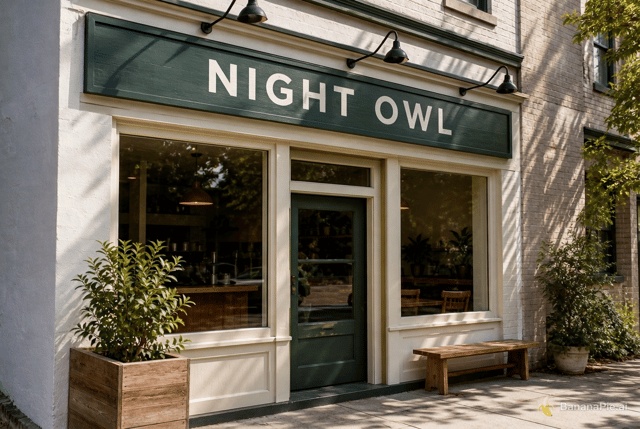
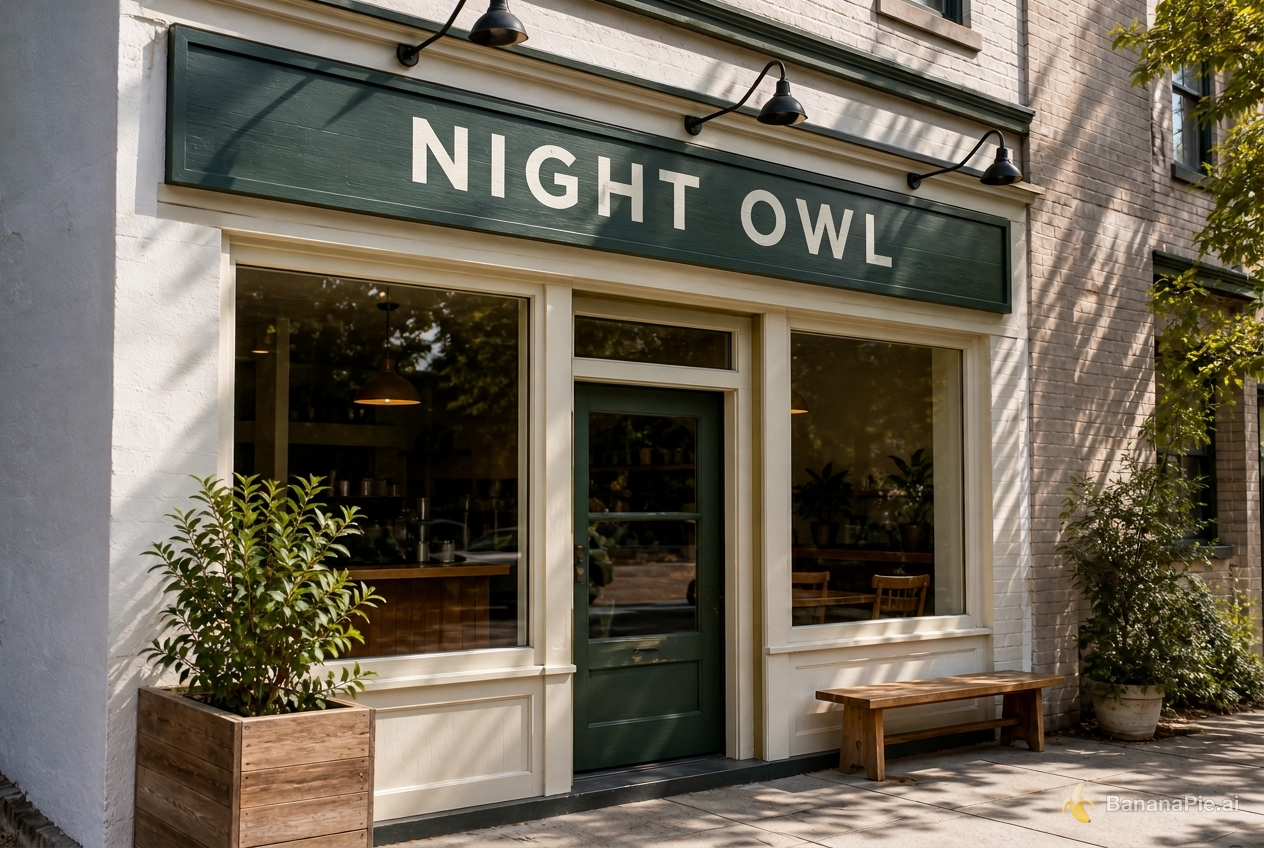
Replace only the sign text with exactly "NIGHT OWL". Preserve the original font style, spacing, perspective, sign material, lighting, and everything else.
設定
- Resolution: 1K
- Aspect Ratio: 3:2

提示詞
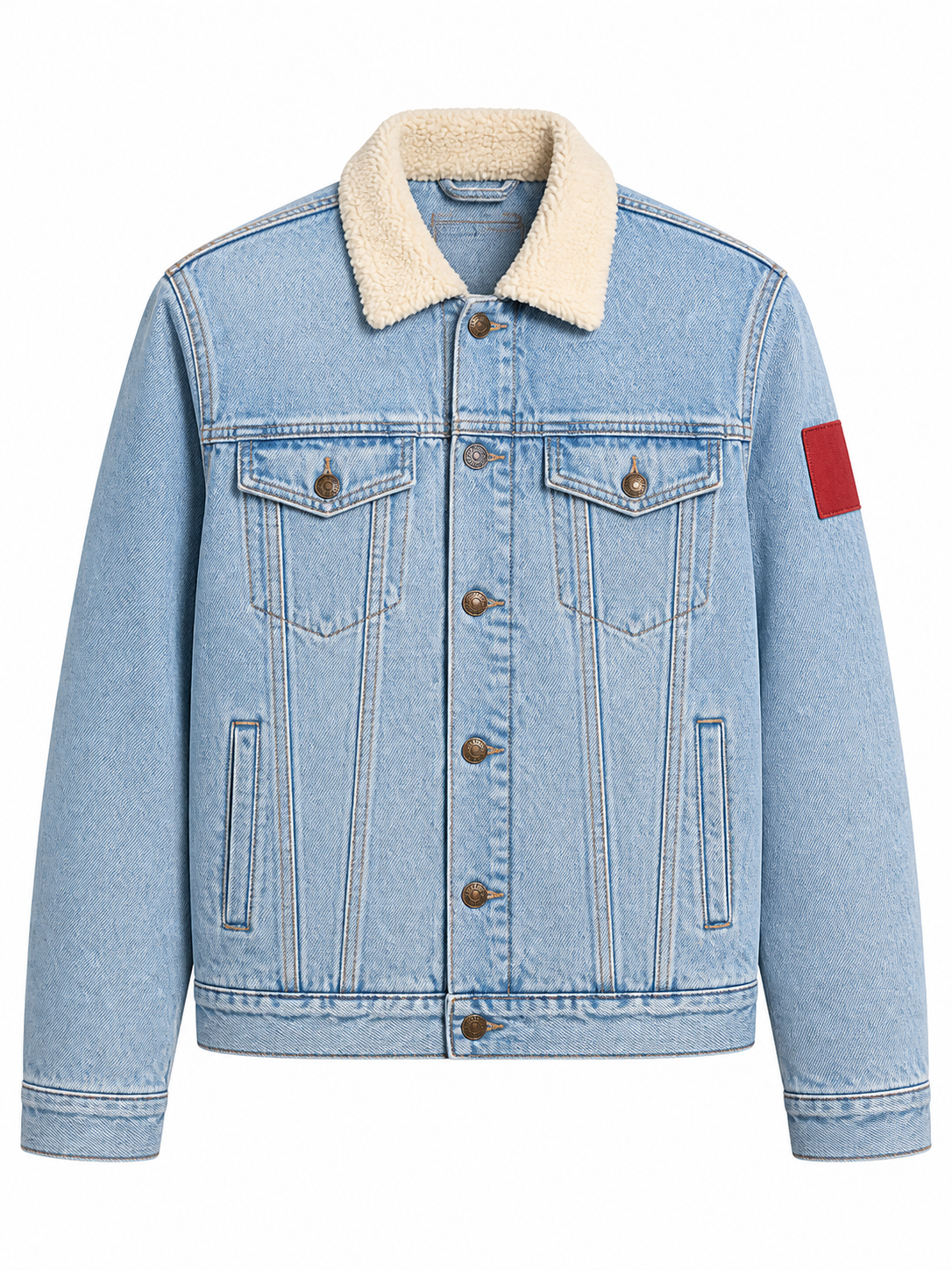
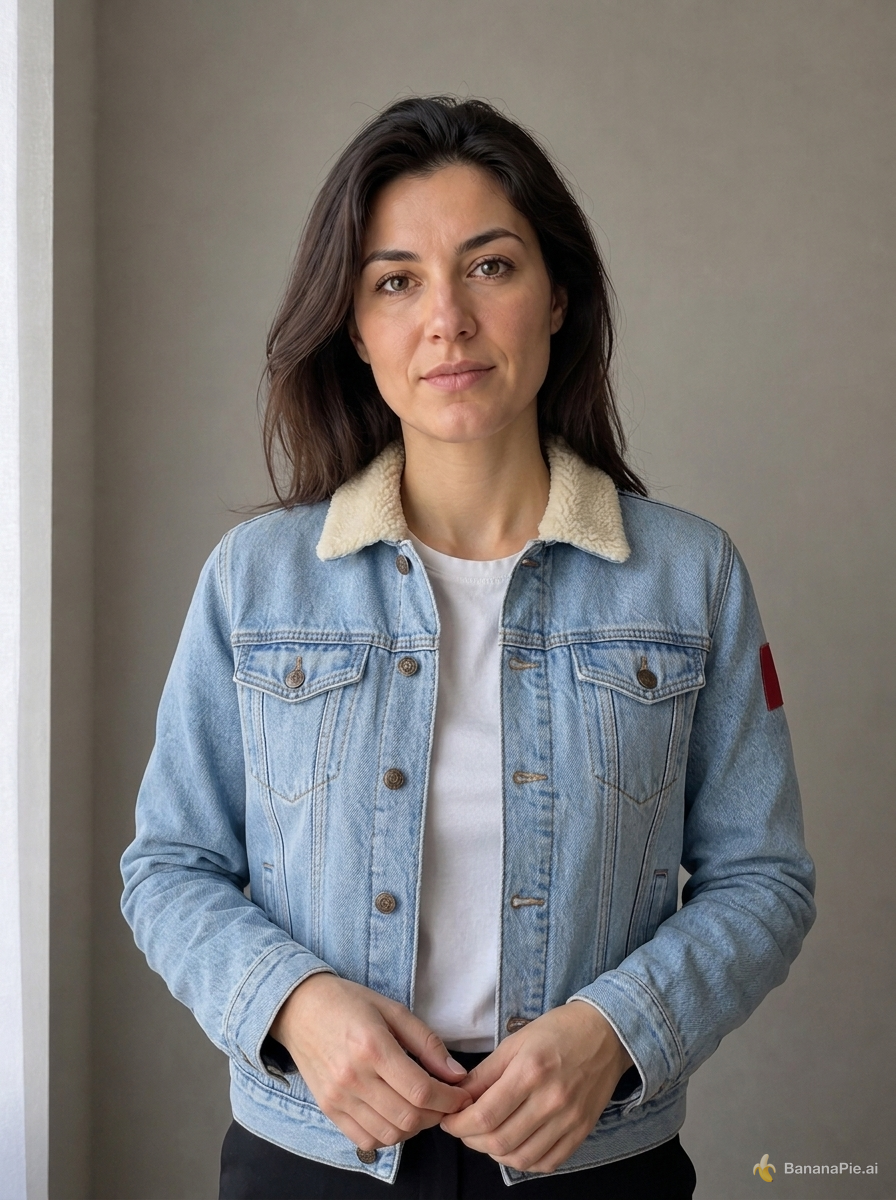
Use the portrait in Reference 1 for the person and the isolated jacket in Reference 2 for the garment. Dress the person from Reference 1 in the exact jacket shown in Reference 2. Preserve the person's identity, face, expression, skin, hair, hands, pose, body proportions, background, framing, and lighting from Reference 1. Preserve the jacket's material, color, collar, buttons, pockets, and sleeve patch from Reference 2. Do not copy the ghost mannequin or white product background.
設定
- Resolution: 1K
- Aspect Ratio: 3:4
參考圖像

提示詞
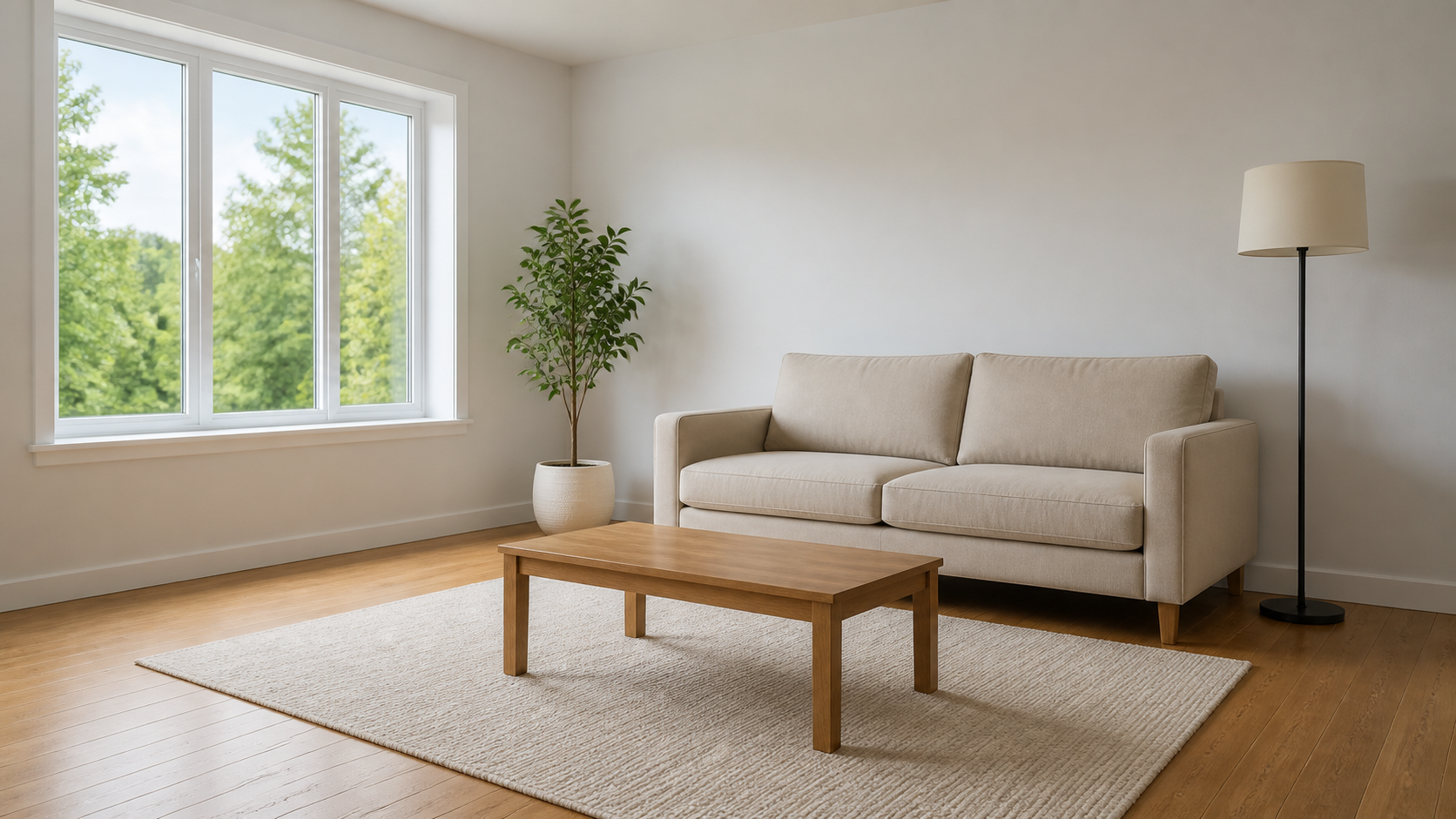
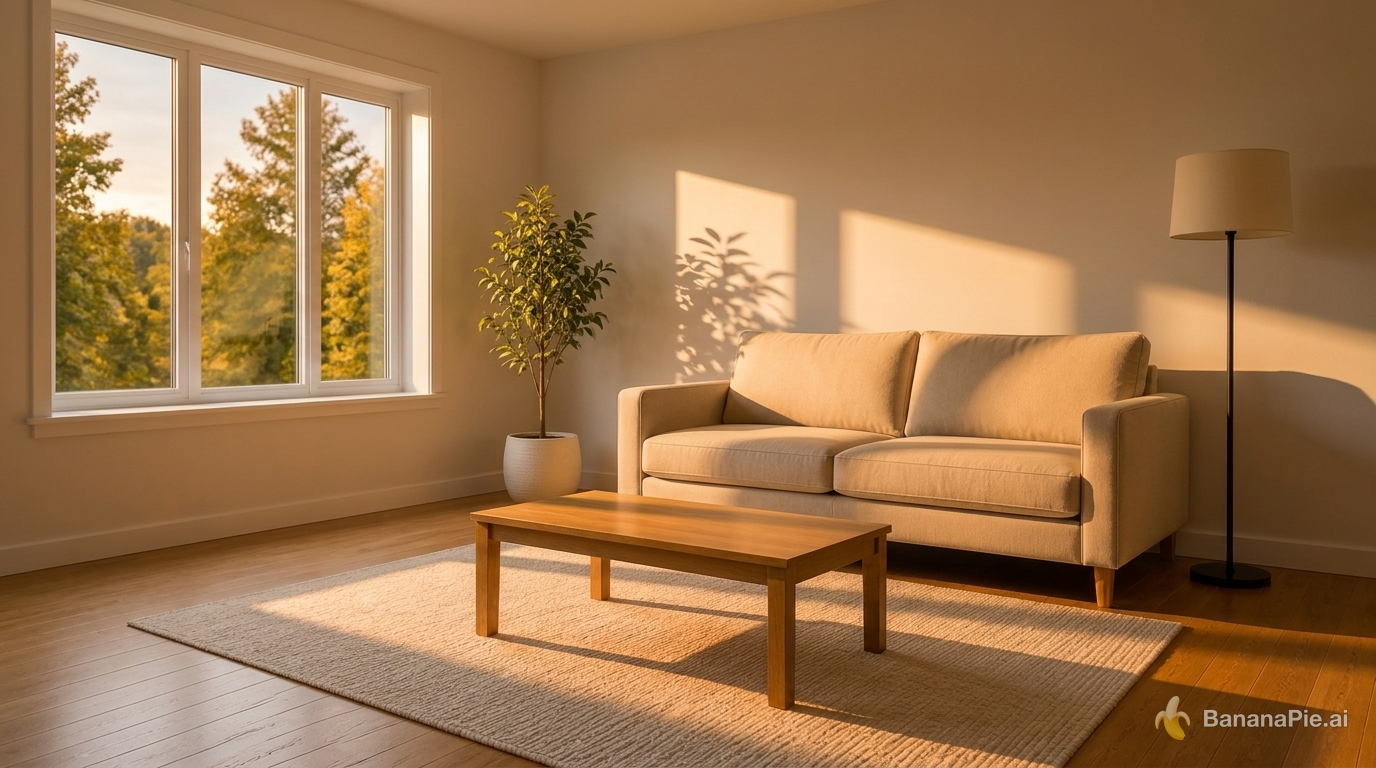
Change the lighting to warm golden-hour sunlight entering from the left window. Do not move, add, remove, or redesign any object. Update highlights and shadows coherently.
設定
- Resolution: 1K
- Aspect Ratio: 16:9
參考圖像
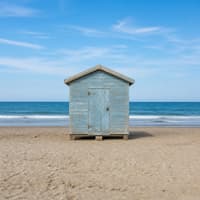
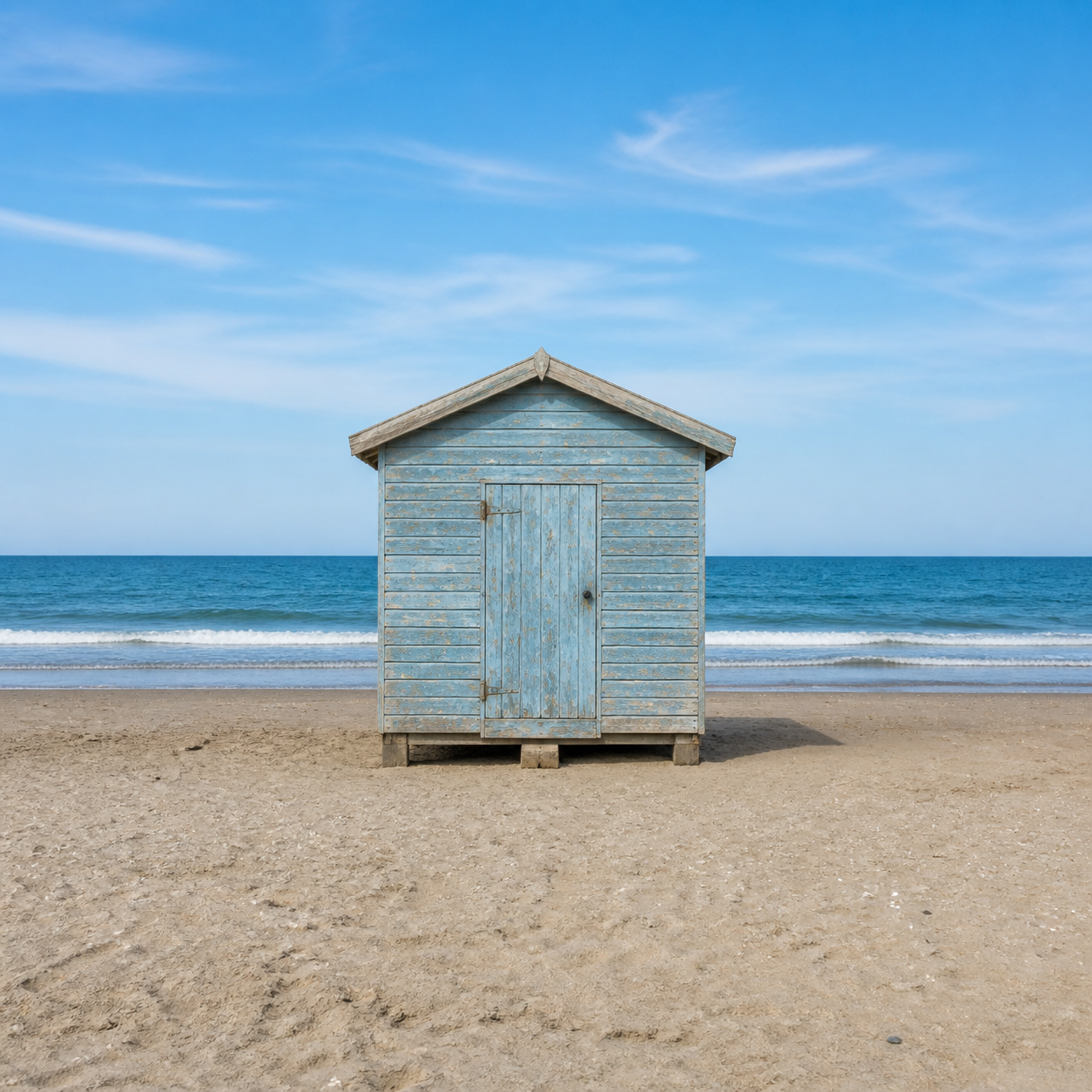
提示詞
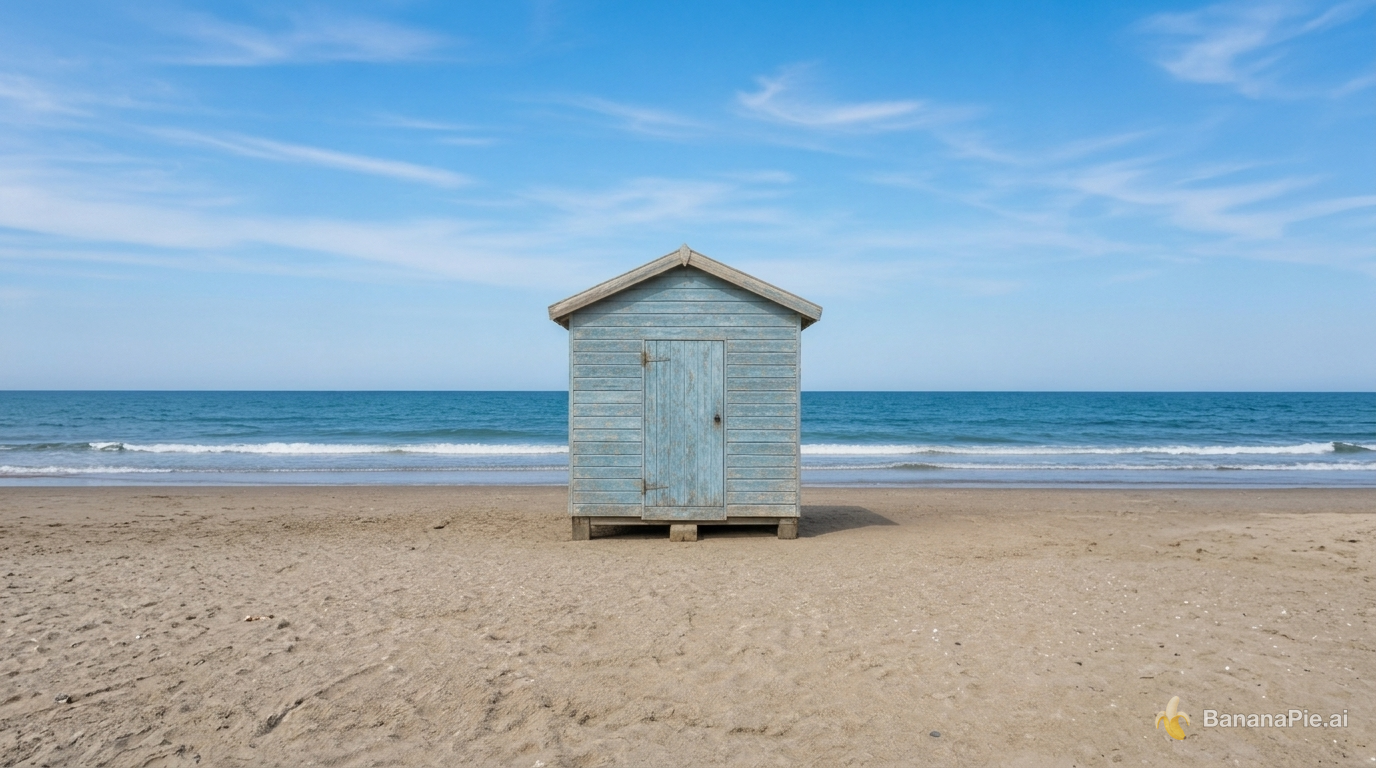
Expand the canvas to a 16:9 landscape by naturally continuing the beach, ocean, and sky on both sides. Keep the complete original image centered without cropping, stretching, letterboxing, or modifying it.
設定
- Resolution: 1K
- Aspect Ratio: 16:9

參考圖像
提示詞
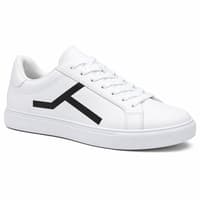
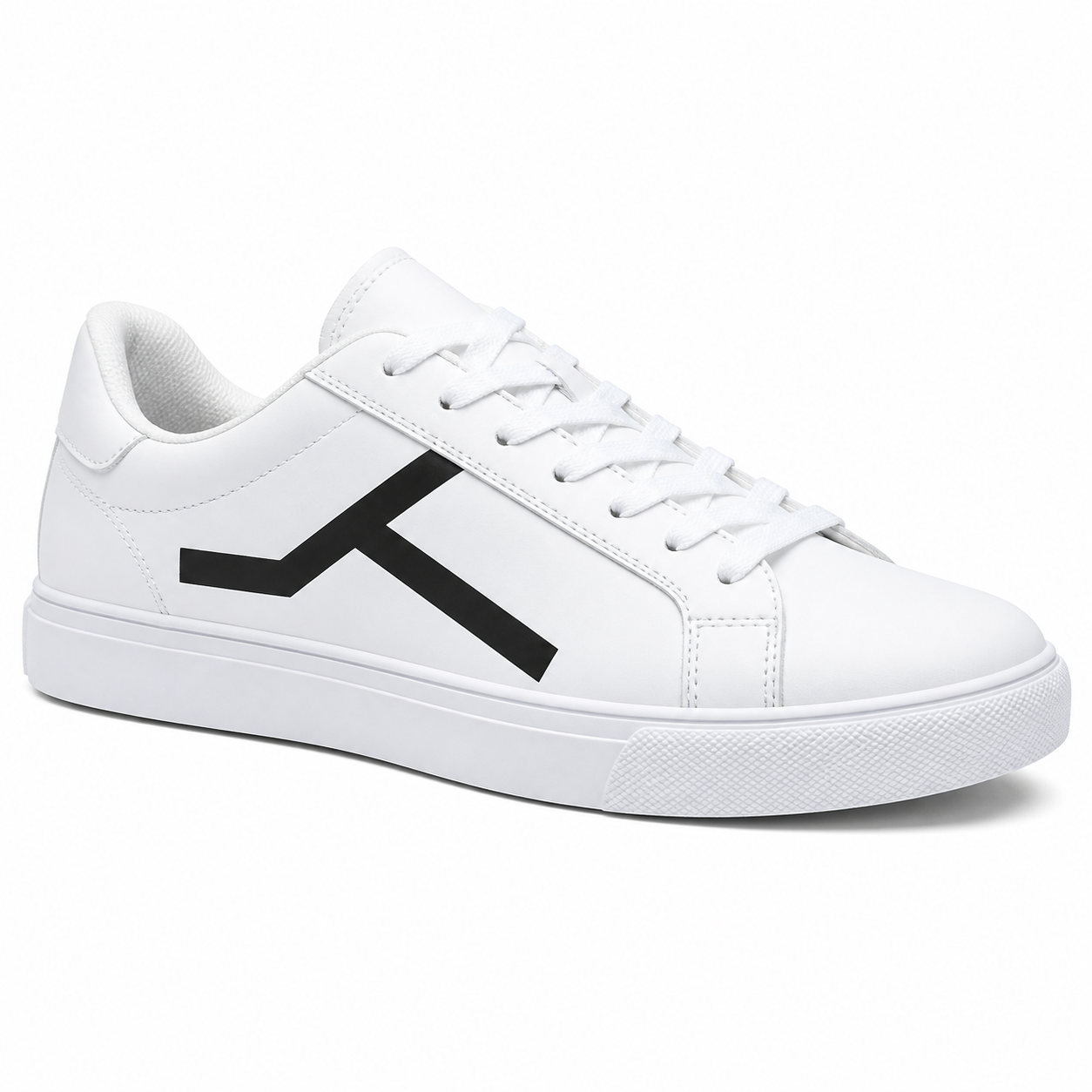
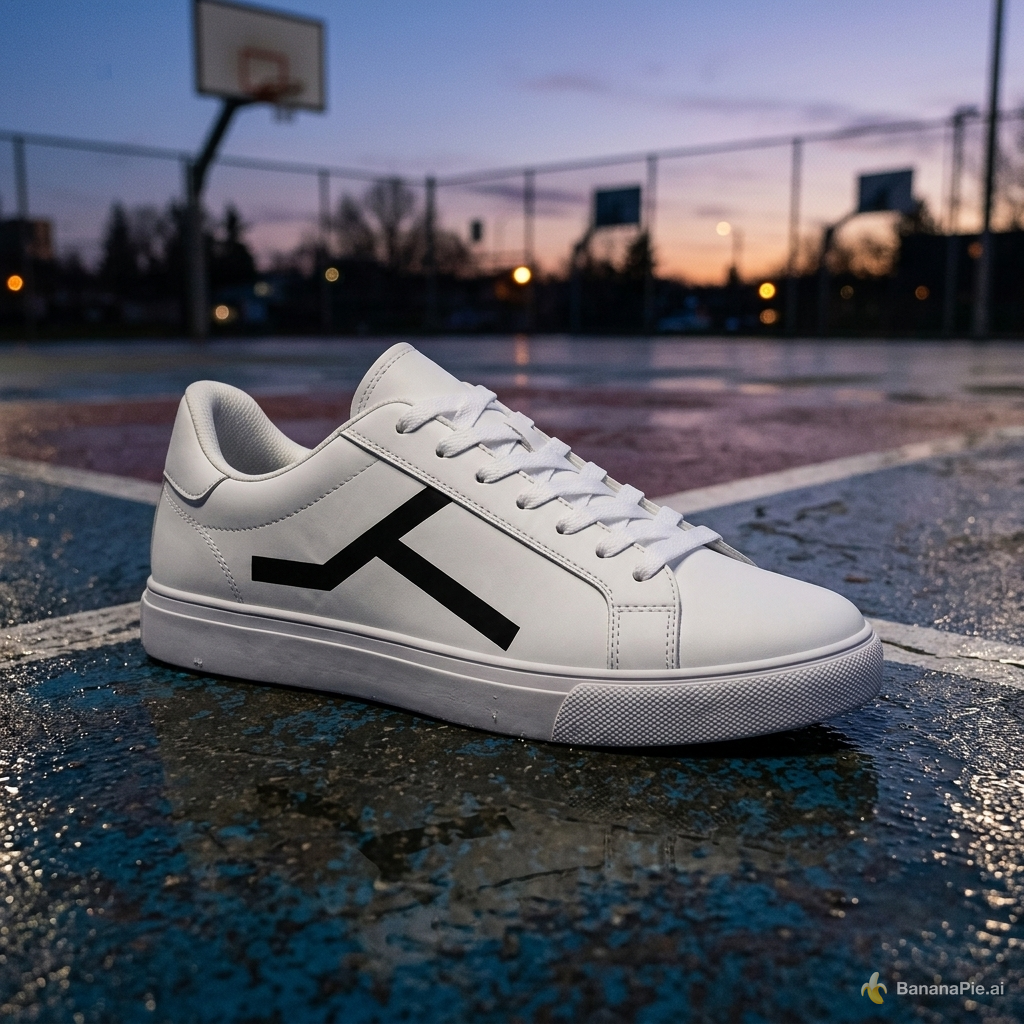
Place the sneaker on a wet outdoor basketball court at dusk. Preserve the exact sneaker shape, black geometric side mark, materials, stitching, sole geometry, and camera angle. Add physically coherent contact, reflections, and dusk lighting.
設定
- Resolution: 1K
- Aspect Ratio: 1:1

點數與價格
Nano Banana 2.1 在各種解析度下所需的點數都比 Nano Banana 2 少,而解析度每提高一級,所需點數也會增加。生成前,Banana Pie 的「生成」按鈕會顯示所選設定的確切點數費用。
常見問題
使用 Nano Banana 2.1 需要多少點數?
在 Banana Pie 中,Nano Banana 2.1 每次生成最低需 25 點數。生成前,「生成」按鈕會顯示所選設定的確切點數費用。
我可以使用幾張參考圖片?
你最多可以提供 8 張參考圖片,因此可用於整合產品、人物、服裝或場景參考素材的任務。
我可以選擇輸出解析度嗎?
可以。Banana Pie 提供 Nano Banana 2.1 的解析度設定,輸出最高可達 4K。
生成一次需要多久?
我們的測試從送出到取得結果耗時 18.3 至 126.4 秒。圖片內的文字替換耗時 24.3 秒,使用多張參考圖片進行人物身分與服裝轉移則耗時 126.4 秒。
我可以嘗試哪些圖片編輯方式?
我們的測試包括文字替換、場景重新打光、向外擴圖,以及在變更場景時保留產品。你可以瀏覽本頁的測試結果及其提示詞與設定,了解模型如何處理各項任務。
Nano Banana 2.1 與 Nano Banana 2 有什麼不同?
Google 將 Nano Banana 2.1 列為 Nano Banana 2(gemini-3.1-flash-image)的替代模型。在 Banana Pie 中,各種解析度所需的點數都更少,並新增 1:4、4:1、1:8 與 8:1 的長寬比。由於 Google 尚未公布 Nano Banana 2 的停用日期,目前仍可使用。
相關比較
- nano banana 2 1 vs seedream 5 pro
- gpt image 25 flare vs nano banana 2 1
- nano banana 2 1 vs nano banana pro
- nano banana 2 vs nano banana 2 1
實測文章
測試方式與揭露事項
我們使用一組固定的測試提示詞測試 Nano Banana 2.1,涵蓋產品材質與打光、多語言文字排版、人體結構與接觸、數量與屬性、廣告版面配置、UI 圖像、依參考圖片編輯、文字替換、人物身分與服裝轉移、重新打光、向外擴圖,以及產品場景變更。本頁為每種情境展示一個結果,附上提示詞、設定,以及從送出到取得結果的時間。
Banana Pie 在同一個創作台提供此模型及其他模型的付費使用權。我們的評測結論來自與使用者相同生成流程的測試。