GPT Image 2.5 Sunburst
참조 이미지 기반 편집, 제품 변환, 구조화된 그래픽, 4K 출력을 위한 OpenAI 이미지 모델입니다.
주요 정보
| 개발사 | OpenAI |
|---|---|
| 공식 모델 ID | gpt-image-2.5-sunburst |
| 출시일 | 2026-09-08 |
| Banana Pie 지원 여부 | 현재 이용 가능 |
| 최소 크레딧 | 이미지당 30크레딧 |
| 참조 이미지 | 최대 8개 |
OpenAI는 GPT Image 2.5 Sunburst를 GPT Image 2.5 두 모델 중 정밀 편집에 특화된 모델로 소개합니다. 속도보다 제어에 중점을 두고, 프롬프트에서 요청한 부분만 변경합니다(OpenAI 발표, 2026-09-08). Banana Pie의 평가에서는 사물, 의상, 텍스트, 레이아웃 또는 제품을 새 이미지에도 유지해야 하는, 참조 이미지를 많이 활용하는 제작 작업에 적합한 모델로 자리매김했습니다. 참조 이미지 최대 8개 지원과 최대 4K 출력은 실용적인 장점입니다. 다만 시작 비용이 30크레딧이며, 테스트에서는 실행에 69.0초~154.8초가 걸렸습니다.
강점
- 다수의 참조 이미지를 활용하는 워크플로
최대 8개의 참조 입력을 지원하며, 공개된 선택 결과에는 6개 참조 이미지의 개체 연결 및 편집과 정체성 및 의상 전환이 포함됩니다.
- 편집 중심의 작업 범위
고정 프롬프트 모음에는 이미지 내 텍스트 교체, 일관성 있는 장면 재조명, 화면 비율을 변경하는 아웃페인팅, 장면 변경 시 제품 보존이 포함됩니다.
- 상업용 에셋 제작 시나리오
광고 구성, 다국어 타이포그래피, 구조화된 UI 그래픽 시나리오를 지원하므로 에셋 제작 워크플로에 적합합니다.
- 4K 출력
명시된 최대 해상도는 4K로, 더 큰 최종 이미지가 필요한 워크플로를 지원합니다.
한계
- 관측된 실행 시간의 편차
공개된 선택 결과의 실행 시간은 69.0초에서 154.8초까지였으므로, 일정한 처리 시간을 기대해서는 안 됩니다.
- 반복 작업 비용
각 생성 비용은 30크레딧부터 시작하므로, 다양한 프롬프트를 빠르게 탐색할 때 상당한 최소 비용이 발생합니다.
GPT Image 2.5 Sunburst을 선택하기 좋은 경우
- 최대 8개의 참조 이미지를 지원하며, 여러 원본 이미지를 결합해야 하는 경우.
- 제품 보존, 의상 전환, 재조명, 아웃페인팅 또는 텍스트 교체 작업이 필요한 경우.
- 광고 레이아웃, 다국어 타이포그래피 또는 구조화된 UI 그래픽을 제작하는 경우.
- 최대 4K 출력이 필요하고 생성당 최소 30크레딧의 예산을 책정할 수 있는 경우.
다른 모델을 고려할 경우
- 크레딧 예산이 최소 비용인 30크레딧을 감당하기 어려운 경우.
- 테스트에서 확인된 69.0초~154.8초의 소요 시간 범위보다 훨씬 일정하고 예측 가능한 처리 시간이 필요한 경우.
- 정밀 편집보다 빠르고 일상적인 이미지 생성이 더 중요한 경우. OpenAI는 GPT Image 2.5 Flare를 두 모델 중 더 빠른 기본 선택지로 소개합니다.
작업에 따라 다음 모델이 더 적합할 수 있습니다: GPT Image 2.5 Flare · Nano Banana Pro
실제 사용 결과
모든 모델에 동일한 고정 프롬프트를 적용하며, 모델별로 공개된 결과 하나와 확인 가능한 프롬프트 및 설정을 제공합니다.
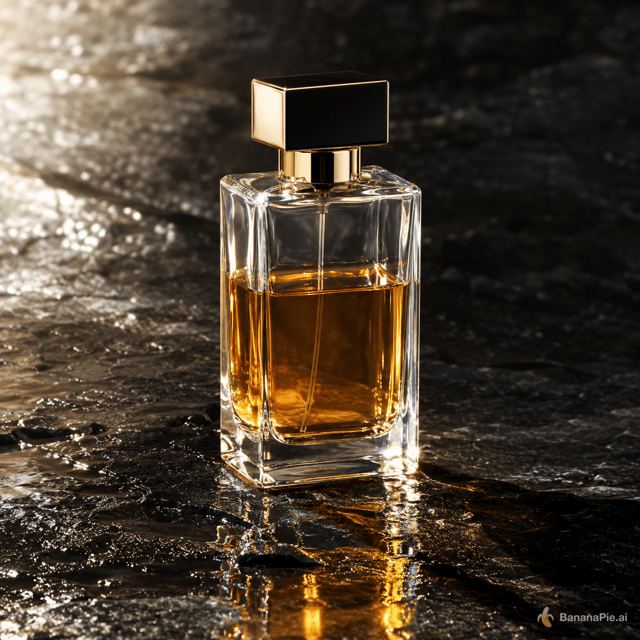
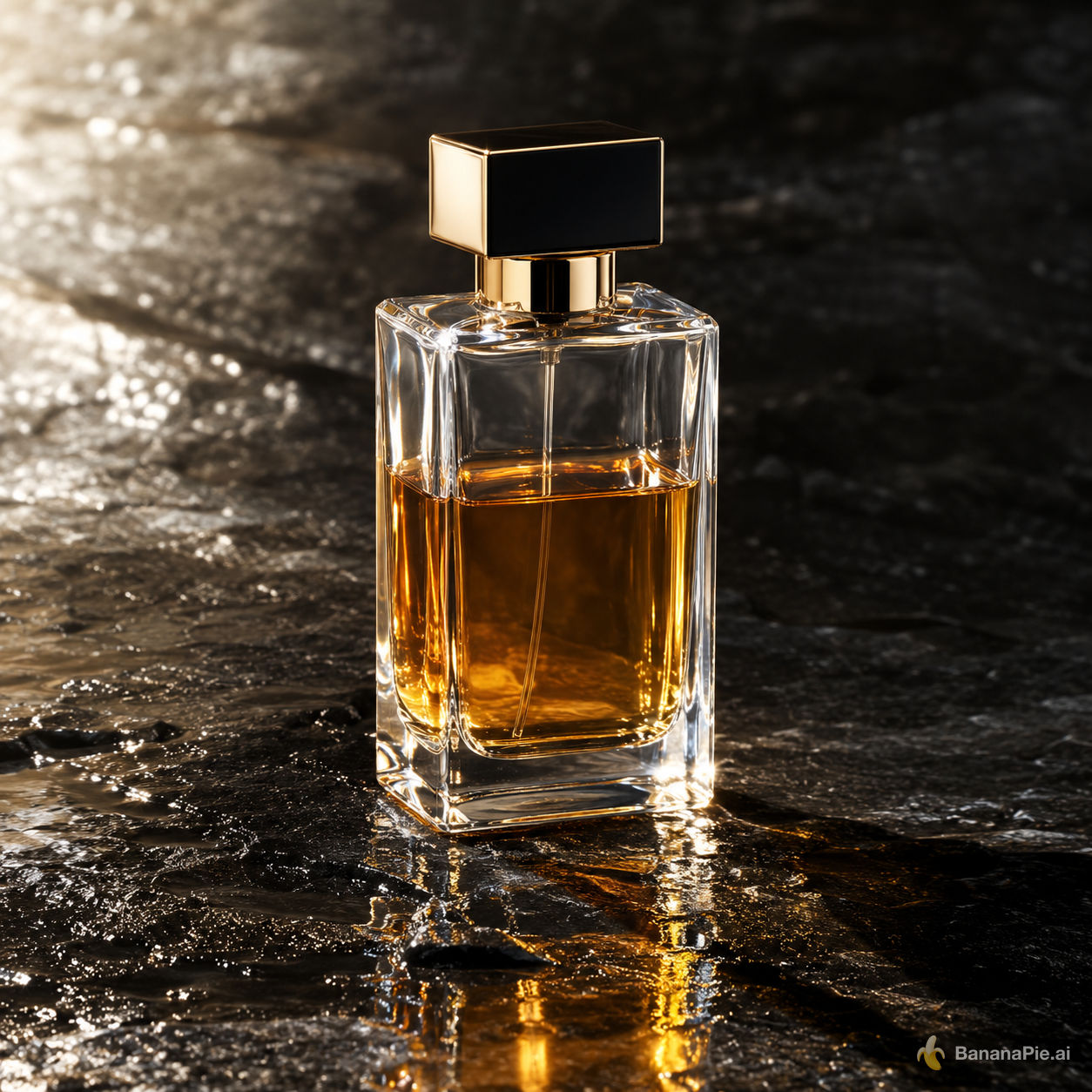
프롬프트
A premium product photograph of exactly one transparent rectangular perfume bottle, half filled with amber liquid, standing upright on wet black stone. Light comes from the upper left, creating coherent refraction, a contact shadow, and one subtle reflection. No text, logo, plants, or extra objects.
설정
- Resolution: 1K
- Aspect Ratio: 1:1
프롬프트
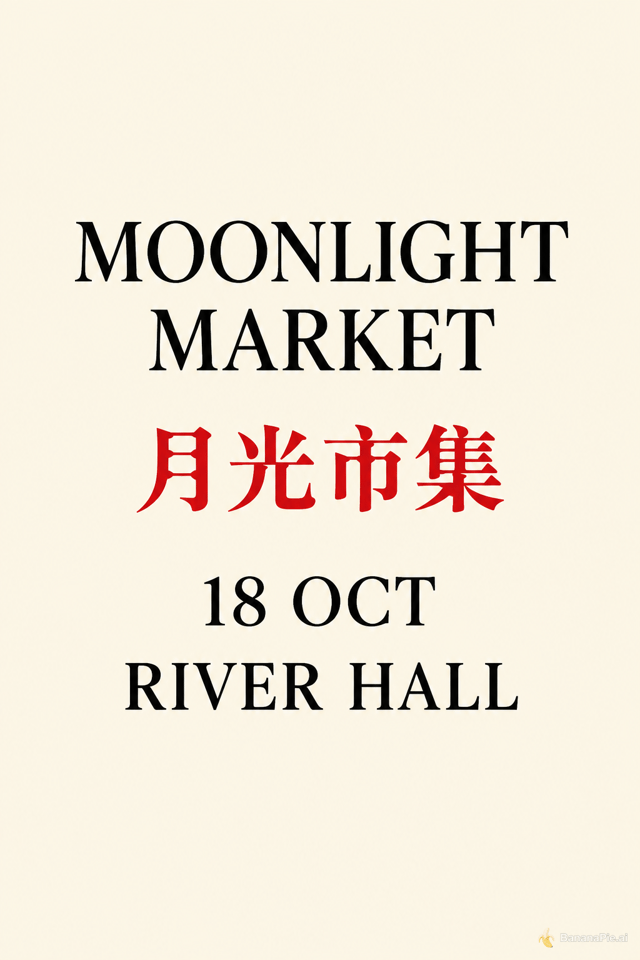
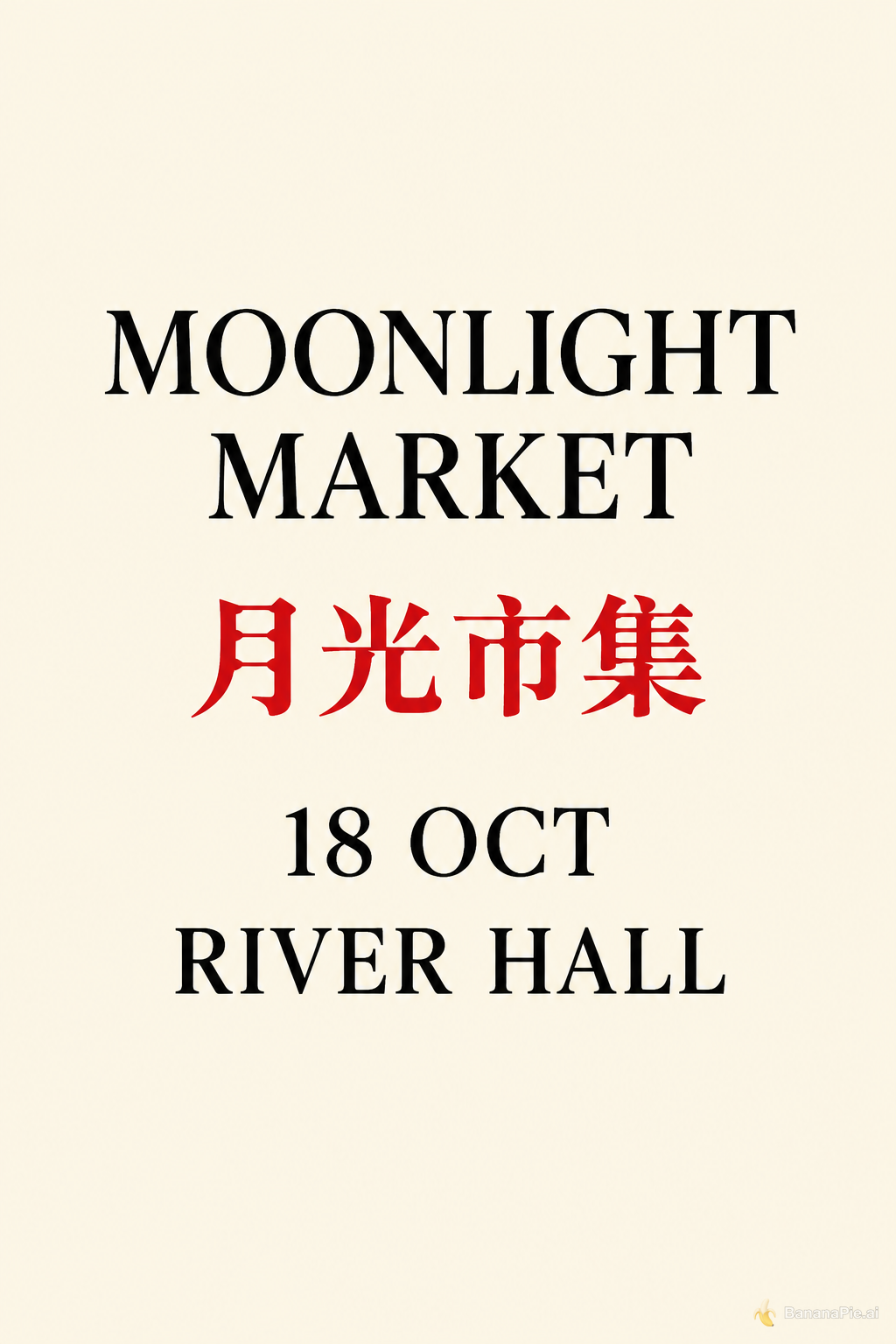
Design a clean cream-colored vertical event poster. Show exactly four centered text lines and no other text: "MOONLIGHT MARKET", "月光市集", "18 OCT", and "RIVER HALL". Render "月光市集" in red and all other lines in black.
설정
- Resolution: 1K
- Aspect Ratio: 2:3
프롬프트
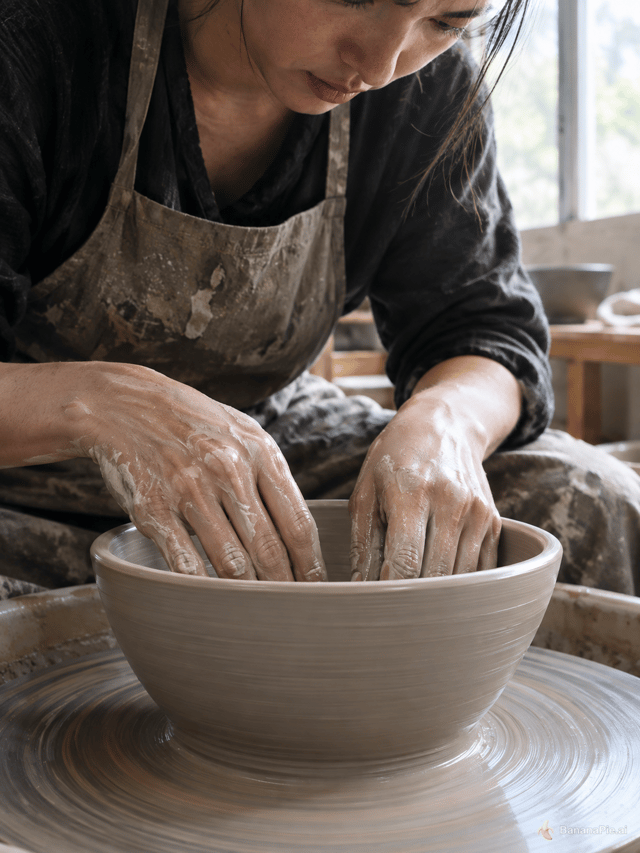
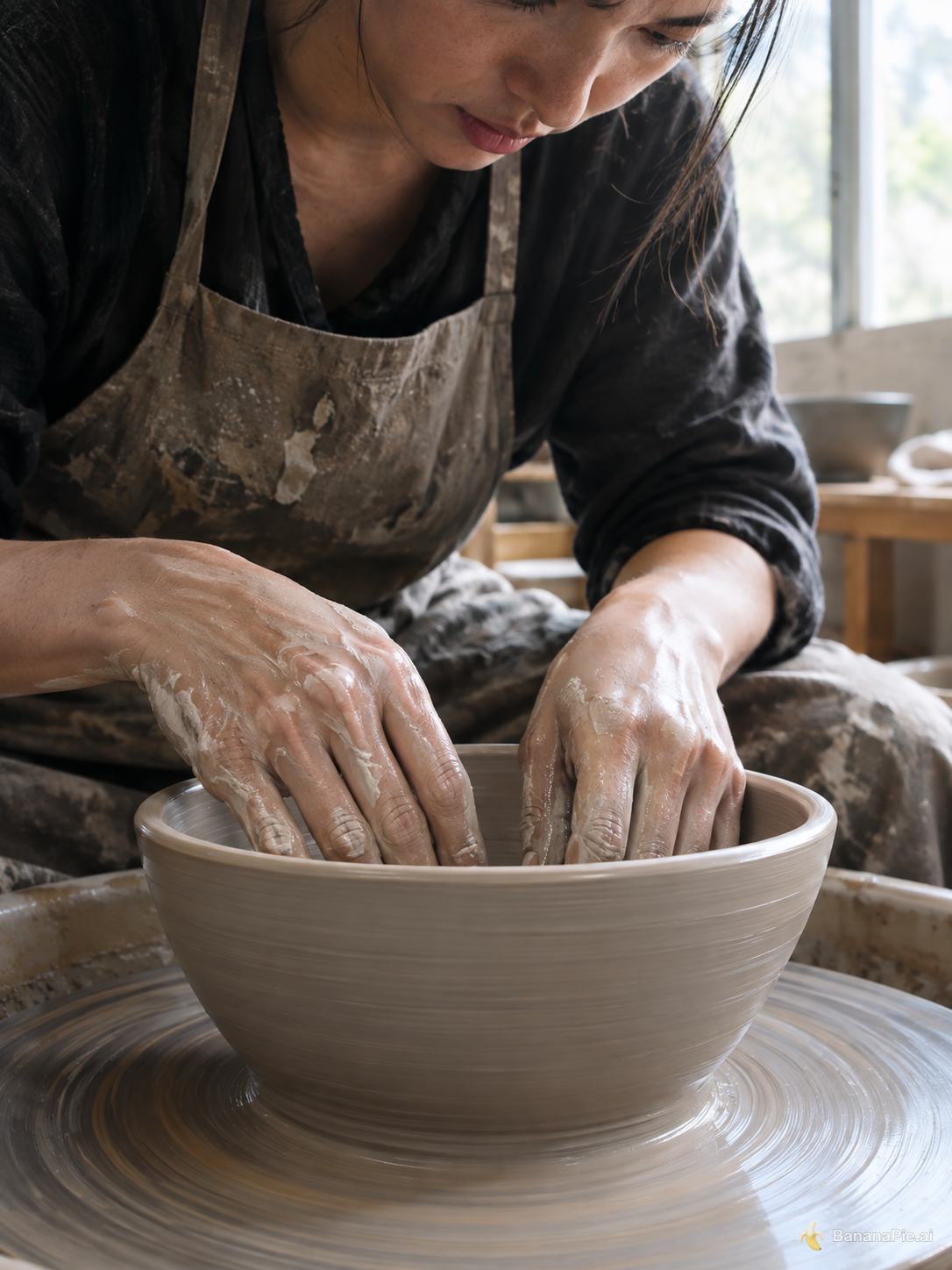
A photorealistic close-up of an adult potter shaping a clay bowl on a spinning wheel. Both hands are fully visible, each with five natural fingers touching the clay. No other people or hands. Soft window light.
설정
- Resolution: 1K
- Aspect Ratio: 3:4
프롬프트
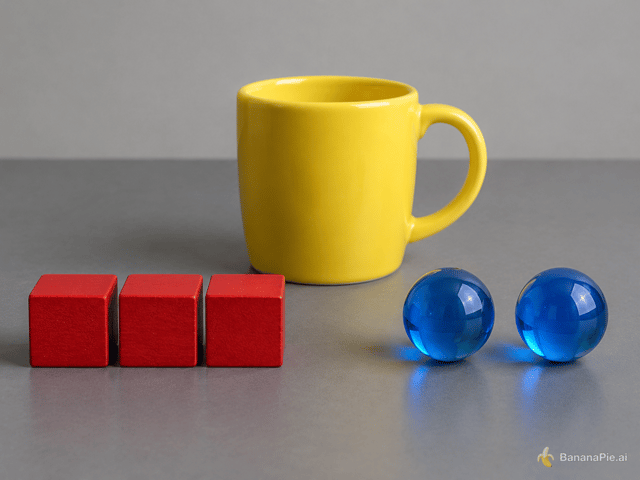
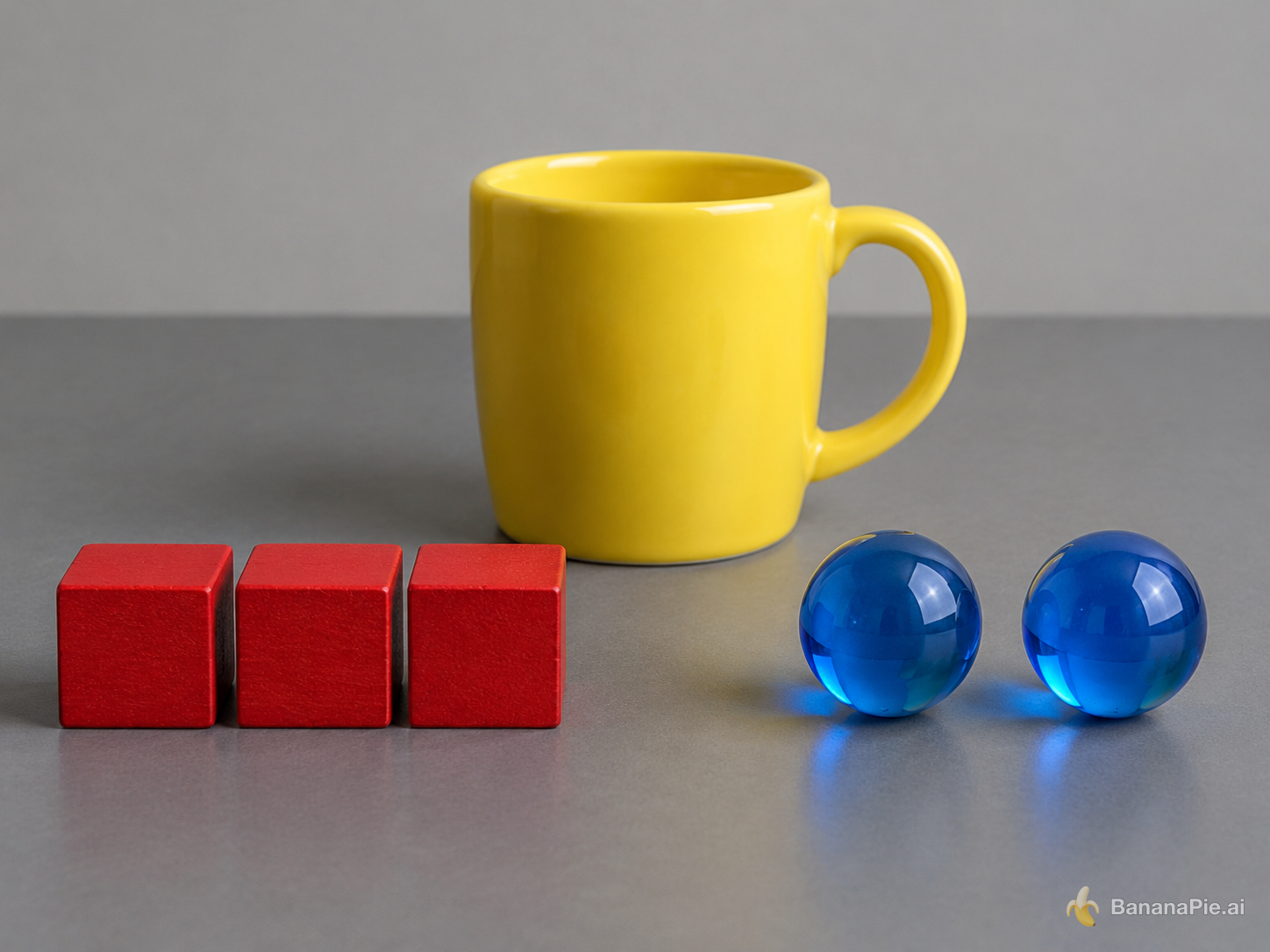
On a matte gray table, exactly three red wooden cubes form a row on the left, exactly two blue glass spheres sit on the right, and one yellow ceramic mug stands centered behind them. The mug handle points right. No other objects or text.
설정
- Resolution: 1K
- Aspect Ratio: 4:3
프롬프트
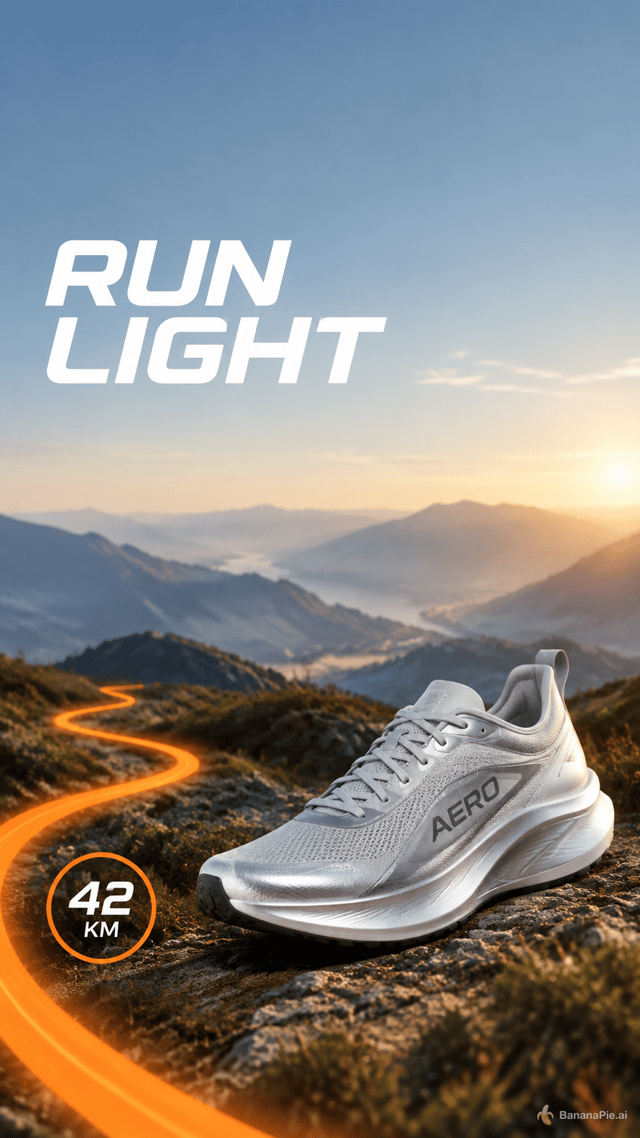
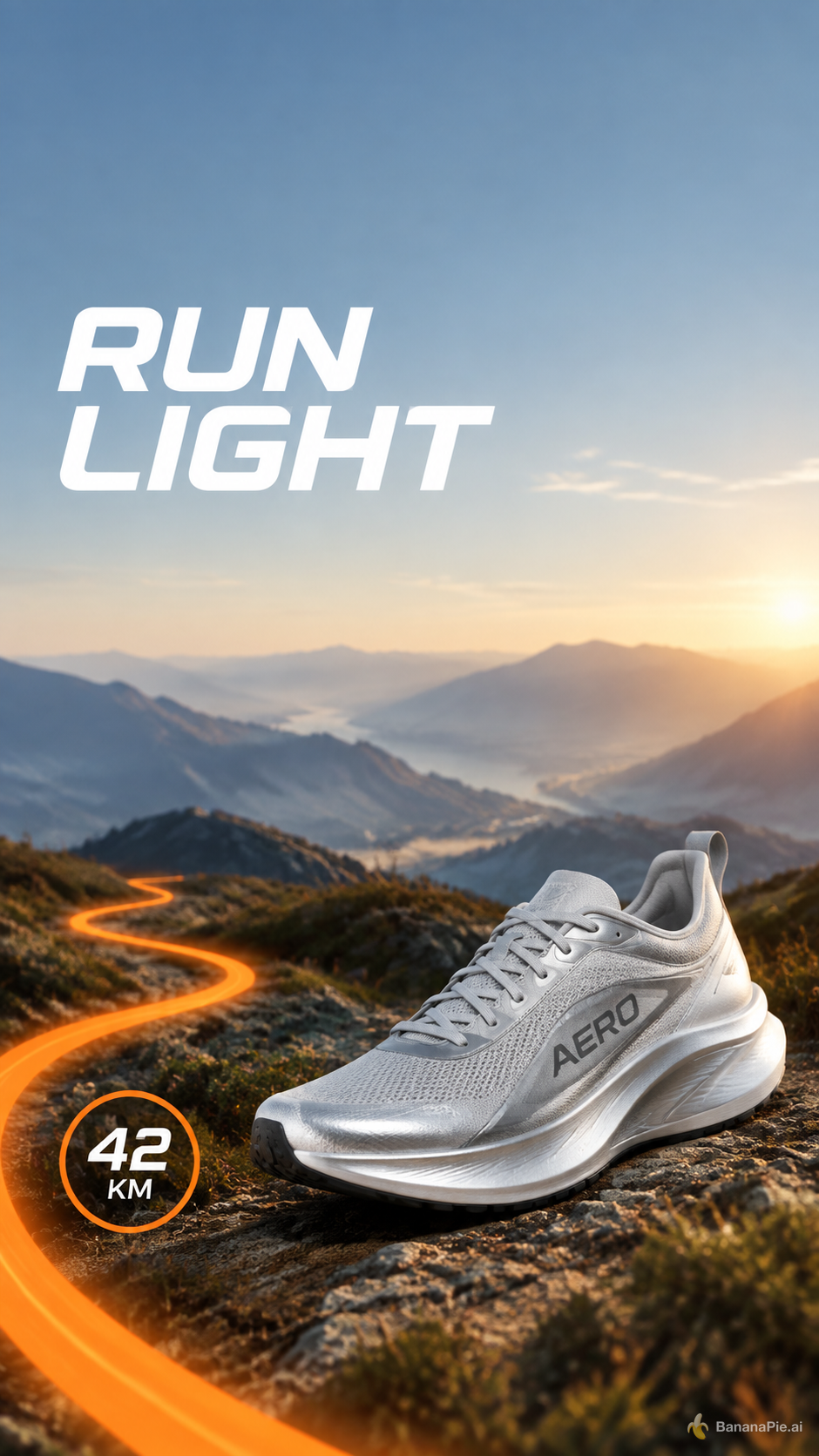
Create a vertical social ad for a fictional running shoe named AERO. Keep the top 15 percent empty. Directly below it, place the headline "RUN LIGHT" in the upper-left. Show exactly one silver shoe in the lower-right, an orange trail curving from the bottom-left, and a round badge reading "42 KM". No other shoes or text.
설정
- Resolution: 1K
- Aspect Ratio: 9:16
프롬프트
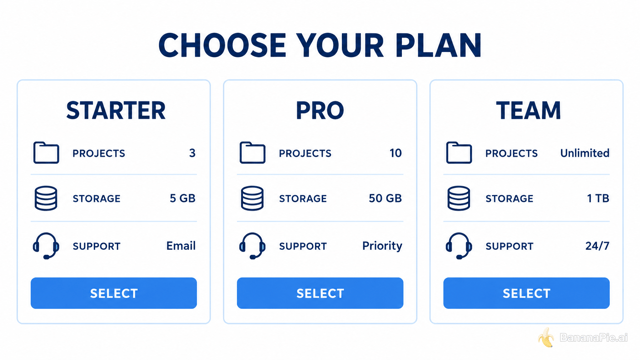
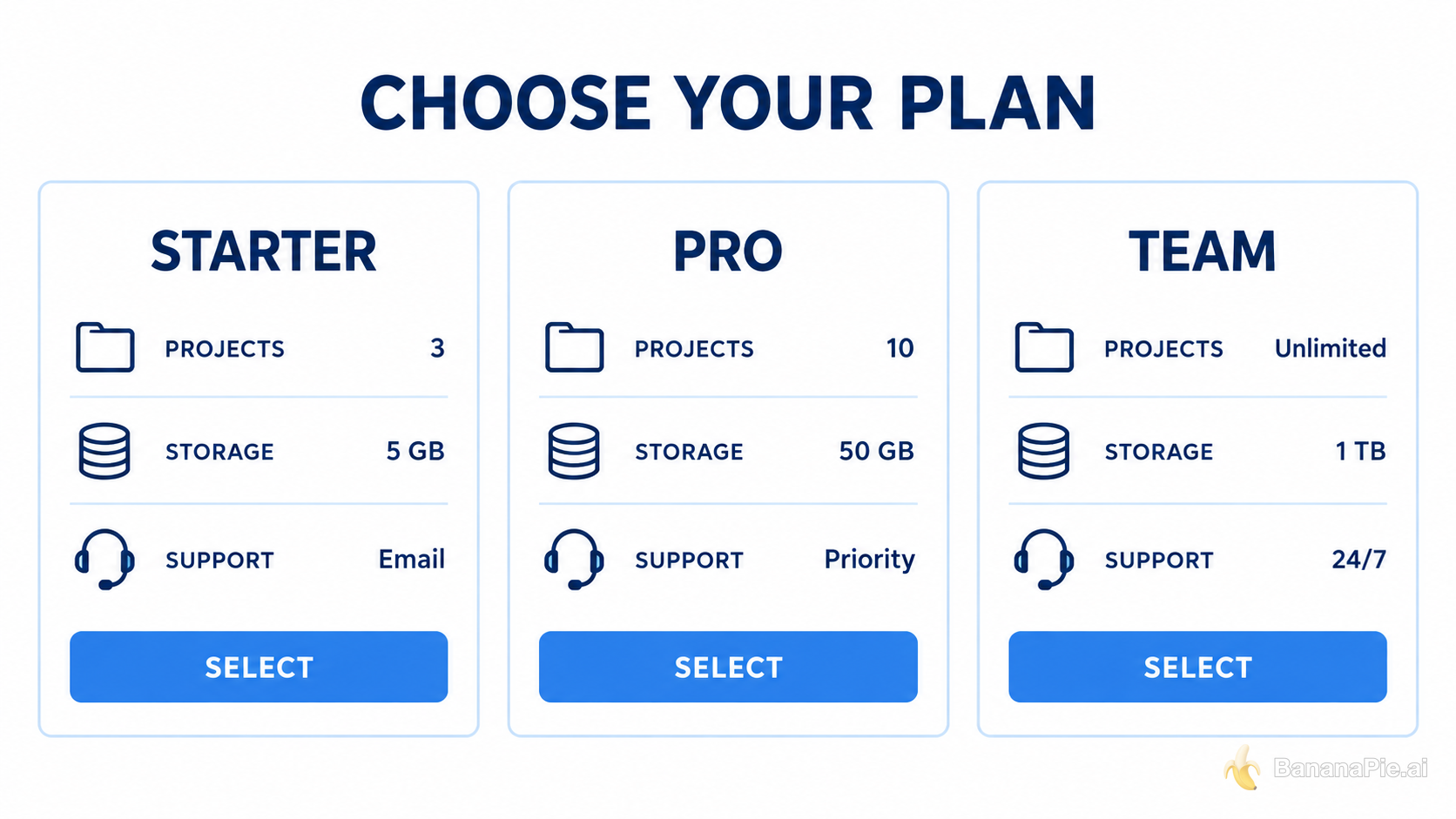
Create a clean horizontal pricing comparison graphic titled "CHOOSE YOUR PLAN". Use exactly three equal columns labeled "STARTER", "PRO", and "TEAM". Under each column, show exactly three aligned rows labeled "PROJECTS", "STORAGE", and "SUPPORT", followed by one blue button labeled "SELECT". White background, dark navy text, no additional columns or text.
설정
- Resolution: 1K
- Aspect Ratio: 16:9


프롬프트
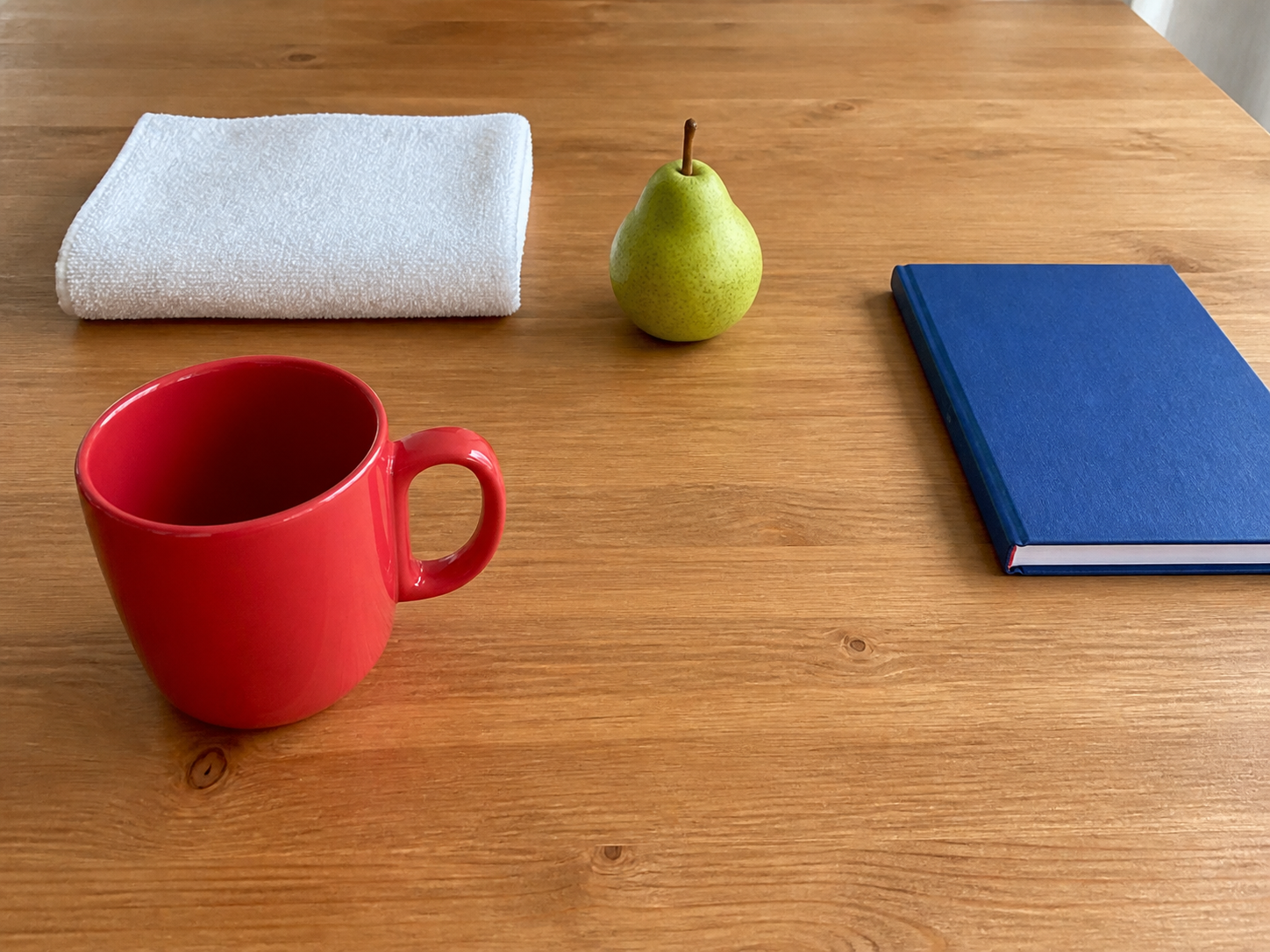
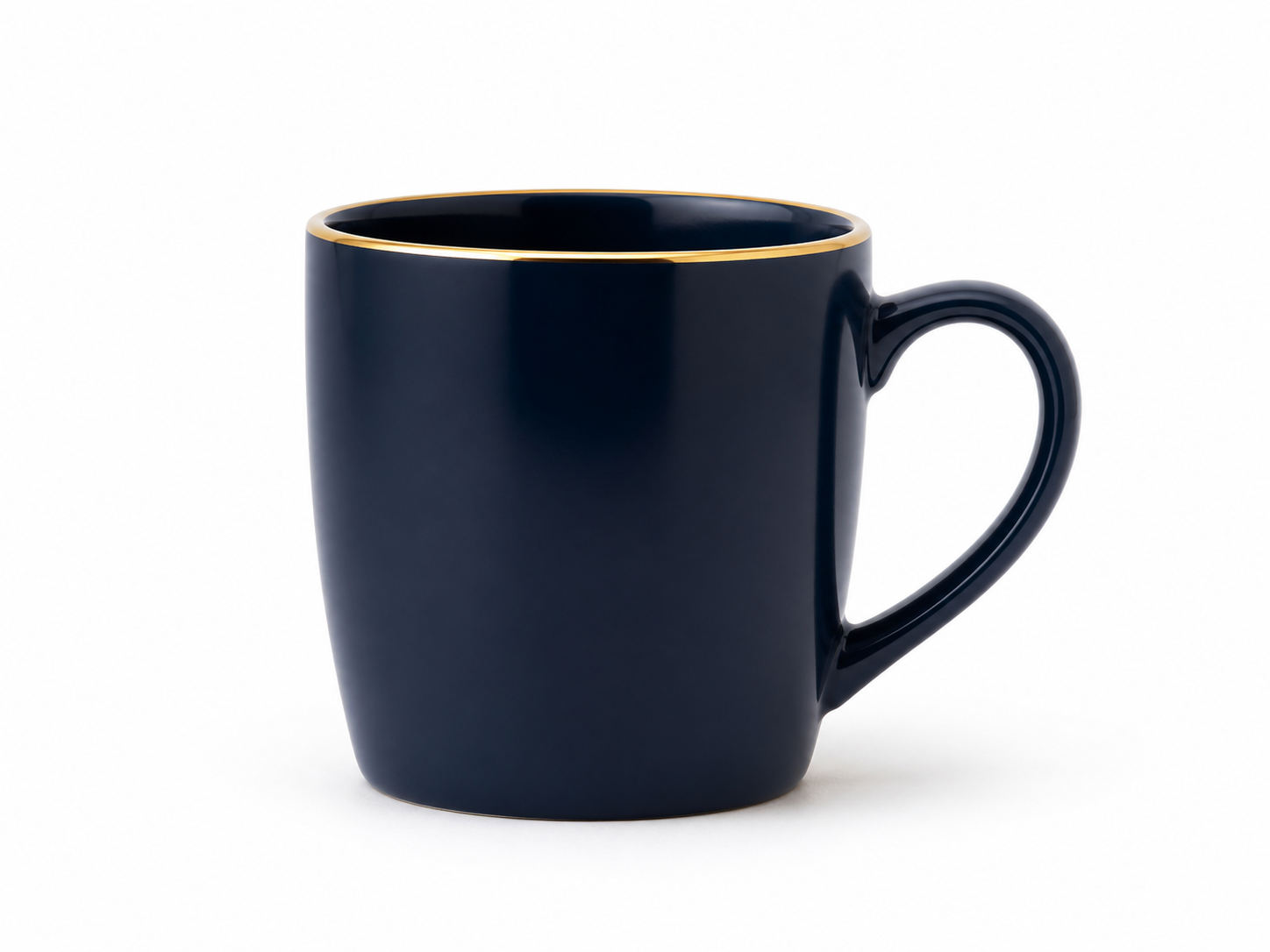
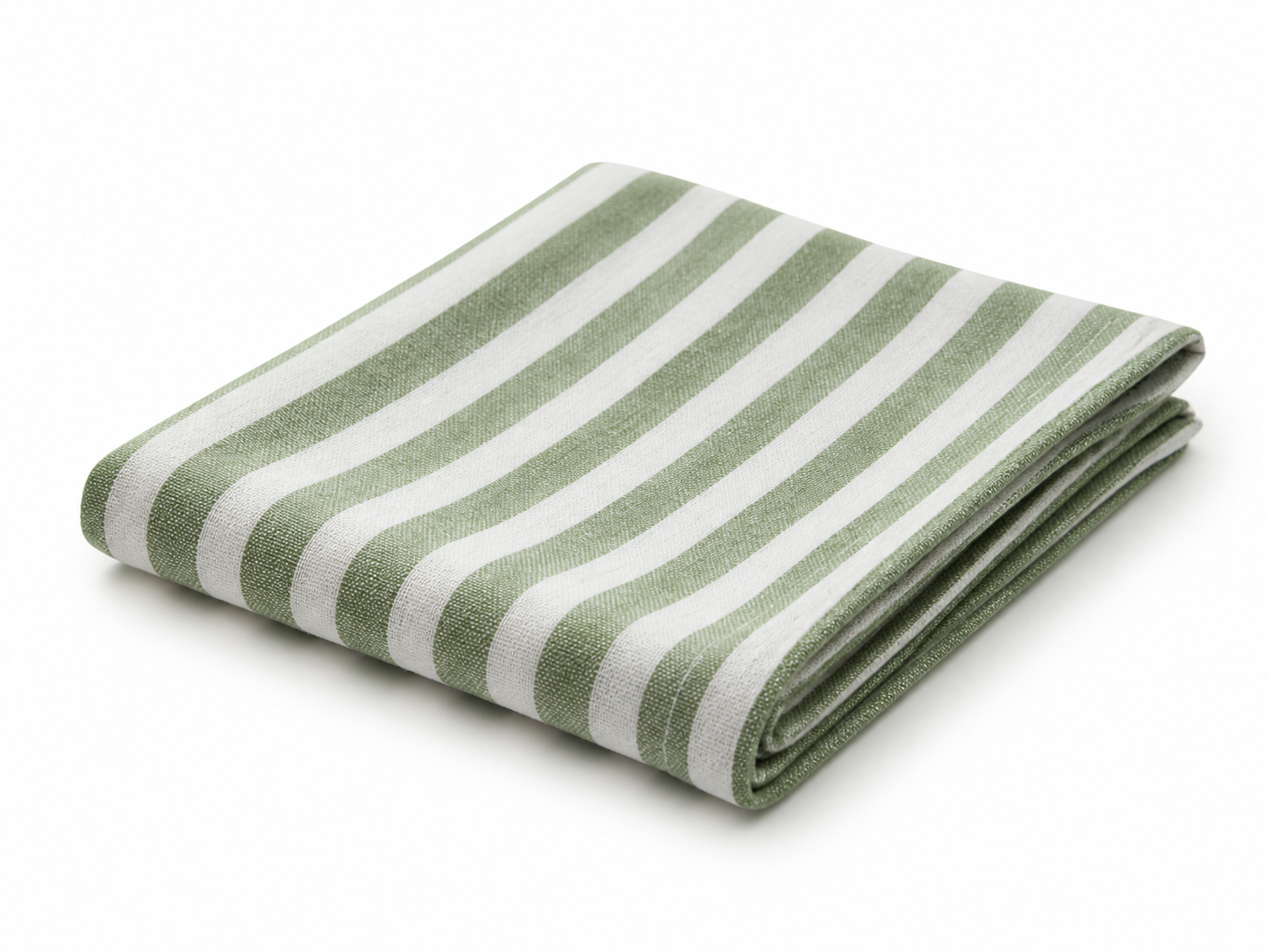
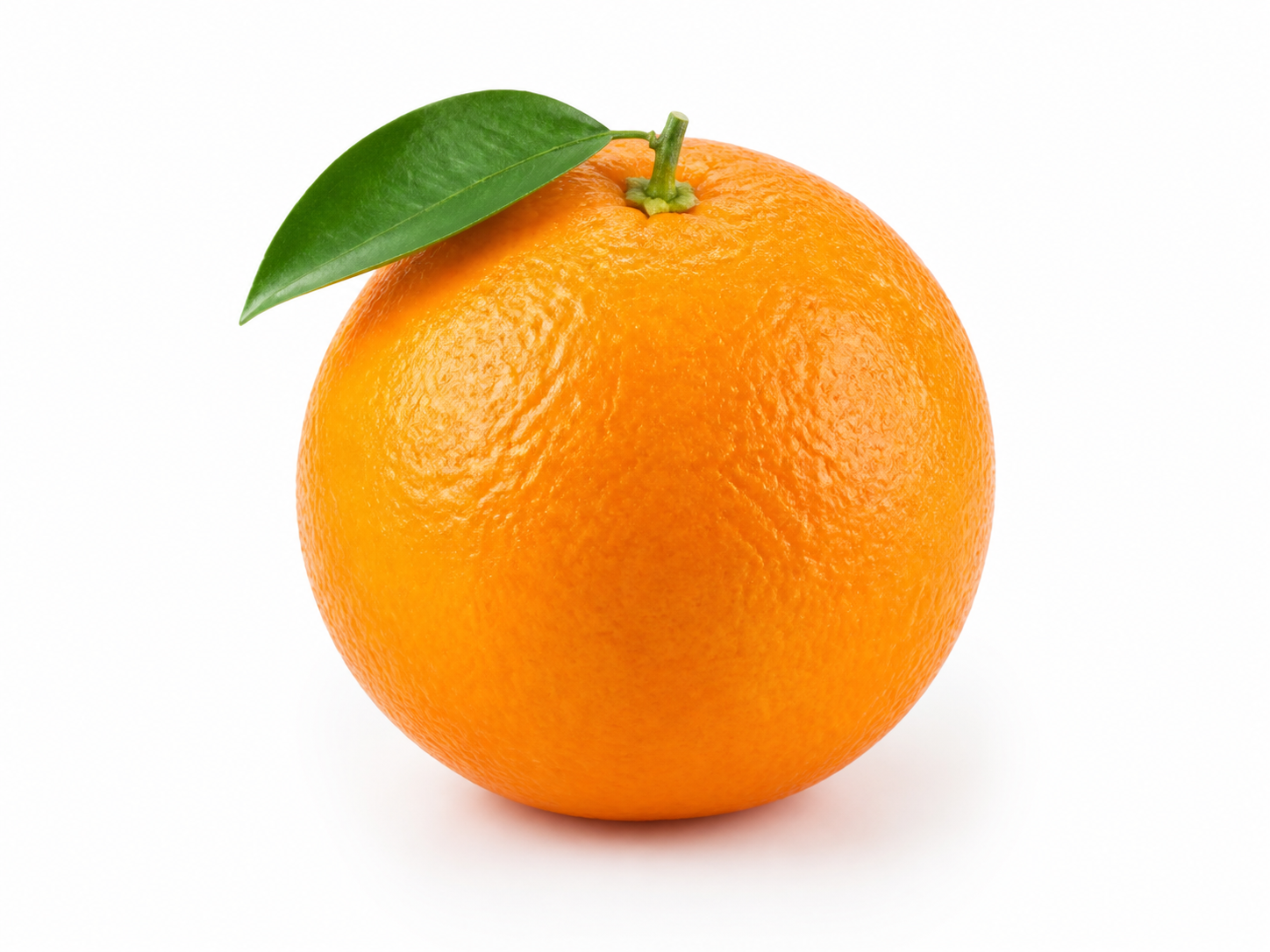
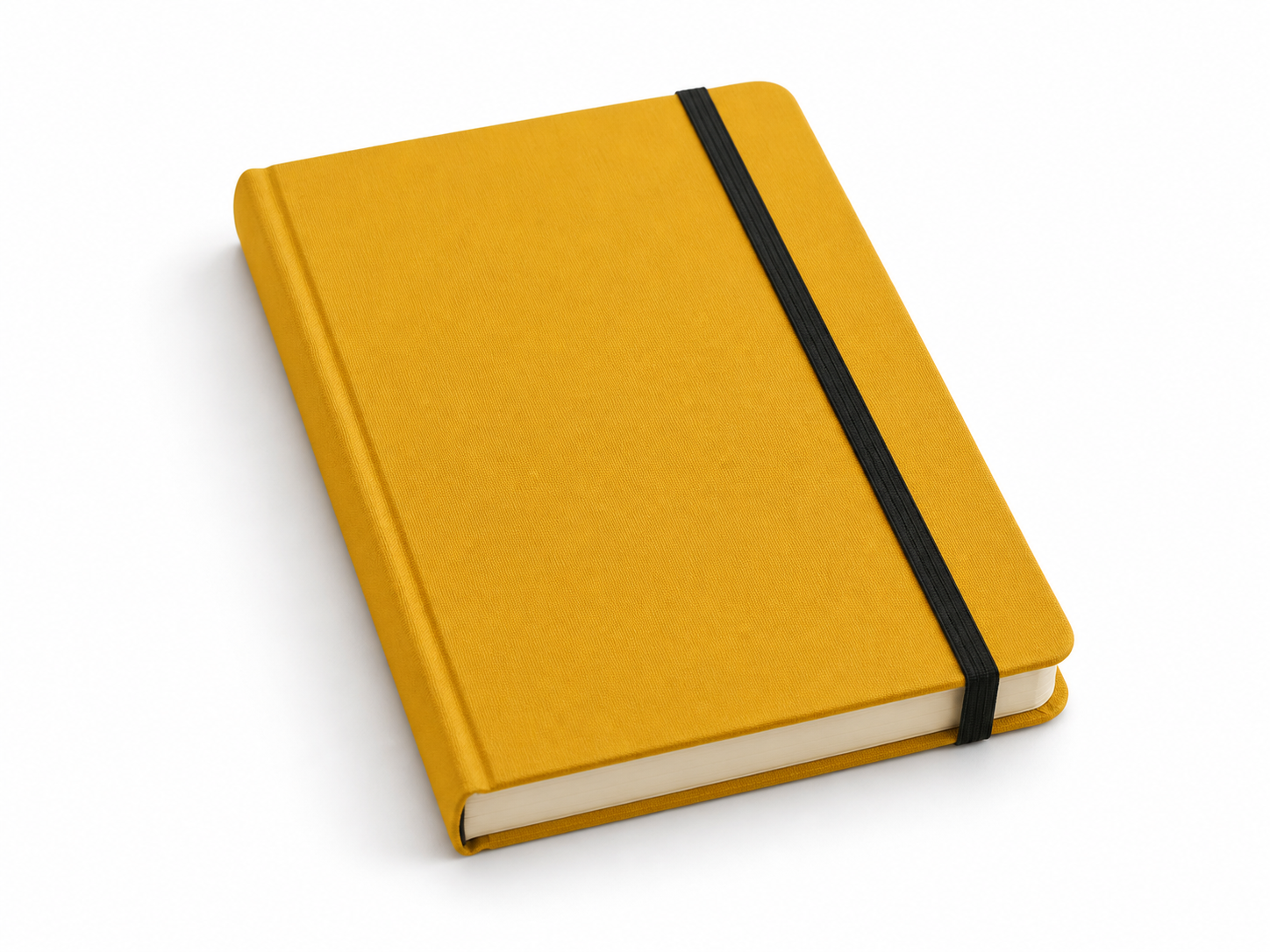
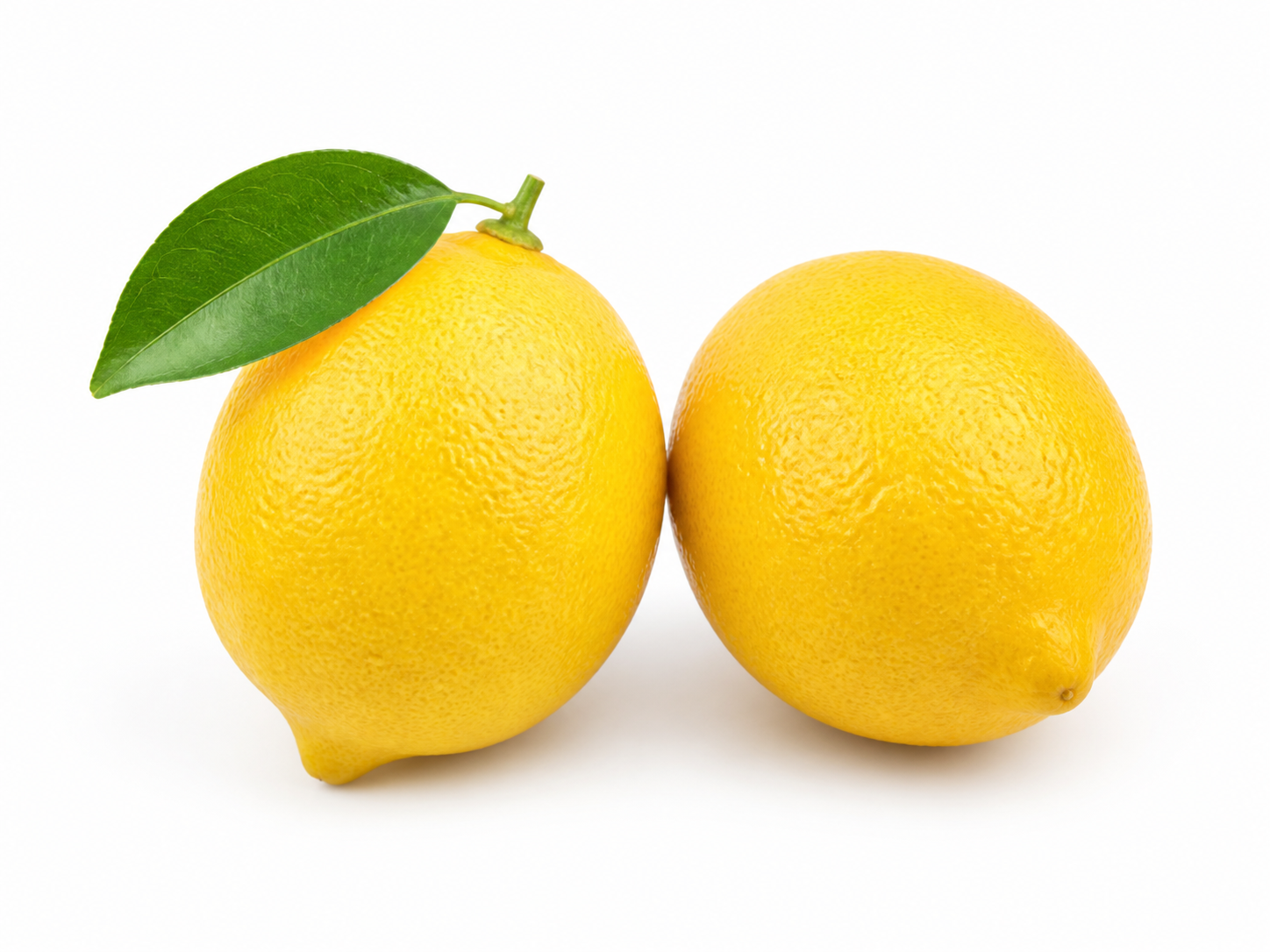
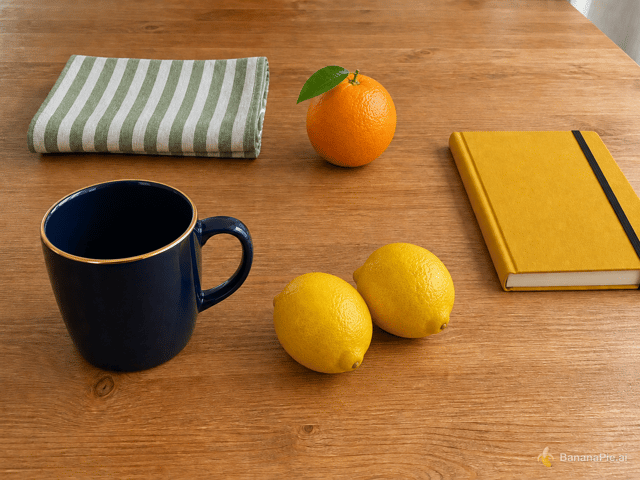
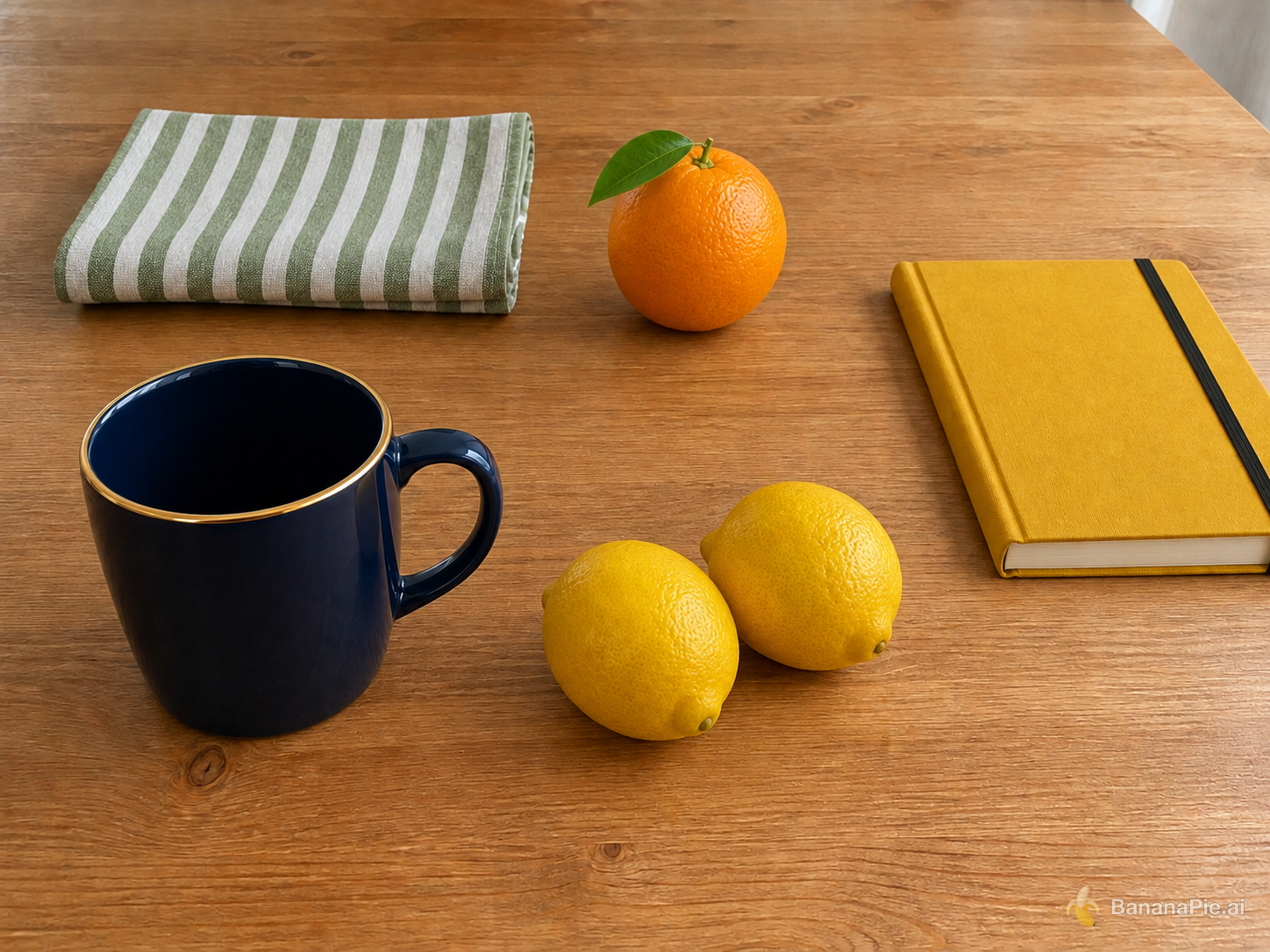
Use Reference 1 as the base tabletop scene. Replace the red mug with the exact dark navy-blue mug from Reference 2 in the same position and orientation. Replace the folded white towel with the exact green-and-white striped napkin from Reference 3 in the same folded area. Replace the green pear with exactly one orange from Reference 4 in the same position. Replace the blue notebook with the exact mustard-yellow hardcover notebook from Reference 5 in the same position. Add exactly the two lemons from Reference 6 to the right of the mug. Preserve the wooden table, camera, framing, wood grain, lighting, shadows, and all other spatial relationships from Reference 1. Do not copy the white product backgrounds from References 2–6, duplicate any asset, or add other objects.
설정
- Resolution: 1K
- Aspect Ratio: 4:3
참조 이미지
프롬프트
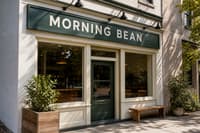
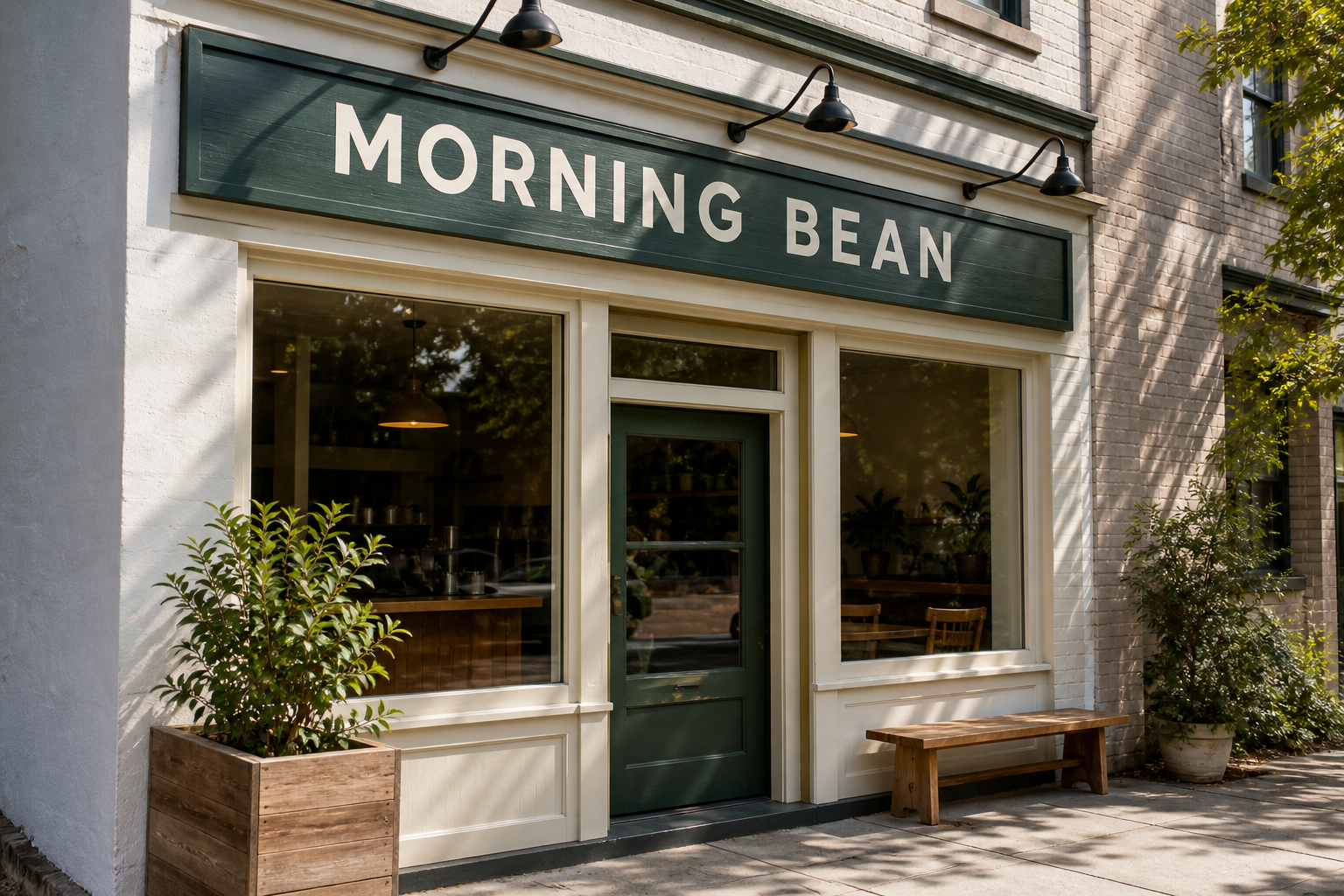
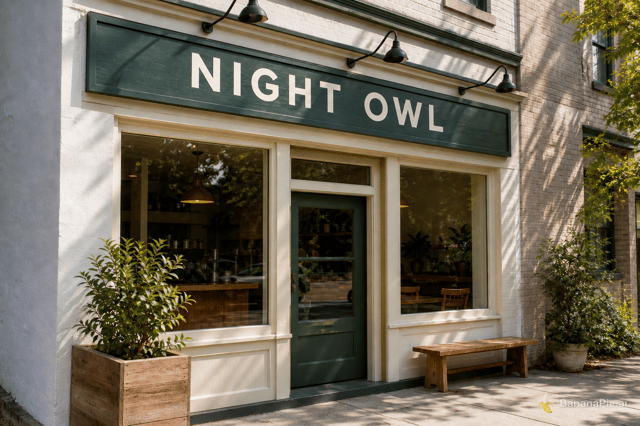
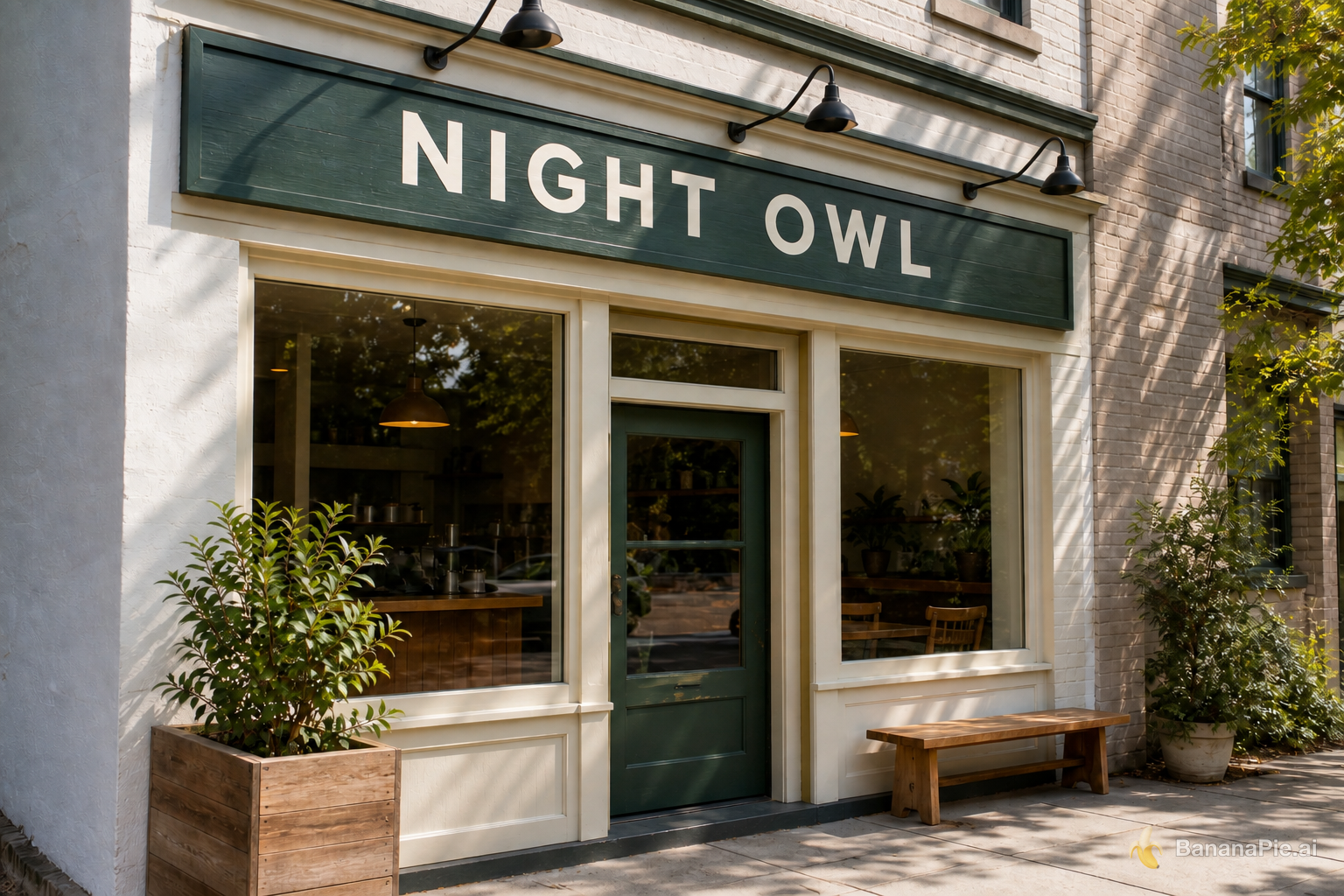
Replace only the sign text with exactly "NIGHT OWL". Preserve the original font style, spacing, perspective, sign material, lighting, and everything else.
설정
- Resolution: 1K
- Aspect Ratio: 3:2
프롬프트
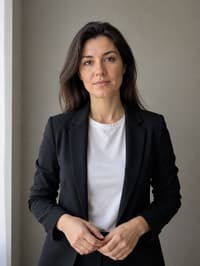
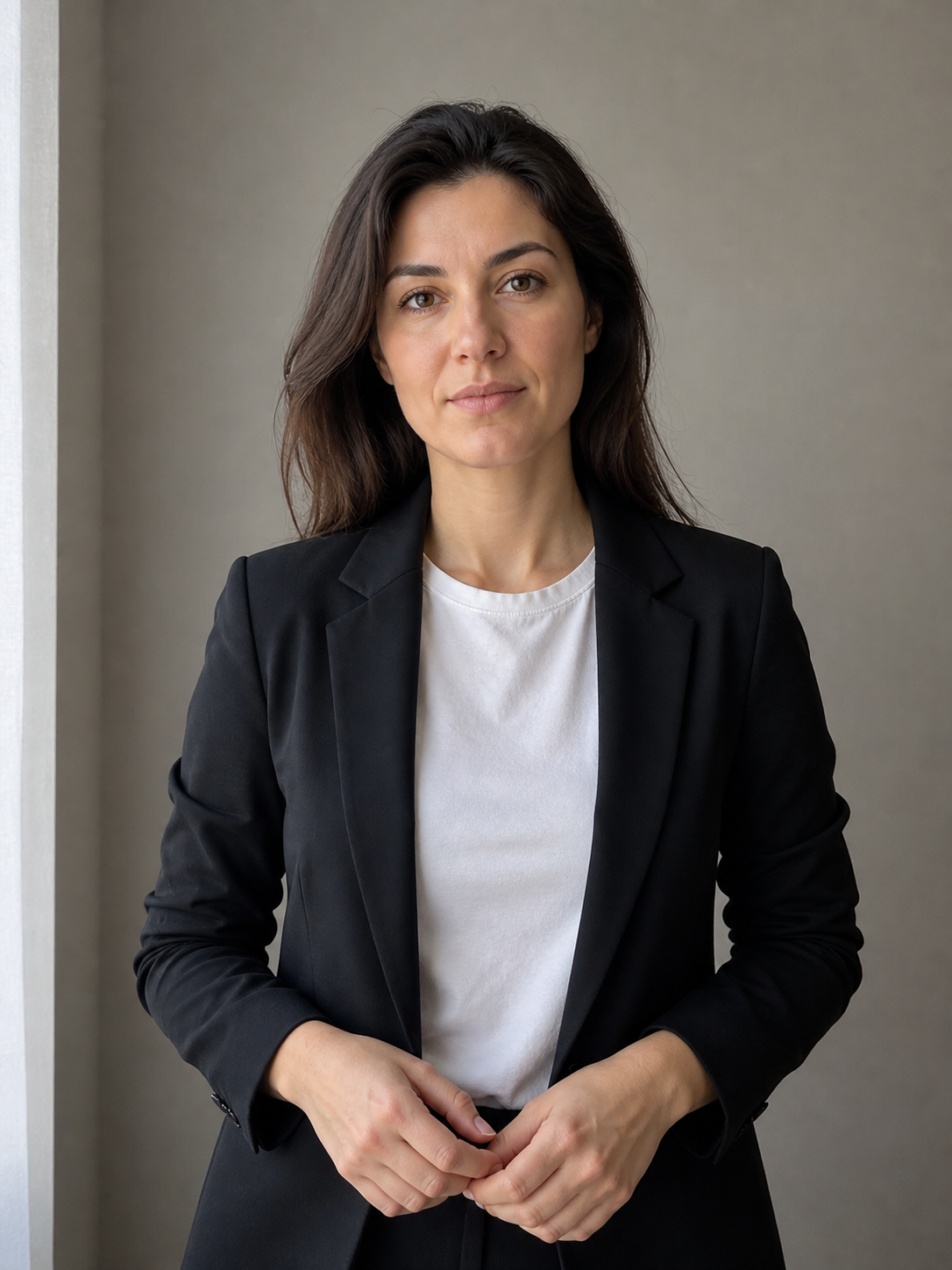
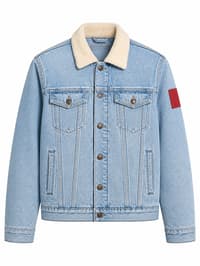
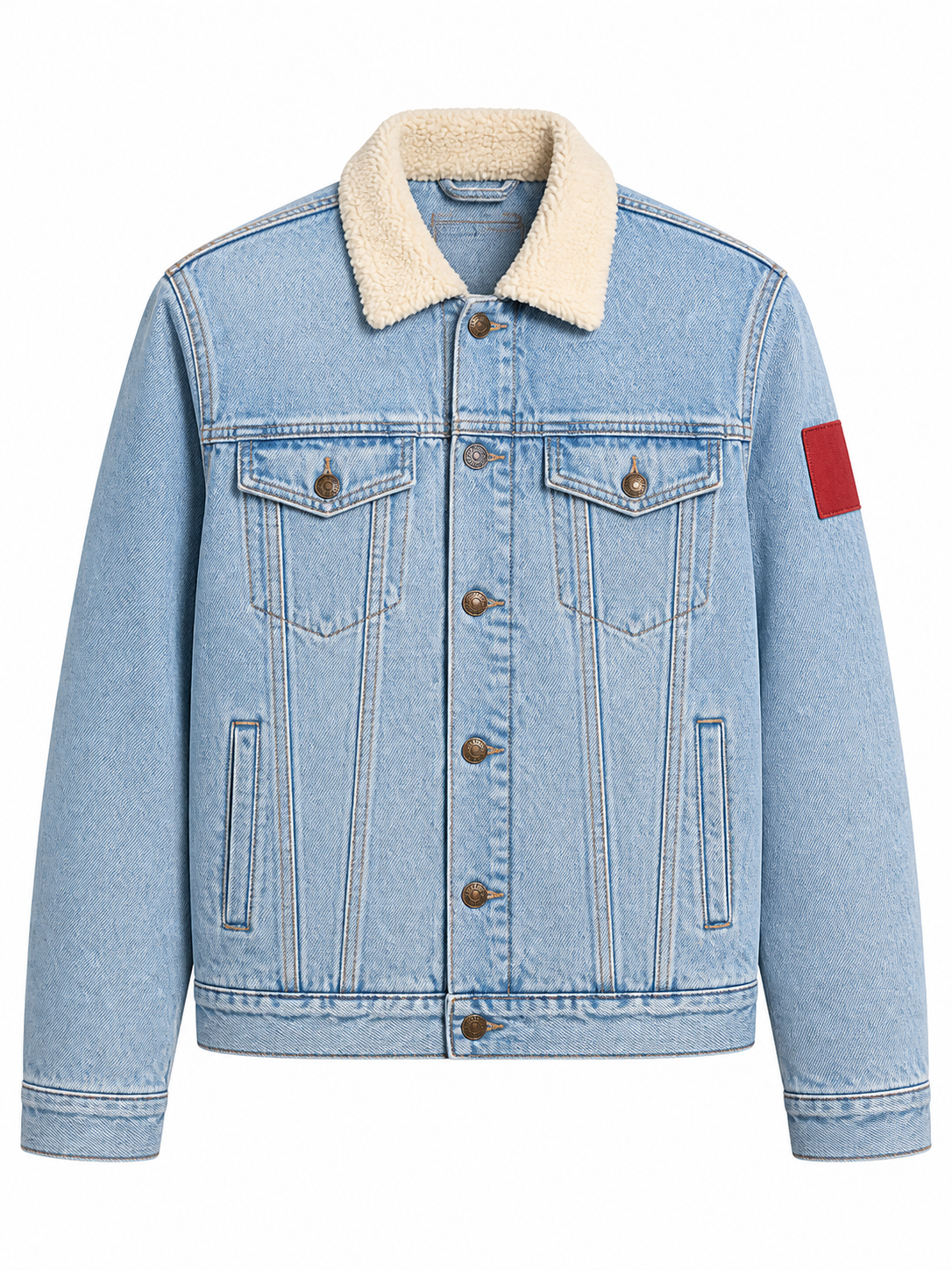
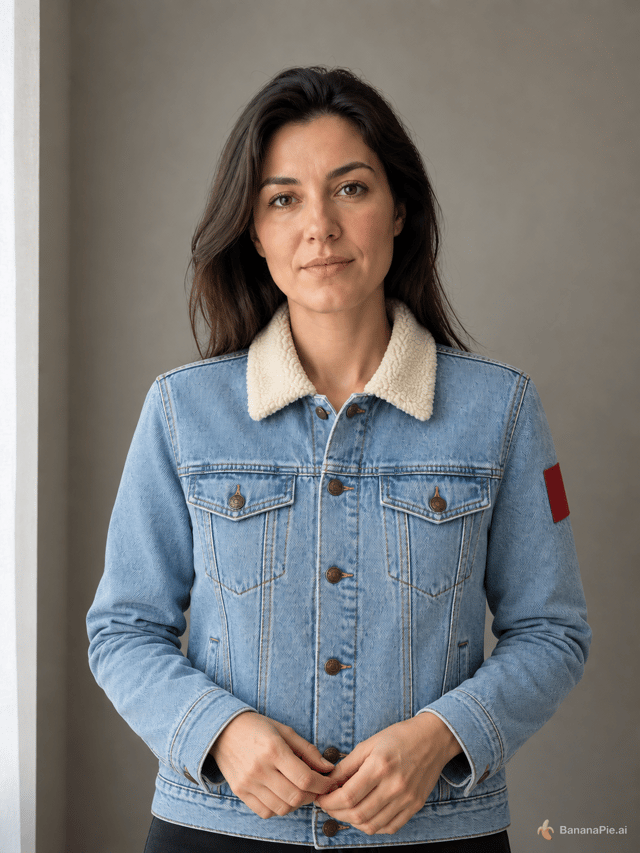
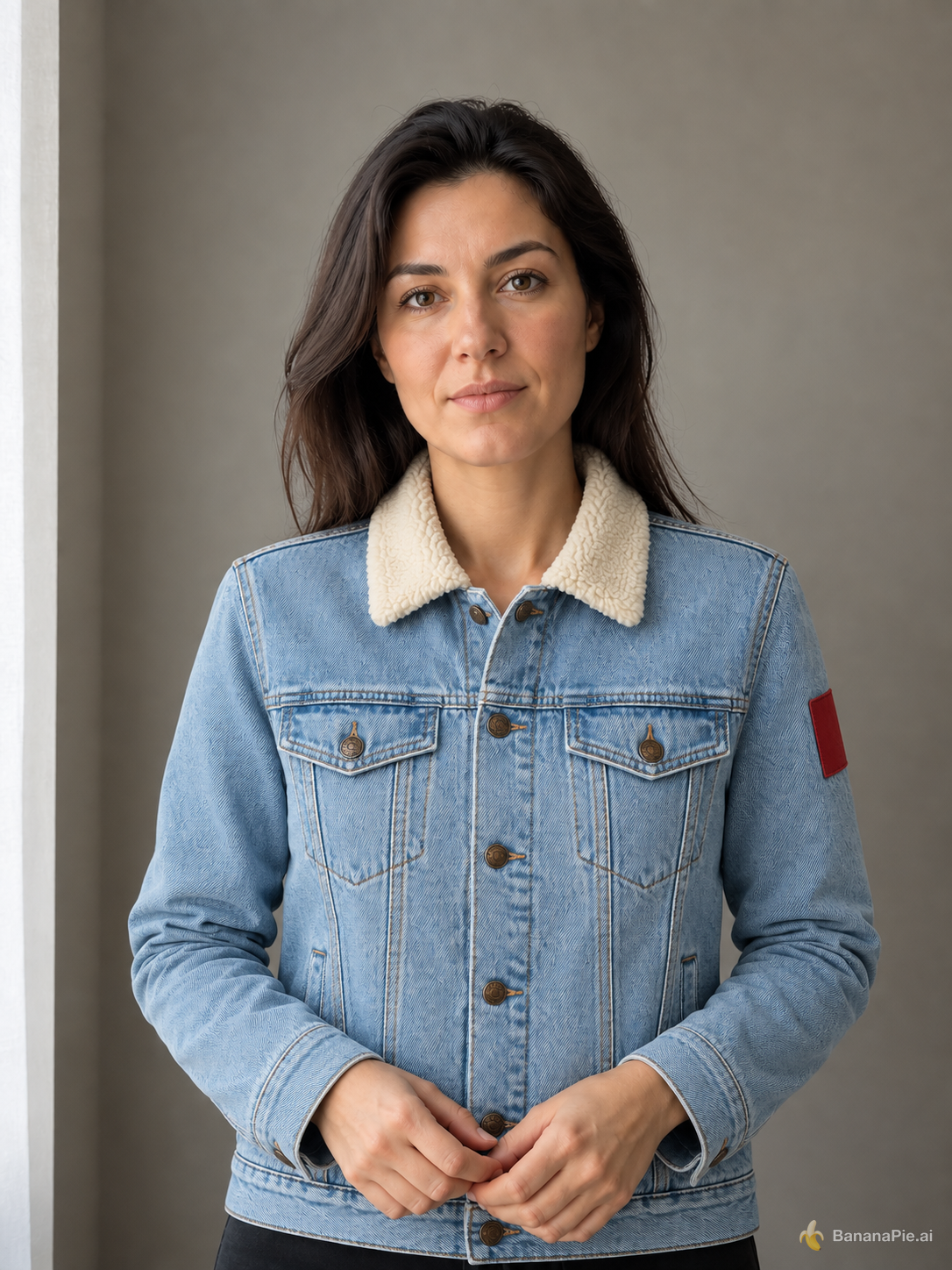
Use the portrait in Reference 1 for the person and the isolated jacket in Reference 2 for the garment. Dress the person from Reference 1 in the exact jacket shown in Reference 2. Preserve the person's identity, face, expression, skin, hair, hands, pose, body proportions, background, framing, and lighting from Reference 1. Preserve the jacket's material, color, collar, buttons, pockets, and sleeve patch from Reference 2. Do not copy the ghost mannequin or white product background.
설정
- Resolution: 1K
- Aspect Ratio: 3:4
참조 이미지
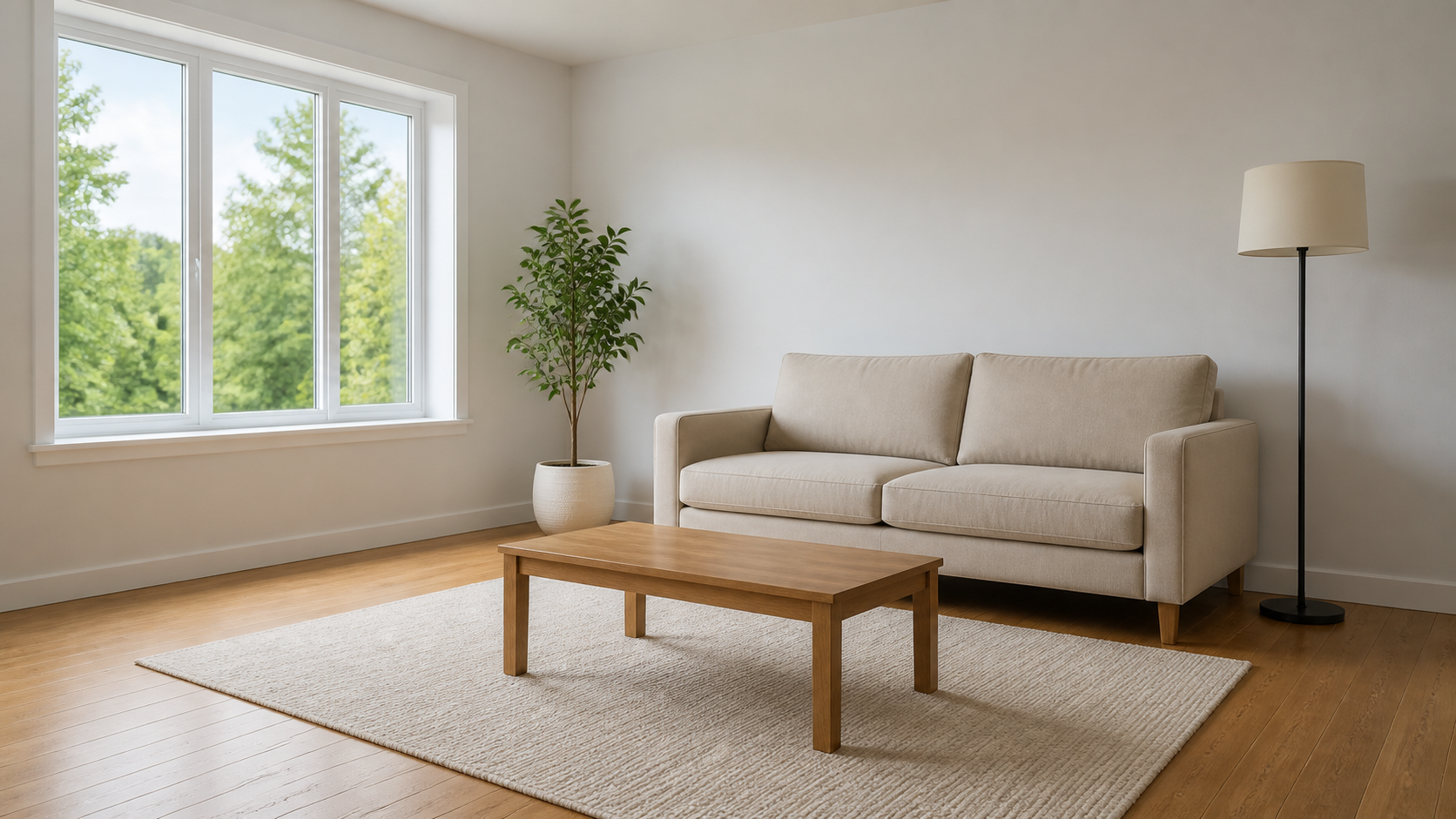
프롬프트
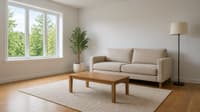
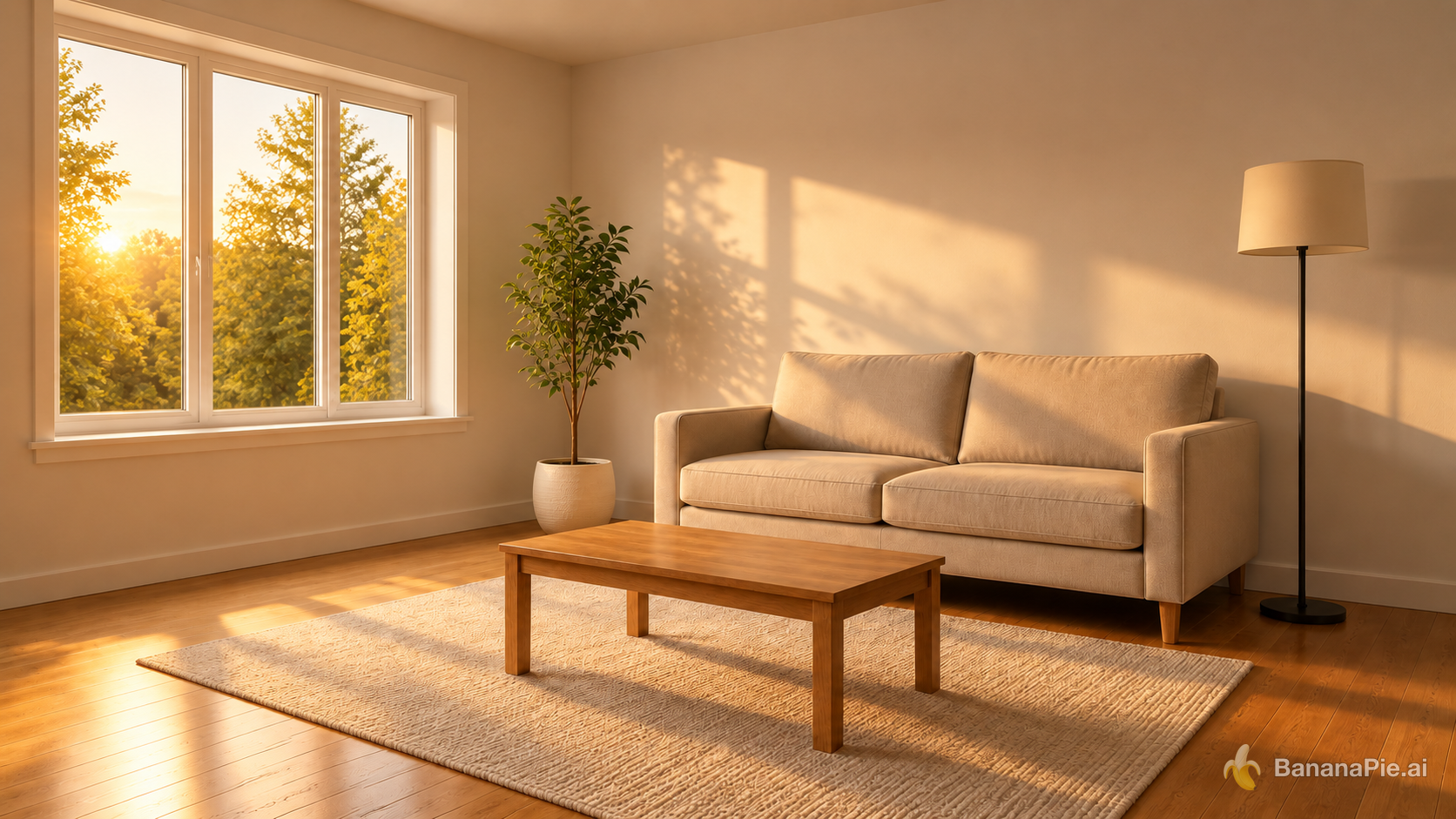
Change the lighting to warm golden-hour sunlight entering from the left window. Do not move, add, remove, or redesign any object. Update highlights and shadows coherently.
설정
- Resolution: 1K
- Aspect Ratio: 16:9
참조 이미지
프롬프트
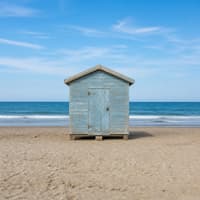
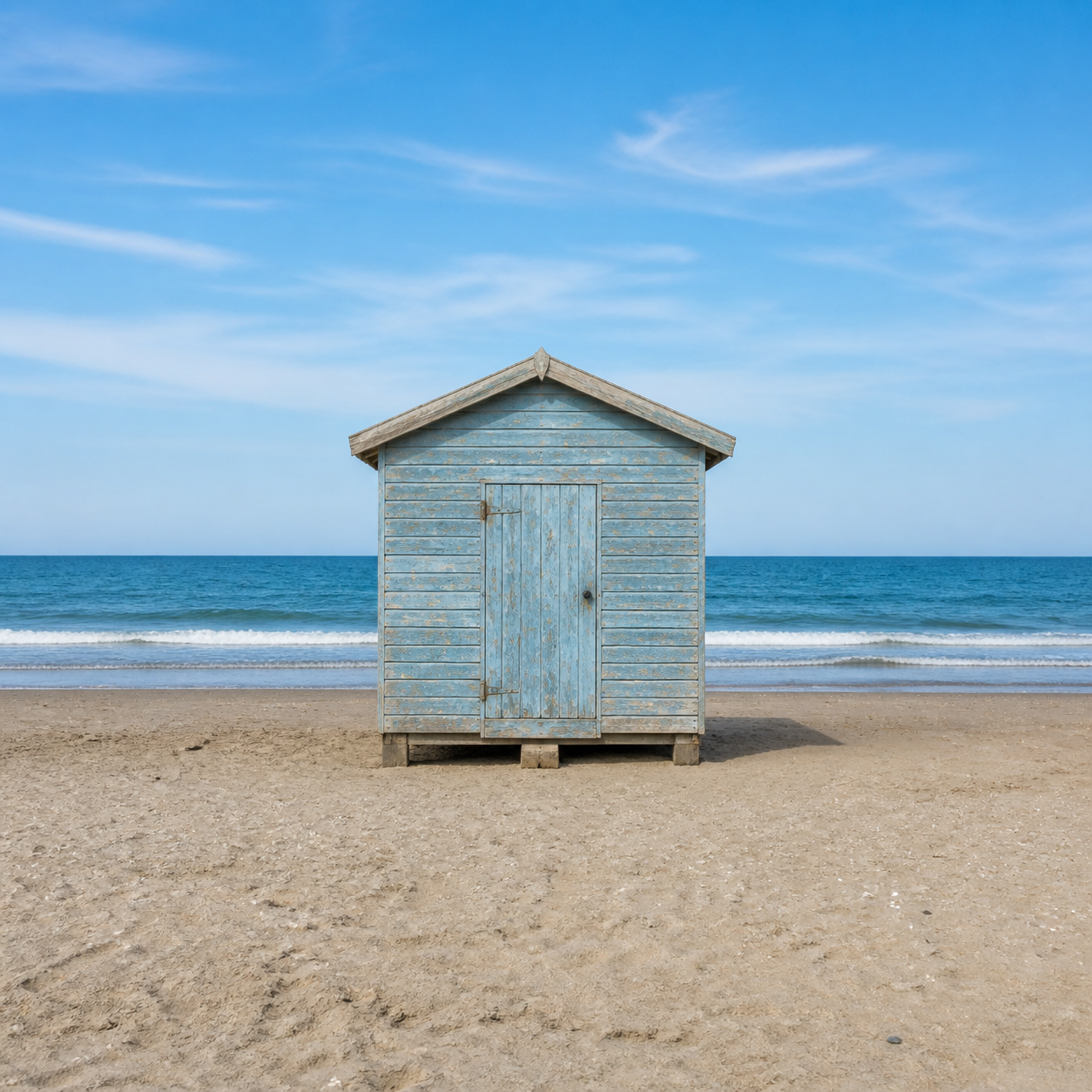
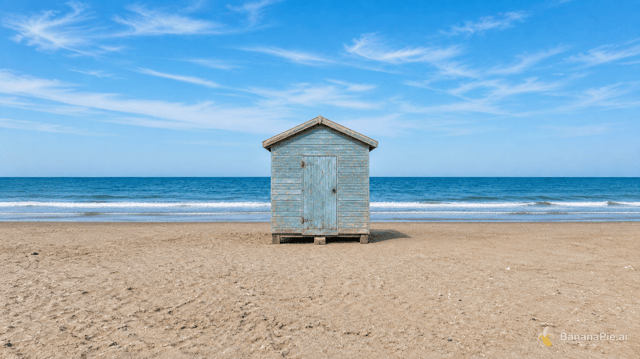
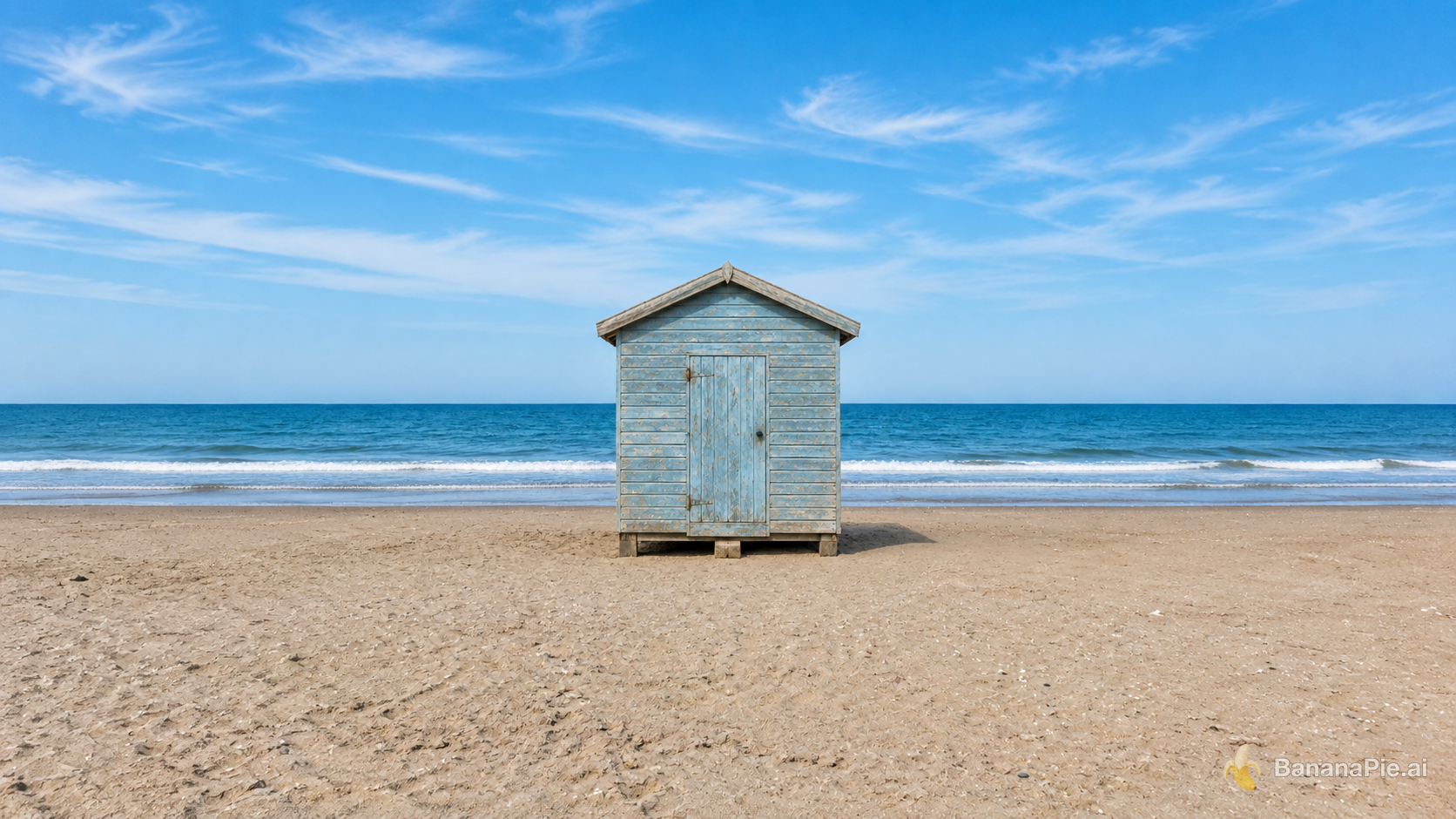
Expand the canvas to a 16:9 landscape by naturally continuing the beach, ocean, and sky on both sides. Keep the complete original image centered without cropping, stretching, letterboxing, or modifying it.
설정
- Resolution: 1K
- Aspect Ratio: 16:9
참조 이미지
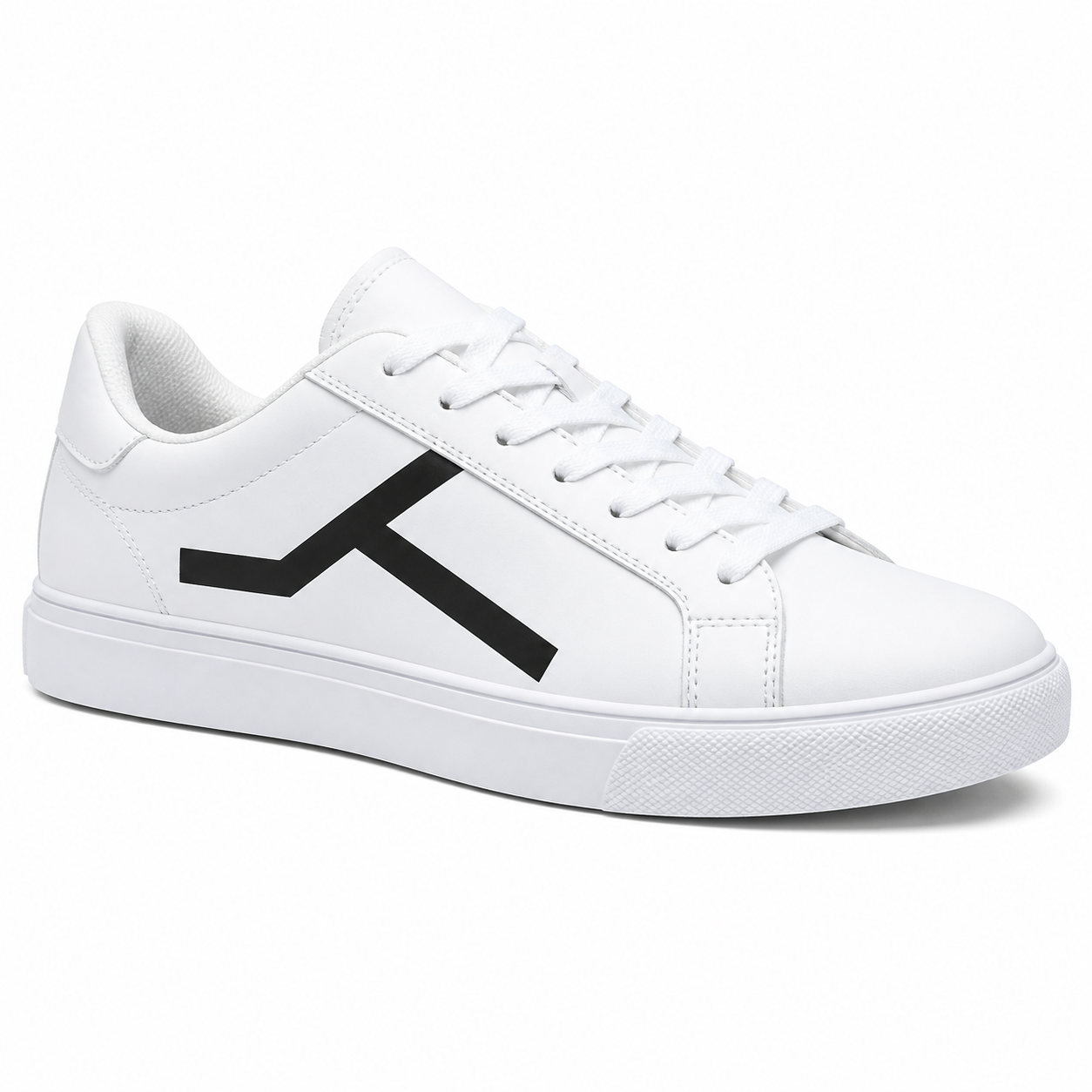
프롬프트
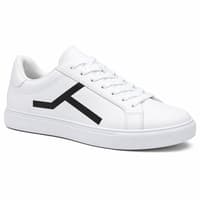
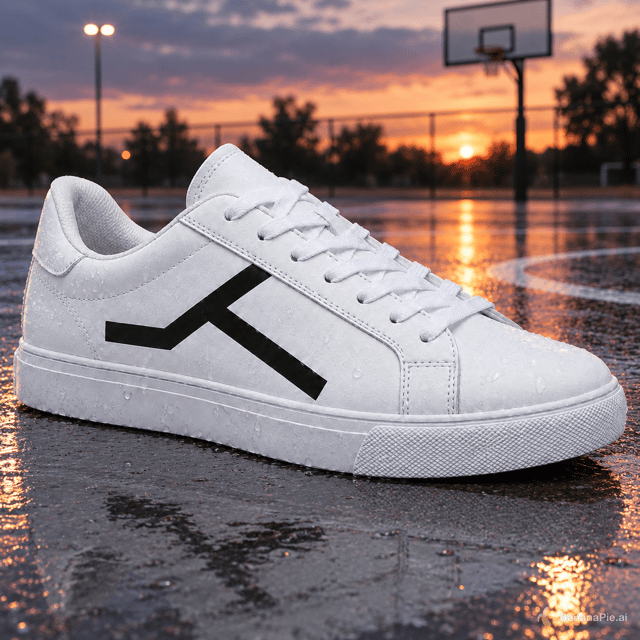
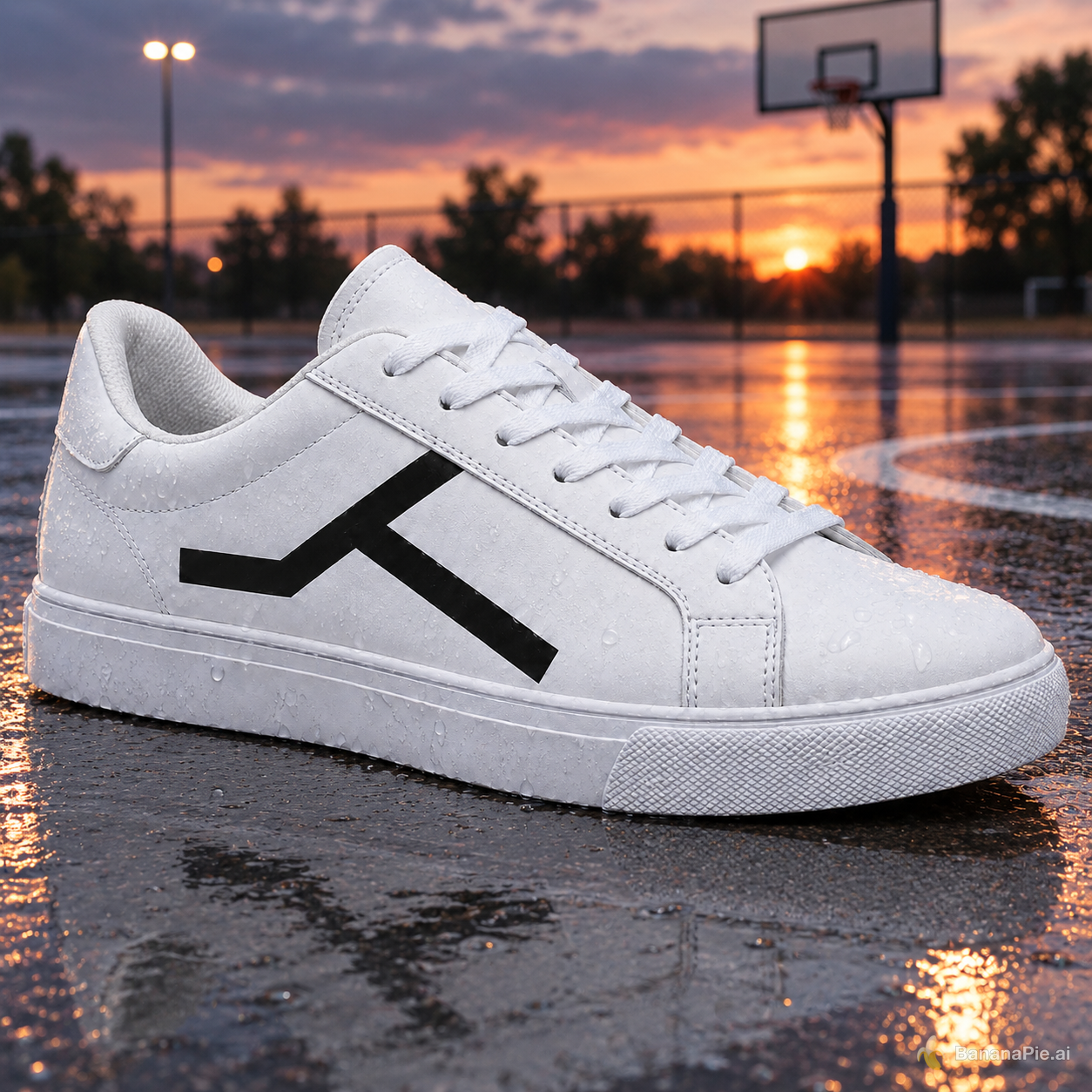
Place the sneaker on a wet outdoor basketball court at dusk. Preserve the exact sneaker shape, black geometric side mark, materials, stitching, sole geometry, and camera angle. Add physically coherent contact, reflections, and dusk lighting.
설정
- Resolution: 1K
- Aspect Ratio: 1:1
크레딧 및 요금
이미지 생성 비용은 30크레딧부터 시작하므로, 한 번 시도할 때마다 최소 30크레딧을 잡아두세요. 2K 및 4K 출력은 비용이 더 높습니다. 생성하기 전에 생성 버튼에서 현재 설정에 따른 정확한 크레딧 비용을 확인할 수 있습니다.
자주 묻는 질문
GPT Image 2.5 Sunburst를 지금 이용할 수 있나요?
네. Banana Pie에서 이용 가능한 모델로 표시되어 있습니다.
참조 이미지는 몇 개까지 사용할 수 있나요?
최대 8개의 참조 입력을 지원합니다. 공개된 프롬프트 모음에는 6개 참조 이미지의 개체 연결 및 편집과 다중 참조를 활용한 정체성 및 의상 전환이 포함됩니다.
최대 출력 해상도는 얼마인가요?
명시된 최대 해상도는 4K입니다.
크레딧은 얼마나 드나요?
이미지 생성 비용은 30크레딧부터 시작하며, 2K 및 4K 출력은 비용이 더 높습니다. 생성하기 전에 생성 버튼에서 현재 설정에 따른 정확한 비용을 확인할 수 있습니다.
이미지 생성에는 얼마나 걸리나요?
고정 프롬프트 모음에서 공개된 선택 결과의 실행 시간은 69.0초에서 154.8초까지였습니다. 이는 관측된 실행 시간이며, 처리 시간을 보장하는 수치는 아닙니다.
관련 비교
- gpt image 25 sunburst vs seedream 5 pro
- gpt image 25 sunburst vs nano banana pro
- gpt image 25 flare vs gpt image 25 sunburst
직접 사용해 본 글
테스트 방법 및 고지
모든 모델에 공통으로 사용하는 고정 테스트 프롬프트로 GPT Image 2.5 Sunburst를 테스트했습니다. 테스트는 제품 사진, 타이포그래피, 인체 구조, 개수 세기, 레이아웃, 텍스트 교체, 참조 이미지 기반 편집, 조명 변경, 아웃페인팅을 다룹니다. 이 페이지에는 시나리오별로 결과 하나씩을 프롬프트 및 설정과 함께 공개했습니다.
Banana Pie는 하나의 스튜디오에서 이 모델을 비롯한 여러 모델의 유료 이용권을 판매합니다. 평가는 사용자가 이용하는 것과 동일한 파이프라인에서 진행한 테스트를 바탕으로 합니다.